I need to increase size of the boot drive in OCI
Login ot OCI,
go to server, storage and click your boot drive.
Click Edit and enter new value of the partition

popuip menu will show with commands to execut to update server - coipy those commands and scan for changes
sudo dd iflag=direct if=/dev/<device_name> of=/dev/null count=1echo "1" | sudo tee /sys/class/block/<device_name>/device/rescanbefore scan
fdisk -l
After Scan - we see increase

then you need to execute oci-grow command to increase size of the partition
/usr/libexec/oci-growfs

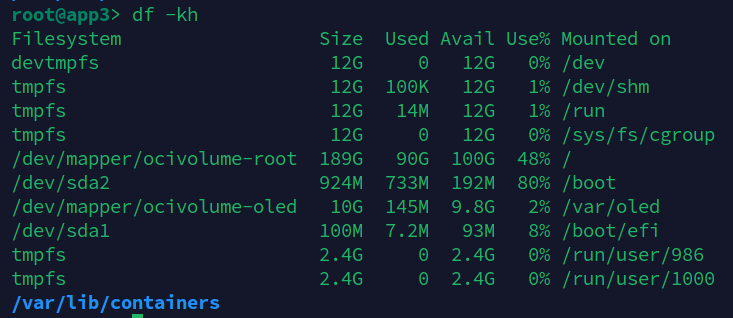
now filesystem have 200G available