MySQL Performance Monitoring: A Practical Guide
MySQL performance issues rarely appear overnight. In most environments, they build slowly—queries get slightly slower, disk usage creeps up, buffer pools become less efficient, and CPU usage trends upward. By the time users notice, you're already dealing with degraded performance or outages.
This is where mysql performance monitoring becomes essential—not just for detecting problems, but for understanding how your database behaves over time.
Why MySQL Performance Monitoring Matters
Many teams rely on real-time alerts to catch issues. While alerts are useful, they only tell you when something is already wrong. They don’t explain how you got there.
Effective mysql monitoring focuses on trends. It answers questions like:
- Is query latency increasing week over week?
- Is disk I/O slowly becoming a bottleneck?
- Are connections steadily rising beyond expected baselines?
These patterns are often early warning signs of larger problems.
Key Metrics to Track
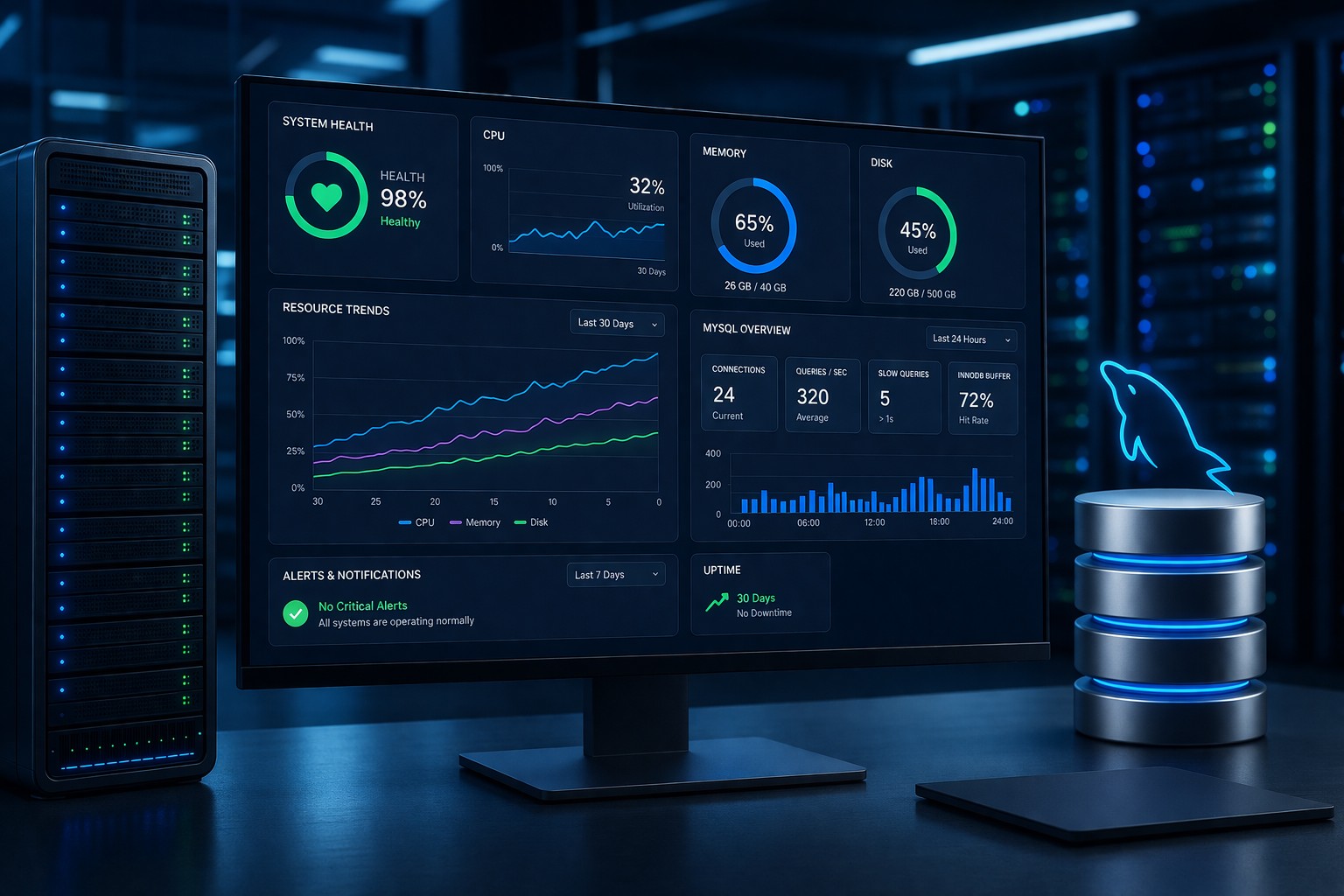
Strong mysql server monitoring starts with a focused set of metrics. You don’t need hundreds of dashboards—just the right visibility.
1. Query Performance
Slow queries are often the first signal of degradation. Track:
- Average query execution time
- Slow query count over time
- Query throughput trends
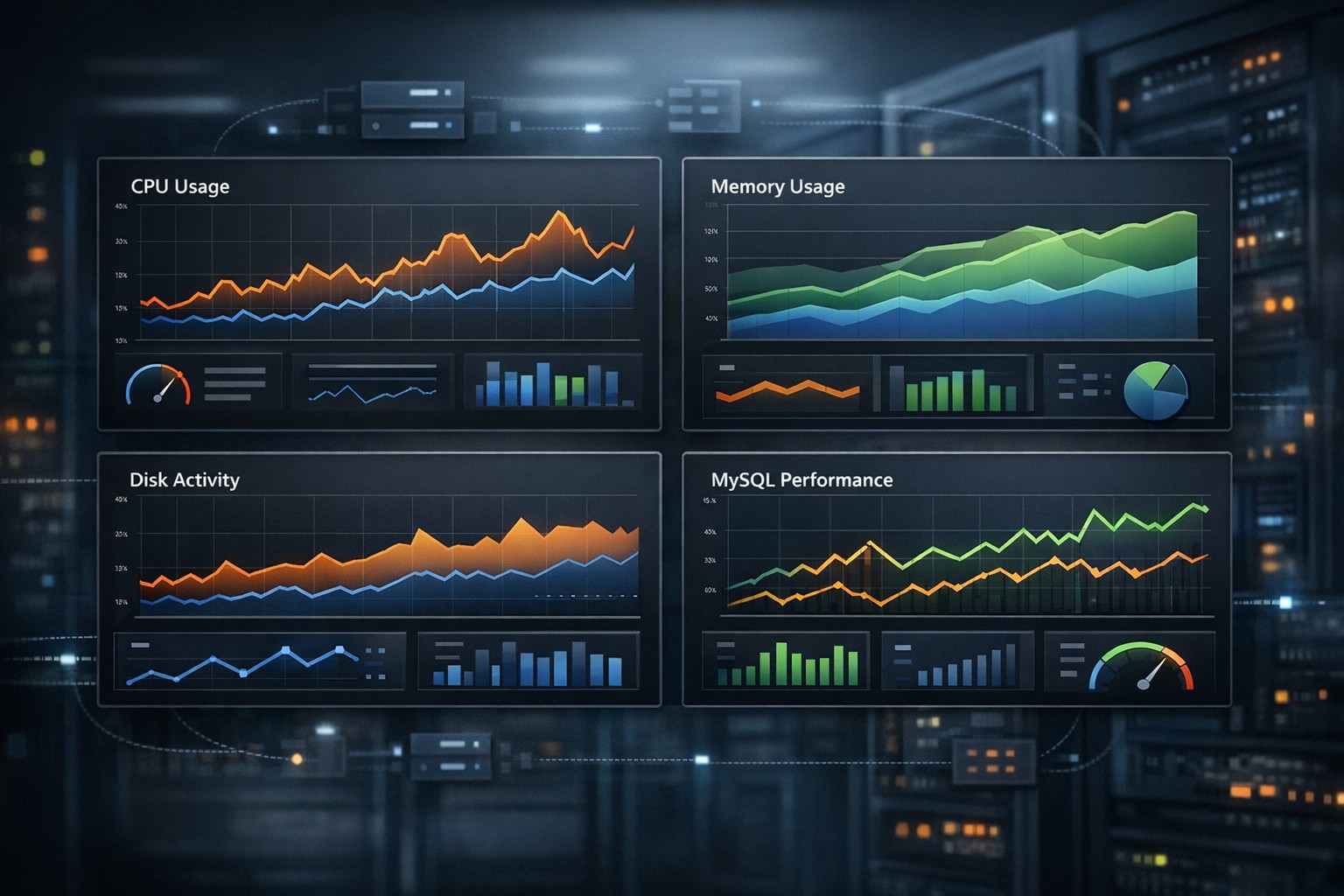
2. CPU and Memory Usage
CPU spikes can indicate inefficient queries or missing indexes, while memory pressure often affects buffer pool efficiency.
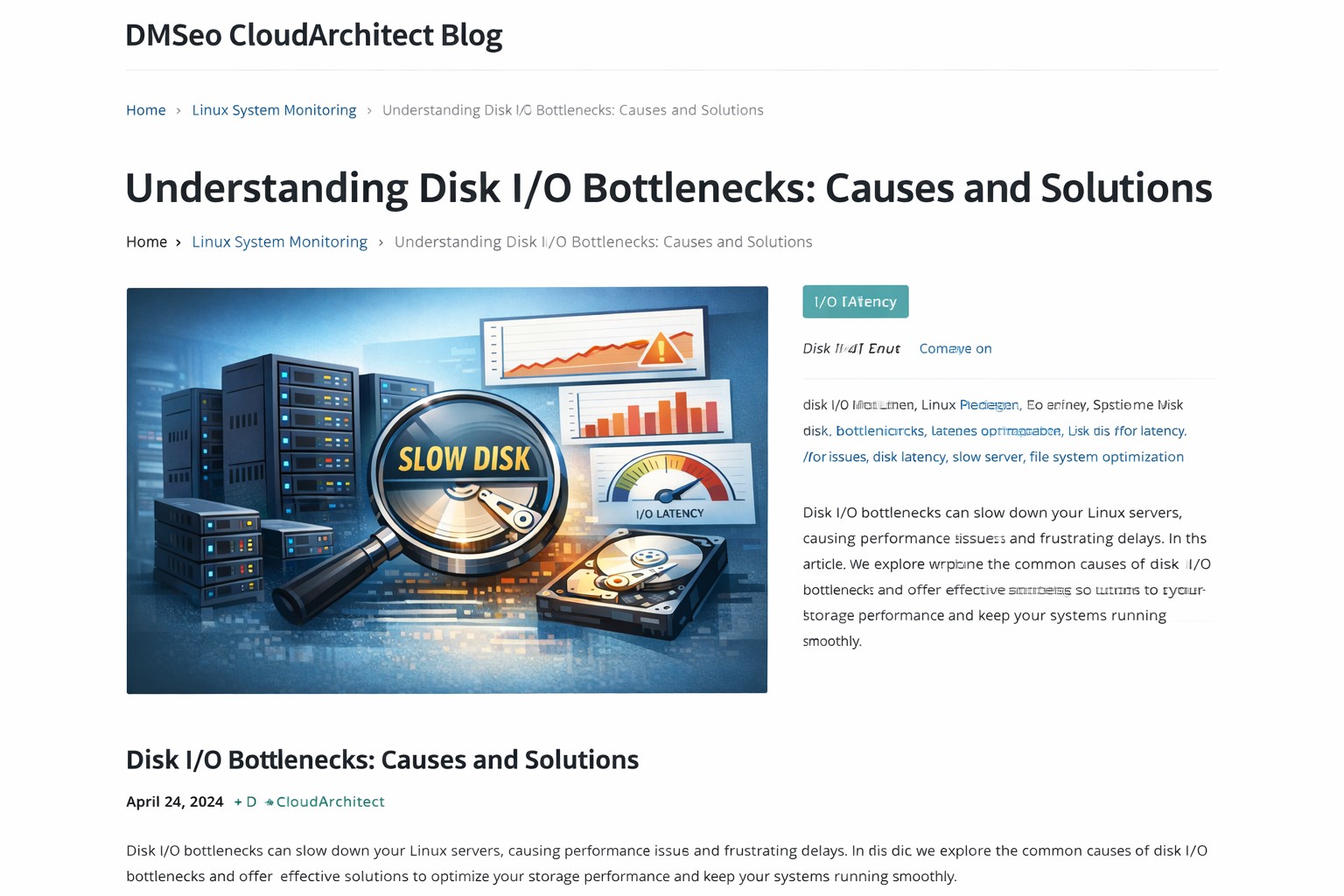
3. Disk I/O
High read/write latency or increasing IOPS can signal storage bottlenecks. This is especially important for write-heavy workloads.
4. Connections and Threads
Sudden increases in connections or thread contention can lead to resource exhaustion.
5. InnoDB Metrics
Focus on buffer pool hit rate, page reads, and flush activity. These directly impact query performance.
Why Lightweight Monitoring Works Better
Heavy observability stacks often generate more noise than clarity. For many teams, especially smaller ones, a simpler approach is more effective.
mysql monitoring simple setups prioritize:
- Daily or weekly trend reports
- Clear visual summaries
- Minimal overhead on production systems
This makes mysql monitoring lightweight and easier to maintain, while still providing actionable insights.
Real-World Example
Consider a typical production database running an e-commerce platform. Over several weeks, the team notices:
- Query times increasing by 10–15%
- Disk I/O slowly rising during peak hours
- Buffer pool hit rate dropping slightly
No alerts are triggered, but the trend is clear. With proper mysql health reporting, the team identifies a growing dataset and missing indexes as the root cause—fixing it before customers experience slow checkouts.
How to Approach MySQL Performance Monitoring
Instead of focusing only on real-time alerts, build a system that emphasizes visibility over time:
- Capture metrics consistently (every few minutes)
- Aggregate into hourly and daily summaries
- Review weekly trends
- Look for gradual changes, not just spikes
This approach transforms monitoring from reactive firefighting into proactive management.
Summary
MySQL performance monitoring is not about collecting more data—it’s about understanding how your system evolves. By focusing on trends, key metrics, and lightweight reporting, teams can catch issues early and maintain stable performance without unnecessary complexity.
If you're looking to simplify visibility while still catching problems early, explore Infrastructure Health Reporting to see how structured reporting can make MySQL performance easier to manage.