Server Health Reporting: A Practical Guide for Small Teams
Most infrastructure issues don’t appear suddenly. CPU usage creeps up, disk I/O slowly degrades, and MySQL queries get just a little slower each week. Without clear visibility over time, these gradual changes go unnoticed—until they turn into outages.
This is where server health reporting becomes essential. Instead of reacting to alerts, teams gain a structured, trend-based view of system behavior that highlights risks before they escalate.
Why Server Health Reporting Matters
Traditional monitoring tools focus on real-time alerts. While useful, they often create noise and miss the bigger picture. Server health reporting shifts the focus from immediate spikes to long-term patterns.
For small infrastructure teams, this approach is especially valuable. It provides clarity without the overhead of managing complex observability stacks.
- Identify gradual performance degradation
- Understand capacity trends over weeks or months
- Prioritize fixes based on real impact
- Communicate system health clearly to stakeholders
What Should a Server Health Report Include?
A useful infrastructure monitoring report should focus on key system indicators that reflect real-world performance.
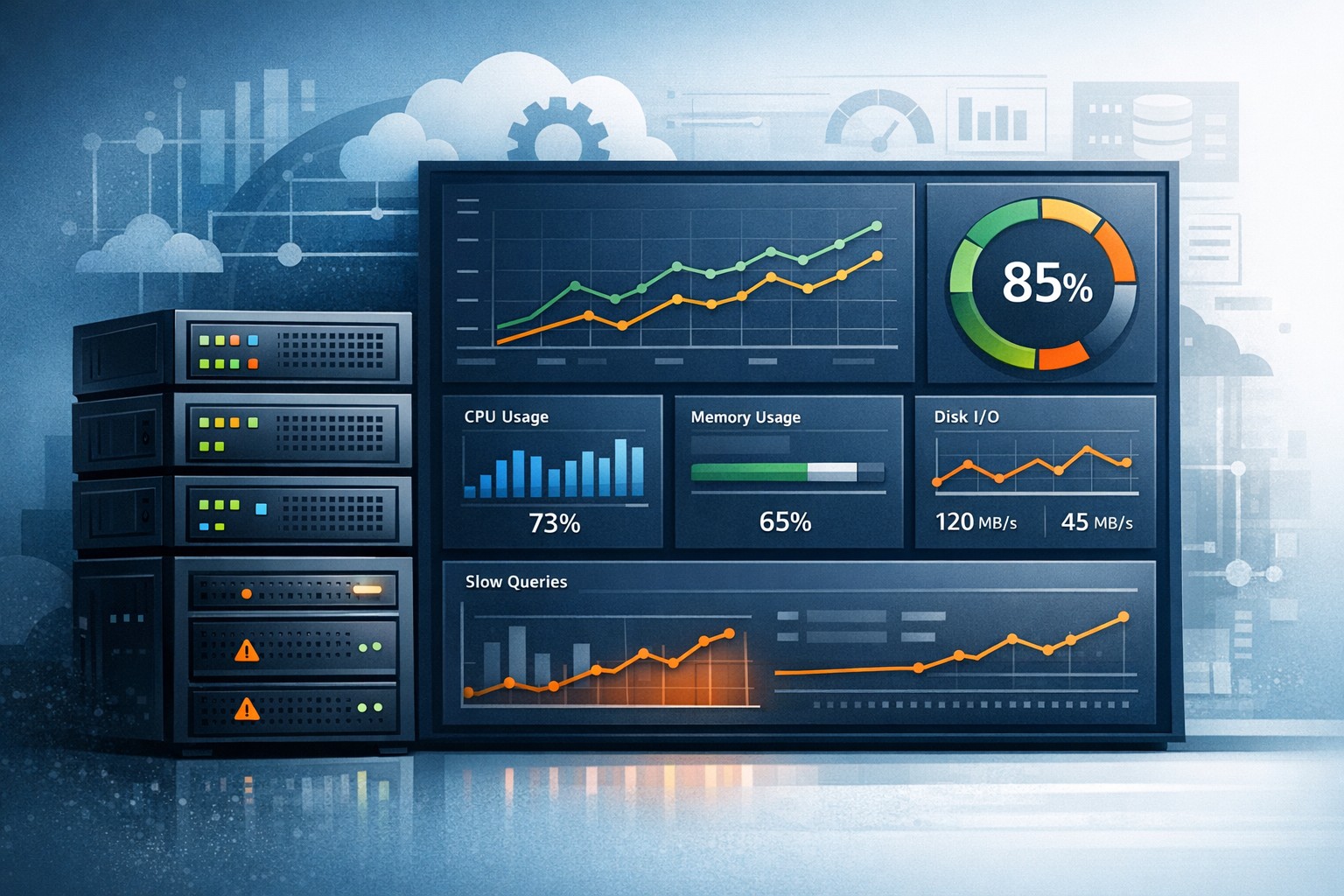
1. CPU and Load Trends
Look beyond spikes. Are average loads increasing week over week? This often signals growing demand or inefficient processes.
2. Memory Usage Patterns
Consistent upward trends in memory usage can point to leaks or poorly optimized services.
3. Disk and I/O Performance
Disk latency and throughput trends are early indicators of storage bottlenecks.
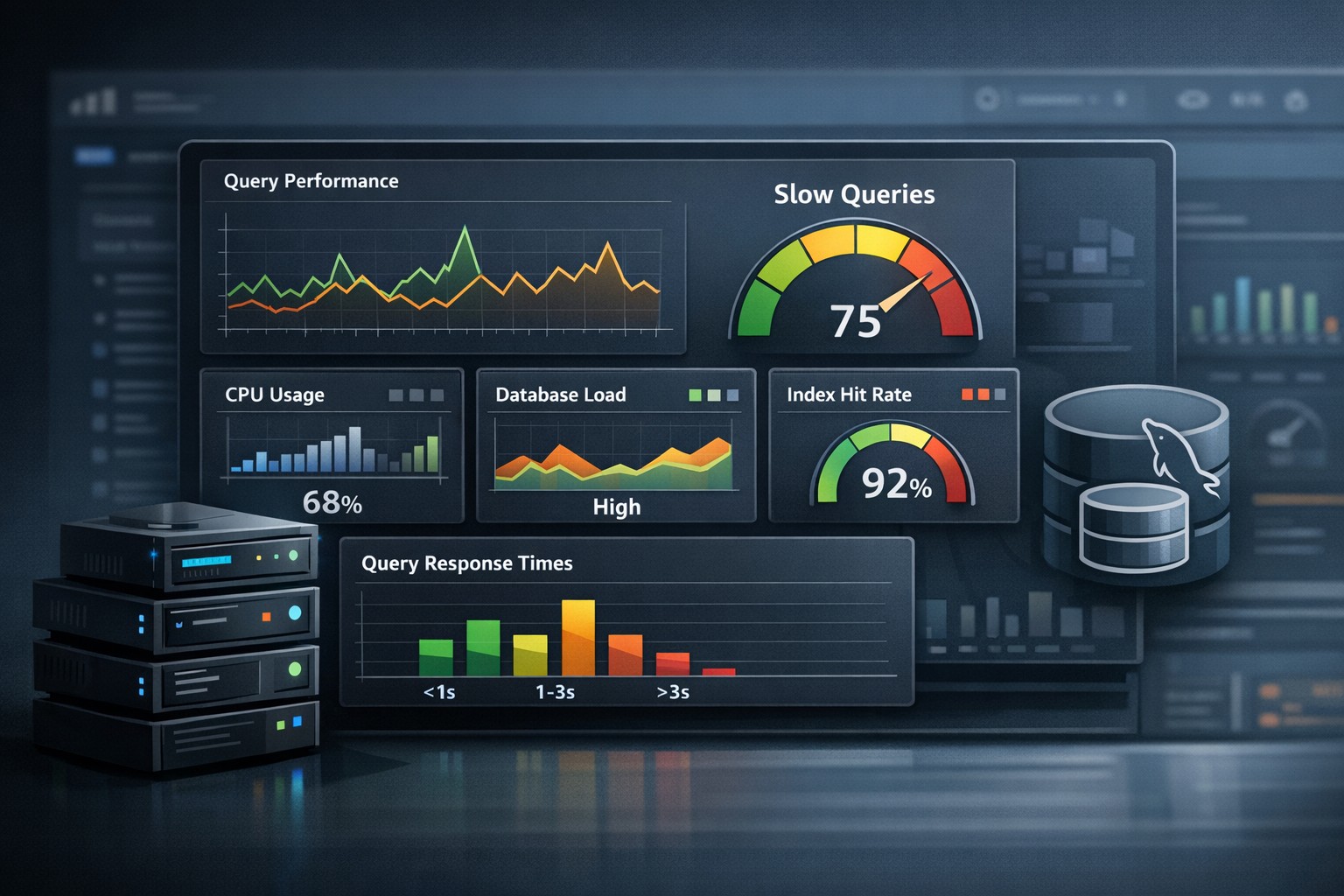
4. MySQL Performance Metrics
Slow queries, connection counts, and query execution trends are critical for database-backed applications.
5. System Events and Anomalies
Correlating events with performance changes helps teams understand root causes more effectively.
From Monitoring to Reporting: A Shift in Perspective
System health reporting is not about replacing monitoring—it’s about complementing it.
Instead of asking “What is broken right now?”, reporting helps answer:
- What is getting worse over time?
- Which systems are approaching capacity?
- Where should we focus next week?
This shift reduces firefighting and enables proactive infrastructure management.
Real-World Example: Preventing a Disk Bottleneck
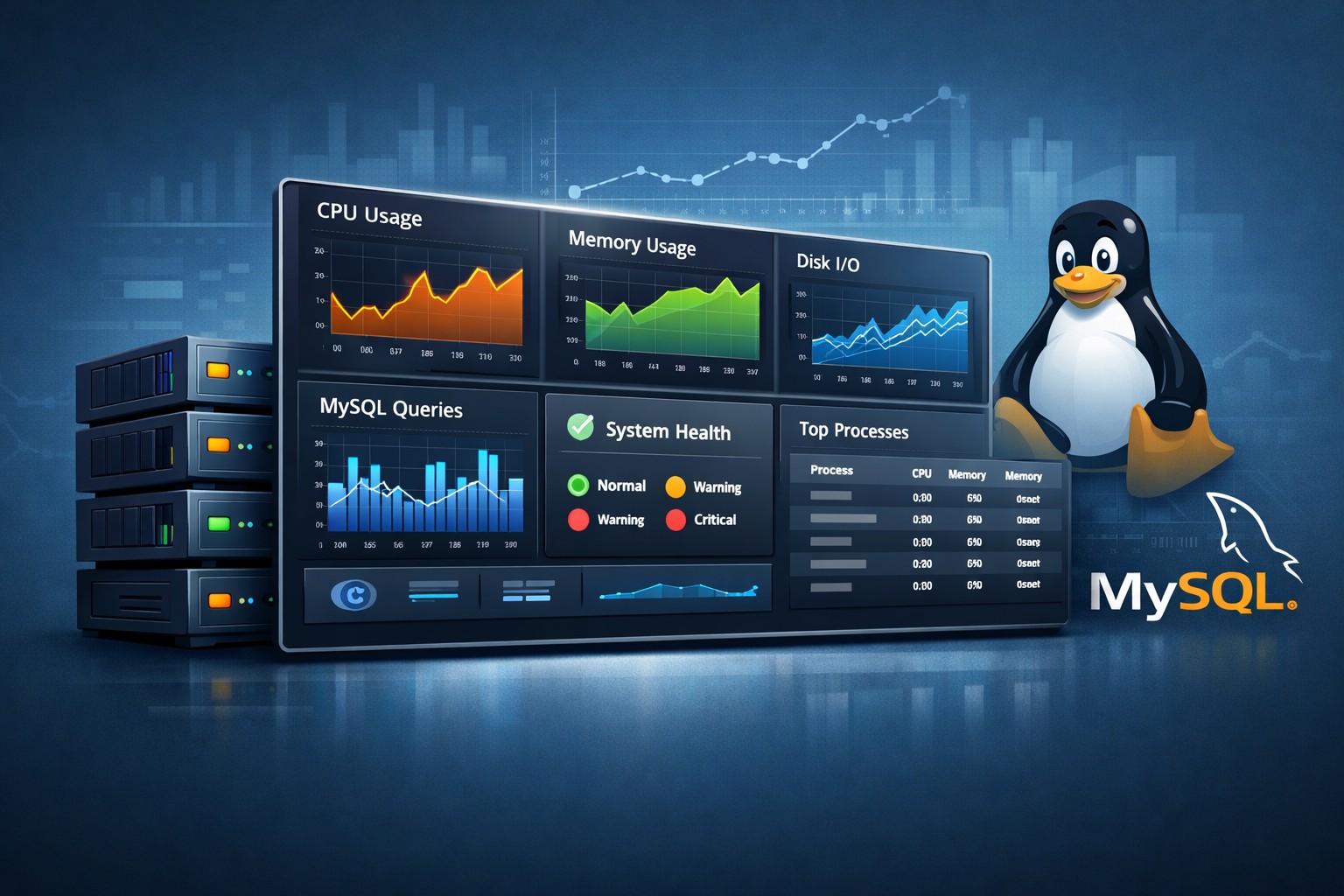
Consider a Linux server running a MySQL workload. Real-time monitoring shows no alerts. Everything appears normal.
However, a weekly server health report reveals a steady increase in disk I/O wait over the past month. At the same time, query execution times are gradually rising.
This trend indicates an emerging storage bottleneck. With this insight, the team can act early—optimizing queries or upgrading storage—before users experience slowdowns.
Building a Practical Reporting Process
Effective infrastructure health reporting doesn’t need to be complex. A lightweight, consistent approach is often more valuable than a sophisticated but unused system.
Start with a simple weekly report:
- Summarize key metrics (CPU, memory, disk, MySQL)
- Highlight notable changes or trends
- Call out potential risks
- Recommend next actions
Over time, these reports build a historical record that makes capacity planning and troubleshooting much easier.
Making Reporting Actionable
The goal of a server health weekly report is not just visibility—it’s better decision-making.
When teams consistently review trends, they can:
- Plan infrastructure upgrades with confidence
- Avoid emergency scaling
- Reduce downtime risks
- Improve overall system stability
Summary
Server health reporting provides a practical, low-noise way to understand infrastructure over time. By focusing on trends instead of alerts, small teams can stay ahead of performance issues and make smarter operational decisions.
If you want a clearer view of how your systems evolve week by week, explore a structured approach to Infrastructure Health Reporting that focuses on real-world insights instead of alert fatigue.