Migrating an FTP server from CentOS to Amazon Linux 2023 sounds straightforward until you list everything the old server is quietly doing: local users, passwords, home directories, ownership, upload permissions, firewall openings, SELinux rules, log rotation, DNS, backups, and client scripts that may have hardcoded paths or host keys. The safest migration treats the new host as a clean build, not a blind clone.
Amazon Linux 2023 is a good target for many small teams because it is current, predictable on AWS, and easier to maintain than an aging CentOS host. The key is to move the service deliberately, test with real accounts, and add enough linux server monitoring to catch disk, transfer, permission, and service issues after cutover.
1. Decide whether FTP is still the right protocol
Before copying anything, confirm what clients actually need. If the server is using plain FTP over the internet, the migration is an opportunity to move toward SFTP or FTPS. Plain FTP sends credentials and data without the protection most businesses expect today, and it is harder to secure cleanly through firewalls.
For many Linux-to-Linux or automation workflows, SFTP over OpenSSH is the better default. It uses standard SSH authentication, is easier to restrict with keys and chroot-style controls, and avoids passive FTP port ranges. If existing vendors or embedded systems require FTP, then a hardened vsftpd setup is still a reasonable choice, but document why FTP must remain.
2. Inventory the current CentOS server before changing it
Do not start with rsync. Start with an inventory. Capture the daemon, version, users, groups, directory layout, listening ports, firewall rules, SELinux state, cron jobs, certificates, logs, and any custom scripts around file processing.
A practical inventory checklist includes:
- FTP daemon and package version, usually vsftpd, ProFTPD, or pure-ftpd.
- Main service configuration files and included config directories.
- Local FTP users, groups, shells, home directories, UID/GID values, and password policy.
- Directory ownership, ACLs, umasks, upload paths, archive paths, and delete permissions.
- Firewall ports, passive port range, load balancer rules, and source IP allowlists.
- SELinux mode, booleans, file contexts, and any local policy modules.
- TLS certificate paths if FTPS is enabled.
- Log locations, rotation settings, monitoring checks, and backup coverage.
This inventory becomes your acceptance checklist on Amazon Linux 2023.
3. Use vsftpd when you need classic FTP on Amazon Linux 2023
If you must keep FTP or FTPS, vsftpd is usually the first server to evaluate on Amazon Linux 2023. It is widely documented, simple, and available through the distribution package repositories. Keep the configuration minimal at first: local users, chroot behavior if appropriate, a defined passive port range, and TLS if clients support it.
Avoid migrating the old configuration wholesale. CentOS-era defaults, package paths, PAM behavior, and SELinux contexts may not match Amazon Linux 2023. Build the new config from the inventory, then copy only settings you still understand and need.
4. Recreate users carefully instead of copying passwords blindly
Can you migrate existing FTP users and passwords directly? Sometimes, but it is usually safer to recreate accounts intentionally. Copying password hashes from /etc/shadow can work only when hashing schemes, account policies, and the authentication model are compatible, and it increases the risk of moving stale or unknown access to the new server.
For a small business migration, use this decision tree:
- If clients can accept new credentials or SSH keys, create fresh accounts and rotate access during the migration.
- If account names must remain the same, recreate users with the same usernames and, when needed for file ownership, matching UID/GID values.
- If passwords must be preserved temporarily, test copied hashes in a lab first and plan a forced credential rotation after cutover.
- If users are virtual FTP users in a database or file, migrate that store and test authentication separately from file permissions.
For SFTP, prefer SSH keys and restricted shells over shared passwords wherever possible.
5. Copy data with ownership, timestamps, and a rollback plan
File transfer data should move in at least two passes. First, run a bulk sync while the old server remains active. Then, during the maintenance window, stop writes or put the old service into read-only mode and run a final delta sync.
Use tooling that preserves ownership, groups, timestamps, permissions, and symlinks where appropriate. After copying, compare counts and sample checksums for important directories. Also confirm that application-specific paths, upload staging directories, and archive jobs point to the right locations on the new host.
Keep the old server intact until the new server has handled real production transfers for a defined observation period. A clean rollback path is part of the migration plan, not a sign of low confidence.
6. Treat SELinux and firewalld as first-class migration items
Amazon Linux 2023 may not behave exactly like the old CentOS host. Check SELinux mode, file contexts, booleans, and the FTP service policy before assuming a permission problem is caused by Linux file modes. A directory can be owned correctly and still fail because the context is wrong.
For firewalling, document both control and data paths. Classic FTP needs port 21 plus a passive port range that matches the server configuration and every firewall, security group, and load balancer in front of it. SFTP is simpler because it rides over SSH, but it still needs source restrictions, logging, and brute-force protection.
7. Validate with real client workflows before cutover
A successful login is not a complete test. Validate the flows that matter to the business:
- Upload, download, rename, overwrite, delete, and failed-permission behavior.
- Large files, many small files, and filenames with spaces or special characters.
- Passive mode from external client networks.
- TLS certificate validation for FTPS clients.
- Chroot restrictions and whether users can see only intended directories.
- Downstream jobs that consume uploaded files.
- Log entries and alerts generated by successful and failed transfers.
Use a temporary DNS name or direct IP testing first. Then shorten DNS TTL before the cutover if DNS is part of the change.
8. Add linux server monitoring before production traffic moves
FTP migrations often fail quietly. A user can upload to the wrong directory, a passive port can be blocked for one client network, or logs can fill the disk days after launch. Basic linux server monitoring helps catch those issues while they are still small.
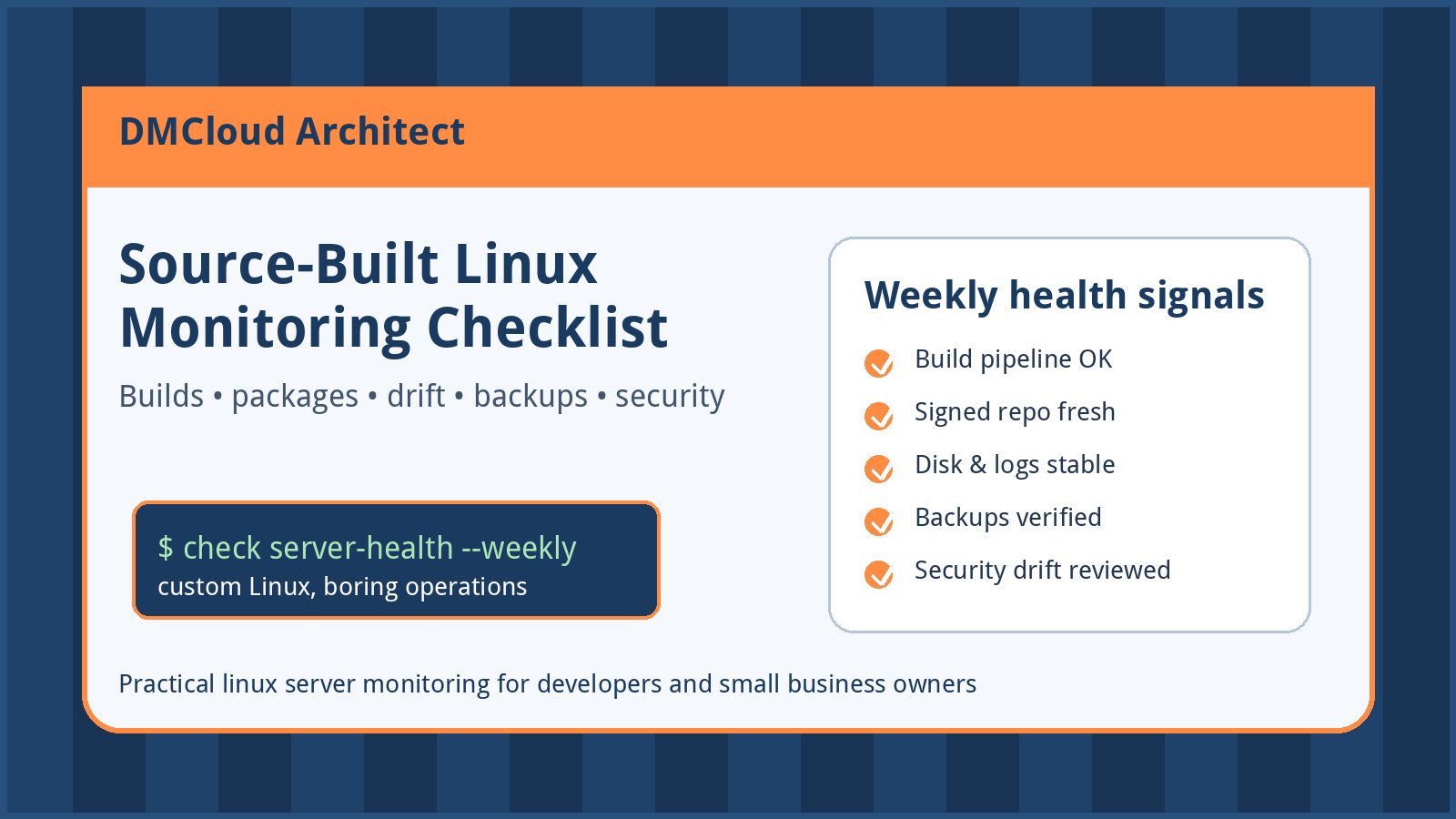
At minimum, monitor:
- FTP or SFTP service status and restart history.
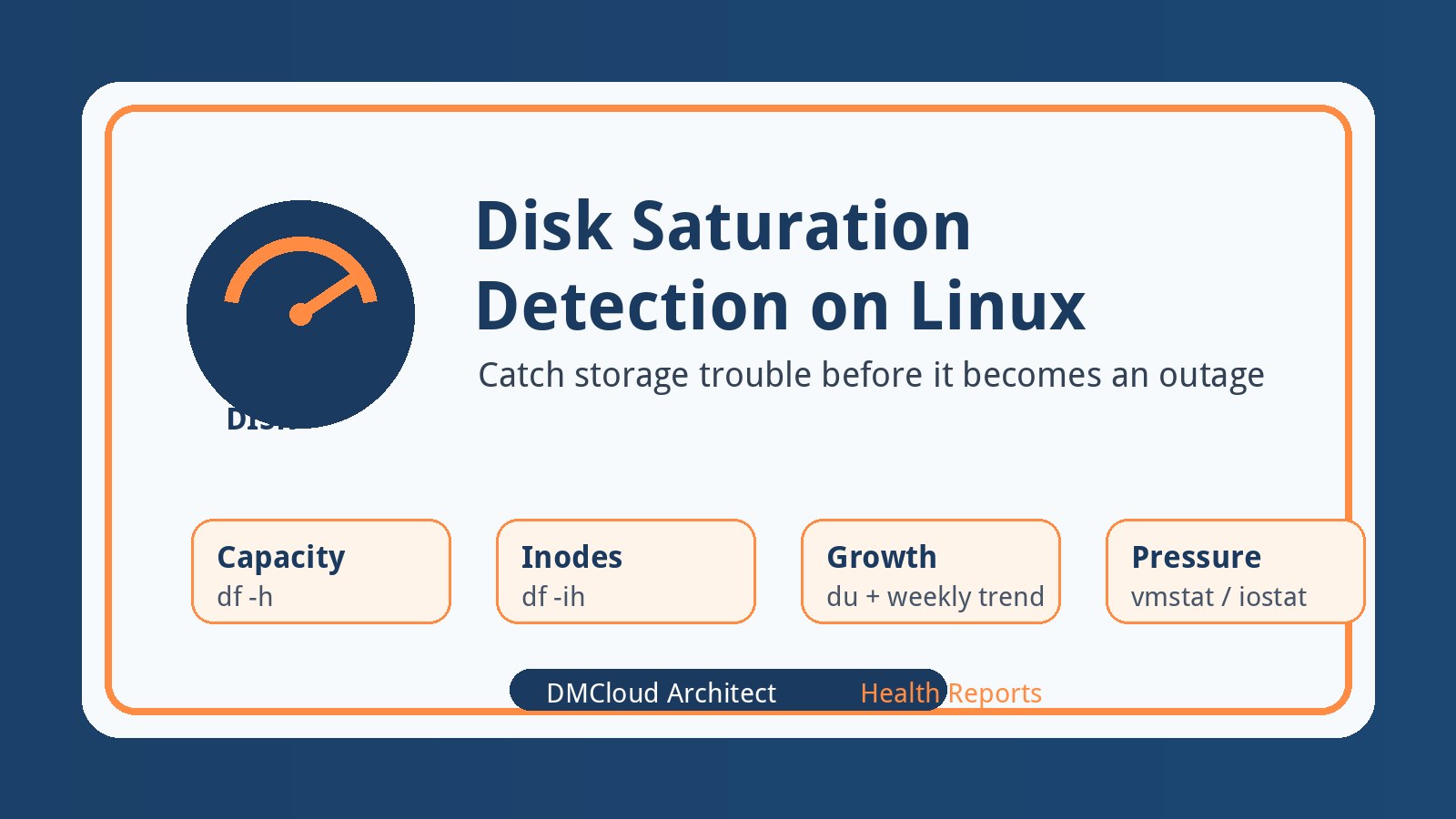
- Disk usage, inode usage, and growth of upload/archive directories.
- Authentication failures and unusual source IPs.
- Transfer error rates and empty or incomplete upload directories.
- CPU, memory, and network spikes during transfer windows.
- Backup success for uploaded data and configuration files.
- Patch status and pending reboot requirements on Amazon Linux 2023.
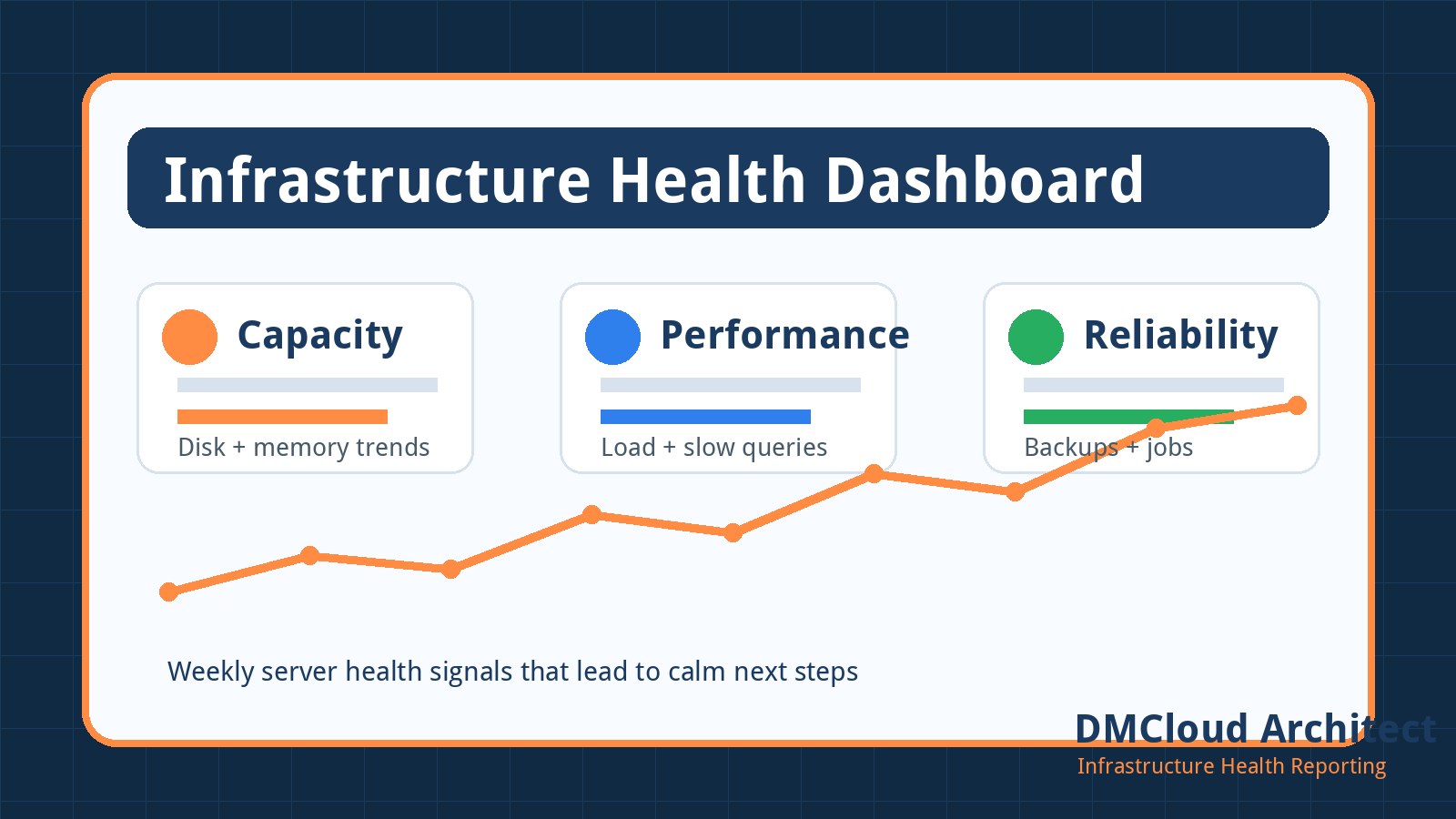
Small teams do not always need a wall of dashboards. A weekly infrastructure health report can be enough to notice trends, confirm backups, and keep the migration from becoming another forgotten snowflake server.
9. Cut over in a small, reversible window
When validation passes, schedule a cutover window with a clear owner and rollback trigger. Freeze writes on the old server, run the final data sync, start the service on Amazon Linux 2023, switch DNS or firewall routing, and run the same acceptance tests again from an external network.
Keep notes as you go: timestamps, commands, config changes, users tested, client issues, and the decision point where the team accepts the new server. Those notes become your first runbook for future maintenance.
Recommended migration checklist
- Confirm whether FTP is required or whether SFTP can replace it.
- Inventory users, groups, paths, permissions, firewall rules, SELinux settings, certificates, logs, and jobs.
- Build a clean Amazon Linux 2023 configuration instead of copying the old config blindly.
- Recreate accounts intentionally and rotate credentials when possible.
- Sync data in a bulk pass and a final delta pass.
- Test SELinux contexts, firewalld rules, AWS security groups, and passive port behavior.
- Validate real client workflows before DNS or firewall cutover.
- Add linux server monitoring for services, disk, logs, authentication failures, backups, and patch status.
- Keep rollback available until production transfers are proven.
Bottom line
The safest CentOS FTP to Amazon Linux 2023 migration is a rebuild-plus-validation project, not a file copy. Choose the protocol deliberately, recreate users and permissions with care, test SELinux and firewall behavior from real client networks, and monitor the new host from day one. That approach gives small teams a cleaner server, less downtime risk, and fewer surprises after the cutover.
Want weekly checks after a Linux migration?
DMCloud Architect helps small teams spot Linux, MySQL, security, and availability risks before they interrupt work.
Get the free starter plan for weekly infrastructure health reports.