Blog - Automation

CentOS FTP to Amazon Linux 2023 Migration Checklist

CentOS FTP to Amazon Linux 2023 Migration Checklist

Jul 12, 2026    Mariusz Antonik    Automation    8 min read

Migrating an FTP server from CentOS to Amazon Linux 2023 is more than copying files to a new instance. You need to choose the right daemon, recreate users and permissions carefully, account for SELinux and firewalld differences, and validate transfers before changing DNS or firewall routes. This checklist gives small teams a practical migration path and highlights the linux server monitoring checks that reduce surprises after cutover.

Read More
Disk Saturation Detection on Linux: Catch Storage Trouble Before It Becomes an Outage

Disk Saturation Detection on Linux: Catch Storage Trouble Before It Becomes an Outage

Jul 11, 2026    Mariusz Antonik    Automation    7 min read

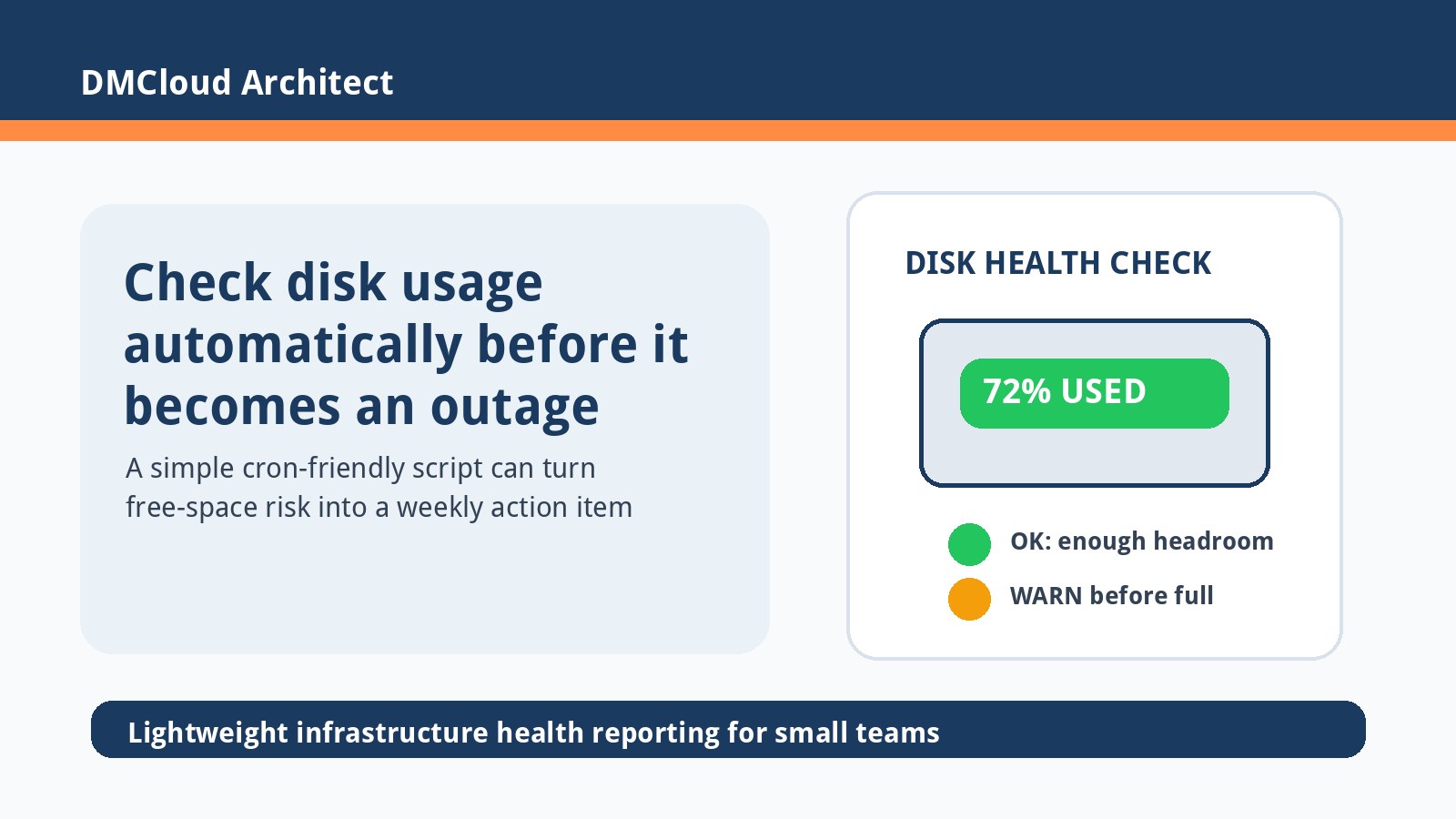
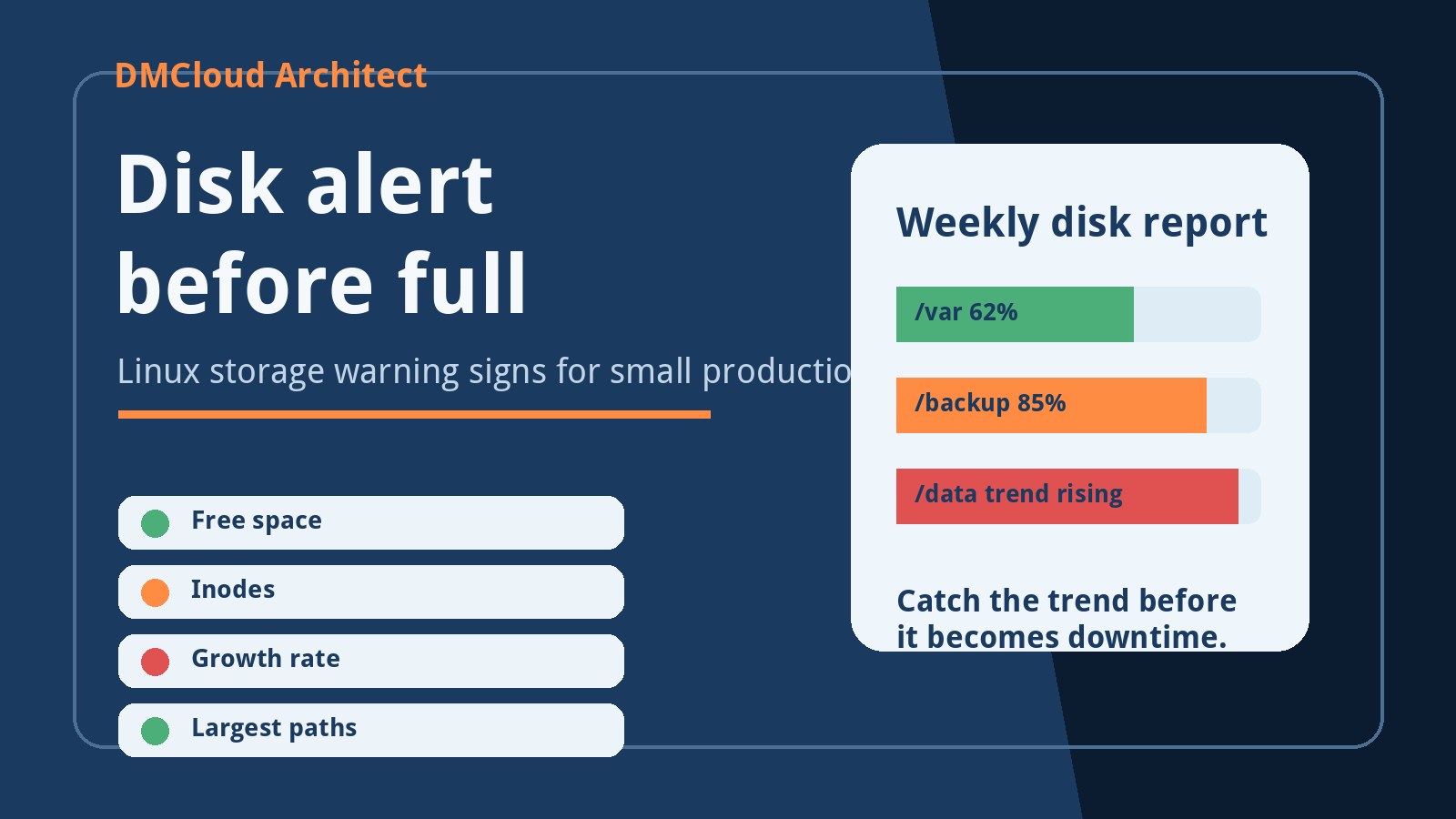
Disk saturation detection on Linux helps small teams catch storage pressure before a full filesystem becomes downtime. This practical guide explains which disk signals to watch, how to spot early warning patterns with built-in commands, and how to turn simple checks into a weekly review habit. It is written for developers and small business owners who need reliable servers without adding unnecessary monitoring complexity.

Read More
CPU Monitoring Without Tools: A Practical Linux Guide for Small Teams

CPU Monitoring Without Tools: A Practical Linux Guide for Small Teams

Jul 09, 2026    Mariusz Antonik    Automation    7 min read

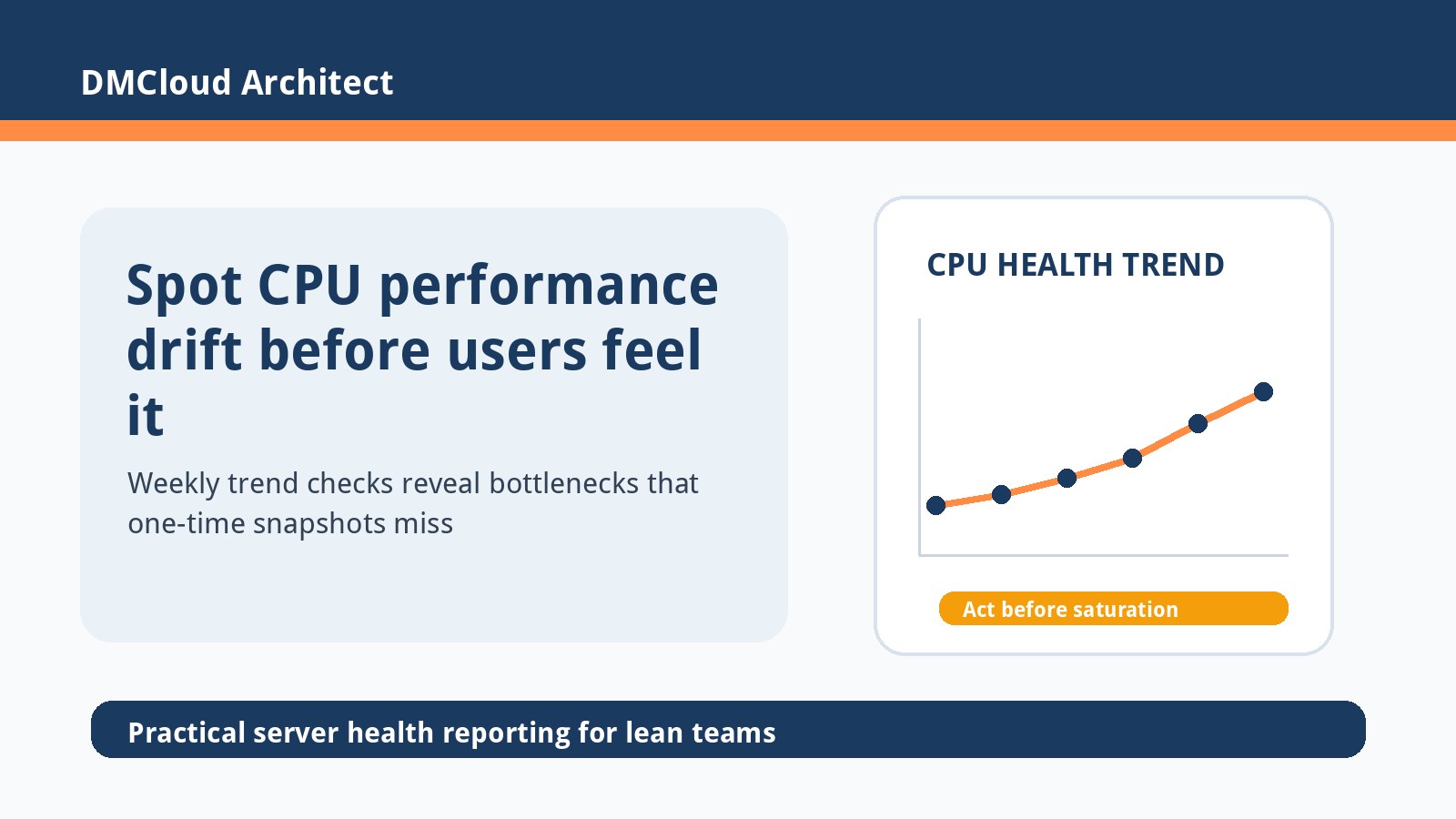
CPU monitoring without tools is useful when you need quick visibility before installing a full observability stack. This guide shows small teams how to inspect CPU pressure with built-in Linux commands, save lightweight snapshots with Bash and cron, and review weekly trends before users feel slowdowns. It also explains when simple checks are enough and when to move toward a managed health-reporting workflow.

Read More
Linux Server Monitoring Checklist Before You Hire Backend or DevOps Help

Linux Server Monitoring Checklist Before You Hire Backend or DevOps Help

Jul 08, 2026    Mariusz Antonik    Automation    6 min read

When a small team needs backend, DevOps, or AI infrastructure help, the fastest win is often better visibility into the Linux servers already running production. This checklist helps you separate urgent engineering work from routine monitoring gaps, so you can hire specialists for the right reasons. Use it to review CPU, memory, disk, logs, security, and backup signals before committing to a monthly engagement or a new dashboard project.

Read More
CPU Usage History in Linux: A Practical Guide for Small Teams

CPU Usage History in Linux: A Practical Guide for Small Teams

Jul 07, 2026    Mariusz Antonik    Automation    5 min read

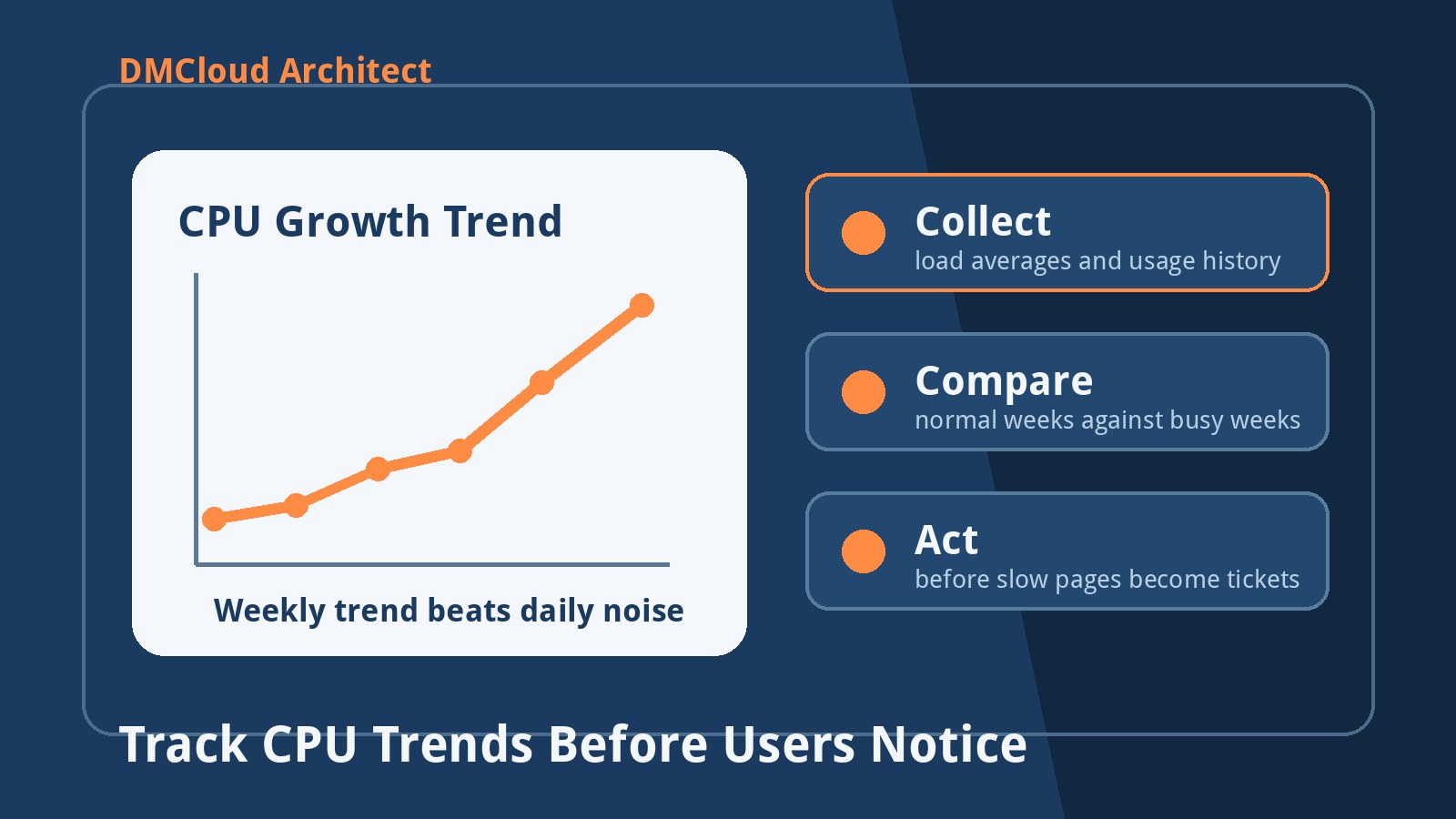
CPU usage history in Linux helps small teams see slow-growing performance pressure before customers feel it. This guide explains what to collect, which built-in commands help, and how to turn weekly CPU trends into practical capacity decisions. You will also get a simple cron-friendly workflow for keeping enough history to spot patterns without building a full observability platform.

Read More
Linux Fleet Ops Interview Prep: Real Scenarios Every Admin Should Know

Linux Fleet Ops Interview Prep: Real Scenarios Every Admin Should Know

Jul 06, 2026    Mariusz Antonik    Automation    7 min read

Preparing for an early-career Linux or fleet operations interview is easier when you focus on practical scenarios instead of memorizing commands. This checklist covers the Linux, networking, storage, scripting, and monitoring situations that show real operational judgment. Use it to practice explaining what you would check first, what evidence matters, and when dashboards or weekly reports can support faster troubleshooting.

Read More
Linux Disk Monitoring Command: A Practical Guide for Small Teams

Linux Disk Monitoring Command: A Practical Guide for Small Teams

Jul 05, 2026    Mariusz Antonik    Automation    7 min read

The best linux disk monitoring command is usually a small, repeatable set of checks rather than one magic command. This guide shows how to use df, du, lsblk, find, and a simple cron-friendly Bash script to catch disk pressure before it becomes an outage. Small teams can use the same workflow for weekly infrastructure reviews, alert cleanup, and practical capacity planning.

Read More
Long-Term Linux Log Retention Checklist for Busy Production Servers

Long-Term Linux Log Retention Checklist for Busy Production Servers

Jul 04, 2026    Mariusz Antonik    Automation    6 min read

Busy production Linux servers need log retention rules that protect disk space without erasing the evidence teams need later. This checklist shows how to combine journald limits, logrotate hygiene, central shipping, archival storage, audit log controls, and weekly review signals. Use it to make linux server monitoring more predictable as traffic and compliance needs grow.

Read More
Historical Server Monitoring: Spot Infrastructure Trends Before They Become Outages

Historical Server Monitoring: Spot Infrastructure Trends Before They Become Outages

Jul 03, 2026    Mariusz Antonik    Automation    5 min read

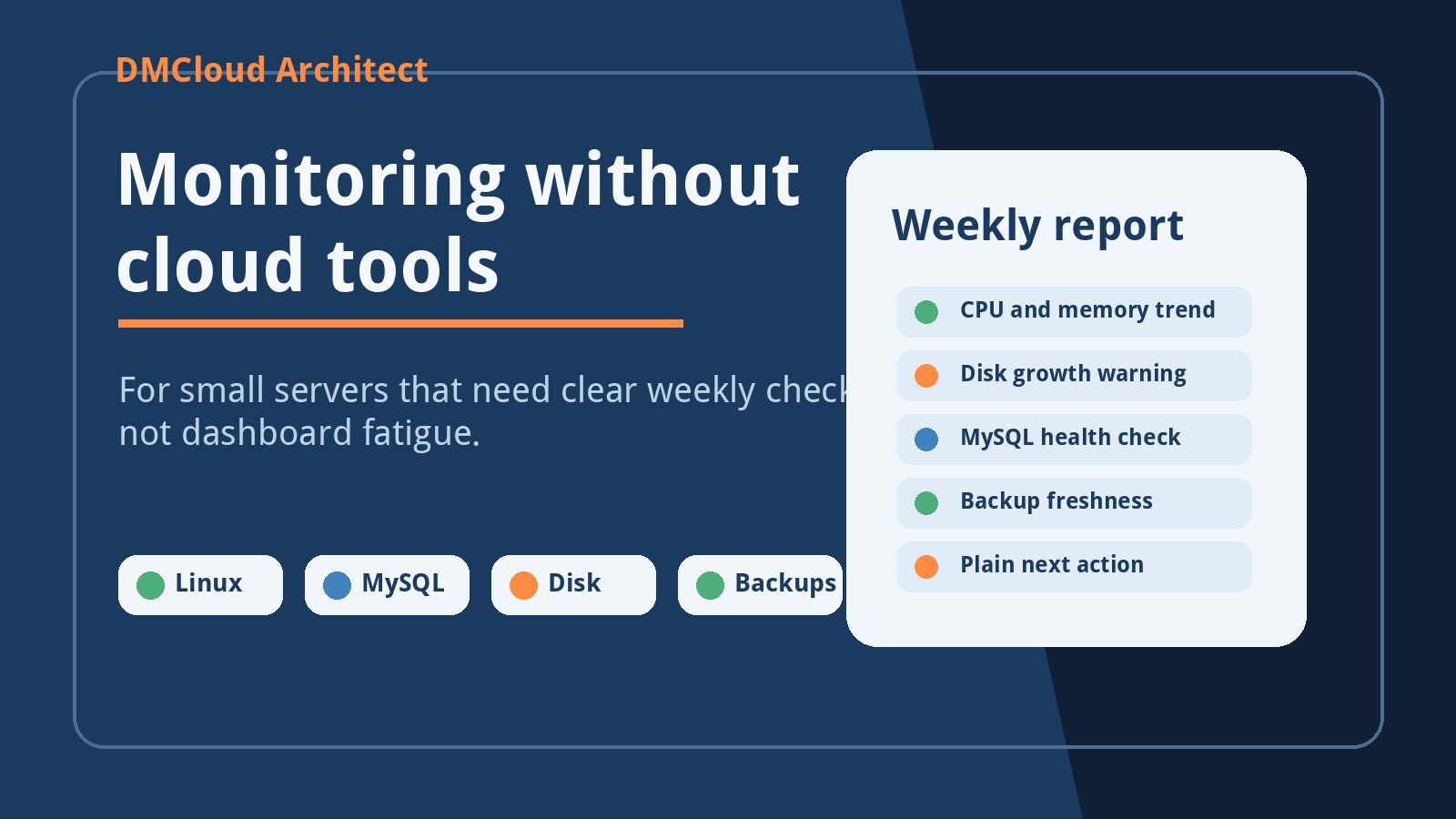
Historical server monitoring helps small teams see whether CPU, memory, disk, and database pressure are getting better or worse over time. Instead of reacting only when an alert fires, you can review weekly trends and catch slow-moving risks early. This guide explains which metrics to preserve, how to review them, and how to turn trend data into practical maintenance decisions.

Read More
Linux Log Management Checklist for Growing Server Fleets

Linux Log Management Checklist for Growing Server Fleets

Jul 02, 2026    Mariusz Antonik    Automation    8 min read

Growing Linux server fleets often outgrow host-by-host rsyslog and logrotate long before a full observability platform is ready. This checklist helps developers and small business infrastructure teams standardize collection, buffering, retention, rollout checks, and weekly drift reviews. Use it to make linux server monitoring calmer, more consistent, and easier to improve one step at a time.

Read More