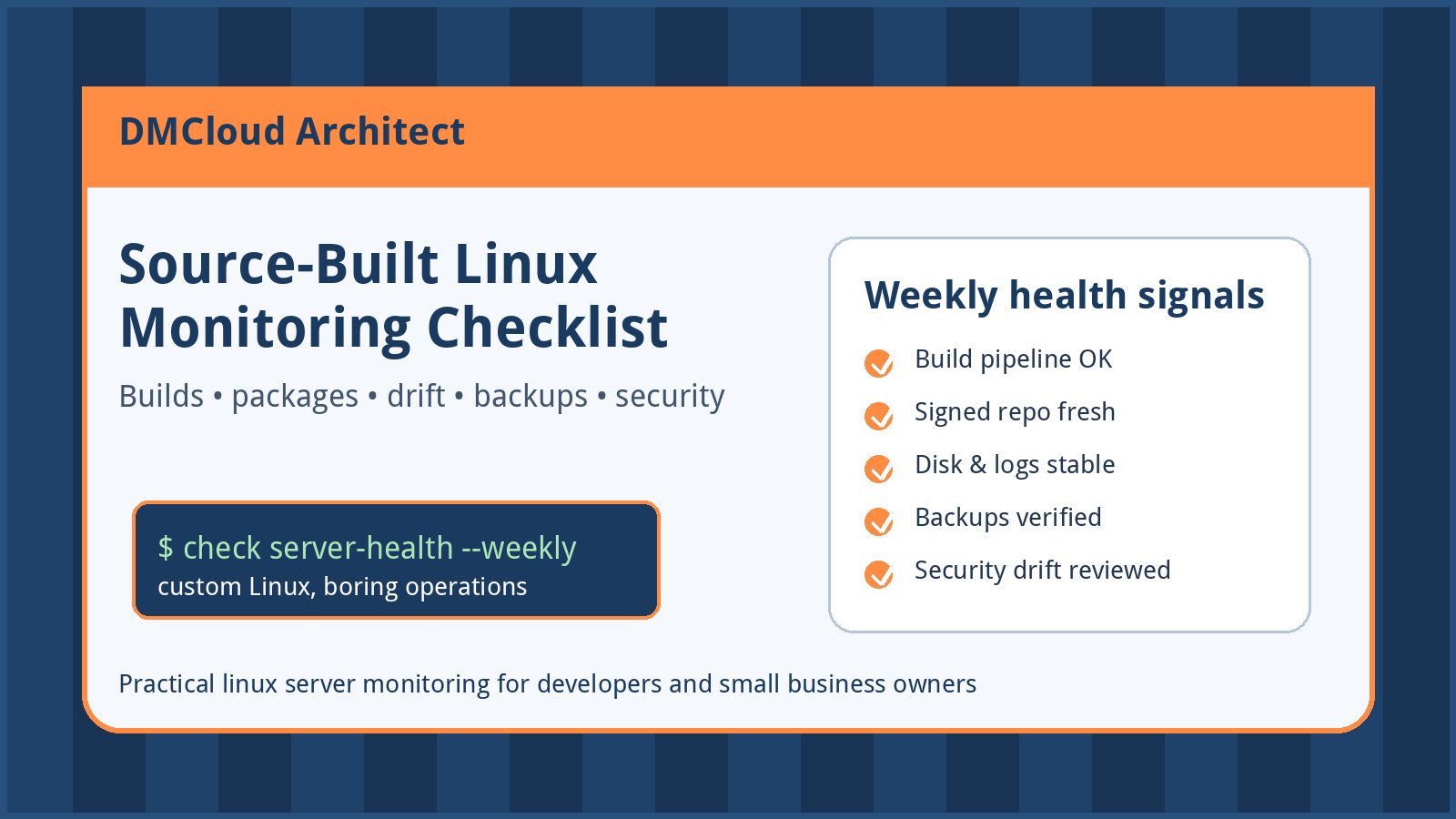
Source-built Linux systems are appealing because they are transparent. You know what goes into the base image, packages are recipes instead of mystery binaries, and the server can stay lean. The tradeoff is that your team becomes the integration layer for kernel choices, package builds, signed repositories, rebuild cadence, and operational checks.
For developers and small business owners, the goal is not to turn every custom server into a full-time platform engineering project. The goal is to build a practical linux server monitoring routine that catches broken builds, disk pressure, stale packages, missing backups, and security drift before customers or employees feel the impact.
Start with the support boundary
Before choosing checks, be honest about the support model. A source-built or custom distribution may not have the same binary mirrors, vendor lifecycle notices, or copy-paste troubleshooting path as a mainstream server OS. That does not make it wrong, but it means the runbook has to be explicit.
- Who owns failed package builds?
- Who signs and publishes packages to the internal repository?
- Who decides when the pinned kernel, glibc, OpenSSL, OpenSSH, and core utilities move forward?
- Who can rebuild the base system if the build host is unavailable?
- What is the rollback plan if a package recipe produces a bad release?
If those answers are fuzzy, monitoring will not save the system by itself. It will, however, show where the operational gaps are.
1. Monitor the build pipeline, not just the server
On a source-built stack, a healthy running server can still be at risk if the build pipeline is failing quietly. Treat package builds and repository publication as production infrastructure.
- Track the last successful base-system build timestamp.
- Alert when critical package recipes fail repeatedly.
- Record build duration changes that may indicate dependency, compiler, or hardware problems.
- Verify that package artifacts are signed before they are served.
- Keep logs for failed builds long enough to debug regressions after a delayed report.
A weekly health report should answer a simple question: could you rebuild and redeploy the system today if you had to?
2. Watch repository freshness and signature trust
When there are no upstream binary mirrors, your package repository is part of the production control plane. Monitor whether clients can reach it, whether metadata is current, and whether signatures validate from a clean host.
- Check repository HTTP availability from outside the build network.
- Verify package metadata age and last publish time.
- Test signature verification with the same keys production servers trust.
- Monitor certificate expiration for repository endpoints.
- Keep a documented key rotation and emergency revocation process.
For a small team, a broken package repository may not look urgent until a security update, rebuild, or new server deployment depends on it.
3. Track core system drift
Custom systems often drift because each exception feels small: one local patch, one temporary package pin, one manual config edit during an outage. Over time, those exceptions become the real platform.
Include these drift checks in your linux server monitoring routine:
- Installed package versions versus the approved recipe set.
- Kernel version and booted kernel versus the expected pinned version.
- Locally modified configuration files in
/etc. - Unexpected services enabled at boot.
- Manual files under application, package, or repository directories.
- Pending reboots after kernel, libc, or security-sensitive updates.
Drift is not always bad. Undocumented drift is the problem.
4. Keep ordinary server health boring
Even the most carefully built distribution still fails in ordinary ways. Disk fills up, logs grow, backups stop, certificates expire, cron jobs fail, and a busy process consumes memory. Do not let the custom parts distract from basic server hygiene.
- Disk usage, inode usage, and fastest-growing directories.
- Memory pressure, swap activity, and sustained load average.
- Service status for SSH, web servers, databases, schedulers, and app workers.
- Failed systemd units and recurring restart loops.
- Log volume spikes and high-severity application errors.
- Backup success, restore test dates, and backup storage growth.
- Certificate and domain expiration dates.
These are the checks that help a small business prevent avoidable downtime without watching dashboards all day.
5. Separate security signals from noise
A minimal custom Linux system can reduce attack surface, but only if the team keeps security signals visible. Monitor the parts that change risk, not just the parts that are easy to count.
- Open listening ports compared with the expected allowlist.
- SSH authentication failures and new source networks.
- New sudoers entries, SSH keys, local users, or group membership changes.
- Security-sensitive package versions such as OpenSSL, OpenSSH, curl, web servers, and database clients.
- Firewall and cloud security group drift.
- Repository signing-key changes and failed signature checks.
For smaller teams, the best security monitor is often a concise exception report: what changed since last week, what is overdue, and what needs a human decision.
6. Test recovery before you need it
Custom distributions can be recoverable, but only when the team rehearses the path. Backups of data are not enough if nobody can rebuild the base system, restore the package repository, or reproduce the service configuration.
- Restore a sample backup to a non-production host.
- Rebuild at least one critical package from source on a clean machine.
- Provision a new server from documented steps, not memory.
- Confirm that the package manager can install from the signed repository after a fresh bootstrap.
- Record the time required to recover each critical service.
The recovery test does not have to be elaborate. It has to be real enough that a missing credential, broken recipe, or undocumented manual step shows up before an outage.
7. Use a weekly checklist when dashboards are too much
Not every small business needs a large observability stack. A weekly infrastructure health report can be a better fit when the team wants enough signal to act without creating another system to babysit.
A good weekly report for a source-built Linux server should include:
- Build pipeline status and last successful package publication.
- Repository availability, metadata age, and signature verification status.
- Disk, inode, CPU, memory, and service health trends.
- Patch and pinned-version review for critical system components.
- Backup status and most recent restore test.
- Security exceptions such as new ports, users, keys, or firewall rules.
- Human follow-up items ranked by urgency.
Recommended checklist
- Define who owns builds, package signing, repository publishing, and rollback.
- Monitor build success, failed recipes, artifact signing, and build log retention.
- Verify package repository uptime, metadata freshness, TLS, and signature trust.
- Track version drift across kernel, libc, packages, services, and local config.
- Keep basic server health checks for disk, inodes, load, memory, services, logs, backups, and certificates.
- Watch security changes that alter access or trust.
- Run periodic recovery tests from a clean host.
- Summarize the findings in a weekly report that tells owners what changed and what to do next.
Bottom line
A source-built Linux server can be a strong, understandable foundation when a team is ready to own the full lifecycle. The operational risk is not the source-built model itself; it is running that model without routine checks for builds, packages, drift, backups, and security. Practical linux server monitoring turns a custom stack from a one-person snowflake into infrastructure the business can trust.
Want weekly infrastructure health checks without dashboard fatigue?
DMCloud Architect sends Linux and MySQL infrastructure health reports directly to your inbox, so you can spot risks early without adding another monitoring dashboard to watch.
Get the free starter plan for weekly infrastructure health reports.