Adding LUKS2 support to an imaging workflow solves an important security problem: backup images can remain encrypted at rest without relying on an older container format or a separate encryption step. It does not solve the operational problems around that repository. A perfectly encrypted backup is still unusable if the volume did not mount, the filesystem filled halfway through a job, retention removed the wrong image, or nobody has tested a restore.
That is why encrypted imaging storage belongs in your regular Linux server monitoring routine. The checklist below focuses on Clonezilla-style image repositories, including environments that use HTTP Boot for deployment, but the same principles apply to most LUKS2-backed backup volumes.
Start with the recovery objective
Before checking commands and percentages, define what the repository must recover. List the machine groups, required image versions, acceptable image age, expected restore time, and minimum number of known-good generations. This prevents “free more space” from becoming the only goal. Deleting an older image may improve a graph while quietly removing the last version compatible with a legacy system.
Record where the repository lives, how it is unlocked, which service or operator mounts it, and which deployment hosts depend on it. Include the recovery procedure for the encryption key. Do not place the only copy of the key, recovery notes, or mount configuration inside the encrypted repository itself.
1. Confirm the encrypted device and mapping are healthy
Begin below the filesystem layer. Confirm that the expected block device exists, the LUKS mapping is active, and the mapped device points to the intended source.
lsblk -o NAME,TYPE,FSTYPE,SIZE,MOUNTPOINTS,UUID
sudo cryptsetup status clonezilla_repo
sudo cryptsetup luksDump /dev/disk/by-uuid/<luks-uuid>
The final command exposes LUKS metadata, not the passphrase, but its output should still be handled as operational information. Verify the LUKS version, active key slots, and device identity against your documentation. Do not rotate keys or edit slots during a routine inspection. Key changes need a separate, tested procedure with a verified header backup.
If the mapping is absent, investigate the unlock mechanism rather than mounting another device at the expected path. An imaging job writing to an ordinary directory under an unmounted path can fill the root filesystem while giving the appearance that backups are succeeding.
2. Verify the mount before trusting repository contents
Check the mount source, filesystem type, options, and write state. The path existing is not proof that the encrypted volume is mounted.
findmnt -T /srv/clonezilla
findmnt -no SOURCE,FSTYPE,OPTIONS /srv/clonezilla
df -hT /srv/clonezilla
touch /srv/clonezilla/.health-write-test && rm /srv/clonezilla/.health-write-test
Run the write test only through an account and path where a temporary file is safe. For automated checks, use a dedicated health directory with tightly scoped permissions rather than the repository root. Alert on a source-device mismatch, a read-only mount, a missing mount, or a write failure.
Also inspect recent boot and device errors. Repeated unlock failures, filesystem recovery messages, I/O resets, or a volume that remounts read-only deserve immediate investigation even if the latest backup job reports success.
journalctl -b -p warning..alert --no-pager
journalctl -u systemd-cryptsetup@clonezilla_repo.service --since "7 days ago"
dmesg --level=err,warn | tail -100
3. Measure capacity in bytes and as a trend
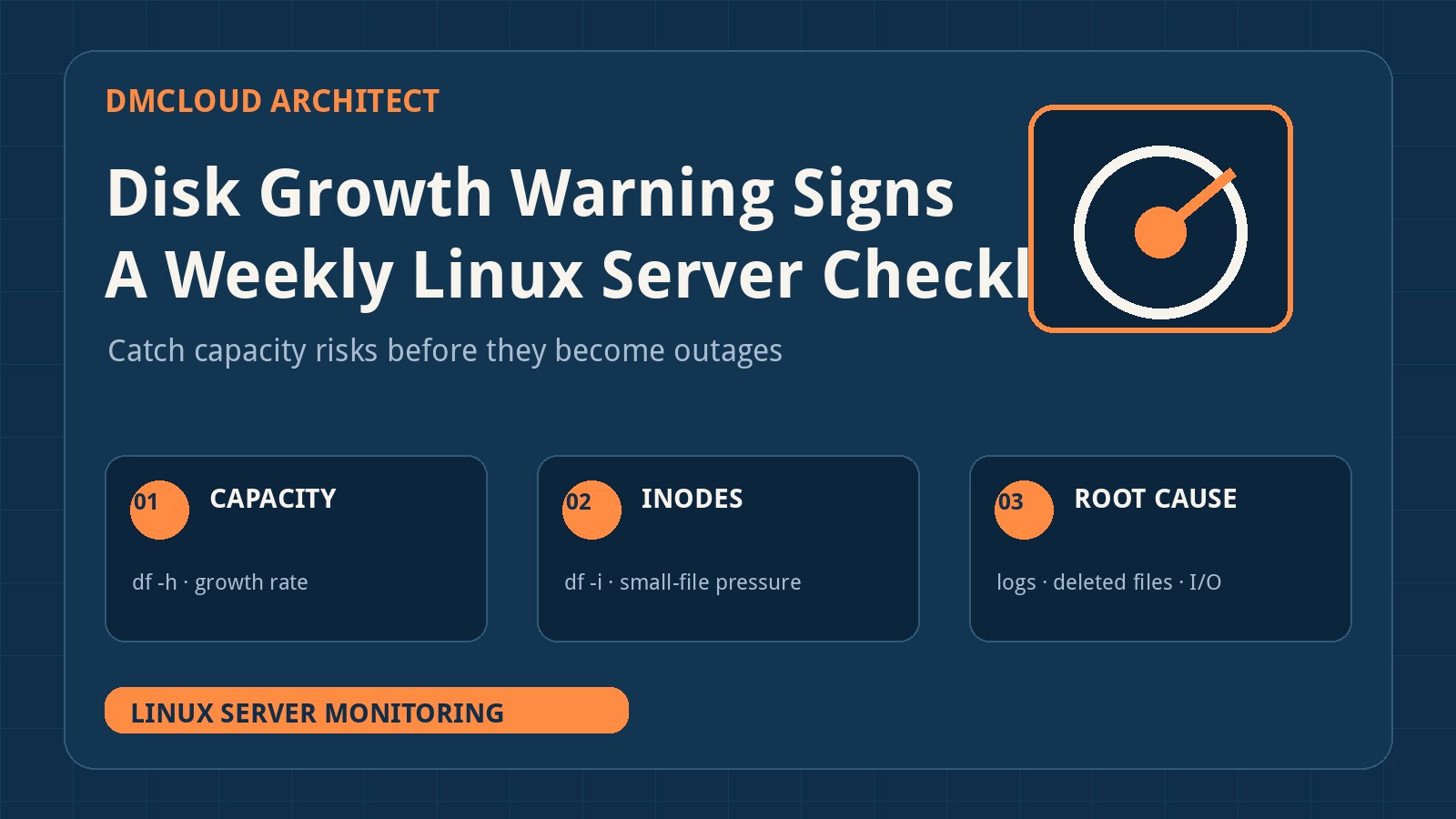
A repository at 70% use may be healthy or one backup away from failure. Record total, used, available, and inode values every week, then compare them with prior measurements.
df -B1 /srv/clonezilla
df -i /srv/clonezilla
sudo du -xhd1 /srv/clonezilla | sort -h
Capacity forecasts should account for the largest expected incoming image, temporary working space, filesystem reserve, and retention overlap. If a new image is 180 GB and the previous generation must remain until validation completes, 200 GB free is not comfortable headroom. Compression ratios can also change as workloads accumulate encrypted archives, media, databases, or already-compressed files.
Calculate an approximate runway from several weekly readings:
runway_weeks = available_bytes / average_weekly_growth_bytes
Use the result as a planning signal rather than a promise. Flag accelerating growth separately. A repository that added 30 GB, then 60 GB, then 120 GB requires investigation even if its average still suggests months of capacity.
4. Break growth down by image set
Top-level totals identify which machine group or retention set is consuming space. Keep the scan on the repository filesystem so other mounts do not distort the result.
sudo du -xhd2 /srv/clonezilla 2>/dev/null | sort -h | tail -40
sudo find /srv/clonezilla -xdev -type f -size +10G -printf '%s %TY-%Tm-%Td %p\n' \
  2>/dev/null | sort -n | tail -30
Run broad scans outside busy imaging windows because they create metadata and I/O load. Review unusual growth against deployment activity: a changed partition layout, lost compression, duplicate image job, staging copy, or failed cleanup can all alter the expected pattern.
Do not remove individual files from inside a Clonezilla image directory merely because they are large. Treat an image set as a unit and use the tool's documented retention process. Partial deletion can leave a directory that looks present but cannot be restored.
5. Make retention policy explicit
A useful retention rule names what is kept, not only what is deleted. For each machine class, define the number of recent images, milestone images, minimum age, validation requirement, and deletion owner. Keep the previous known-good image until the newest one has passed integrity and restore checks.
Generate a candidate deletion report before any removal. The report should include image name, creation date, size, machine class, validation state, and the policy that makes it eligible. Require review for protected or unusual systems. An automated cleanup job should fail closed when metadata is missing rather than interpreting an unknown image as disposable.
Track whether failed imaging runs leave temporary directories or incomplete artifacts. Clean those through a documented process after confirming that no active job owns them. A simple age rule can delete a slow or paused job if the operational state is not checked first.
6. Check backup recency and completion independently
A scheduler saying “job ran” is not the same as a usable image. For every required machine group, verify that an image exists within its recovery objective and that the run reached a successful completion state. Compare expected source size, resulting image size, file count, and completion markers with a known-good baseline.
Watch for suspicious success:
- an image directory appears but is dramatically smaller than normal;
- timestamps stop before the job's reported end;
- only some partitions are represented;
- the repository became read-only during the run;
- the job wrote to the fallback directory because the encrypted mount was absent.
Keep job logs outside the repository or send them to a separate log destination. If repository failure removes both the image and its only log, diagnosis becomes much harder.
7. Test integrity, then test restoration
Checksums detect some forms of corruption, but only a restoration exercise proves that your process, keys, boot environment, storage, and instructions work together. Follow Clonezilla's supported image-check features for the version you operate, retain the result, and investigate failures rather than simply generating another image over the evidence.
Schedule representative restores to disposable hardware or an isolated virtual environment. Confirm that the restored system boots, expected partitions exist, critical files are readable, and the application starts safely. A test should also prove that an authorized operator can retrieve the LUKS key and follow the recovery runbook without relying on undocumented knowledge.
After upgrades that change Partclone behavior, filesystem support, partition conversion, LVM handling, or restore optimizations, repeat a representative restore before rolling the new environment across the fleet. Faster restore logic is useful, but it changes an area where confidence should come from testing rather than assumption.
8. Monitor the LUKS header and key-recovery path
The encrypted data depends on its LUKS header and at least one valid key slot. Maintain an offline header backup according to your security policy and test that the documented backup procedure still points to the correct device. Store the header separately from both the encrypted volume and its unlocking secret.
Review who can access keys, when recovery material was last tested, and whether departed staff or retired automation still have access. Key rotation, slot removal, and header restoration are high-impact operations; they belong in controlled maintenance with backups and rollback steps, not in the weekly check itself.
9. Include HTTP Boot and deployment dependencies
If Clonezilla Lite Server uses HTTP Boot, the repository is only one part of the recovery chain. Monitor the web service, boot files, DHCP or network-boot configuration, name resolution, certificates when HTTPS is involved, and network reachability from each deployment segment.
systemctl --failed --no-pager
curl -fsS -o /dev/null -w '%{http_code}\n' http://boot-server.example/boot-file
ss -lntp
ip -brief address
ip route
Use the real boot-file URL in your environment and run the request from a representative client network where possible. A local HTTP 200 does not prove that VLAN policy, DHCP options, routing, or client isolation permits a machine to boot. Keep PXE or another recovery route only if it is documented, maintained, and tested; an untested fallback is not resilience.
Secure Boot support also needs an end-to-end test on representative hardware. Confirm that the current boot artifacts are trusted and that a firmware or key update has not changed behavior.
10. Define warning and action levels
Turn observations into decisions. Use thresholds that reflect image size and recovery headroom rather than one generic percentage.
- Act now: missing or read-only repository mount, filesystem or device errors, failed unlock, failed required backup, no validated recovery image, or insufficient space for the next image plus retention overlap.
- Plan this week: shrinking runway, accelerating growth, retention drift, stale image groups, untested release changes, or an outdated recovery-key exercise.
- Track: expected growth with sufficient runway, current validated images, successful representative restores, and documented ownership.
Assign every warning an owner and due date. Capture the affected repository, current free bytes, recent growth, estimated runway, newest valid image, last restore test, likely cause, and next action. This makes a weekly report useful to someone who did not operate the imaging job.
Weekly encrypted imaging repository checklist
- Confirm the expected LUKS2 device, mapping, key-slot documentation, and header-backup location.
- Verify the correct filesystem is mounted read-write at the repository path.
- Review device, unlock, filesystem, and kernel errors from the last seven days.
- Record used bytes, free bytes, inode use, weekly growth, and estimated runway.
- Identify image sets responsible for material growth and investigate anomalies.
- Review retention candidates without deleting partial files from image sets.
- Confirm every required machine group has a recent completed image.
- Run supported integrity checks and review their results.
- Confirm the most recent representative restore test and key-recovery exercise.
- Test HTTP Boot and Secure Boot dependencies from a representative network.
- Assign owners and dates to capacity, recency, integrity, and restore risks.
Real-time alerts should still cover imminent capacity exhaustion, mount loss, failed jobs, and device errors. The weekly review adds what urgent alerts usually lack: trend, retention context, restore evidence, and clear ownership. That combination turns an encrypted collection of image files into a recovery system you can trust.
Want weekly infrastructure checks without dashboard fatigue?
DMCloud Architect turns Linux and MySQL health signals into practical weekly reports, helping developers and small business owners spot capacity drift, backup risk, and recurring failures before they become incidents.
Get the free starter plan for weekly infrastructure health reports.