Back to Blog
Simple Monitoring for Small Business Infrastructure

Simple Monitoring for Small Business Infrastructure

   Mariusz Antonik    Infrastructure Monitoring    3 min read    8 views

Most small businesses don’t have a dedicated DevOps team—but they still rely on servers, databases, and applications that need to stay online. When something breaks, it usually shows up as downtime, slow performance, or frustrated users. That’s where simple monitoring becomes critical.

The goal isn’t to build a complex observability platform. It’s to put a lightweight, reliable system in place that tells you when something is wrong—before it turns into a bigger issue.

Why Simple Monitoring Matters

In small environments, infrastructure is often lean: a few Linux servers, maybe a database, and a web application. But even small systems can fail in ways that are hard to notice until it’s too late.

Without monitoring, you’re relying on users to report issues. That’s reactive and risky.

Simple monitoring gives you:

  • Early warning when resources are under pressure
  • Visibility into server health
  • Confidence that your system is running as expected

What You Should Monitor First

Start small and focus on the signals that matter most for a small production server.

1. Server Health

  • CPU usage
  • Memory utilization
  • Disk space
  • Disk I/O

These metrics tell you if your system is under stress or about to run out of resources.

2. Service Availability

  • Web server (Nginx/Apache)
  • Database (MySQL or Oracle)
  • SSH access

If these services stop, your business stops. Monitoring uptime is essential.

3. Basic Networking

  • Ping checks
  • Port availability

This helps you quickly identify connectivity issues.

Choosing a Lightweight Monitoring Solution

For small infrastructure monitoring, you don’t need enterprise-grade complexity. A lightweight monitoring solution is usually enough.

Look for tools that:

  • Are easy to deploy on Linux
  • Require minimal configuration
  • Provide alerts via email or messaging
  • Offer simple dashboards

This approach works well when you need monitoring without a DevOps team.

Practical Setup Example

Let’s say you’re running a small application on Oracle Cloud Infrastructure:

  • 1 compute instance (Linux)
  • 1 MySQL database
  • Basic VCN with public access

A simple monitoring setup could look like this:

  • Install a lightweight agent on the server
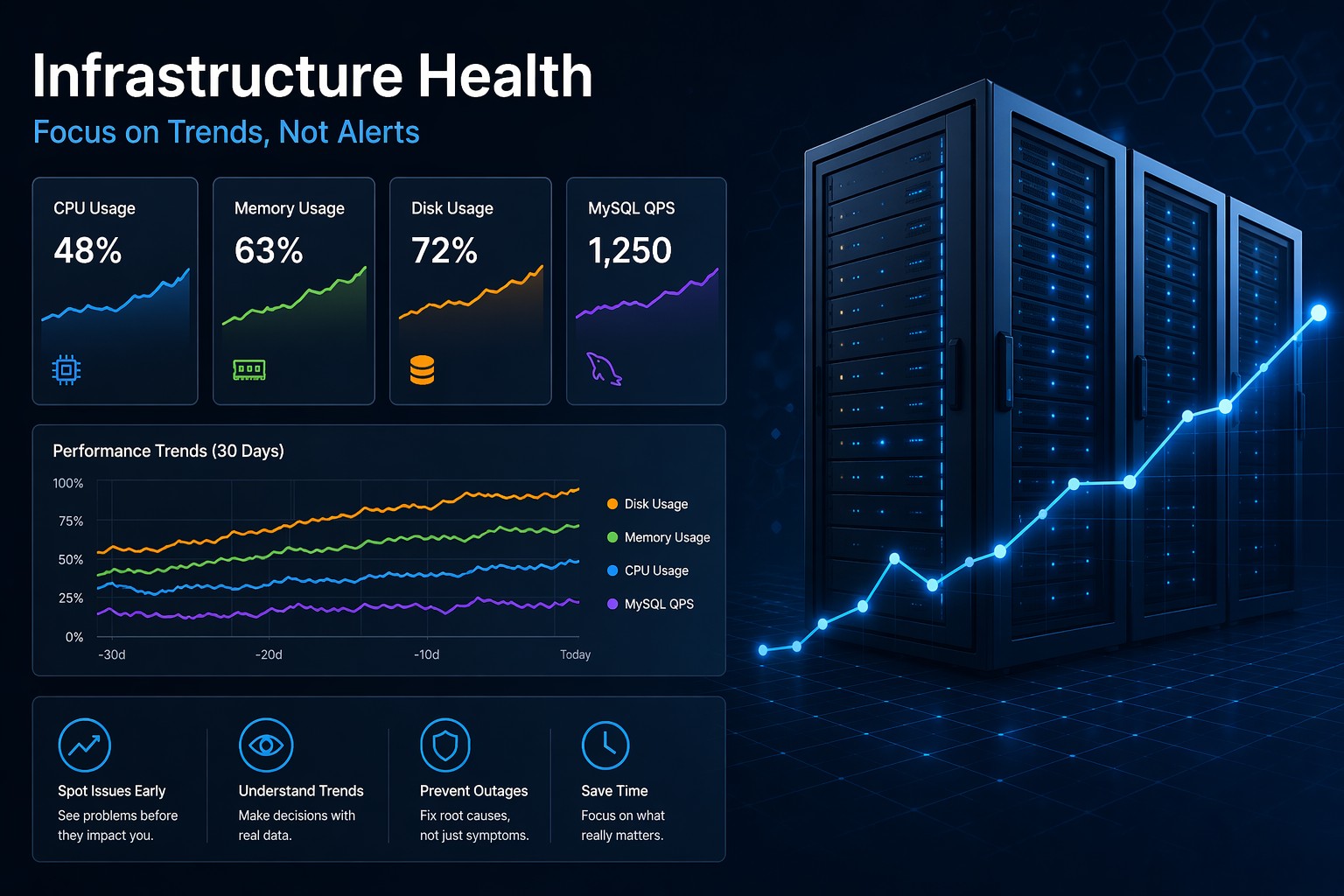
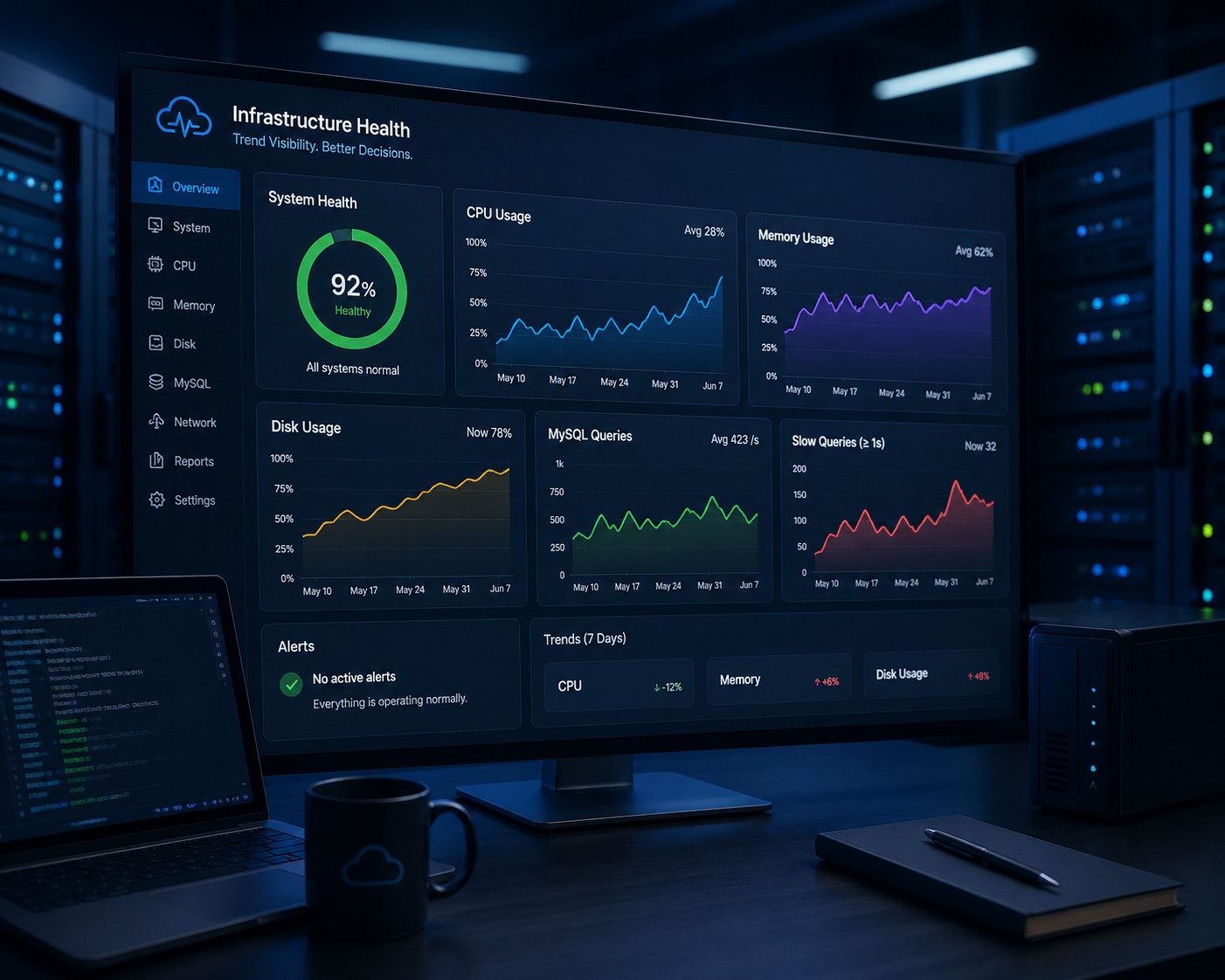
  • Track CPU, memory, and disk usage
  • Configure uptime checks for your web app
  • Set alerts for high resource usage

This gives you immediate visibility without overcomplicating the system.

Common Mistakes to Avoid

  • Overengineering early – complex systems add maintenance overhead
  • No alert thresholds – metrics without alerts are rarely useful
  • Ignoring disk space – one of the most common causes of outages
  • No regular review – monitoring only works if you actually look at it

Keep It Maintainable

Monitoring should not become another burden. Keep your setup simple, documented, and easy to maintain.

As your infrastructure grows, you can gradually add more advanced monitoring. But for most small businesses, a clean, lightweight setup is the best starting point.

Summary

Simple monitoring for small business environments is about clarity, not complexity. Focus on core metrics, ensure your critical services are up, and set up alerts that actually matter.

If you want a straightforward way to keep track of your infrastructure health without building everything from scratch, you can explore a lightweight approach through https://health.dmcloudarchitect.com/ and see how it fits into your setup.
About the Author
Mariusz Antonik

Oracle Cloud Infrastructure expert and consultant specializing in database management and automation.

All Tags
#Advanced #Bash #bash cpu monitoring script #bash monitoring #bash scripting #Beginner #Best Practices #block volume backup #Capacity Planning #cloud backup strategy #cpu bottleneck #CPU Monitoring #cpu monitoring linux #cpu monitoring script linux #cpu trends #cpu usage trends linux #create oracle db system in oci #cron cpu monitoring #cron cpu monitoring linux #cron jobs #database monitoring #database performance #detect slow queries mysql #devops #disk capacity planning server #disk forecasting linux #Disk Monitoring #disk usage #disk usage script linux #disk usage trends #Early Detection #easy infrastructure monitoring #free-tier #Guide #health dashboards #Health Reporting #historical server monitoring #how to monitor cpu usage linux #infrastructure #infrastructure health #infrastructure health dashboard #infrastructure health reporting #infrastructure monitoring #infrastructure monitoring report #infrastructure trends monitoring #Infrastructure Visibility #lightweight linux monitoring #lightweight monitoring #linux administration #linux cpu monitoring #linux cpu usage #linux disk capacity planning #linux disk usage #Linux monitoring #linux monitoring setup #linux monitoring tools #linux performance #linux performance monitoring #linux server #linux server monitoring #linux servers #linux storage #linux tools #low maintenance monitoring #monitor cpu usage over time linux #monitor linux server health #monitor server trends #monitor small production server #monitoring without complexity #MySQL #mysql health reporting #MySQL monitoring #mysql optimization #MySQL Performance #mysql performance degradation #mysql performance monitoring #mysql performance trends #mysql query performance issues #mysql server monitoring #mysql slow queries #mysql slow query analysis #mysql slow query monitoring #mysql trends #mysql-health #networking #nsg #OCI #oci backup #oci bastion tutorial #oci block volume #oci infrastructure as code #OCI monitoring #oci networking #oci oracle database private subnet setup #oci oracle database tutorial #oci security #oci setup guide #oci terraform tutorial #oci tutorial for beginners #oci vcn terraform #oci virtual machine db system guide #oracle base database service tutorial #oracle cloud bastion #oracle cloud free tier tutorial #oracle cloud infrastructure step by step #oracle cloud infrastructure tutorial #oracle cloud storage #oracle database on oci setup #oracle-cloud #Performance Degradation #performance monitoring #performance trend monitoring #performance trends #plan disk growth server #practical server monitoring #predict disk usage growth #private instance access #query optimization #Security #security lists #server health #server health reporting #server health weekly report #server monitoring #Server Performance #server trend analysis #server-trends #simple cpu monitoring linux #simple linux monitoring #simple monitoring small business #simple monitoring system #simple ops monitoring #slow queries #slow query reporting mysql #small business infrastructure #small business IT #small business servers #small infrastructure monitoring #small server monitoring #ssh bastion #storage capacity planning linux #storage monitoring #subnets #system health reporting #terraform oci compute #terraform oracle cloud infrastructure #Trend Monitoring #Tutorial #vcn