A mixed Ubuntu and Oracle Linux estate creates a deceptively hard patching problem. Both distributions use mature package systems, but their repositories, advisory formats, lifecycle policies, support channels, and operational tooling differ. In a regulated environment, installing updates is only one part of the job: the team must also show what was approved, what changed, what failed, and whether every system returned to a healthy state.
The right product is therefore not simply the one that can run apt and dnf. It is the one that can produce reliable evidence across your actual fleet while fitting change control, separation of duties, maintenance windows, rollback expectations, and support requirements. Use the following checklist to define those requirements before comparing demonstrations or starting a proof of concept.
1. Build an accurate fleet and support matrix
Begin with facts about the systems you need to manage. Inventory the distribution, release, architecture, kernel, environment, business owner, application tier, criticality, maintenance window, repository source, and support entitlement for every host. Include dormant virtual machines, templates, disaster-recovery systems, and short-lived instances; unmanaged edge cases often become the exceptions that weaken an audit report.
For each candidate platform, verify current support against the exact combinations in that inventory. A statement that a product “supports Ubuntu” or “supports Oracle Linux” may not mean equal capability for every release, architecture, repository type, live-patching service, module stream, or advisory feed. Ask the vendor to identify which functions are native, which depend on a generic agent or automation layer, and which are not available.
2. Define the evidence before selecting the tool
Work backward from the evidence an auditor, security team, and change advisory board will request. A useful patch record should connect these elements:
- the affected host and its business owner;
- the applicable security advisory or CVE, including severity and publication date;
- the package version before and after remediation;
- the approved change, maintenance window, and operator or service identity;
- the deployment wave and timestamps;
- success, failure, exclusion, or exception status with a reason;
- reboot requirements and the observed running kernel;
- post-patch service, application, and infrastructure health checks.
Test whether reports remain reproducible after repository metadata changes. A live dashboard showing “97% compliant” is not enough if the platform cannot explain the denominator, preserve the historical snapshot, identify exclusions, or export evidence for the audit period.
3. Model staged rollout as a controlled promotion
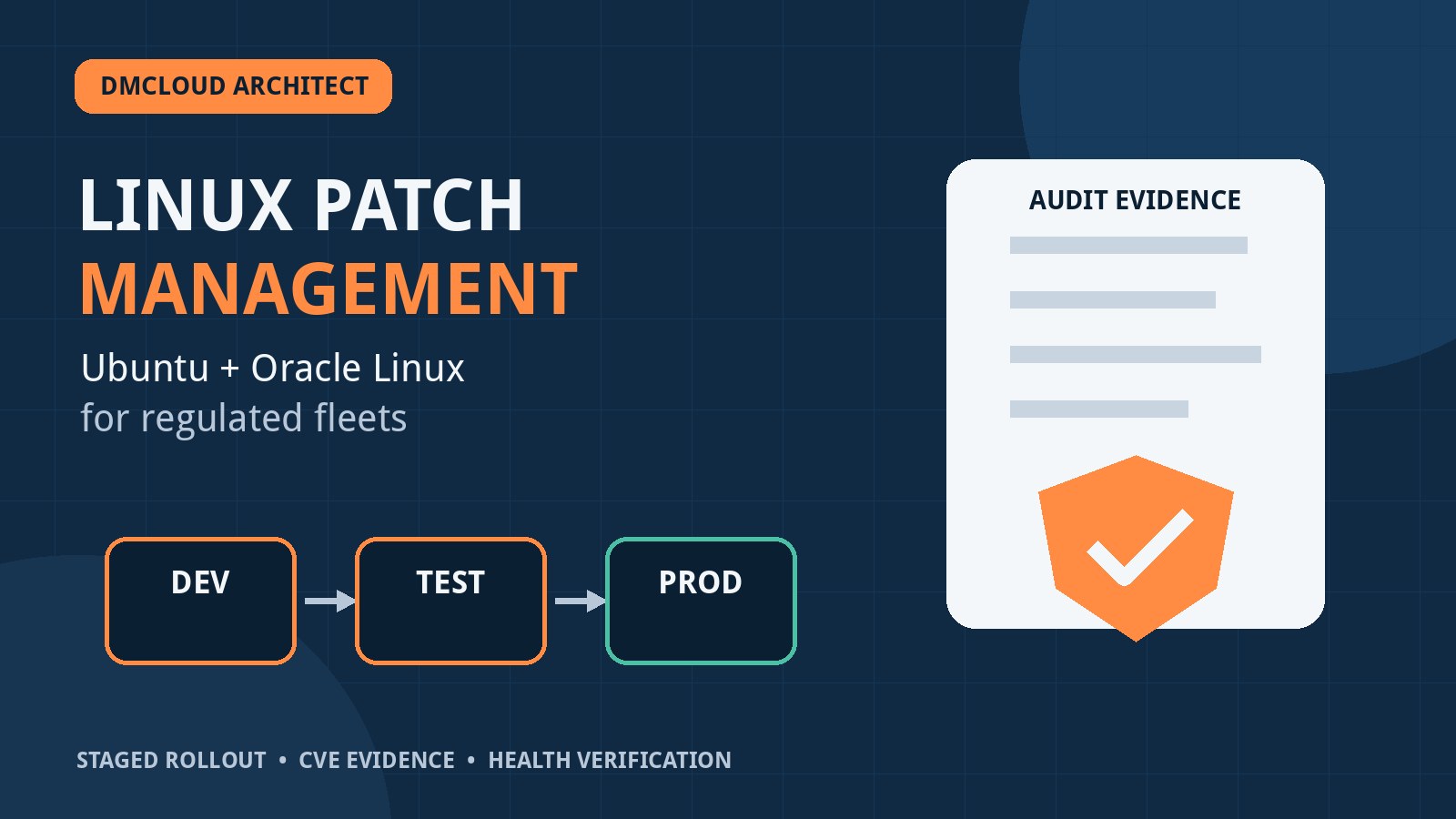
For regulated workloads, Dev → Test → Prod should be more than three schedules pointed at the latest repository. The approved package set should be versioned or snapshotted so that later waves receive the same tested content. Define pilot groups within each environment, promotion gates, waiting periods, failure thresholds, and named approvers.
A strong workflow can answer: Which package set was tested? What checks passed? Who approved promotion? Which production hosts received that exact set? What changed when an emergency update was added? If a platform cannot preserve that chain, a repository snapshot service plus configuration automation may need to supply it.
4. Compare the main architecture choices
Several product categories can fit a mixed fleet, but their strengths differ. Treat the following as evaluation paths rather than automatic recommendations, and confirm current vendor support during the proof of concept.
Multi-distribution lifecycle platforms
Platforms designed to manage several Linux families can reduce the number of consoles and provide centralized repositories, channels, scheduling, inventory, and reporting. SUSE Multi-Linux Manager and its upstream Uyuni project are examples worth testing when both Debian-family and RPM-family systems must share one operating model. The important question is not whether an Ubuntu client can register; it is whether Ubuntu advisory mapping, repository synchronization, package actions, reporting, and lifecycle promotion are dependable enough for your controls.
Distribution-centered platforms plus automation
Canonical Landscape is naturally aligned with Ubuntu operations, while Red Hat Satellite is centered on the Red Hat ecosystem. Ansible can extend orchestration across a broader fleet, but orchestration alone does not automatically provide normalized advisory data, immutable repository snapshots, exception governance, or long-term audit evidence. This model can work well if the organization accepts separate systems of record and has a clear way to reconcile their reports.
Cross-platform endpoint management
Products such as HCL BigFix and Tanium are often evaluated when Linux is part of a wider endpoint estate or when commercial support, policy enforcement, and enterprise reporting carry more weight than distribution-native administration. During a PoC, test Linux depth rather than assuming broad platform coverage means equal package-management capability. Measure repository handling, advisory context, agent behavior, disconnected operation, API access, report transparency, and the work required to model your change process.
Local mirrors, snapshots, and Ansible
A smaller estate can use distribution repositories or controlled mirrors, snapshot or content-promotion tooling, and Ansible for staged deployment. This approach offers transparency and flexibility, but the organization owns the integration: inventory quality, advisory ingestion, package targeting, approvals, credentials, job evidence, failure handling, exception expiry, reporting, and support. It is economical only when that engineering and assurance workload is counted honestly.
5. Normalize advisory and CVE data carefully
Ubuntu and Oracle Linux may describe vulnerability status through different advisory identifiers, package names, versions, severities, and backport conventions. A scanner that compares only upstream version numbers can report false positives because enterprise distributions frequently backport security fixes without adopting the newest upstream version.
Require the solution to retain the vendor advisory, installed package evidence, applicability decision, and remediation result. Test a sample of known advisories on both distributions and reconcile the platform's result with each vendor's official information. Document how the tool handles superseded advisories, withdrawn packages, kernel variants, Extended Security Maintenance or equivalent lifecycle services, and vulnerabilities accepted through a formal exception.
6. Make rollback and recovery application-aware
Package downgrade is not a universal rollback. Database schema changes, application migrations, configuration transformations, bootloader updates, and kernel changes can make a simple package reversal incomplete or unsafe. Define recovery by workload: virtual-machine snapshot, application rollback, configuration restore, previous kernel boot, database recovery, node replacement, or traffic failover.
Use VMware snapshots selectively and with an explicit retention and consistency policy. A snapshot can be useful for a short maintenance window, but it is not a substitute for tested application recovery or backup. Your PoC should include at least one failed update, one unreachable host, one host that requires a reboot, and one application health-check failure to prove the recovery workflow.
7. Validate separation of duties and access controls
Check whether the platform can separate repository administration, package approval, deployment execution, exception approval, and report access. Integrate with the organization's identity provider where appropriate, require strong authentication, and verify that service accounts use narrow permissions. Audit logs should record both user and API activity and should resist silent alteration.
Also inspect the management plane itself. Document agent privileges, network flows, proxy support, credential storage, certificate rotation, high availability, backup and restore, upgrade procedures, and vulnerability-response commitments. A patch platform becomes a powerful administrative path to every enrolled server, so its compromise would have a large blast radius.
8. Design exceptions as managed work, not missing data
Some systems cannot be patched within the normal target because of application certification, availability constraints, vendor dependencies, or an active incident. Do not remove them from reports to improve the compliance percentage. Record the affected advisory, business owner, risk acceptance, compensating control, approver, expiry date, and next review.
The system should distinguish a valid, time-bounded exception from an unknown or unreachable host. Expired exceptions should become visible automatically. This makes the report useful to operations and governance teams rather than turning it into a score that conceals unresolved risk.
9. Add post-patch Linux server monitoring
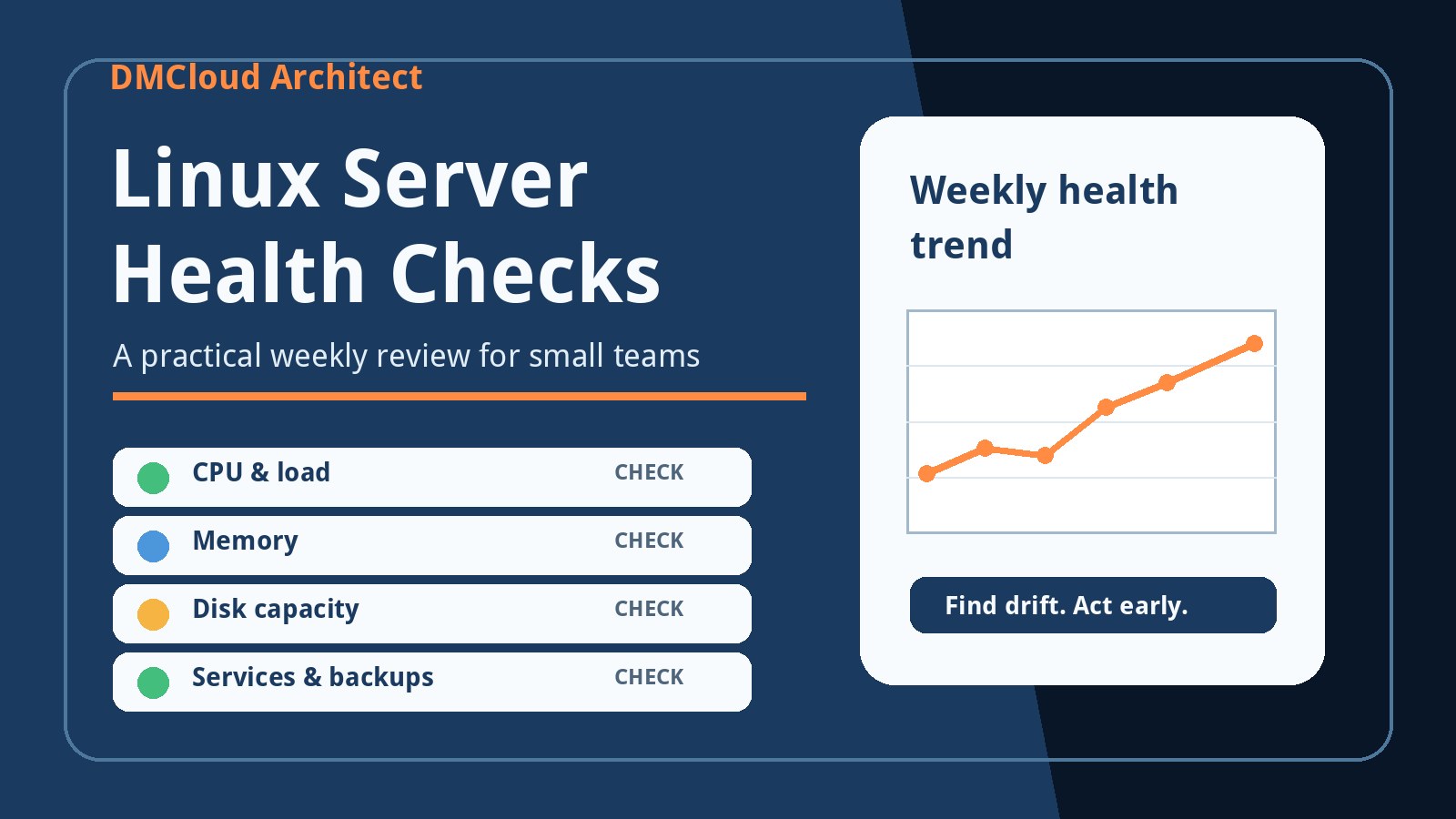
Patch completion does not prove service health. After each wave, use linux server monitoring to verify that systems rebooted when required, expected services are active, listening ports are available, filesystems have space, time synchronization is healthy, certificates remain valid, and application checks succeed. Compare CPU, memory, disk I/O, network errors, logs, and response times with a pre-maintenance baseline.
Include the results in the change evidence. A package job that returned exit code zero but left a service inactive should not count as a successful production outcome. Define an observation period after each wave and block promotion when failures or material regressions exceed the agreed threshold.
10. Run a representative proof of concept
A polished demonstration is not enough. Build a PoC fleet that represents the awkward parts of production: supported Ubuntu and Oracle Linux releases, multiple architectures if applicable, proxy or restricted-network segments, clustered services, custom repositories, kernel updates, excluded packages, and hosts with different maintenance windows.
Score each candidate against the same scenarios:
- Discover and classify the fleet without creating duplicate or stale identities.
- Synchronize approved repositories and preserve a testable content snapshot.
- Map applicable advisories accurately on both distributions.
- Deploy the same approved package set through pilot, Dev, Test, and Prod waves.
- Pause promotion automatically when health checks fail.
- Handle offline, failed, and partially updated hosts without hiding them.
- Record a formal exception and prove that it expires.
- Export an audit package for a chosen host, CVE, change, and time period.
- Recover from a failed patch and preserve the evidence.
- Use the API to retrieve inventory, job, compliance, and health results.
Weight the scorecard before testing. Audit evidence, supportability, and recovery may deserve more weight than interface convenience. Include infrastructure, security, application, risk, and audit stakeholders in the scoring so the final decision does not optimize one team's workflow at everyone else's expense.
11. Decide when a full platform is worth it
A commercial platform becomes easier to justify when the fleet spans several operating systems, change volume is high, evidence must be produced repeatedly, responsibilities are separated across teams, or vendor support materially reduces operational risk. It can also lower the cost of maintaining custom integrations as distributions and advisory feeds change.
A mirror-plus-automation design can be sufficient for a few hundred servers when the fleet is well standardized, the team already operates reliable automation, and reporting and exception management are deliberately engineered. Compare total operating cost rather than license price alone. Include platform administration, integration maintenance, report preparation, failed-job investigation, upgrades, training, and audit support.
12. Prefer decision-focused weekly reporting
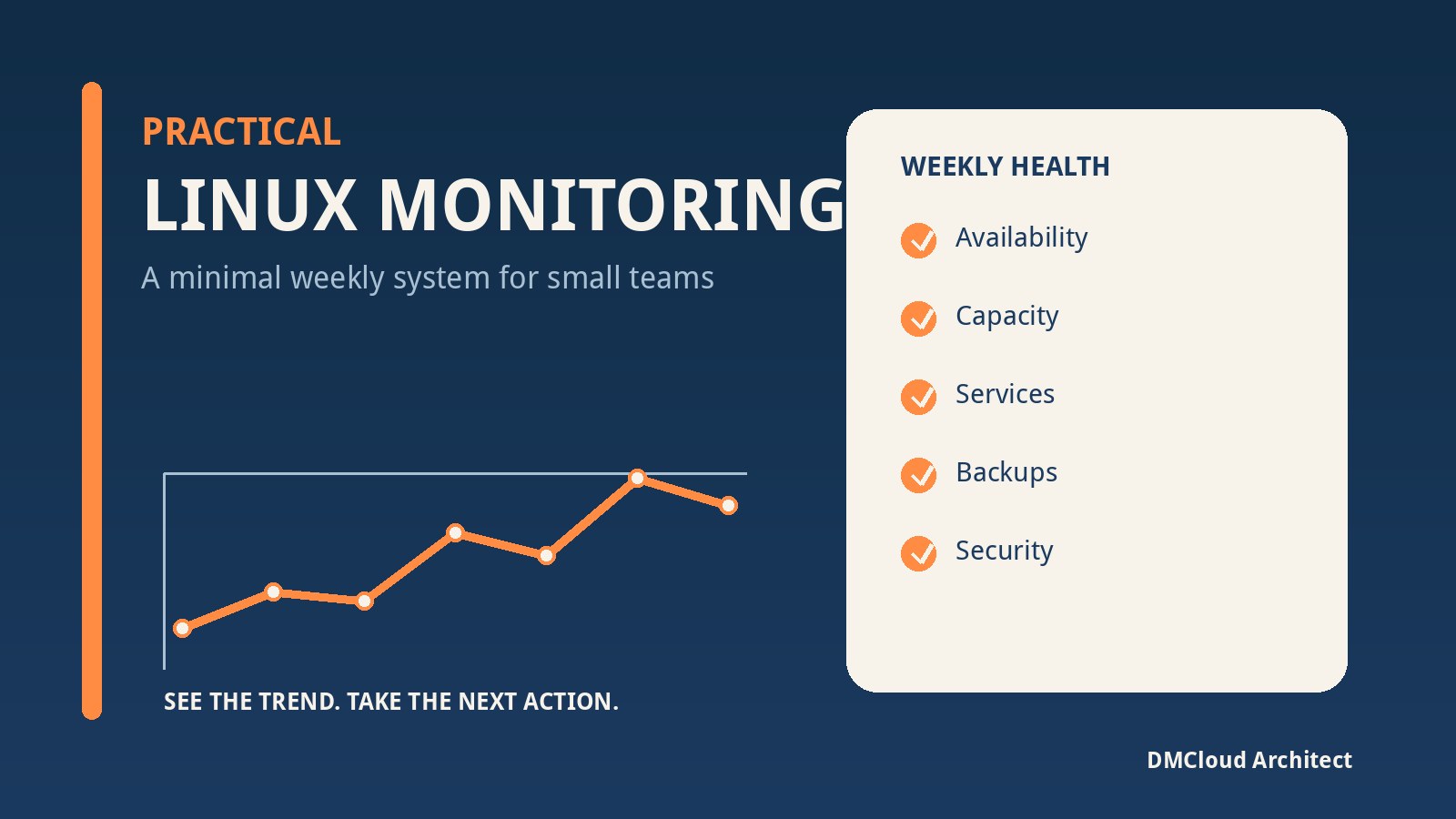
Dashboards are useful during a maintenance window, but many stakeholders need a durable weekly record rather than another screen to watch. A practical report should summarize fleet coverage, new critical advisories, overdue patches, rollout success by stage, failed and unreachable hosts, pending reboots, active exceptions, post-patch health failures, and trends since the previous period.
Make every exception and failure actionable by including an owner and next step. Reserve immediate alerts for conditions that cannot wait, such as an actively exploited exposure, a failed production wave, or a critical service regression. The weekly report can carry the broader compliance and reliability picture without creating alert fatigue.
A concise selection checklist
- Exact distribution, release, architecture, and lifecycle support is documented.
- Repository content can be snapshotted and promoted consistently.
- Vendor advisories and backported fixes are interpreted correctly.
- Dev, Test, and Prod waves have approval and health gates.
- Failures, missing hosts, exclusions, and exceptions remain visible.
- Audit evidence connects CVE, package, host, change, operator, and result.
- Recovery is tested for kernels, applications, and data-bearing systems.
- Roles, credentials, agents, APIs, and the management plane are secured.
- Post-patch service and infrastructure checks determine real success.
- Total operating cost includes integration, reporting, and audit effort.
The best choice is the one that can repeatedly move an approved, known package set through controlled waves and prove the outcome on every in-scope host. Standardizing on one distribution may simplify the future estate, but it should not be a prerequisite for establishing reliable controls today. Define the evidence and failure behavior first, then let a representative PoC expose which architecture meets them with the least operational ambiguity.
Want weekly Linux and MySQL health checks without dashboard fatigue?
DMCloud Architect turns infrastructure signals into a practical weekly report, highlighting patch follow-up, service health, capacity trends, and recommended next steps without asking you to watch another dashboard.
Get the free starter plan for weekly infrastructure health reports.