A compliance scan can produce a confusing result on Linux systems joined to Active Directory: the computer object has PasswordNeverExpires enabled, yet its password timestamp changes every few weeks. Those facts are not necessarily contradictory. The directory flag and the Linux client's password-renewal process are separate pieces of state, so the first task is to verify what the host is actually doing before changing anything in bulk.
This checklist gives developers and small IT teams a safe way to investigate the mismatch. It treats the flag as configuration drift that deserves correction, while keeping authentication health—not a single attribute—as the deciding signal.
Understand the three states that are being mixed together
Start by separating three questions:
- Directory policy state: Does the AD computer object's
userAccountControlvalue include theDONT_EXPIRE_PASSWORDbit, shown by PowerShell asPasswordNeverExpires = True? - Credential age: When was the machine-account password last changed in AD?
- Client health: Can the Linux host use its current keytab to authenticate, and is SSSD's renewal task succeeding?
A scanner may inspect only the first item. SSSD can still renew the machine credential according to its local configuration, which explains why a supposedly non-expiring account can have a recent password-change timestamp. The finding may therefore be real configuration drift without being proof of a broken trust relationship.
Why the flag may still appear
Older join tooling and inherited automation are common causes. A long-lived Ansible role, shell wrapper, image build, or configuration-management template may still request a non-expiring computer password. A manually cloned computer object, delegated join process, or follow-up directory script can also set the bit after the host joins.
Do not assume that a new operating-system build means a new join path. Organizations often modernize packages while preserving a years-old command line in automation. Capture the exact join command and package versions from a newly built test host, then inspect every layer that can alter the computer object:
- realmd or adcli arguments in provisioning roles;
- golden-image and first-boot scripts;
- Puppet, Ansible, Salt, or other policy templates;
- directory-side remediation and identity-management jobs;
- manual runbooks used by separate teams or service desks.
Search specifically for options or scripts that request a non-expiring password, but also compare the object immediately after a clean test join and again after configuration management runs. That timeline identifies which system introduced the change.
Verify that SSSD rotation is genuinely healthy
SSSD commonly checks machine-account password age on a scheduled basis and uses the configured AD integration helper to renew it. The default maximum age is often 30 days, but the effective value must be read from the host rather than assumed.
- Inspect the active domain section in
/etc/sssd/sssd.confforad_maximum_machine_account_password_age. A value of0disables automatic renewal. - Confirm the installed SSSD, realmd, and adcli package versions.
- Review SSSD logs for recent machine-password renewal attempts and failures.
- Compare the AD password-change timestamp with the expected renewal interval.
- Validate the host keytab and perform a Kerberos authentication test using an appropriate machine principal.
- Confirm that DNS, time synchronization, domain-controller discovery, and network access are healthy.
A recent directory timestamp is useful evidence, but it is not enough by itself. The keytab on disk and the secret stored in AD must match. A rotation can partially fail—for example, after the directory update but before a local keytab replacement—so include a real authentication test in the pilot.
Inventory the estate before remediation
Build an inventory rather than applying one broad command to an entire organizational unit. For each Linux computer account, collect:
- computer name, distinguished name, operating system, and owning team;
PasswordNeverExpiresstate and rawuserAccountControlvalue;- password-last-set timestamp and age in days;
- last logon or another approved freshness indicator;
- SSSD or Winbind ownership of machine-password renewal;
- configured renewal age and recent renewal result;
- keytab authentication result and last successful health check;
- whether the account belongs to a cluster, appliance, template, or decommissioned host.
This prevents active servers, stale objects, appliances, and machines managed by a different stack from being treated as one population. It also creates a rollback and exception record for the change.
Do not mix SSSD and Winbind assumptions
Mixed estates require separate cohorts. SSSD and Samba/Winbind can have different defaults, helper processes, storage locations, and renewal intervals. A setting that describes an SSSD host does not prove how a Winbind host behaves.
Group systems by join and renewal mechanism before deciding what “healthy” means. If Samba services also rely on a separate machine-secret database, confirm that the selected renewal method keeps all required credential stores synchronized. Test domain membership, Kerberos authentication, and any SMB role that depends on the machine account.
Is clearing PasswordNeverExpires usually disruptive?
On a host where SSSD is already rotating the machine password successfully, clearing the directory flag should not itself force an immediate password reset or rewrite the local keytab. It changes the account attribute; it does not replace the current secret. That makes the change low risk for a verified healthy host, but “low risk” is not the same as “safe to run everywhere without testing.”
The main hazards are hidden exceptions: a system whose rotation is disabled, a stale keytab, a different join stack, an offline machine, or automation that promptly sets the bit again. Clearing the flag without fixing the source also creates a recurring compliance loop.
Use a staged cleanup plan
- Fix the source first. Remove the non-expiring-password request from join automation and confirm that a newly joined test object is created with the expected attributes.
- Select a pilot cohort. Choose a small set of non-critical SSSD hosts with recent rotations, valid keytabs, clear ownership, and current backups or rebuild procedures.
- Record before-state. Export object identity, flag state, password age, host configuration, and authentication-test results.
- Clear only the intended property. Use an approved directory-management path such as PowerShell's
Set-ADComputer -PasswordNeverExpires $falseagainst an explicit reviewed list. Avoid a broad OU filter during the pilot. - Test immediately. Verify Kerberos authentication, domain identity lookups, SSSD health, and the production service's normal access path.
- Observe through a renewal cycle. Confirm that the next scheduled rotation succeeds and the flag stays cleared.
- Expand in batches. Use change windows, batch limits, clear owners, and stop conditions.
- Reconcile the result. Report changed, skipped, failed, and reverted objects rather than treating command completion as proof of success.
Example discovery and change controls
PowerShell can produce a reviewable inventory from a narrowly scoped search base. Adapt attribute names and filters to your directory standards:
Get-ADComputer -SearchBase "OU=Linux,DC=example,DC=com" -Filter * \
  -Properties PasswordNeverExpires,PasswordLastSet,OperatingSystem |
  Select-Object Name,DistinguishedName,OperatingSystem,
                PasswordNeverExpires,PasswordLastSet |
  Export-Csv .\linux-computer-password-audit.csv -NoTypeInformation
After owners verify the list, feed only approved distinguished names or computer names into the change. Add -WhatIf where supported during review, retain a transcript, and stop on unexpected scope or error rates. Do not copy a bulk command directly into production without your normal change approval and a tested recovery path.
What to monitor after the cleanup
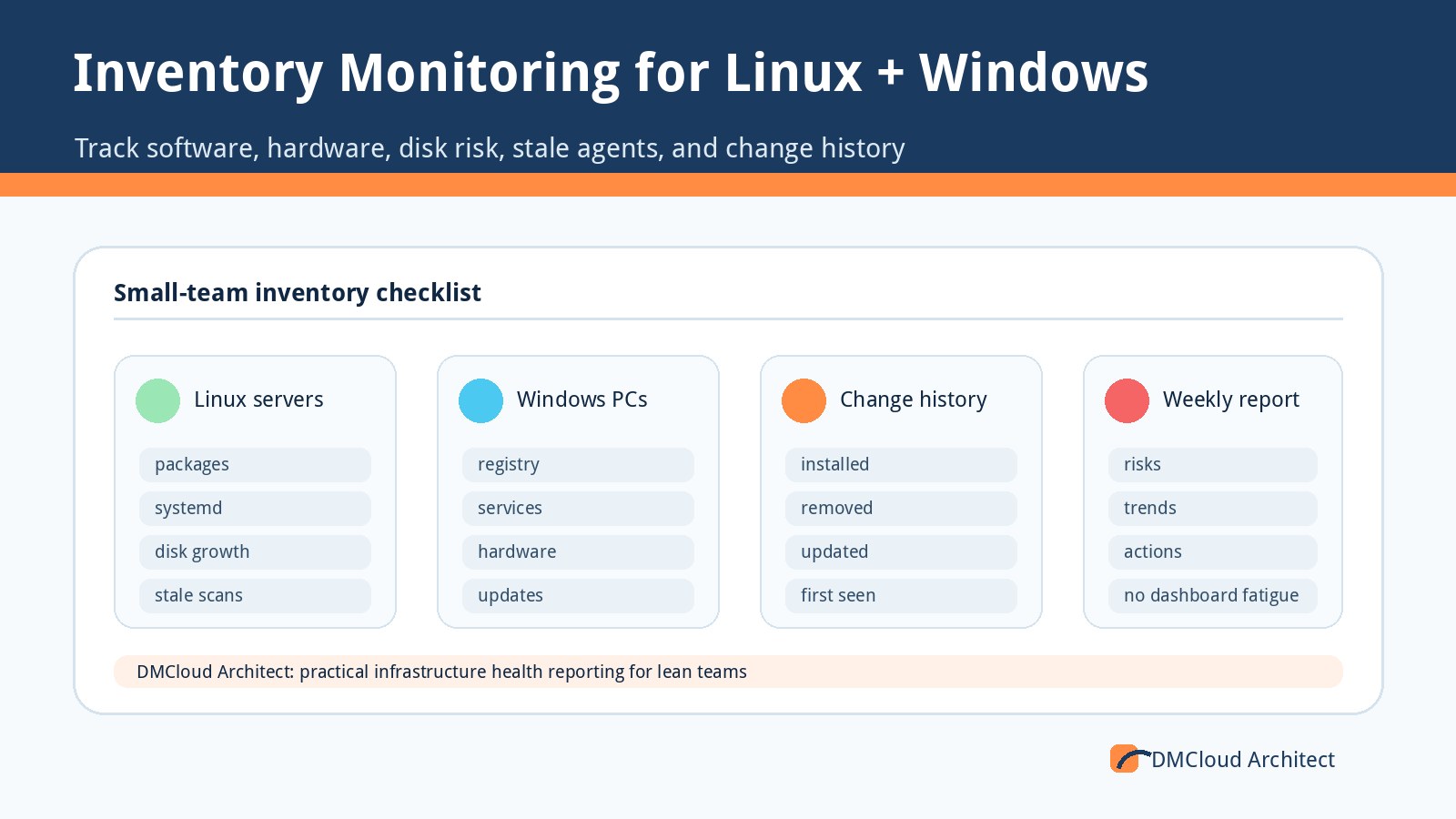
Effective linux server monitoring should connect directory state with host evidence. A useful weekly check can include:
- machine-account password age versus the configured maximum;
- renewal task success or failure from SSSD logs;
- keytab authentication result;
- clock offset and domain-controller reachability;
- unexpected return of
PasswordNeverExpires; - stale computer objects and hosts missing recent reports;
- package or configuration changes affecting SSSD, adcli, realmd, or Samba;
- differences between expected and actual join-policy configuration.
Alert immediately when authentication breaks or rotation repeatedly fails. Put slower-moving drift—password age approaching a limit, a returned flag, or inconsistent configuration—into a concise periodic report. That division catches risk without turning every directory attribute into an interruption.
Define success in operational terms
The project is complete when new hosts join with the correct setting, existing healthy hosts retain working trust after remediation, exceptions are documented, and monitoring detects regressions. A clean compliance scan is one outcome, not the only outcome.
For a small team, the durable solution is simple: one owned join workflow, one documented renewal mechanism per cohort, staged directory changes, and evidence that the keytab actually works. That turns an ambiguous flag into a controlled maintenance task rather than a risky estate-wide guess.
Want weekly Linux and MySQL health checks without dashboard fatigue?
DMCloud Architect turns infrastructure signals into a practical weekly report, highlighting configuration drift, credential risks, capacity trends, and recommended next steps without asking you to watch another dashboard.
Get the free starter plan for weekly infrastructure health reports.