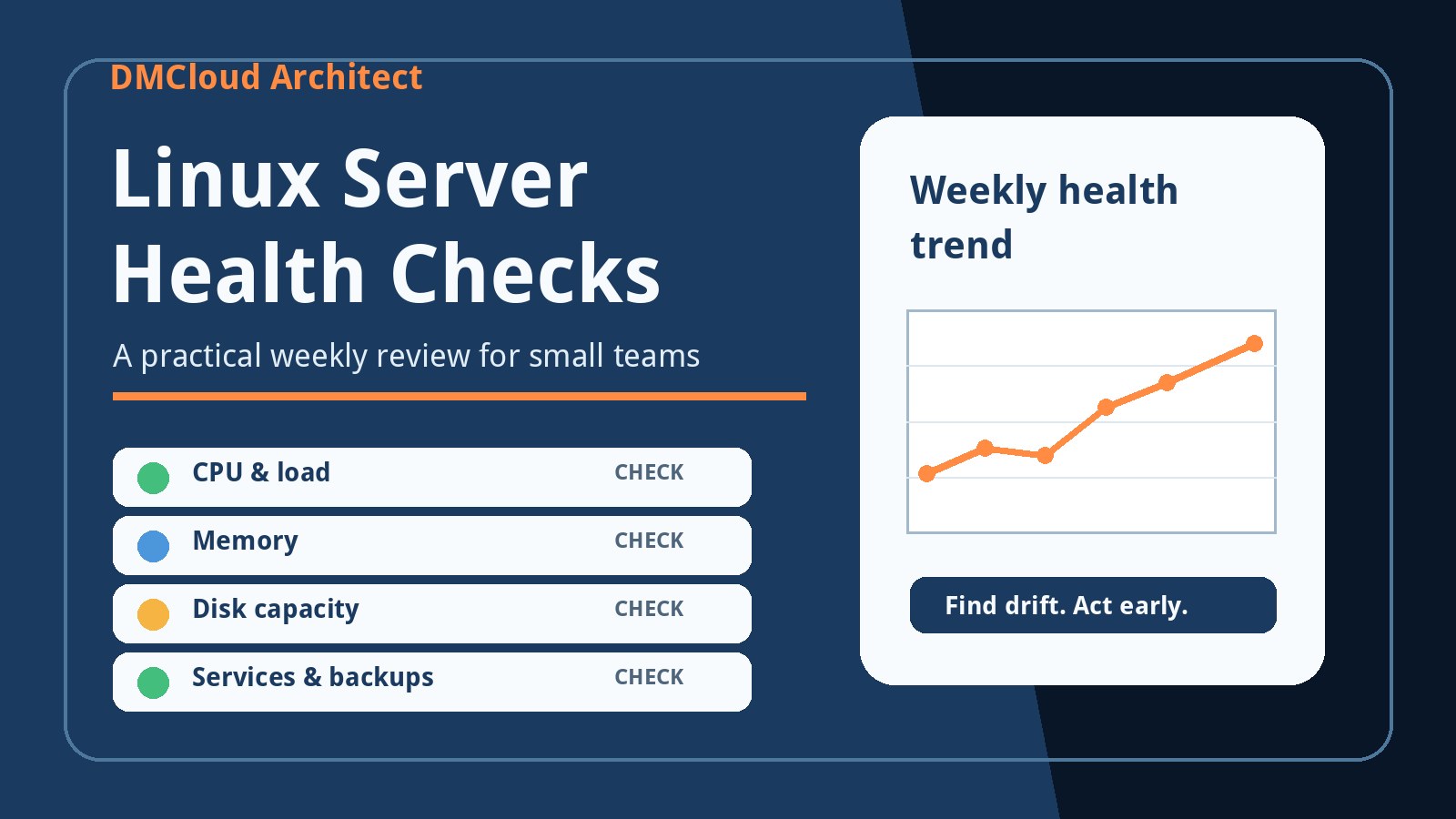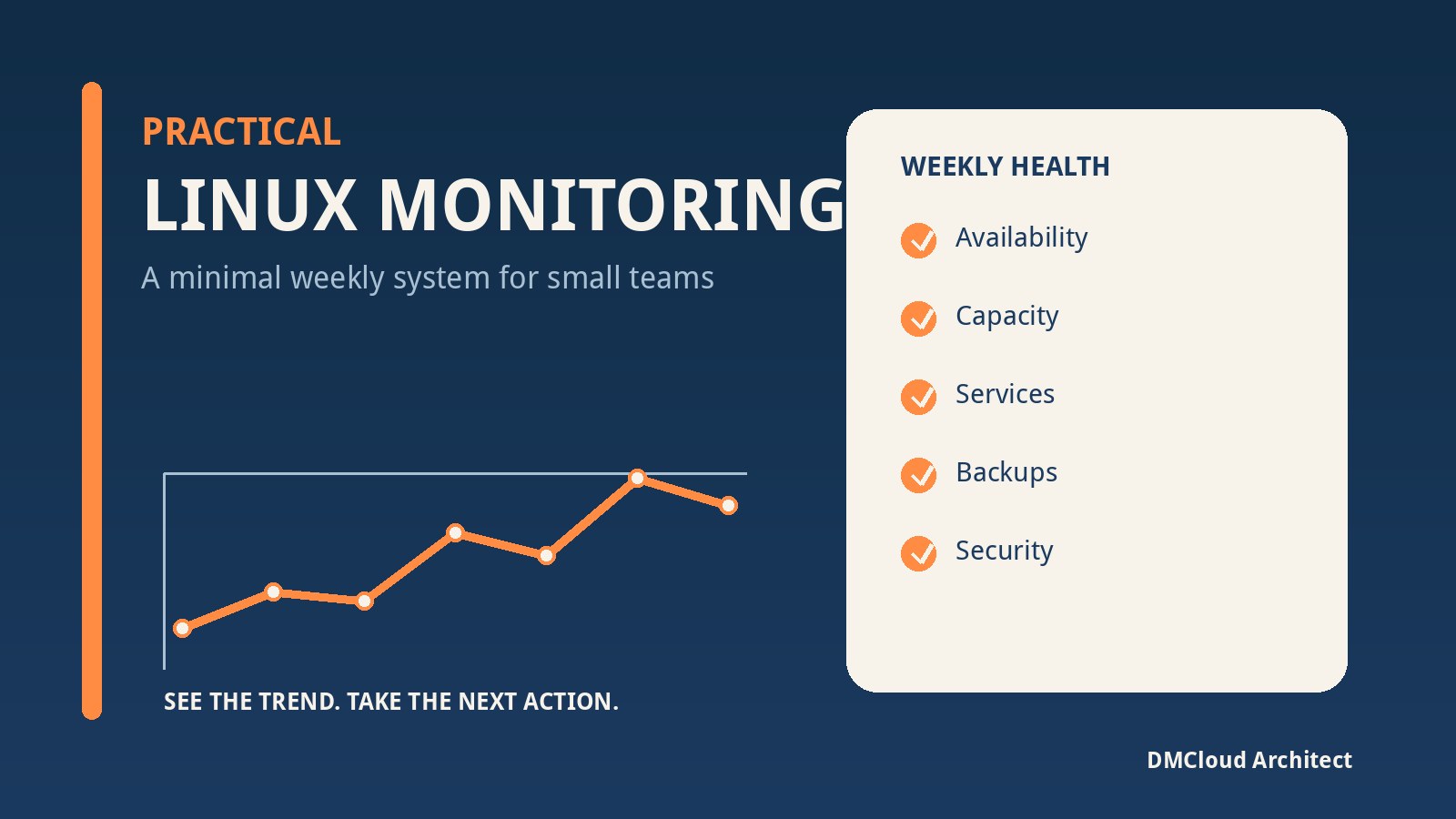
Small teams rarely need more monitoring data. They need a dependable way to notice what changed, understand whether it matters, and decide what to do next. Practical Linux monitoring starts with that outcome: a short, repeatable set of checks that catches capacity drift, failed services, backup problems, and security signals before they become customer-facing incidents.
This approach is deliberately smaller than a full observability platform. It works for developers and small business owners who operate a few Linux servers, have limited administration time, and want useful evidence without another dashboard demanding constant attention.
Define what monitoring must protect
Begin with the business functions each server supports. A web host may need HTTP availability, certificate validity, application workers, database connectivity, storage headroom, and successful backups. A file server may put more weight on capacity growth, permissions, disk health, and off-site recovery. If a check cannot be connected to availability, performance, security, or recovery, ask whether it belongs in the routine.
Write down the critical services, expected network exposure, maintenance window, backup target, and owner. This turns a collection of commands into an operating standard. It also prevents a generic checklist from declaring a server healthy while the service customers actually use is broken.
Use three layers of evidence
A minimal Linux monitoring setup is stronger when it combines three types of evidence:
- Current state: Is the host reachable, the filesystem writable, and the required service running now?
- Recent events: Did a process restart, a job fail, or the kernel report an error since the last review?
- Trend: Is disk, memory, load, error volume, or backup duration moving in the wrong direction?
Current state catches active failures. Events explain instability that a spot check may miss. Trends expose slow deterioration. Using all three avoids the common mistake of treating one successful ping or one normal CPU sample as proof that the system is healthy.
Check reachability and the real service path
Start with the path users depend on rather than only testing the machine. Confirm DNS resolution, TCP connectivity, TLS certificate dates, and an application response. A host can answer ICMP while its web service is unavailable, and a local health endpoint can pass while a firewall, proxy, load balancer, or certificate problem blocks external users.
Keep the test safe and specific. For a website, record the HTTP status and response time for a lightweight endpoint. For an internal application, test from an allowed network location. For a database, use a read-only connection check rather than a write operation. The purpose is to prove the expected service path, not just that the operating system is powered on.
Measure CPU load with context
Commands such as uptime, nproc, top, and ps provide a useful first view of CPU pressure. Interpret load average against available cores and the nature of the workload. A short deployment spike may be normal, while sustained load near or above CPU capacity during quiet periods deserves investigation.
Record the busiest processes and compare them with prior reports. Also consider I/O wait: high load does not always mean processors are doing useful work. Storage latency, blocked network filesystems, or database activity can leave tasks waiting while raw CPU utilization appears modest.
Watch memory pressure, not just free memory
Linux uses unused RAM for cache, so a low value in the free column is not automatically a problem. Review available memory with free -h, look for sustained swap activity with a short vmstat sample, and search the journal for out-of-memory kills. A service that grows each week is more significant than a stable process using a large but expected cache.
When memory pressure appears, identify the process and the timeline before adding capacity. Common causes include memory leaks, excess worker counts, unbounded queues, oversized caches, and legitimate traffic growth. The report should distinguish a one-time spike from a repeated or worsening pattern.
Track disk bytes, inodes, and growth
Use df -h for filesystem capacity and df -i for inode use. A server can run out of inodes even when free space remains, especially when an application creates many small logs, cache files, sessions, or temporary artifacts. Record the important filesystems and exclude pseudo-filesystems that do not represent persistent capacity.
Percentage used is only the starting point. Calculate or at least compare week-over-week growth. A filesystem at 82% that has been stable for months may be less urgent than one at 61% that gained ten percentage points in seven days. When growth is abnormal, investigate log rotation, local backups, container layers, stale releases, database files, and temporary exports.
Verify important services function
systemctl --failed can reveal failed units, but a practical review also names the services the business requires. Check the web server, application runtime, database, queue workers, schedulers, backup agent, and any reporting collector. Record whether each service is active and whether its basic function succeeds.
Automatic restart policies can hide instability. Review restart counts and recent logs instead of accepting an active state at face value. A worker that crashes every hour may keep returning to active while delaying jobs and consuming staff time. That should appear as an action item even if the service is running when the report is generated.
Summarize new log and kernel signals
Limit log review to a defined period and focus on new or repeated patterns. Useful signals include authentication failures, application exceptions, database connection errors, I/O warnings, read-only remounts, device resets, failed scheduled jobs, and certificate renewal problems. Avoid pasting long log files into the final report.
A useful summary says what happened, how often, when it began, and what may be affected. For example, “the order worker logged 18 database timeout errors after Tuesday's deployment” supports a decision. “Errors found in logs” does not.
Include basic network and exposure checks
Review expected listeners with ss -lntup and compare them with an approved baseline. Missing listeners can indicate a failed bind; unexpected listeners can reveal accidental exposure or an unapproved service. Confirm that administrative ports are restricted by host and cloud firewalls and are not relying only on a login prompt for protection.
For internet-facing services, include DNS and TLS expiry checks. For multi-tier applications, test the required route between application and database layers. Network monitoring should follow the real dependency path while avoiding broad scans or intrusive tests.
Prove backups and scheduled jobs completed
A cron entry or systemd timer proves only that a schedule exists. Check the latest run time, exit status, output, and resulting artifact for backups, imports, cleanup jobs, certificate renewal, and reporting tasks. Confirm that backup size is plausible, retention is working, and off-host copies reached the intended destination.
Recovery evidence matters too. Record the date and result of the latest restore test. A green backup job can still produce encrypted, empty, incomplete, or inaccessible data. For a small business, knowing that a recent restore worked is often more valuable than collecting another page of performance metrics.
Review security maintenance without creating noise
A weekly check should surface pending security updates, repeated failed logins, unexpected account or privilege changes, firewall changes, expiring certificates, and failures in endpoint or vulnerability tooling. It is not a substitute for a security audit, but it catches operational security work that otherwise drifts.
Do not apply every update automatically as part of the review. Record severity and exposure, assess compatibility, schedule a maintenance window, and confirm a rollback or recovery path. The monitoring output should support a controlled decision rather than create untracked changes.
Turn raw checks into a one-page report
Linux monitoring without Prometheus or Grafana can still be systematic. Collect a small set of command outputs with a script or configuration tool, normalize the important values, and store each run with a timestamp. The valuable output is not the raw command dump; it is a concise status that compares today with the previous few runs.
Use three labels: healthy, watch, and action needed. Every watch or action item should include evidence, likely effect, owner, and next step. For example: “Disk watch: /var increased from 54% to 66% in one week because archived application logs are not rotating; fix retention by Thursday.” That statement is easier to manage than a generic threshold alert.
A practical weekly sequence
- Confirm external reachability and the critical application response.
- Review uptime, reboots, CPU load, busy processes, memory pressure, and OOM events.
- Check filesystem capacity, inode usage, storage warnings, and growth since the previous run.
- Verify required services, restart patterns, ports, and dependency paths.
- Summarize new application, authentication, kernel, and scheduled-job errors.
- Validate backup artifacts, off-host delivery, retention, and restore-test status.
- Review security updates, certificates, access changes, and firewall exposure.
- Assign healthy, watch, or action-needed status and record owners and deadlines.
This sequence is a lightweight Linux monitoring tool in process form: small enough to maintain, broad enough to catch common risks, and consistent enough to reveal trends. Automate collection where it is safe, but keep interpretation tied to the server's role and the team's ability to act.
Know when to add real-time alerting
A weekly report is appropriate for trends, maintenance, capacity planning, backup verification, and issues that can wait for normal working hours. It should not replace immediate alerting for total service outage, active security compromise, or conditions that can cause rapid data loss. Use simple real-time checks for those urgent cases and keep the weekly review for deeper context.
This division reduces alert fatigue. Urgent alerts answer “must someone act now?” while the weekly report answers “what is drifting, what failed quietly, and what should we improve next?” Small teams can then spend attention according to impact instead of reacting to every fluctuating metric.
Make the routine sustainable
Start with one or two critical servers and a stable checklist. Run it at the same time each week, keep enough history to show trends, and remove checks that never support a decision. Add new evidence after a real incident or near miss, not because a tool exposes another metric.
Practical Linux monitoring succeeds when it creates fewer surprises and clearer maintenance work. DMCloud Architect provides weekly Linux and MySQL infrastructure health reports for developers and small business owners who want useful trend visibility without dashboard fatigue. Learn how Infrastructure Health Reporting turns recurring checks into a concise weekly action plan.