A 30-minute interview for a software support engineering role is unlikely to test every command in Linux, every GitLab feature, and every Python detail. It is much more likely to test whether you can turn an incomplete report into a safe, evidence-based troubleshooting process. The interviewer wants to hear how you establish scope, gather facts, form hypotheses, reduce risk, communicate clearly, and verify recovery.
That makes preparation simpler: do not try to memorize an encyclopedia. Build several strong technical stories, refresh the fundamentals behind them, and practise explaining your decisions aloud. Use this checklist to prepare for roles that combine Linux operations, scripting, CI/CD, software deployment, configuration management, testing, and network controls.
First, understand what kind of role this is
A position with these responsibilities sits between traditional application support, software integration, DevOps, and platform engineering. The exact label matters less than the operating model. You may be expected to reproduce defects, inspect custom server environments, maintain pipeline tooling, automate repetitive diagnostics, support releases, and give developers precise evidence when the fault is outside the infrastructure layer.
Expect the interview to reward breadth and judgement. A pure Linux administrator might go deeper into kernel and storage internals. A pure software engineer might receive more algorithm or application-design questions. A software support engineer must connect the layers: code, process, operating system, network, deployment pipeline, and user-visible behavior.
Use a repeatable troubleshooting framework
For any scenario, structure your answer instead of immediately listing commands. A reliable framework is:
- Clarify the symptom. What failed, for whom, where, and when? Is the issue reproducible? What changed recently?
- Define scope and impact. One user, one host, one environment, one version, or the whole service?
- Check current evidence. Logs, service state, process state, resource trends, pipeline output, deployment records, and network paths.
- Form and rank hypotheses. Start with explanations that fit both the timing and the scope.
- Test safely. Prefer read-only checks before restarts, configuration edits, or rollbacks.
- Restore service. Mitigate first when impact is active, while preserving evidence for root-cause analysis.
- Verify and document. Confirm the user-visible path, watch for recurrence, and record the cause, fix, and prevention work.
This approach is more persuasive than a command dump because it shows that you can work independently without making an incident worse.
Linux troubleshooting scenarios to practise
A service is running but users cannot reach it
Explain how you would separate application, host, and network failures. Check the service manager and recent journal entries, confirm that the process exists, identify the listening address and port with ss, and test the application locally with curl. Then test name resolution, routing, host firewall rules, upstream filtering, and the client path. A process bound only to 127.0.0.1 creates a different problem from a service listening on 0.0.0.0 but blocked by a firewall.
A deployment succeeded, but the application is unhealthy
Pipeline success only proves that its configured steps returned acceptable results. Compare the deployed artifact and configuration with the intended release, inspect startup and application logs, check dependencies, environment variables, permissions, ports, health endpoints, and database connectivity. Ask whether migrations ran and whether the release is backward-compatible. Describe a rollback or traffic-shift decision with explicit verification rather than saying, “I would restart it.”
A server is slow
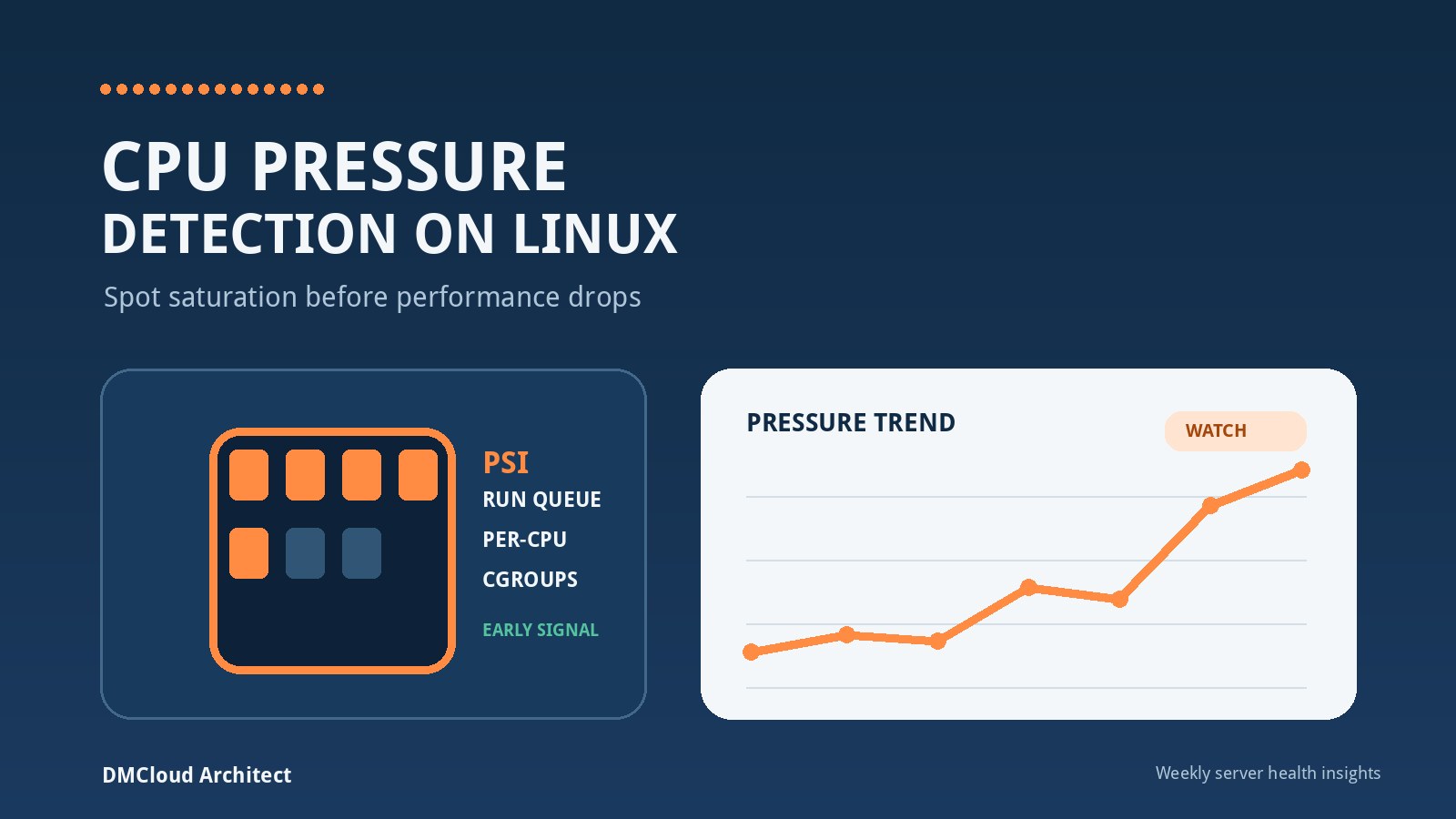
Start by clarifying whether the slowdown affects CPU work, disk operations, networking, one process, or the whole host. Review load average alongside runnable and blocked tasks; then inspect CPU saturation, memory pressure, swap, disk space, inode use, I/O latency, network errors, and top resource consumers. Historical linux server monitoring data matters because a snapshot cannot tell you whether today is abnormal, whether pressure began after a release, or whether capacity has been drifting for weeks.
A disk appears full
Check both blocks and inodes. Find which filesystem is affected, identify recent growth, consider deleted files still held open by processes, and distinguish application data from logs, caches, temporary files, and container layers. Do not lead with deleting files. Explain retention, safe cleanup, service ownership, and how you would prevent recurrence with thresholds and trend reporting.
A scheduled job stopped working
Compare the interactive shell with the scheduler environment: user identity, working directory, PATH, permissions, environment variables, credentials, time zone, and input files. Inspect scheduler and application logs, reproduce with the same account and environment, and ensure overlapping runs are handled. This scenario is a good opportunity to discuss idempotency, lock files, exit codes, retries, and alerting.
Python and Bash questions to expect
You may be asked when to choose Bash and when to use Python. Bash is effective for small orchestration tasks built around existing commands and simple pipelines. Python is usually clearer when the work needs structured data, HTTP APIs, robust error handling, testing, reusable modules, or growing business logic. A strong answer also recognizes that a short Bash script can become operationally critical and still needs validation, logs, predictable exits, and safe handling of arguments.
Refresh these areas:
- quoting, variable expansion, pipes, redirection, command substitution, and exit status in Bash;
set -elimitations, explicit failure handling, traps, and temporary-file cleanup;- Python exceptions, context managers, data structures, JSON parsing, HTTP requests, logging, and command-line arguments;
- subprocess safety: pass argument lists when possible and avoid assembling untrusted shell commands;
- idempotency, bounded retries, timeouts, and useful error messages;
- secret handling: environment or secret stores rather than source code or pipeline logs;
- unit tests for parsing and decision logic, with integrations isolated behind testable interfaces.
Be ready to talk through a script you wrote. State the initial manual problem, inputs and outputs, failure modes, safeguards, tests, deployment method, and measurable result. Interviewers often learn more from those details than from a syntax quiz.
GitLab CI/CD topics worth studying
Know the flow from commit to pipeline, job, runner, artifact, environment, and deployment. You do not need to memorize every YAML keyword, but you should be able to explain stages and dependencies, runner selection, variables, caching versus artifacts, protected branches, manual approvals, environment-specific configuration, and why secrets must be masked and scoped.
Practise answers to questions such as:
- How would you diagnose a job that passes locally but fails on a runner?
- How would you prevent an unreviewed branch from deploying to production?
- What should happen when tests pass but the deployment health check fails?
- How would you make a deployment retry-safe?
- What evidence would you preserve for a failed release?
- How would you separate build-time artifacts from environment configuration?
For the local-versus-runner question, compare versions, images, architecture, permissions, network access, working directories, environment variables, dependency locks, and hidden state. For production safety, discuss branch protection, review, least-privilege credentials, protected environments, approvals, immutable artifacts, staged rollout, health gates, and a tested rollback path.
Testing and configuration management
Be able to distinguish unit, integration, and end-to-end tests. Unit tests should validate small pieces of logic quickly and deterministically. Integration tests prove that components or external interfaces work together. End-to-end tests exercise a user or deployment path but are slower and more fragile. A support engineer should know where each type helps diagnose failures and where mocks can hide a real integration problem.
Configuration management questions often test desired state and drift. Explain why repeated runs should converge safely, how templates and environment data are separated, how secrets are protected, how changes are reviewed, and how exceptions are recorded. If a managed file differs from its expected state, determine whether the cause is an authorized emergency change, manual drift, a failed run, or an incorrect desired-state definition before overwriting it.
How deeply to study NFTables
For a support role that lists NFTables as preferred rather than required, focus on the mental model and safe diagnostics. Understand tables, chains, hooks, priorities, rules, matches, counters, verdicts, sets, and the difference between input, output, and forwarded traffic. Be able to inspect the active ruleset, connect a packet path to the relevant chain, use counters or controlled logging, and explain how you would avoid locking yourself out of a remote host.
A realistic scenario is: “The service works locally, but remote clients time out after a firewall change.” A structured answer would confirm the listener and local response, identify the client source and destination path, inspect the active ruleset and counters, check whether traffic reaches the host, review rule order and default policy, and prepare an atomic, reversible change with out-of-band recovery available. Do not flush a production ruleset as a first troubleshooting step.
Turn your experience into five concise stories
Prepare stories that can be told in two or three minutes, with deeper details available if asked:
- a difficult Linux or application incident you narrowed down methodically;
- an automation task where Python or Bash removed repetitive work;
- a deployment or CI/CD failure and how you improved the process;
- a disagreement or ambiguous handoff resolved through evidence and communication;
- a mistake, failed assumption, or near miss that changed your operating practice.
For each story, state the situation, your responsibility, the evidence you gathered, your decision, the result, and the prevention or learning. Avoid presenting a team result as entirely your own. Clear boundaries increase credibility.
Show that you can communicate during an incident
Software support work is not only diagnosis. Explain how you would give stakeholders a concise update: current impact, confirmed facts, actions underway, risks, workaround status, and the time of the next update. Separate facts from hypotheses. Preserve logs and timestamps. Escalate with a compact reproduction and evidence bundle rather than forwarding an unfiltered stream of messages.
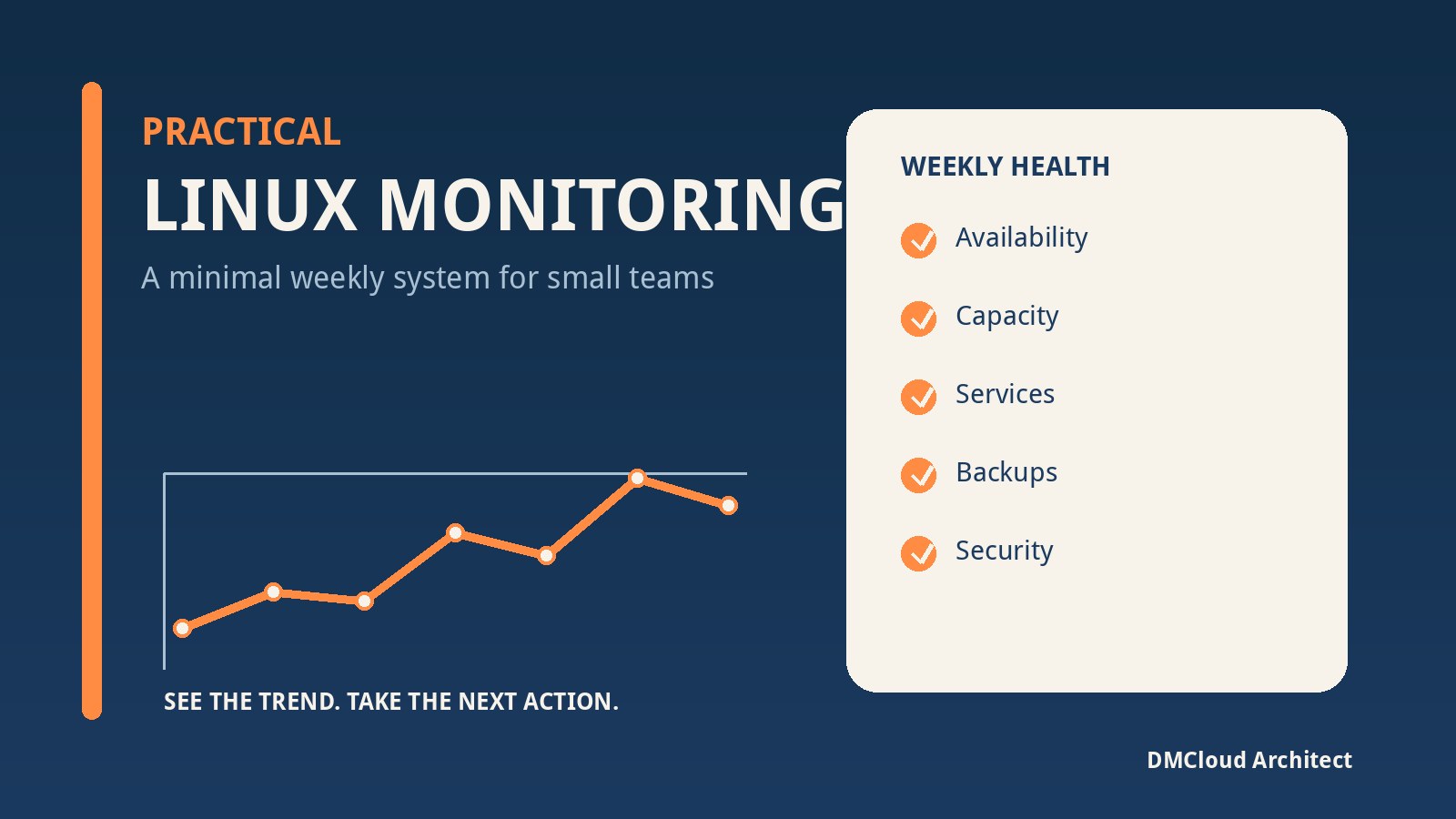
You can also distinguish live operational views from periodic health evidence. Dashboards and alerts are useful when someone must react to an active threshold or outage. Weekly reports are useful for owners who need trend, capacity, patch, backup, certificate, disk, and recurring-error visibility without watching another console every day. In an interview, choosing between them based on response requirements shows more judgement than declaring either approach universally better.
A one-day preparation plan
- Hour 1: map the job description to one example from your experience for each responsibility.
- Hour 2: rehearse two Linux scenarios using the troubleshooting framework.
- Hour 3: review one Python script and one Bash script you can explain in detail.
- Hour 4: sketch a GitLab pipeline from test through staged deployment and rollback.
- Hour 5: inspect an NFTables ruleset and trace one allowed and one blocked path.
- Final 30 minutes: practise a concise introduction, your five stories, and thoughtful questions for the interviewer.
Questions to ask the interviewer
- What percentage of the role is incident support, tooling development, release support, and planned improvement?
- Which systems and pipeline components does this team own directly?
- How are deployments validated and rolled back on custom servers?
- What does an effective escalation from support to development look like?
- Which recurring issues would you like the new hire to automate or eliminate?
- How do you measure success during the first three months?
The strongest preparation is not predicting a secret list of questions. It is becoming comfortable enough with your own troubleshooting process that you can apply it to an unfamiliar scenario, explain tradeoffs, and verify the outcome. If you can connect Linux evidence, code, pipelines, network controls, and communication into one coherent answer, you are demonstrating exactly the cross-layer judgement this kind of role needs.
Want clearer Linux health evidence without another dashboard to watch?
DMCloud Architect turns Linux and MySQL health checks into practical weekly reports, helping developers and small business owners spot trends and risks without adding alert fatigue.
Get the free starter plan for weekly infrastructure health reports.