A database can look healthy at the server level while a small group of SQL statements quietly makes pages slower, background jobs longer, and checkout or reporting workflows unpredictable. Effective MySQL query latency analysis connects those symptoms to specific statement patterns, execution plans, waits, and changes over time. The goal is not to label every query above an arbitrary threshold as bad; it is to identify the work that consumes the most user time or creates the greatest operational risk.
This guide gives developers and small business teams a practical investigation sequence. It starts with a baseline, uses built-in MySQL evidence, and then separates inefficient SQL from lock contention and infrastructure pressure. The same process can become lightweight MySQL slow query monitoring without requiring someone to stare at a dashboard all day.
Define latency in terms of user impact
Query latency is the elapsed time between MySQL receiving a statement and completing it. That duration may include parsing, optimization, execution, row access, sorting, temporary-table work, lock waits, storage waits, and result transfer. A slow application request may also include connection-pool waits and application processing, so confirm that the database portion is actually responsible before changing SQL.
Begin with a narrow symptom: a page, API route, scheduled report, or queue worker. Record when it is slow, how often it occurs, and which database statements it runs. Useful measures include median latency, a high percentile such as p95 or p99, execution count, total time, rows examined, rows returned, and error count. A query that takes 800 milliseconds once a day may matter less than a 70-millisecond query executed hundreds of times per second.
Establish a baseline before tuning
Capture normal and slow periods rather than relying on one snapshot. At minimum, note application latency, active connections, running threads, buffer-pool behavior, disk latency, CPU pressure, and lock waits alongside statement timing. This context helps distinguish a query regression from a host-wide resource problem.
For a quick server view, start with read-only checks:
SHOW GLOBAL STATUS LIKE 'Threads_running';
SHOW GLOBAL STATUS LIKE 'Slow_queries';
SHOW GLOBAL STATUS LIKE 'Innodb_buffer_pool_read%';
SHOW FULL PROCESSLIST;
Threads_running shows current concurrency, while Slow_queries is a cumulative counter governed by the configured long-query threshold. Neither identifies the root cause by itself. A process list is also only a momentary view, but it can reveal repeated long-running statements, sessions waiting on locks, or a sudden concurrency pile-up.
Use Performance Schema to rank statement patterns
Performance Schema can aggregate normalized statement digests, allowing similar queries with different literal values to be evaluated together. On systems where the relevant consumers are enabled, this query provides a useful starting point:
SELECT
  DIGEST_TEXT,
  COUNT_STAR AS executions,
  ROUND(SUM_TIMER_WAIT / 1000000000000, 2) AS total_seconds,
  ROUND(AVG_TIMER_WAIT / 1000000000, 2) AS avg_ms,
  SUM_ROWS_EXAMINED AS rows_examined,
  SUM_ROWS_SENT AS rows_sent
FROM performance_schema.events_statements_summary_by_digest
WHERE DIGEST_TEXT IS NOT NULL
ORDER BY SUM_TIMER_WAIT DESC
LIMIT 20;
Ranking by total time finds statements that consume the most database time overall. Ranking by average or maximum time highlights individually slow work. Compare rows examined with rows sent: a large gap can indicate inefficient filtering or an index that does not support the access pattern, although aggregation and analytical queries may legitimately examine many rows.
Digest summaries accumulate, so define the observation window. Record counters at two times and compare the difference, or reset only when your operational process explicitly permits it. Avoid clearing production instrumentation casually because other teams or tools may depend on the same history.
Enable the slow query log deliberately
The slow query log provides statement-level evidence and works well for a focused MySQL slow query analysis. First inspect the current configuration:
SHOW VARIABLES WHERE Variable_name IN (
  'slow_query_log',
  'slow_query_log_file',
  'long_query_time',
  'log_queries_not_using_indexes'
);
Choose a long_query_time appropriate to the application rather than copying a universal value. A threshold of one second can miss damaging 200-millisecond queries on a busy API, while an extremely low threshold may create excessive log volume. Enable changes through the platform's supported configuration method, confirm persistence across restarts, protect logs because SQL can contain sensitive values, and plan retention before collecting heavily.
Do not enable log_queries_not_using_indexes indefinitely without understanding the workload. Small-table scans can be harmless, and the option can produce substantial noise. During analysis, tools such as mysqldumpslow or pt-query-digest can group similar statements and rank them by total time, count, or examined rows. Use only tools approved for the environment and review their resource impact.
Inspect execution plans safely
After identifying a costly statement pattern, obtain the exact query shape and representative bind values. Start with EXPLAIN to view the optimizer's estimate without running the statement:
EXPLAIN FORMAT=TREE
SELECT customer_id, created_at, total
FROM orders
WHERE status = 'pending'
  AND created_at >= CURRENT_DATE - INTERVAL 7 DAY
ORDER BY created_at DESC
LIMIT 100;
Review the access type, chosen indexes, estimated rows, join order, filtering, sorting, and temporary-table operations. Common warning signs include scanning far more rows than the result requires, repeated nested-loop work, filesorts over large intermediate sets, and predicates that prevent useful index access.
EXPLAIN ANALYZE adds actual timing and row counts, but it executes the statement. Use it carefully, preferably on a safe replica or with a bounded read query. Do not run it blindly against expensive writes or production statements with unknown impact. The difference between estimated and actual rows is especially useful because poor estimates can lead the optimizer toward an inefficient plan.
Check index fit, not merely index presence
An index can exist and still be unsuitable. Composite index order should reflect equality predicates, range predicates, joins, and ordering requirements. Functions or implicit type conversions on indexed columns may prevent efficient lookup. Returning unnecessary columns can increase I/O and make a covering index impossible.
Before adding an index, inspect existing indexes and workload trade-offs:
SHOW INDEX FROM orders;Every additional index consumes storage and makes inserts, updates, deletes, backups, and maintenance more expensive. Validate the proposed index with the real query pattern and representative data. Remove redundant indexes only after checking dependencies and observing the change through the normal deployment process.
Separate slow execution from lock waits
A well-indexed query can still be slow when it waits behind another transaction. Look for long transactions, blocked sessions, and application code that holds a transaction open while performing unrelated work. On supported MySQL 8 installations, performance_schema.data_lock_waits and related lock tables help connect waiting and blocking transactions.
Lock symptoms often appear as abrupt latency spikes under concurrency rather than a consistently expensive plan. Check transaction boundaries, update order, isolation requirements, batch size, and retry behavior. Killing a blocker may relieve the immediate incident, but it does not fix the code path or operational job that repeatedly creates the same contention.
Correlate SQL evidence with host pressure
MySQL query performance issues are not always caused by the query text. A buffer pool that no longer fits the working set, storage latency, memory pressure, CPU saturation, swap activity, noisy-neighbor contention, or a sudden connection surge can make many unrelated statements slower together.
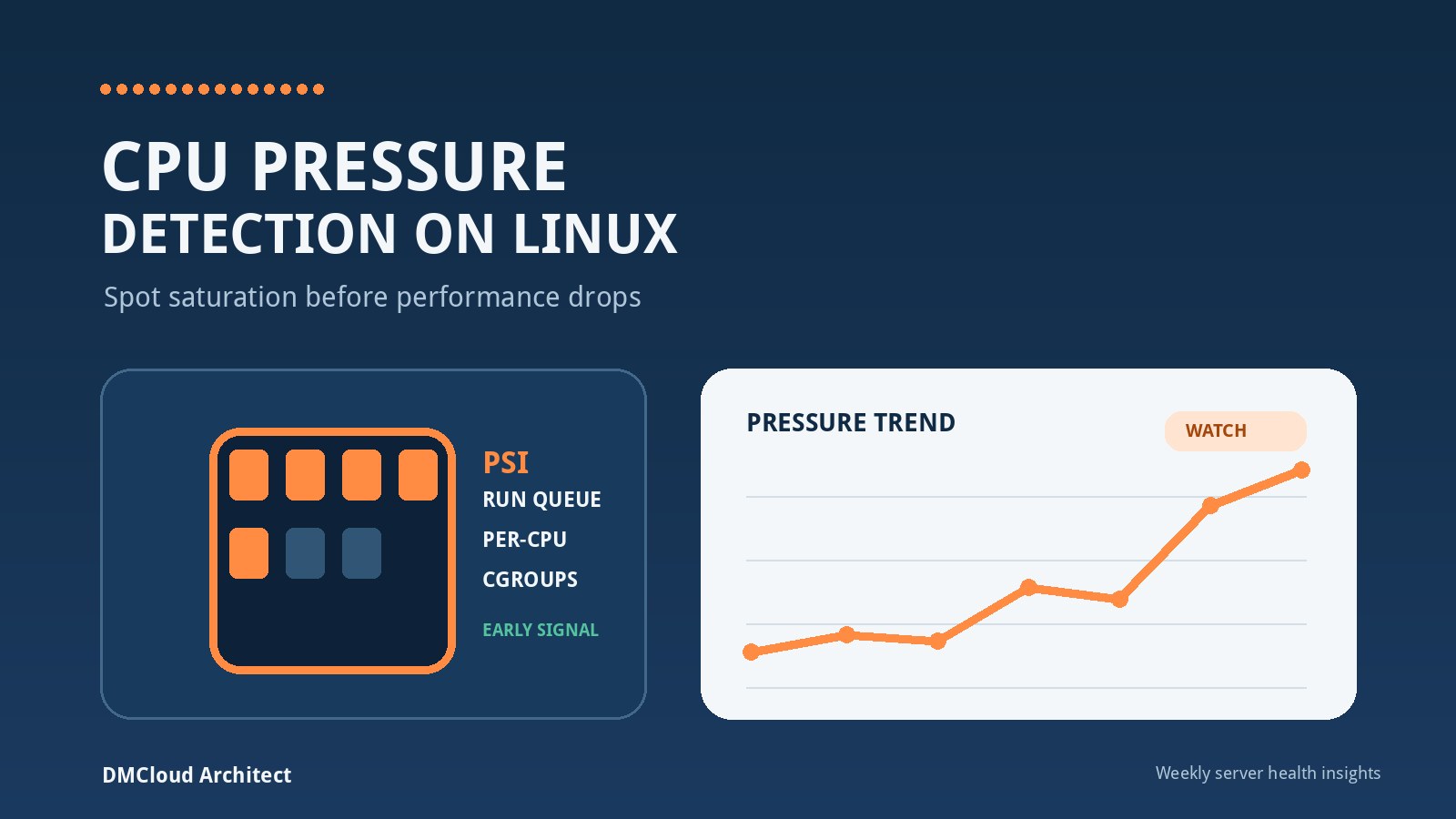
Compare query timing with database and Linux evidence from the same period. If one digest regresses after a schema or deployment change, focus on its plan and inputs. If broad groups of queries slow simultaneously while disk await or CPU pressure rises, investigate the shared resource first. Correlation is more reliable than tuning whichever SQL happens to be visible in a snapshot.
Track MySQL slow query trends
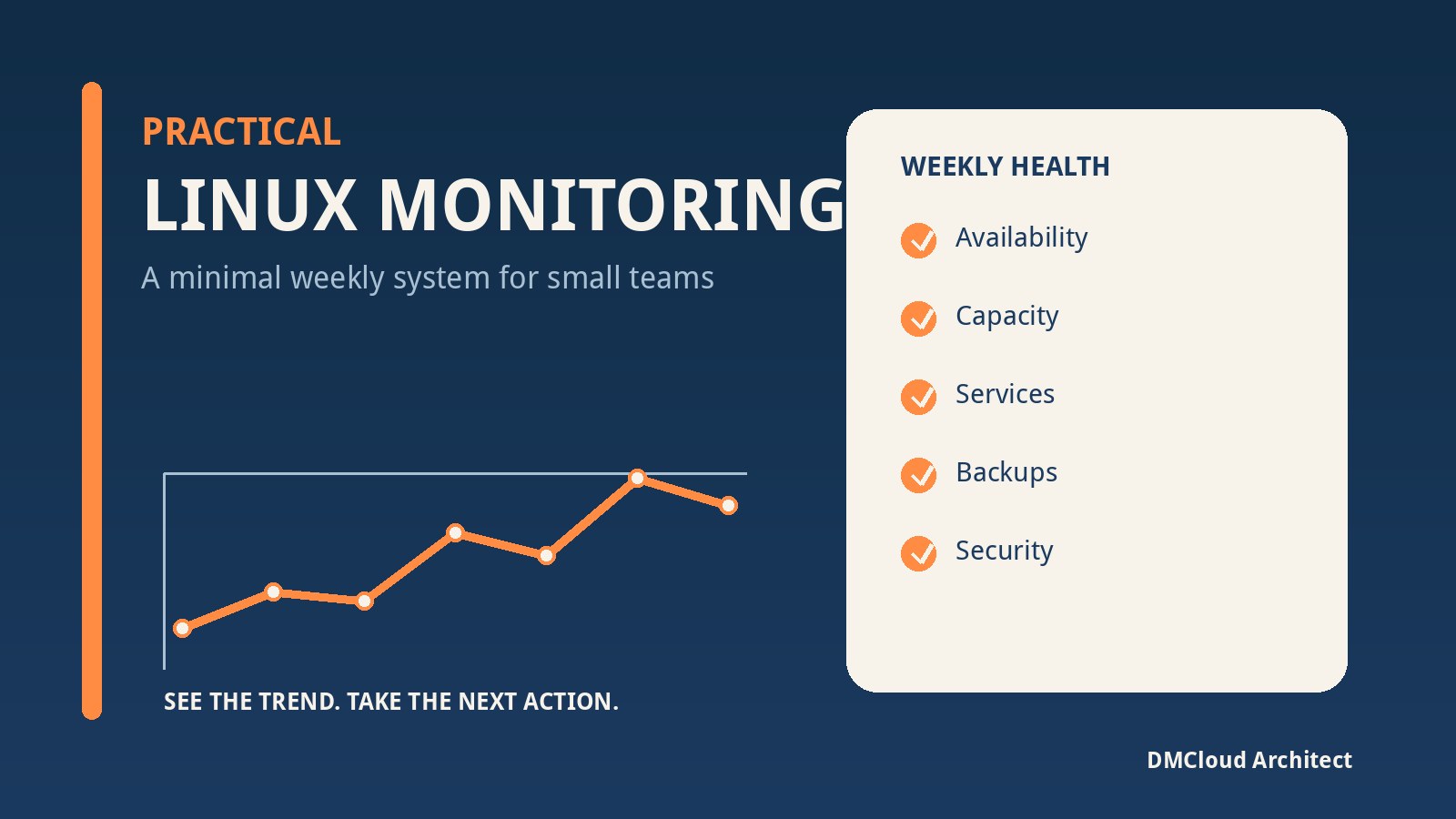
A weekly baseline makes gradual degradation easier to detect. For the highest-impact digests, retain execution count, total time, average time, rows examined per execution, rows returned, errors, and the observation period. Pair those figures with connection concurrency, lock waits, buffer-pool reads, CPU pressure, memory, and storage latency.
Use warning levels based on change and impact rather than one fixed number. Examples include a digest's total time doubling week over week, examined rows per execution rising after a release, p95 application latency worsening alongside database waits, or lock-wait time becoming a recurring pattern. Treat each warning as a prompt for investigation, not automatic proof of a fault.
A practical investigation checklist
- Identify the affected user workflow and confirm the database portion is slow.
- Define the observation window and compare it with a known-normal period.
- Rank statement digests by total time, average time, count, and rows examined.
- Use the slow query log for representative statement-level evidence when appropriate.
- Inspect the execution plan and compare estimates with actual behavior safely.
- Check index fit, data distribution, lock waits, and transaction scope.
- Correlate query timing with CPU, memory, storage, and connection pressure.
- Apply one measured change, test it, and compare the same metrics again.
- Keep a short trend history so regressions are visible after deployments or data growth.
Turn analysis into a repeatable habit
Reliable latency work is less about collecting every metric and more about preserving the right evidence. A compact weekly review can show which statement patterns consumed the most time, which plans or row counts changed, whether lock waits appeared, and whether the host had enough capacity. That gives a small team a clear list of actions without creating another stream of alerts to manage.
Want MySQL trends without another dashboard to watch?
DMCloud Architect turns Linux and MySQL health signals into practical weekly reports, helping you spot query and infrastructure risks before they become incidents.