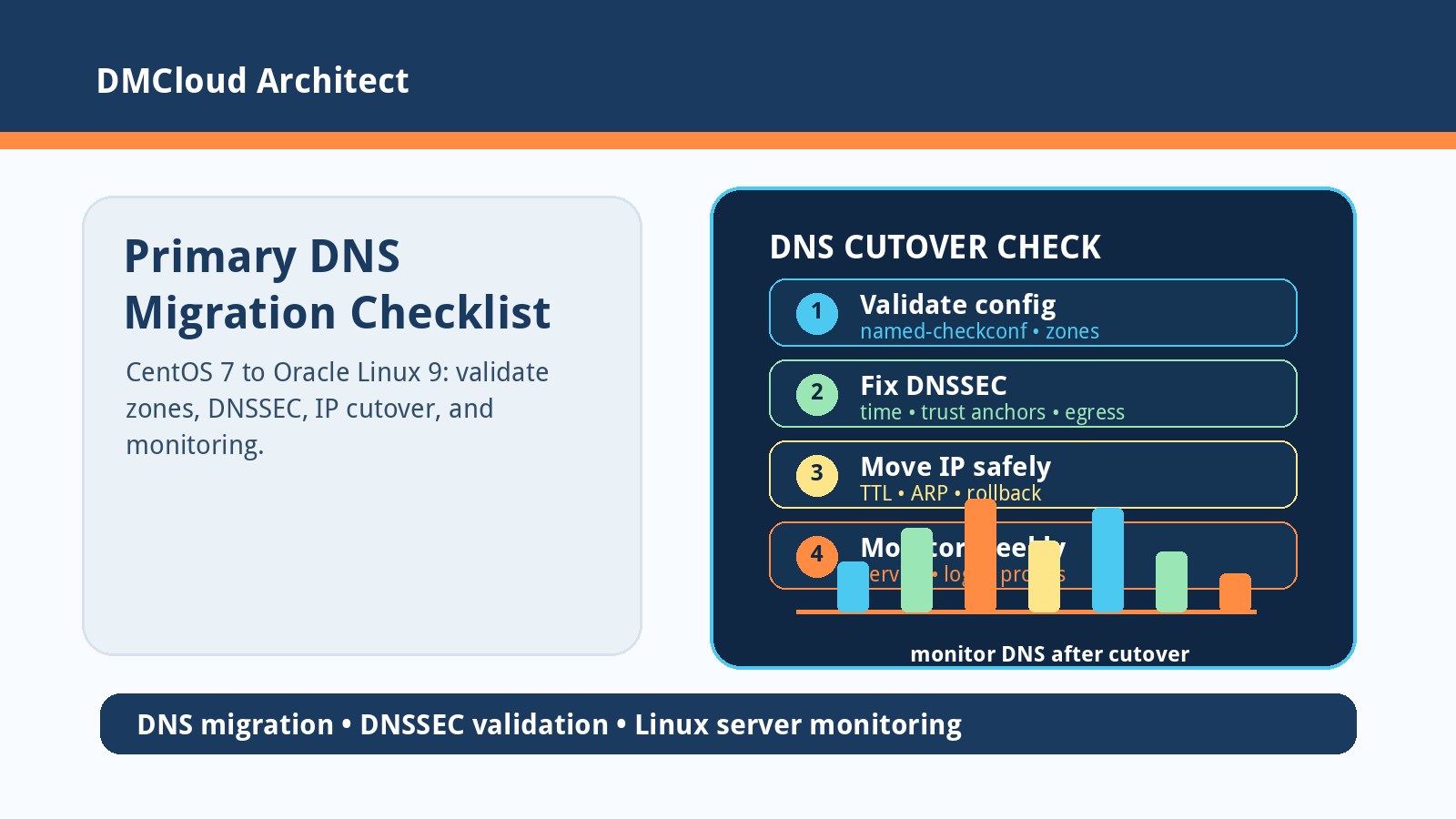
A primary DNS migration from CentOS 7 to Oracle Linux 9 can look simple if you copy /etc/named.conf, copy /var/named, assign the same IP address, and start named. The hard part is that the new operating system usually brings newer BIND defaults, different crypto policy behavior, SELinux enforcement, file ownership differences, and a fresh resolver environment. Errors such as validating arpa/DS: no valid signature found and validating com/DS: no valid signature found often point toward DNSSEC validation or trust-anchor behavior, not necessarily broken zone files.
This checklist is for developers and small business owners who inherit DNS administration during a server refresh. It walks through a safer migration order, what to check when DNSSEC validation errors appear, and how linux server monitoring can make the cutover less risky without forcing you to stare at another dashboard.
1. Identify what role this DNS server actually plays
Before editing configuration, separate authoritative DNS service from recursive resolver behavior. A primary authoritative server hosting your zones has a different risk profile from a resolver that validates DNSSEC for clients.
- List the zones you host. Review every
zoneblock in/etc/named.confand included files, and confirm which files under/var/namedare authoritative zone data. - Check for recursion. Look for
recursion yes,allow-recursion, forwarders, views, and ACLs. Do not accidentally expose an open resolver during the migration. - Confirm DNSSEC settings. Note
dnssec-validation, managed keys, root trust anchors, and any older CentOS-era options that may be deprecated or ignored by the OL9 BIND version. - Document listeners. Record
listen-on,listen-on-v6, firewall rules, and any split-horizon views before swapping the IP.
The DS validation messages usually matter more when the server is doing recursive validation. If the server is only authoritative for internal or public zones, the error may be coming from a resolver path used during startup checks rather than from your hosted zones.
2. Validate the copied zone files before starting the service
Copying /var/named is not enough. File paths, ownership, SELinux labels, and syntax need to match the new system before you put the production IP on it.
- Run
named-checkconf. Usenamed-checkconf -z /etc/named.confto load configuration and zones in a controlled way. - Check each zone file. Use
named-checkzone example.com /var/named/example.com.zonefor important zones so syntax errors are caught before cutover. - Fix ownership and permissions. Zone files should be readable by the BIND service account used on OL9, usually
named. - Restore SELinux labels. After copying files, run the appropriate
restoreconcommand for BIND paths rather than disabling SELinux as a troubleshooting shortcut.
If zone validation fails, fix that first. If zone validation passes and only the DS validation messages remain, focus on DNSSEC trust anchors, upstream reachability, time synchronization, and resolver configuration.
3. Troubleshoot DNSSEC validation errors methodically
Messages like no valid signature found can be caused by stale trust anchors, blocked DNS traffic, incorrect system time, broken upstream responses, or configuration carried over from an older BIND release.
- Verify time sync. DNSSEC depends on signature validity windows. Check NTP or chrony status before chasing zone-file problems.
- Check outbound DNS reachability. If the server validates recursively, it must be able to reach root and authoritative DNS servers over UDP and TCP 53, not only your local network.
- Review trust-anchor files. Compare OL9 defaults for managed keys with what was copied from CentOS 7. Do not blindly reuse stale managed-key state.
- Test with
dig +dnssec. Query known domains locally and against an external resolver to compare whether validation fails only on the new server. - Temporarily isolate the variable. If this is an authoritative-only server, confirm whether disabling recursive validation is appropriate for your design instead of masking a resolver issue.
A temporary change such as turning DNSSEC validation off can help prove the error source, but it should not become the final answer without understanding whether this server is meant to validate recursive client queries.
4. Compare BIND and operating-system differences between CentOS 7 and OL9
Oracle Linux 9 is not a drop-in runtime for every CentOS 7 DNS configuration. The service unit, default include files, crypto policies, chroot usage, logging paths, and BIND version can all differ.
- Check the BIND version and defaults. Review release notes for options removed or changed since the CentOS 7 package.
- Compare include structure. A copied
named.confmay reference files that no longer exist, or skip OL9 defaults you actually need. - Inspect service logs. Use
journalctl -u namedand BIND logs together; startup warnings often show exactly which option or file caused trouble. - Confirm firewall and SELinux behavior. Allow DNS traffic deliberately rather than opening broad ports during panic troubleshooting.
When migrating infrastructure services, avoid the “copy everything and see what breaks” pattern. Start from the OL9 package defaults, then bring forward your zones, ACLs, views, logging, and DNSSEC settings intentionally.
5. Cut over the shared IP with a rollback plan
Using the same IP address reduces client-side changes, but it also means the old and new servers cannot safely serve that address at the same time on the same network. Treat the IP move as a controlled change.
- Lower relevant TTLs ahead of time. If public or internal clients cache records, reduce TTLs before migration day when possible.
- Keep the old server intact. Do not edit the old server beyond what is required for the cutover; it is your fastest rollback path.
- Check ARP and routing after the swap. Clients and routers may still have the old MAC address cached briefly.
- Run client-side tests. Test from at least one host on each important subnet, not just from the DNS server itself.
A safe rollback note should say which command removes the IP from OL9, which command restores service on CentOS 7, and what tests prove clients are resolving again.
6. Add lightweight monitoring for the first week after cutover
DNS failures are often noticed only after users cannot log in, email delays appear, or applications start timing out. Practical linux server monitoring for a DNS migration should watch service health, query response, logs, ports, CPU, memory, disk, and network reachability.
- Check
namedstatus and restarts. Repeated restarts after cutover are a warning sign even if queries work between failures. - Probe real records. Query your own important zones, reverse records, and a few external DNSSEC-signed domains if recursion is enabled.
- Watch logs for validation errors. A few startup messages are different from continuous DNSSEC validation failures throughout the day.
- Track network and resource trends. DNS is lightweight until it is flooded, misconfigured as an open resolver, or starved by a host-level issue.
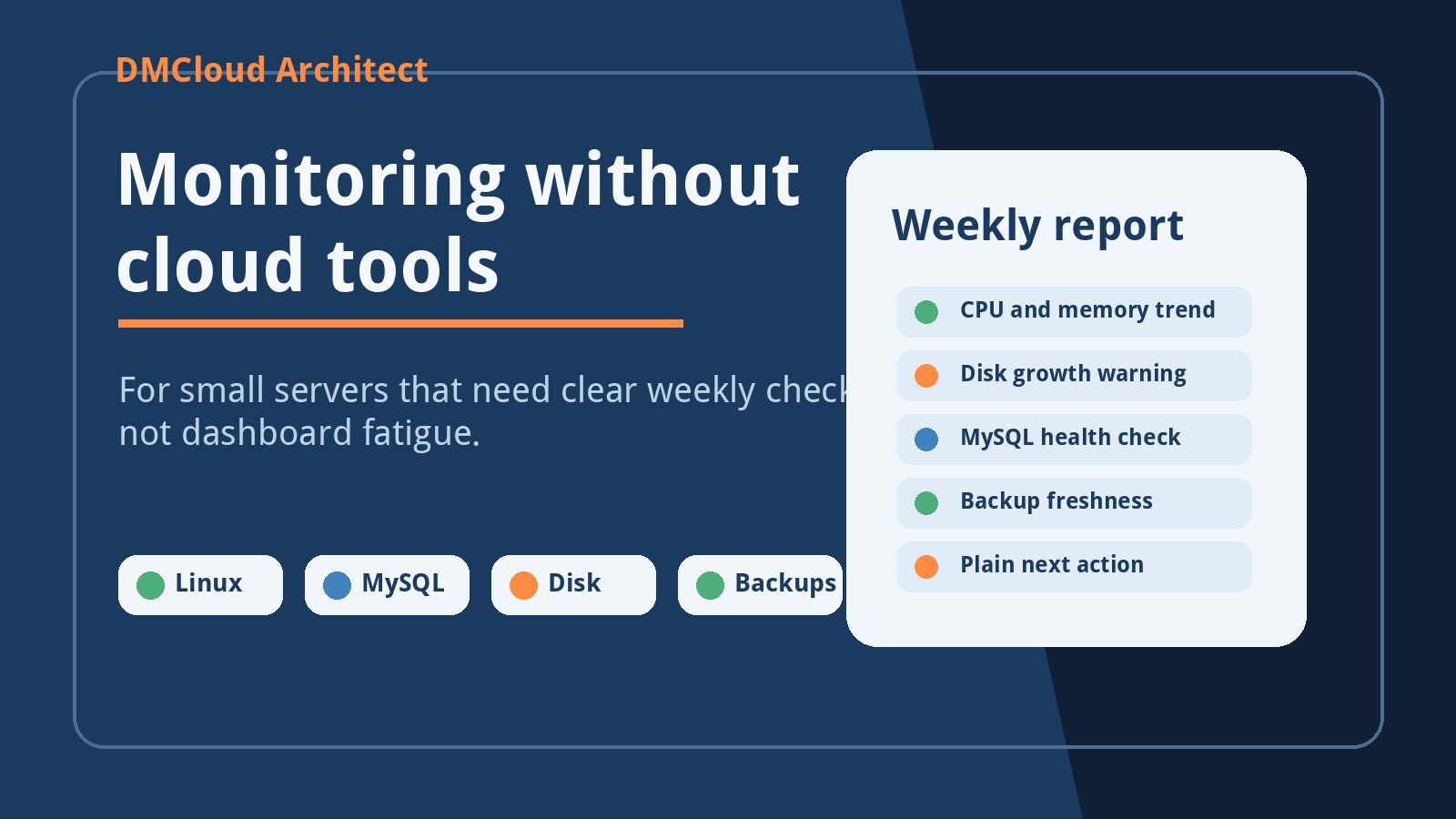
Weekly infrastructure reports are useful here because they summarize what changed after the migration: service restarts, DNS probe failures, log patterns, storage growth, and resource pressure. That gives you evidence without making DNS administration another full-time dashboard job.
7. A practical order of operations
For a small team, the cleanest migration plan is simple and written down before the cutover window starts.
- Build OL9 with the packaged BIND defaults. Install the service and understand its expected file paths first.
- Import zones and configuration intentionally. Bring over zone data, ACLs, views, logging, and DNSSEC settings one section at a time.
- Run local validation. Use
named-checkconf,named-checkzone,dig, and service logs before moving the production IP. - Cut over during a quiet window. Move the IP, verify from clients, and keep the old server ready for rollback.
- Monitor for at least a week. Watch DNS probes and logs long enough to catch scheduled jobs, remote clients, and cache-expiry behavior.
The goal is not just to make named start. The goal is to know whether the new server is authoritative where it should be, recursive only where intended, DNSSEC behavior is understood, clients can resolve records, and the migration can be rolled back if needed.
Want DNS and Linux migration issues spotted before users complain?
DMCloud Architect sends weekly Linux and MySQL infrastructure health reports directly to your inbox, highlighting service restarts, DNS probe failures, disk growth, resource pressure, and practical next steps without adding dashboard fatigue.
Get the free starter plan for weekly infrastructure health reports.