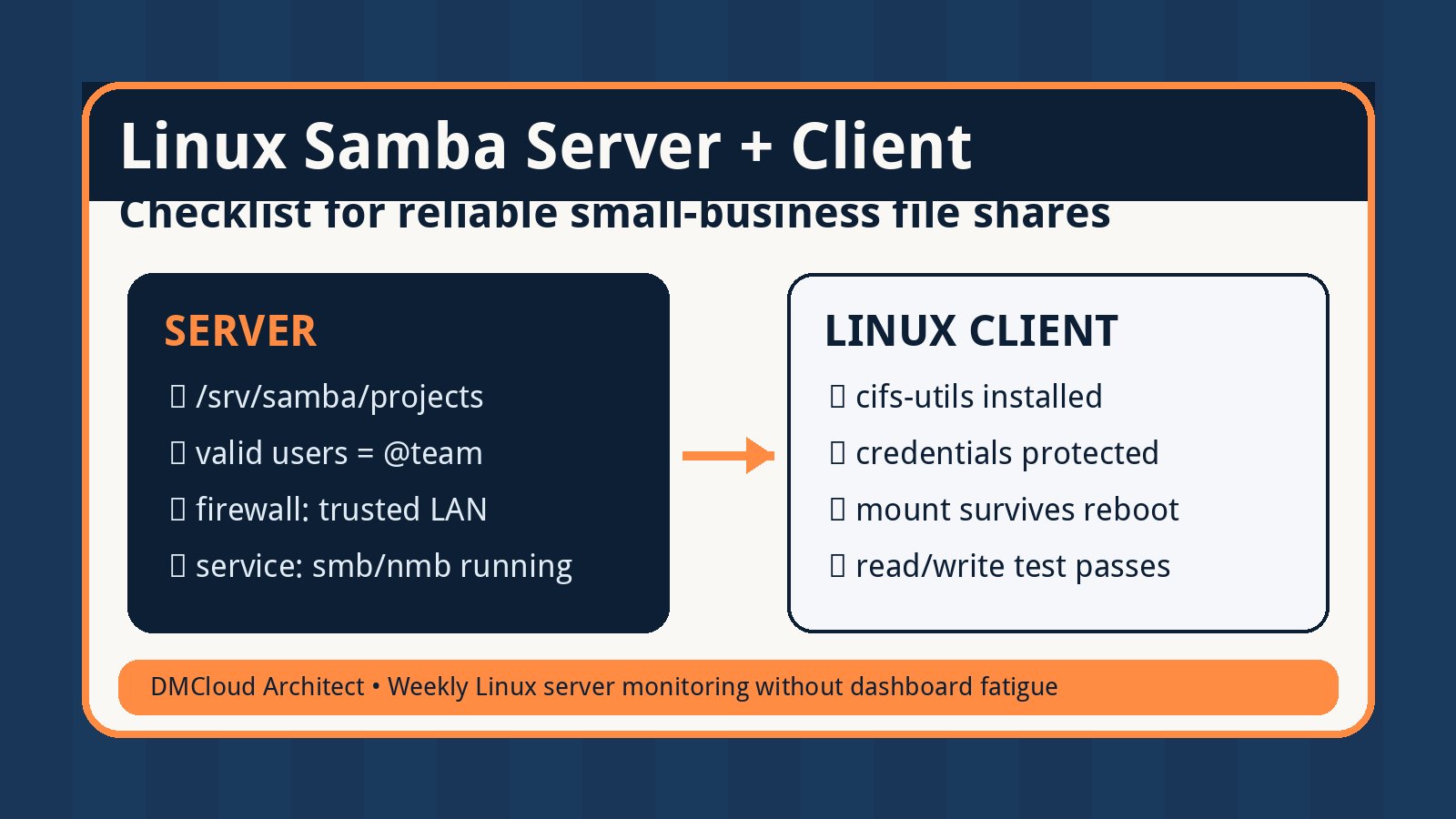
Setting up a Samba share between a Linux server and Linux clients is not only a package-install task. The parts that usually cause trouble are identity, permissions, firewall rules, name resolution, mount behavior, and the quiet failures that only show up when staff cannot open a file Monday morning.
This checklist treats Samba as a small production service. It gives developers and small business owners a practical path for building the share, testing it from Linux clients, and using linux server monitoring habits to catch early warning signs without adding another dashboard to watch all day.
1. Decide what the share is supposed to do
Before editing smb.conf, write down the shape of the file share. Samba can support simple team folders, per-user home directories, scan-to-folder workflows, application exports, or read-only archives. Each use case needs different access rules.
- Name the share clearly. Use a simple share name such as
projects,accounts, orarchive. - Identify users and groups. Decide who needs read-only access, who can write, and who manages the folder.
- Choose the server path. Keep shared data somewhere intentional such as
/srv/samba/projects, not inside a random user home directory. - Set expectations for availability. If the share supports daily work, treat it like infrastructure, not a convenience folder.
This first note prevents later confusion when Linux permissions and Samba permissions appear to disagree. The share should have one owner, one purpose, and one access model.
2. Install Samba and create the server-side directory
Package names vary slightly by distribution, but the core pattern is the same: install Samba, create the folder, set Linux ownership, and enable the service.
- Install the server package. On Debian or Ubuntu this is commonly
samba; on RHEL-family systems it is commonlysambaplus supporting client tools. - Create the share path. For example:
mkdir -p /srv/samba/projects. - Use a Linux group for access. Create or reuse a group such as
smbprojects, then set folder ownership with that group. - Set directory permissions deliberately. A common team-folder starting point is group-writable permissions with the setgid bit so new files keep the group.
Do not rely on Samba alone to protect an overly permissive filesystem. If the Linux directory permissions are wrong, the share can behave unpredictably or expose more than intended.
3. Add a minimal, readable Samba share definition
A small share definition is easier to troubleshoot than a copied configuration with dozens of unknown options. Keep the first version direct, then add requirements only when you understand why they are needed.
- Set the path. Point the share to the exact server directory, such as
path = /srv/samba/projects. - Restrict valid users or groups. Use a group rule such as
valid users = @smbprojects. - Control writes explicitly. Use
read only = noonly where write access is expected. - Set file and directory masks. For team shares, align created files and directories with your group permissions.
After editing configuration, run the distribution's Samba config test command, commonly testparm, before restarting services. That catches syntax issues before clients are affected.
4. Create Samba users without confusing them with Linux users
Samba authentication often trips people up because a Linux account and a Samba password are related but not always the same thing. The user must exist on the server, and Samba must know about the account.
- Create or confirm the Linux user. The account needs to exist locally or through your identity provider.
- Add the user to the share group. Group membership should match the access plan from step one.
- Set a Samba password. Use the Samba password tool for the account instead of assuming the Linux login password is already active for SMB.
- Test with one normal user first. Avoid troubleshooting with only root or an admin account.
Keep a short access note: username, group, share, expected permission, and date granted. It is basic, but it helps later when a file ownership problem becomes an operations question.
5. Open the firewall only as much as needed
A Samba server needs network access from the client machines that will use it. That does not mean the share should be reachable from every network segment or the public internet.
- Allow SMB only from trusted subnets. Limit access to the office LAN, VPN subnet, or known server network.
- Avoid public exposure. Do not port-forward SMB from the internet to a small business file server.
- Check host firewall and network firewall rules. Both can block a working configuration.
- Document the expected client network. Future troubleshooting is easier when you know which IP ranges should work.
If a Linux client can ping the server but cannot connect to the share, test the SMB port from the client network before rewriting Samba configuration. Network reachability and application configuration are separate checks.
6. Connect Linux clients in a way that survives reboot
Linux clients usually access Samba shares with CIFS tools. You can test interactively first, but production use needs a repeatable mount configuration and safe credential handling.
- Install the client package. Many distributions use
cifs-utilsfor mounting SMB shares. - Test manually first. Use a temporary mount point to prove the server, share name, username, and permissions work.
- Store credentials safely. Use a root-readable credentials file instead of placing passwords directly in a world-readable command or script.
- Use stable mount options. Choose options for ownership, file modes, directory modes, and network dependency based on how the client uses the files.
- Plan reboot behavior. Systemd mount units or careful
/etc/fstabentries should avoid boot delays when the file server is temporarily unavailable.
A successful manual mount proves connectivity. A reliable client setup proves the share will still be available after updates, restarts, and routine maintenance.
7. Test access like a real user, not just as an administrator
The most useful test is not “can the admin list the share?” It is whether a normal user can create, edit, rename, and remove a file exactly where expected.
- Create a test file from the Linux client. Confirm it appears on the server with the expected owner, group, and permissions.
- Edit and rename the file. Some permission mistakes show up only on modification, not initial creation.
- Test a read-only user if one exists. Confirm that read-only users really cannot write.
- Review server logs after testing. Authentication failures, denied writes, or protocol warnings are easier to fix before real users depend on the share.
Keep the test results in the same note as the share definition. That creates a simple handoff record for the next developer, admin, or business owner.
8. Monitor the Samba server as part of weekly server health
A file share can fail slowly. Disk usage creeps up, a backup fills the filesystem, a service stops after an update, a mount goes stale, or logs start filling with authentication failures. This is where lightweight linux server monitoring pays off.
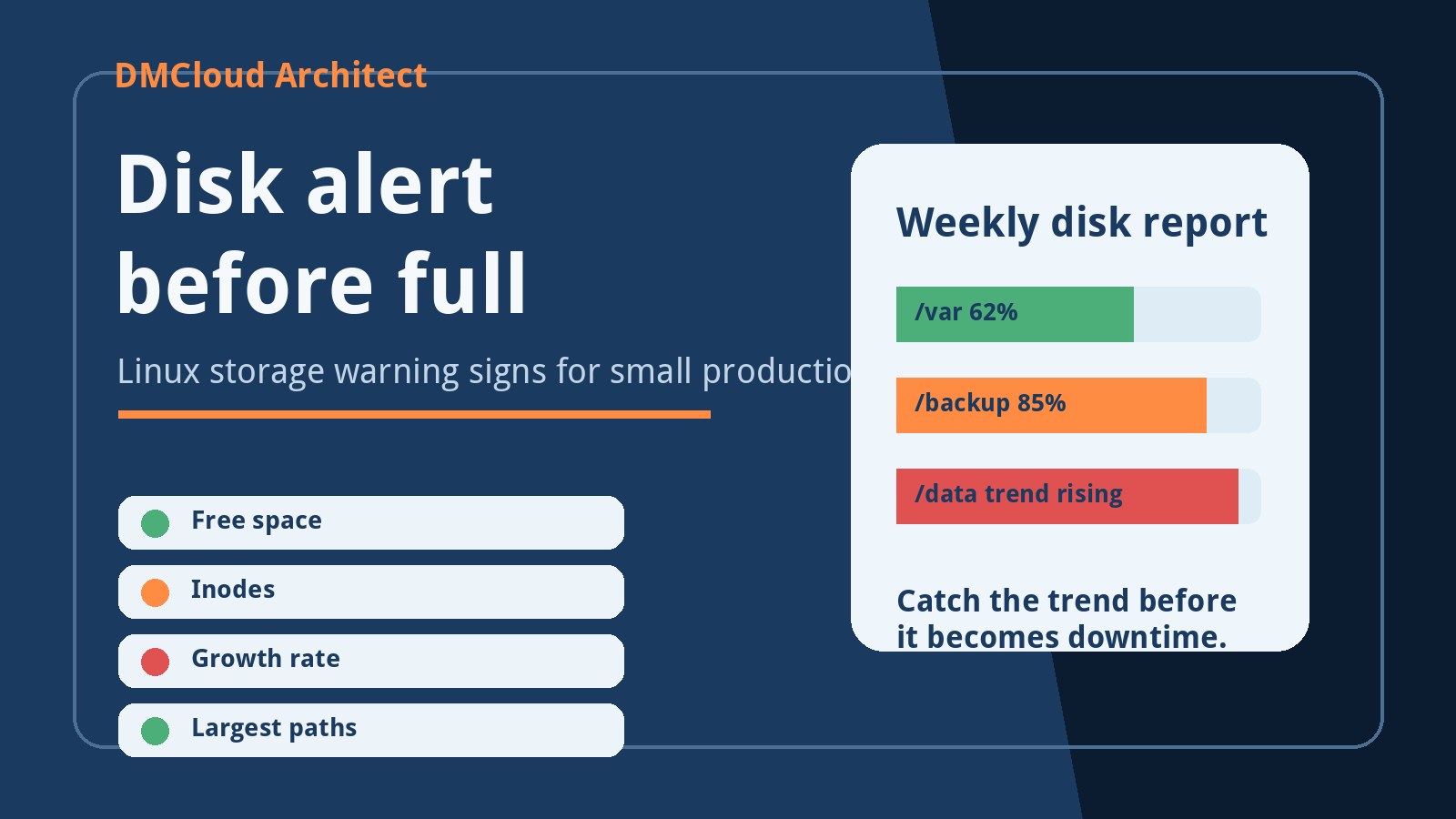
- Check disk space and inode usage. File shares often fail because storage fills before anyone notices.
- Confirm the Samba service is running. Service state should be part of routine server health checks.
- Watch authentication and permission errors. Repeated failures can point to stale credentials, user changes, or unauthorized attempts.
- Verify backups include the share data. A file server without tested backups is a future emergency.
- Track client mount health. For important Linux clients, confirm the mount exists and basic read/write tests still pass.
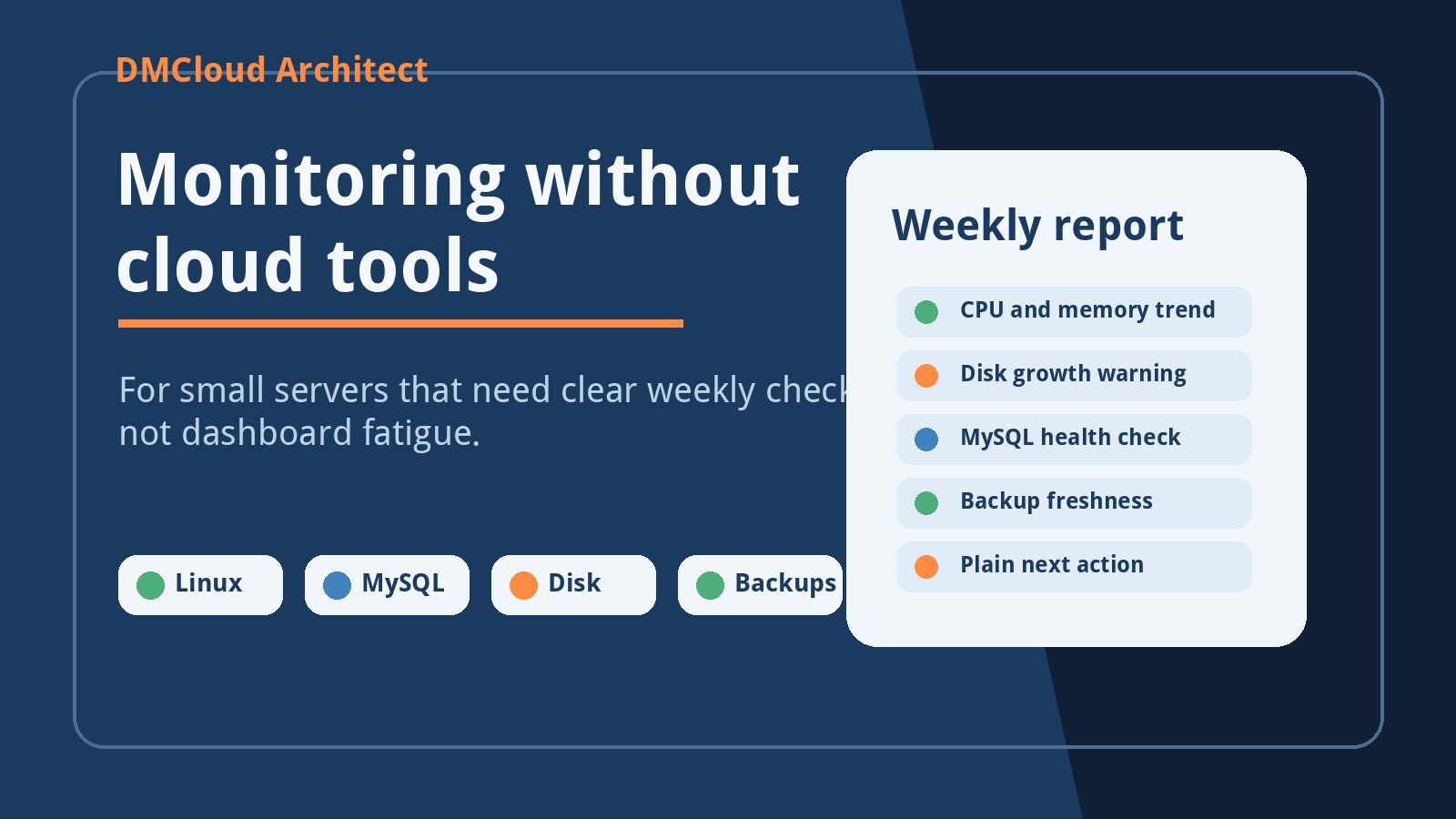
You do not need an all-day monitoring wall to run this safely. A weekly report that flags disk pressure, service state, backup status, and recent errors is often enough to catch the early signs before staff hit a broken share.
A practical closing checklist
- Share purpose, users, and groups are documented.
- Server directory ownership and permissions match the access plan.
- Samba configuration passes validation before restart.
- Firewall rules allow trusted client networks only.
- Linux clients mount with safe credential handling and reboot-aware configuration.
- Normal-user read/write tests pass.
- Disk, service, logs, backups, and client mounts are included in routine health checks.
That checklist turns a Samba tutorial into a maintainable small-business file service. The goal is not only to make the first connection work, but to keep the share reliable when the server is patched, storage grows, and users depend on it every day.
Want weekly infrastructure health checks without dashboard fatigue?
DMCloud Architect sends Linux and MySQL infrastructure health reports directly to your inbox, so you can spot risks early without adding another monitoring dashboard to watch.
Get the free starter plan for weekly infrastructure health reports.