Finding a Linux administration wiki in search results does not answer the most important question: should you trust its commands on a real server? A clean design, a confident tone, and a familiar-looking domain can all be manufactured quickly. Even a well-intentioned guide may be outdated, incomplete, or written for a different distribution and operating context.
The safest response is not to label an unfamiliar site legitimate or illegitimate from appearance alone. Evaluate the specific page, the command, the author’s evidence, and the risk of the proposed change. Use this checklist before copying instructions into a development machine, cloud instance, database host, or production server.
1. Start with the exact claim, not the whole domain
A website can contain a mixture of accurate tutorials, stale pages, and risky shortcuts. Instead of asking only whether the entire wiki is legitimate, identify what the page is asking you to believe or do. Is it explaining a read-only diagnostic command, changing a firewall, adding a repository, downloading a script, disabling a security control, or replacing a system package?
Risk changes the amount of proof you need. Reading uptime is not equivalent to piping a remote script into a privileged shell. Treat every instruction as a proposed change with its own scope, assumptions, and failure modes.
2. Check ownership and accountability
Look for a clear About page, named maintainers, contact details, revision history, and a way to report errors. A pseudonym is not automatically a problem, but the site should still provide a visible record of maintenance and corrections. Be cautious when ownership is hidden while the site asks readers to install software, provide credentials, or run privileged commands.
- Does the site identify who writes or reviews technical content?
- Can readers see when a page was created and last updated?
- Is there a public issue tracker, correction process, or contact route?
- Are commercial relationships, affiliate links, or sponsored tools disclosed?
Domain registration privacy is common and is not proof of malicious intent. It is one small signal. Accountability in the content and maintenance process matters more than a single lookup.
3. Inspect the site’s history
New domains are not automatically unsafe, and old domains are not automatically trustworthy. History helps you understand whether the site has a stable purpose. Check archived versions, publication dates, and whether the domain recently changed topics or ownership. A Linux reference site that appeared yesterday with hundreds of generic pages deserves extra verification.
Look for meaningful revisions rather than cosmetic date changes. Linux instructions age quickly when package names, repository keys, service defaults, firewall tools, and supported releases change. A page that says “updated today” but still uses an obsolete repository method is not being maintained carefully.
4. Compare advice with primary documentation
Reliable technical guidance should align with authoritative sources such as distribution manuals, upstream project documentation, vendor security advisories, and package-maintainer notes. The wiki does not need to duplicate those sources, but it should not contradict them without explaining why.
For an unfamiliar command, compare at least these items:
- The command’s manual page and
--helpoutput. - Your distribution’s current administration guide.
- The upstream project’s installation or configuration documentation.
- Release notes for the version actually running on your server.
- Security advisories when the change claims to fix a vulnerability.
Two independent secondary sources can help, but ten copied articles are still one source. Prefer documentation that explains why a command is needed and what state it changes.
5. Read every command before running it
Do not paste a command merely because it appears in a formatted code block. Break pipelines into stages and inspect variables, redirects, wildcards, command substitutions, and destination paths. Watch especially for instructions that download content and execute it immediately.
# Safer inspection pattern: download, inspect, verify, then execute only if approved
curl --fail --location --output setup.sh https://example.invalid/setup.sh
less setup.sh
sha256sum setup.sh
shellcheck setup.sh
The example domain above is intentionally non-operational. In a real workflow, validate the publisher, TLS connection, expected checksum or signature, and script contents. A checksum shown on the same potentially compromised page offers less assurance than a signature or digest distributed through an independent trusted channel.
6. Treat privilege requests as a risk multiplier
Instructions using sudo, root shells, system-wide package installation, kernel settings, bootloader changes, firewall rules, or identity configuration need stronger evidence. Ask whether the operation can be tested without privilege or limited to a disposable environment first.
Be particularly skeptical of guides that solve errors by disabling SELinux, AppArmor, host firewalls, TLS verification, package signature checks, or authentication. Security controls sometimes need configuration changes, but removing them without explaining the underlying policy and exposure is a warning sign.
7. Verify downloads, repositories, and package sources
Adding a package repository creates an ongoing trust relationship, not a one-time download. Confirm that the domain belongs to the expected project or vendor, that packages are signed, that repository keys are obtained through a documented channel, and that the repository supports your Linux release.
- Avoid legacy instructions that trust one key globally when a scoped keyring is supported.
- Do not bypass certificate or signature validation to make installation succeed.
- Inspect package names carefully for typosquatting.
- Check what dependencies and services the package will add.
- Record how the repository and key can be removed later.
If a guide hosts binaries directly, look for reproducible build information, release signatures, a source repository, and an established release process. Absence of these controls does not prove malware, but it raises the cost of establishing trust.
8. Check whether the instructions match your environment
A command can be correct and still be wrong for your server. Verify the distribution, release, init system, package manager, architecture, filesystem layout, network manager, cloud image, and application version. Instructions written for Ubuntu may not translate directly to Oracle Linux, Debian, Rocky Linux, SUSE, or Alpine.
cat /etc/os-release
uname -r
uname -m
systemctl --version
Also consider the server’s role. Changing SSH, DNS, storage, firewalling, or database settings on a remote production host has a different recovery profile than making the same change in a local virtual machine.
9. Look for failure handling and rollback
Weak instructions describe only the happy path. Trustworthy guidance identifies prerequisites, side effects, verification steps, common errors, and a recovery plan. It should tell you what files change, what services restart, whether downtime is expected, and how to reverse the change.
“Take a backup” is not enough. Determine which data and configuration need protection, whether the backup is application-consistent, and how long restoration takes. For remote access changes, keep a second session open and ensure you have console access before restarting SSH or changing firewall rules.
10. Test in a disposable or staged environment
Use a local virtual machine, container, snapshot-backed test instance, or non-production host that matches the target closely enough to expose compatibility issues. Record the baseline, apply one change at a time, and compare the result. A test that cannot reveal the relevant failure mode provides false confidence.
- Capture the current package, service, port, storage, and configuration state.
- Take a tested snapshot or backup where appropriate.
- Apply the smallest possible change.
- Verify the intended result and check for unrelated regressions.
- Practice rollback before touching production.
Never put real customer data, production secrets, or reusable credentials into an untrusted test image or command.
11. Use Linux server monitoring as evidence
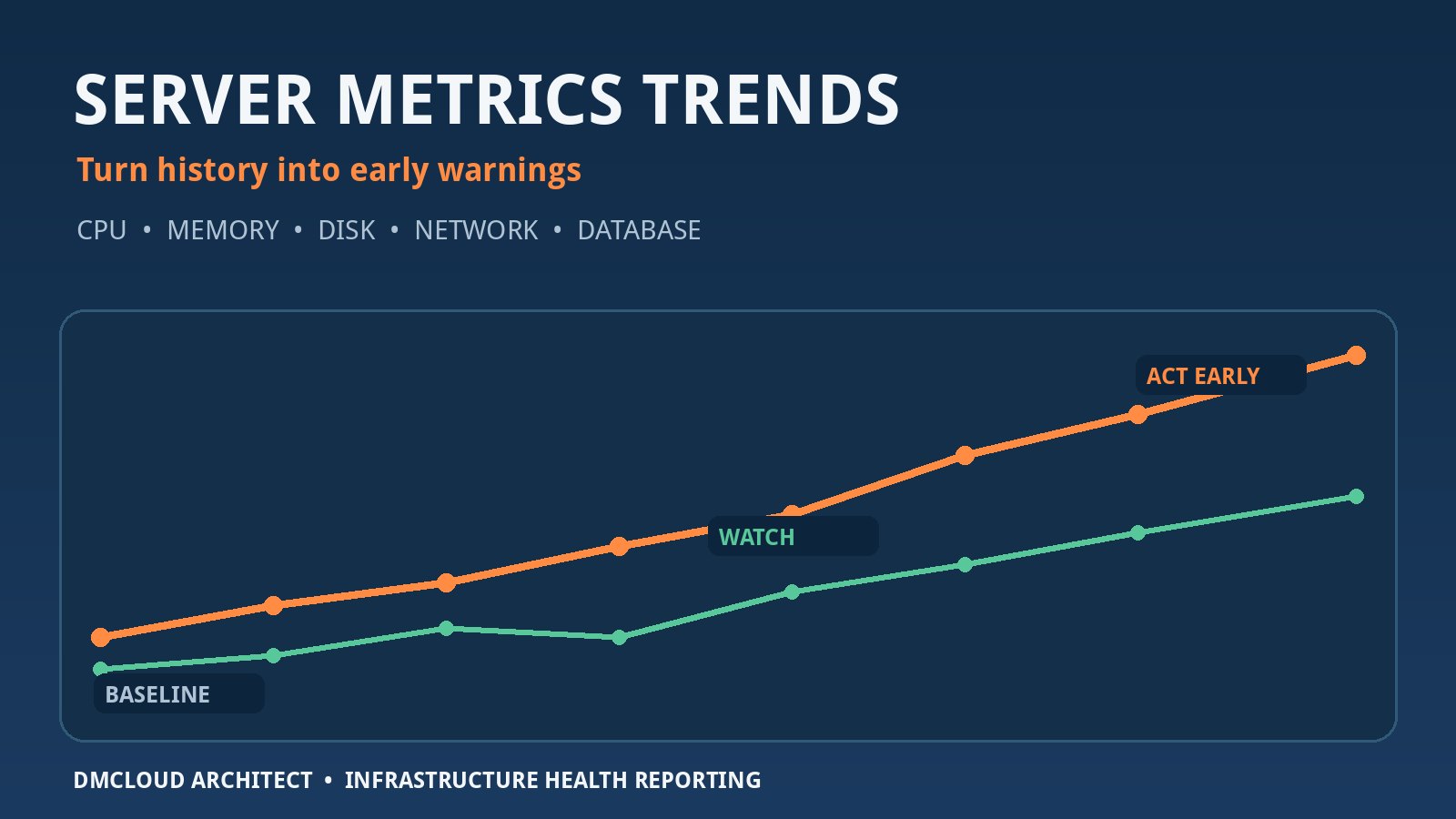
Linux server monitoring helps you determine what actually changed after following a technical guide. Before the change, capture a baseline for CPU load, memory pressure, disk and inode use, filesystem errors, network listeners, failed services, recent logs, and application health. After the change, compare the same signals over an appropriate observation period.
uptime
free -h
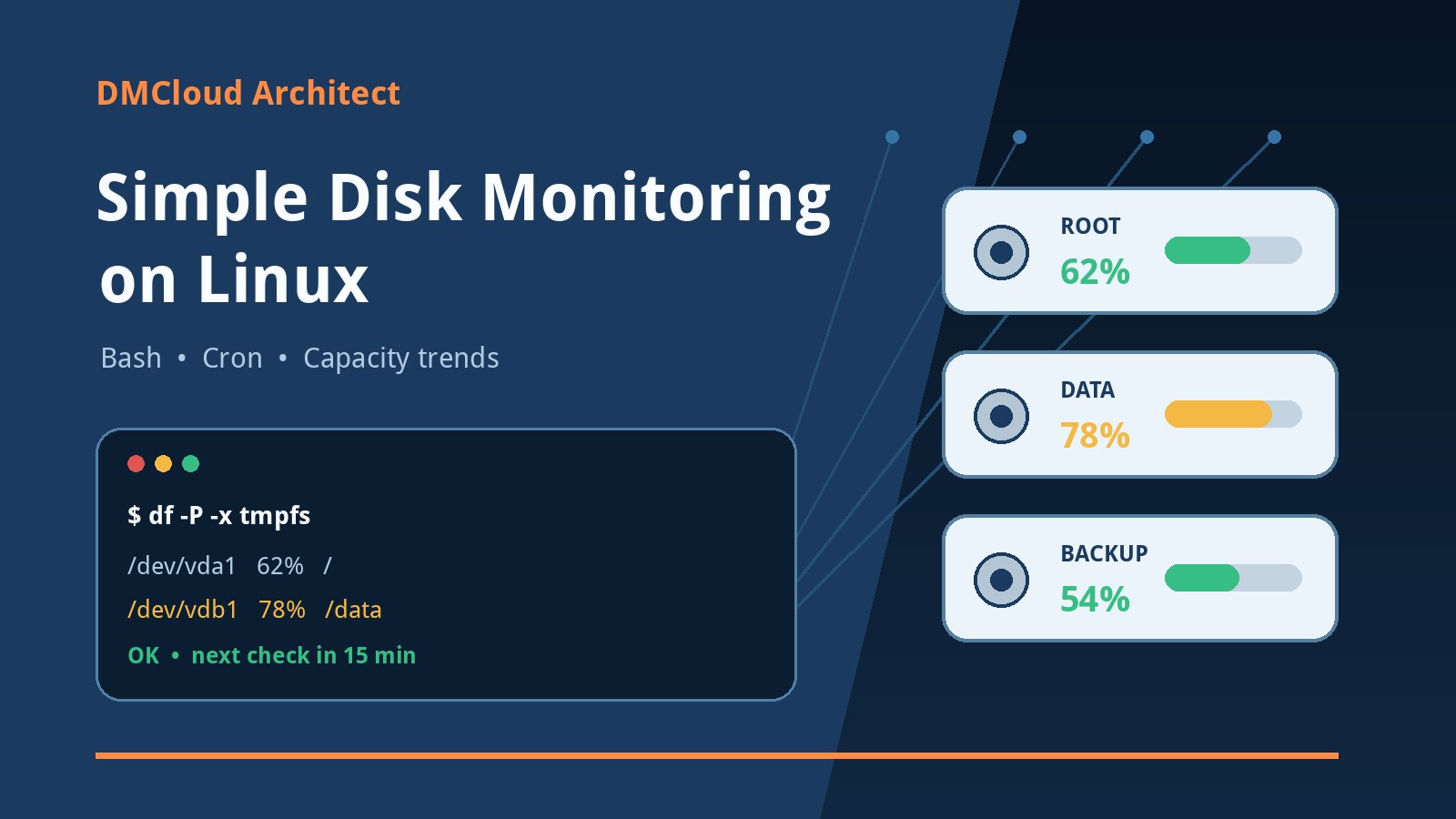
df -hT
df -i
systemctl --failed --no-pager
ss -lntup
journalctl -p warning..alert --since "24 hours ago" --no-pager
Command completion is not proof of success. A package can install while a service fails to restart, a firewall change can expose an unintended port, and a configuration edit can increase memory use gradually. Monitoring turns “the command ran” into evidence about service health and operational impact.
12. Decide with a simple risk matrix
Combine source confidence with change impact. A low-impact read-only command from an unfamiliar page may be acceptable after checking its manual. A privileged network or identity change from the same page should wait for primary-source confirmation, isolated testing, and a recovery plan.
- Low impact: read-only inspection with no secrets; verify syntax and expected output.
- Moderate impact: package or service configuration; confirm documentation, test, back up, and monitor.
- High impact: privileged scripts, repositories, authentication, firewalling, storage, or destructive commands; require strong provenance, peer review, staged testing, and rollback.
- Stop: obfuscated commands, unexplained security bypasses, requests for secrets, or pressure to execute without inspection.
A practical verdict
No single visual clue or domain check can establish that every instruction on a Linux wiki is safe. Trust should be proportional to the specific action: verify the author and history, compare the guidance with primary documentation, inspect commands, test changes, and collect before-and-after evidence. If you cannot explain what a command does and how you would recover, do not run it on a server that matters.
For developers and small businesses, this approach is more useful than trying to maintain a permanent list of “good” and “bad” websites. Sites change, pages age, and legitimate domains can be compromised. A repeatable verification and monitoring process continues to work when the source is new.
Want weekly infrastructure checks without dashboard fatigue?
DMCloud Architect turns Linux and MySQL health signals into practical weekly reports, helping you spot failed services, storage pressure, unusual listeners, and recurring errors before they become outages.
Get the free starter plan for weekly infrastructure health reports.