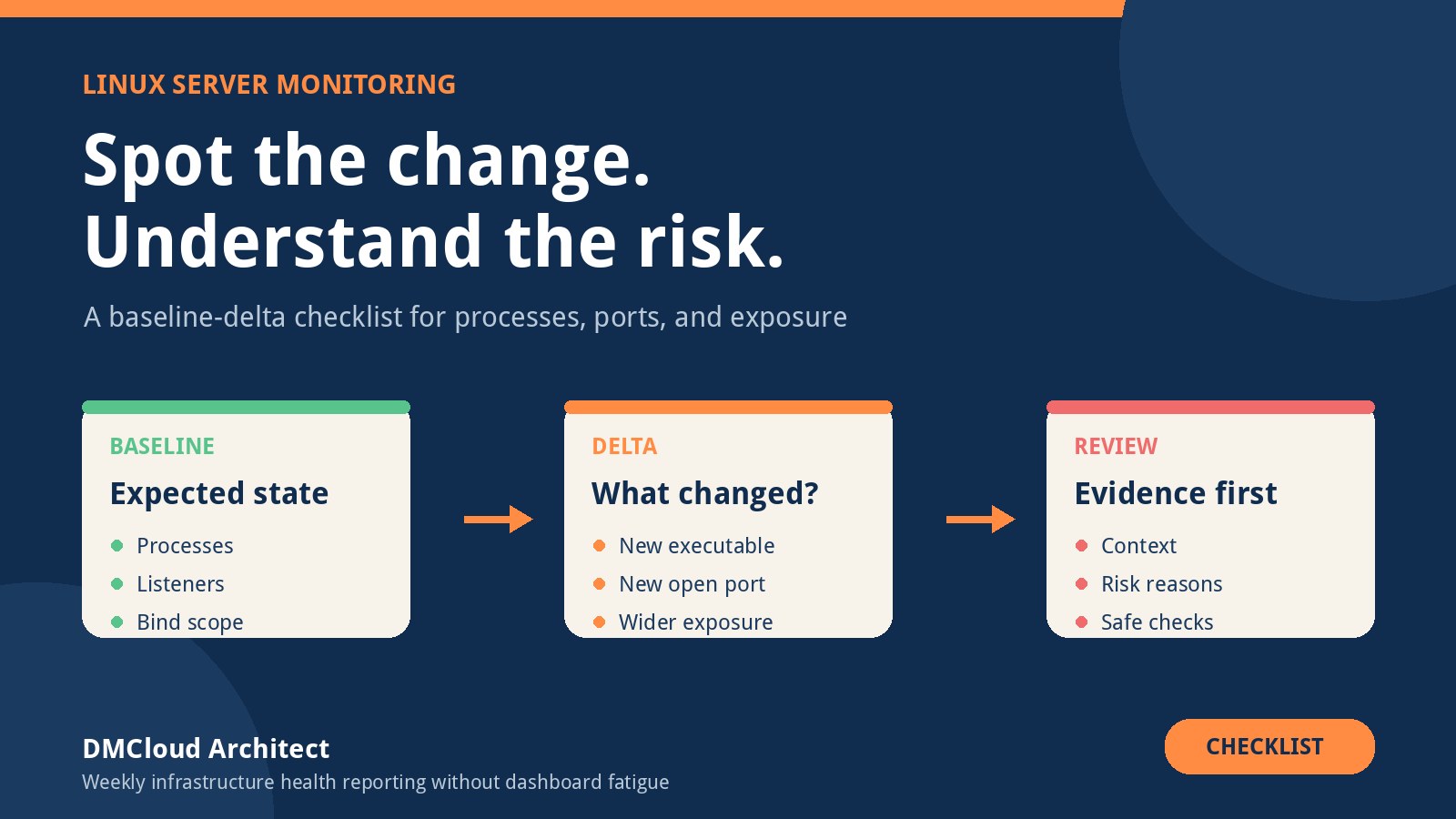
A Linux host can look quiet while its exposure changes underneath you. A package update starts a new daemon, a container publishes a port, a scheduled job launches an unfamiliar process, or a service that used to listen only on localhost begins listening on every interface. Traditional resource graphs may remain green because CPU, memory, and disk are not the problem.
Baseline-delta monitoring addresses this visibility gap by recording an expected system state and reporting meaningful differences from it. The idea is simple, but a useful implementation needs more than repeated process lists. It must identify stable objects, understand context, suppress normal churn, preserve evidence, and tell an operator what to check next.
What baseline-delta monitoring should answer
A practical tool should help an operator answer four questions quickly:
- What changed? Identify the process, socket, interface, executable, account, or service involved.
- When did it change? Preserve first-seen and last-seen times rather than showing only the current snapshot.
- Why might it have changed? Relate the event to package updates, deployments, service restarts, containers, scheduled tasks, or configuration changes.
- What should I verify? Suggest safe evidence-gathering steps without declaring every unfamiliar event malicious.
This makes the approach a useful layer in linux server monitoring. It is especially good at exposing drift and short operational questions that broad dashboards often hide. It is not, by itself, proof that a system is safe.
1. Define the monitored scope before collecting data
Start with a written scope. Decide whether the monitor covers one host, a group of similar servers, developer workstations, containers, or a mixed fleet. A baseline from an Ubuntu web server should not be treated as the expected state of an Oracle Linux database host.
Record the host identity, operating-system release, kernel, architecture, boot identifier, environment, role, and collection version with every snapshot. Decide whether network namespaces and containers are in scope. If they are not, say so clearly; a host-level view can miss listeners and processes inside isolated namespaces.
2. Capture a trustworthy process baseline
Process identifiers are temporary, so a PID is not a stable identity. For each process, capture attributes such as executable path, command arguments with secrets redacted, effective user, parent executable, start time, cgroup or container identity, and a hash or package owner where practical.
Be careful with command lines and environments because they can contain passwords, API tokens, connection strings, or customer data. Collection should apply redaction before storage and logs should never print secrets merely to make an alert more detailed.
A new process is not automatically risky. Package managers, backup jobs, monitoring agents, user sessions, sandbox helpers, and container runtimes create legitimate short-lived processes. Classification improves when the tool can answer whether the executable belongs to an installed package, whether the service manager launched it, whether its parent is expected, and whether it also opened a network listener.
3. Model sockets and exposure, not just open port numbers
A port number alone provides limited evidence. Capture protocol, local address, port, address family, listening process, network namespace, and—where permissions allow—the owning executable and account. The important distinction is often the bind address:
127.0.0.1or::1is local to the host.- A private interface may be reachable by a LAN, VPN, or cloud subnet.
0.0.0.0or::listens on all applicable interfaces but does not prove Internet reachability.- A container-published port may be implemented through a proxy or network-address-translation rule rather than an obvious host process.
External exposure depends on host firewall rules, cloud security lists or security groups, routing, load balancers, reverse proxies, and upstream firewalls. Label a wildcard listener as broader local exposure, then verify the real path from an appropriate external vantage point before calling it public.
4. Build a clean baseline at a known-good moment
A baseline is an assertion of expected state, not merely the first snapshot the tool happens to collect. Create it after patching and deployment are complete, services are verified, and the host has been reviewed. Record who approved it, when it was created, why it is trusted, and which collection version produced it.
Keep the baseline read-only to the monitoring process. If the same account can silently rewrite expected state whenever something changes, an attacker or faulty automation can normalize the evidence you wanted to detect. Baseline replacement should be a deliberate, auditable action.
5. Normalize volatile fields before comparing snapshots
Raw snapshots generate noise because PIDs, ephemeral client ports, timestamps, temporary paths, and process ordering change constantly. Compare stable fingerprints instead. For a listener, that might be protocol, bind address, port, namespace, executable, and user. For a process, it might be executable, normalized arguments, account, parent identity, service unit, and package ownership.
Store both the normalized identity and enough raw evidence for investigation. Normalization keeps matching reliable; the evidence lets an operator understand the actual event. Test this logic across reboots, upgrades, service restarts, and normal scheduled workloads before trusting the alert volume.
6. Use context-aware risk classification
Risk labels should be explainable. A newly observed process may deserve low priority when it is package-owned, launched by an approved service unit, and has no listener. The same event deserves more attention when it runs as root from a writable temporary directory, has an unusual parent, lacks package ownership, and opens a wildcard listener.
Useful classification inputs include:
- Privilege level and service account.
- Executable location, ownership, permissions, hash, and package provenance.
- Parent process, service unit, cgroup, container, and scheduled-task context.
- New or changed listening sockets and bind scope.
- Alignment with an approved deployment, patch window, or configuration change.
- Persistence indicators such as new service units, timers, cron entries, or startup files.
- Repeated appearance, duration, and recurrence across hosts.
Show the reasons behind a score. “Medium risk because it is new” is weak. “Medium: first seen today, runs under an expected user, package-owned, no listener, parent process not yet recognized” is something an administrator can evaluate.
7. Add allowlists with ownership and expiry
Allowlists are necessary for normal churn, but permanent broad exceptions eventually hide real problems. Scope each rule to the smallest useful combination of host role, executable, user, parent, arguments, service unit, port, and time window. Record an owner, reason, approval date, and expiry or review date.
Avoid rules such as “ignore anything under this directory” or “ignore every process owned by this account.” Prefer a reviewed expectation such as an approved backup executable launched by a named timer during a defined window. Report stale exceptions so the suppression system receives maintenance too.
8. Make alerts actionable and deduplicate them
An actionable event should include the stable object identity, first-seen time, observed change, risk reasons, relevant host context, and suggested read-only checks. For a new listener, useful next steps may include inspecting the owning service, reviewing recent package or deployment history, checking firewall policy, and testing reachability from the intended network.
Do not emit the same alert on every polling interval. Track event state, update last-seen time, and notify again only when severity changes, the object changes materially, or a defined reminder period passes. Emit a resolution event when the unexpected state disappears, while retaining the history needed for review.
9. Preserve evidence safely
Use structured records rather than only terminal text. Include schema version, collector version, host identity, timestamps in UTC, baseline identifier, normalized object, raw evidence with redaction, decision reasons, and event lifecycle. Write atomically so an interrupted collection cannot be mistaken for a complete snapshot.
Protect stored observations from unauthorized modification and define retention according to operational and privacy needs. A local-only database is simple but may disappear with a compromised host. Central storage is more durable but creates authentication, encryption, availability, and data-minimization responsibilities.
10. Test the detector with controlled changes
Validation should include expected and unexpected events. In a safe test environment, start an approved service, launch a short-lived scheduled command, open a listener on localhost, open one on a non-loopback address, restart the host, upgrade a package, and run a container that publishes a port. Confirm both detection and suppression behavior.
Also test failure paths: insufficient permissions, missing system tools, malformed command output, a partial write, a clock change, duplicate collectors, a full disk, and a network outage to central storage. The monitor should fail visibly and should not turn missing evidence into a reassuring “no change” result.
11. Separate change detection from compromise detection
A baseline delta says that observed state differs from expected state. It does not prove malware, and an unchanged process list does not prove safety. Fileless activity, kernel-level compromise, credential misuse, application-layer attacks, and activity between polling intervals may not appear in this model.
Use the detector alongside patch management, vulnerability management, authentication logs, file-integrity controls where appropriate, endpoint or workload protection, backups, and network controls. Phrase findings as evidence: “new wildcard listener owned by this executable” is defensible; “the server is compromised” requires a broader investigation.
12. Choose the right monitoring layer for each decision
Real-time baseline-delta monitoring is strongest when a process or exposure change needs prompt review. Threshold alerts are better for urgent states such as service failure, exhausted storage, or severe resource pressure. Dashboards help during active investigations when an operator needs to explore current and historical signals.
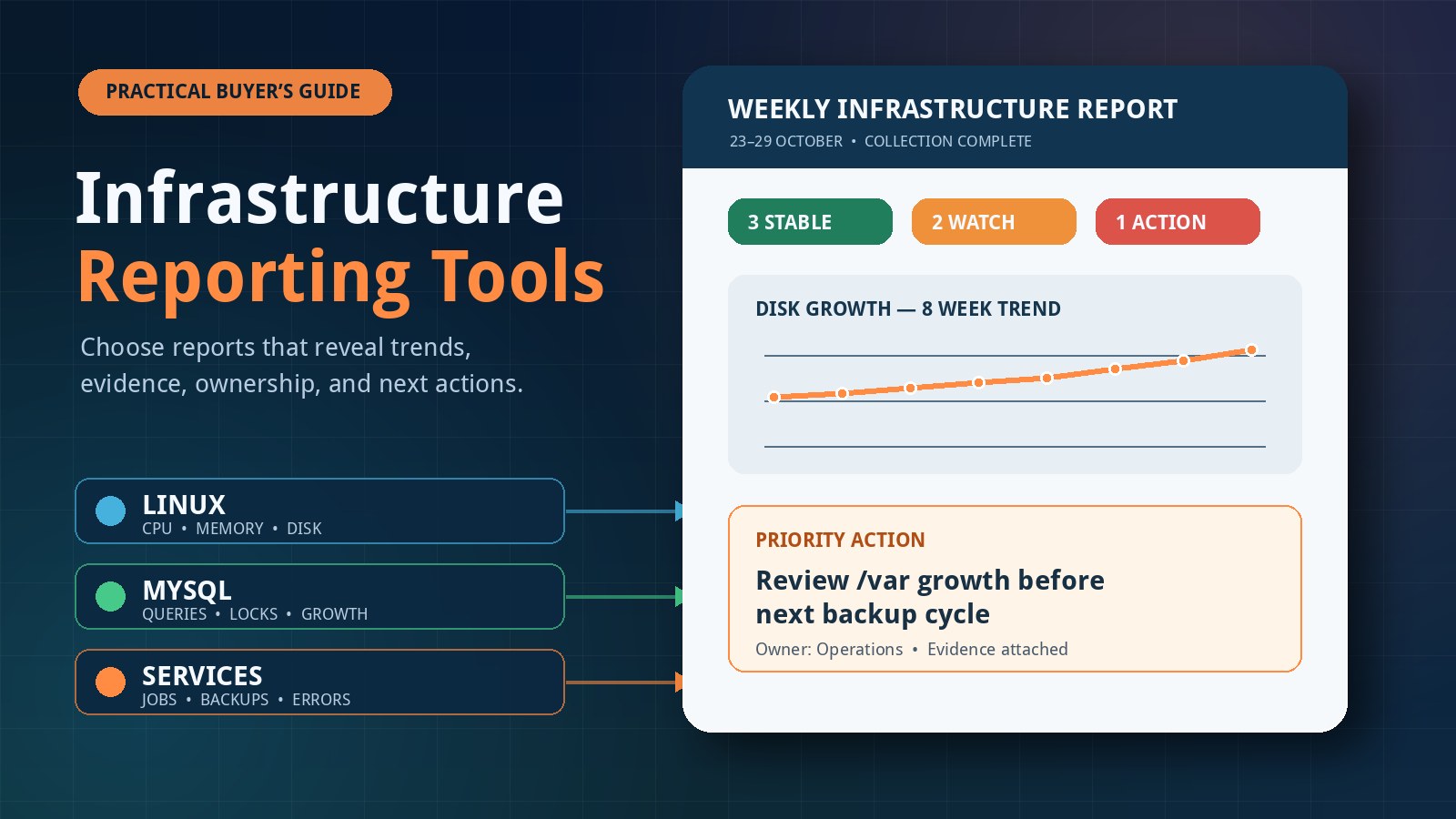
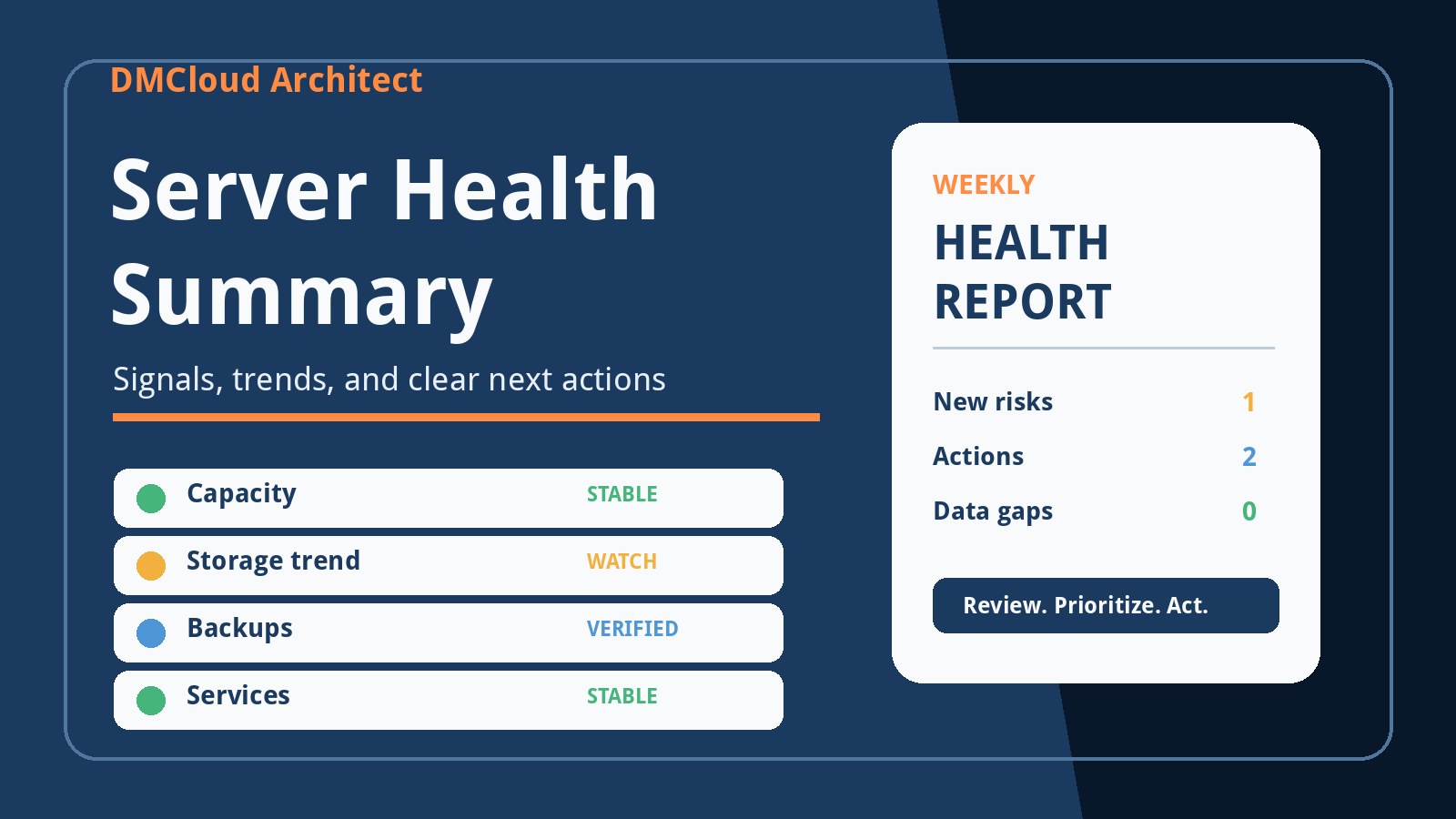
Weekly reports solve a different problem. They are useful for developers and small business owners who need a regular review of capacity trends, patch status, backup evidence, recurring errors, database health, and configuration drift without continuously watching another console. A mature setup combines these layers: immediate notification for urgent changes, diagnostic views for investigation, and scheduled reporting for slower trends and accountability.
Implementation review checklist
- Scope identifies host roles, namespaces, containers, and unsupported blind spots.
- The baseline comes from a verified state and changes only through an audited workflow.
- Process identity does not depend on PID alone.
- Socket records include bind address, protocol, namespace, owner, and executable.
- Secrets are redacted before observations are stored or logged.
- Volatile fields are normalized while investigation evidence is retained.
- Risk labels list their reasons and avoid equating novelty with maliciousness.
- Allowlists are narrow, owned, justified, and reviewed or expired.
- Events are deduplicated and include first-seen, last-seen, and resolution state.
- Collector failures are visible and never reported as a clean result.
- Controlled tests cover normal churn, risky changes, reboot behavior, and failure paths.
- Documentation explains what the tool can detect and what remains outside its scope.
Baseline-delta monitoring becomes valuable when it turns system change into concise, verifiable evidence. Keep the collection narrow, the classifications explainable, and the claims honest. The goal is not to label every new process as a threat; it is to help an operator notice meaningful drift early and investigate it safely.
Want clearer Linux health evidence without another dashboard to watch?
DMCloud Architect turns Linux and MySQL health checks into practical weekly reports, helping developers and small business owners spot trends and risks without adding alert fatigue.
Get the free starter plan for weekly infrastructure health reports.