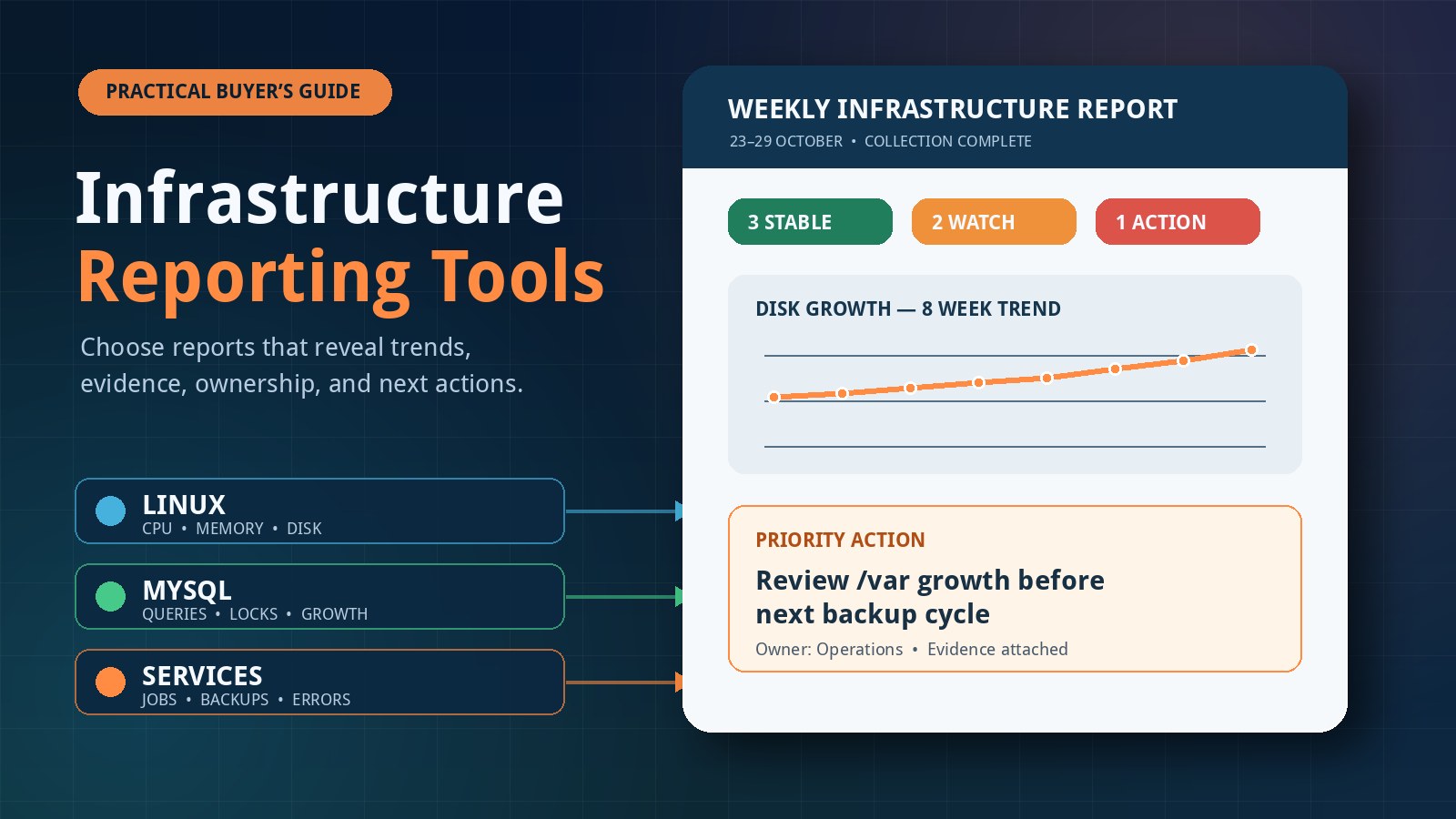
Infrastructure data is easy to collect and surprisingly hard to turn into a useful decision. A typical small environment can expose CPU graphs, memory counters, disk statistics, database status, service logs, backup results, and dozens of alerts, yet the person responsible for the system may still struggle to answer a simple question: what changed this week, and what should we do next?
Infrastructure reporting tools solve a different problem from real-time monitoring. Monitoring detects current conditions and supports incident response. Reporting summarizes evidence across a meaningful period, highlights trends, and gives owners a short list of risks and actions. Choosing the right approach means evaluating the report itself—not merely counting integrations, dashboards, or metrics.
Monitoring and reporting are complementary
Real-time monitoring is designed to tell you that a service is unavailable, a threshold has been crossed, or a request path is failing now. It usually depends on frequent collection, alert rules, dashboards, and an escalation path. Those capabilities are important when minutes matter.
Infrastructure health reporting works on a slower decision cycle. It asks whether disk use is steadily rising, whether memory headroom has narrowed, whether MySQL connections are trending upward, whether backups remain consistently successful, and whether recurring warnings deserve planned work. A weekly report will not replace an outage alert. Likewise, an alert stream does not automatically provide the context needed for capacity planning, maintenance, or a conversation with a business owner.
The two workflows should share evidence where practical. A reporting tool may consume data from an existing monitoring platform, query operating-system and database counters directly, or combine both. The important point is that each output has a clear purpose: alerts drive immediate response, while reports support review and prioritization.
Start with the decision the report must support
Before comparing products, define the reader and the decision. A developer maintaining two application servers needs a different level of detail from an operations team managing hundreds of hosts. A small business owner may need a concise risk summary, while the person fixing the issue needs commands, measurements, timestamps, and enough context to reproduce the finding.
Write down three to five questions that every reporting cycle should answer. Useful examples include:
- Did CPU, memory, storage, or database pressure become materially worse?
- Which changes are persistent trends rather than one-off spikes?
- Are backups, scheduled jobs, updates, and key services operating as expected?
- Which finding needs action first, who owns it, and why?
- What evidence should be retained for next week's comparison?
This exercise prevents a common buying mistake: selecting the product with the most screens instead of the workflow that produces the clearest next action.
Signals a useful infrastructure monitoring report should cover
Coverage should match the systems you actually operate. For a Linux and MySQL application stack, a balanced report normally includes several layers rather than focusing on a single headline metric.
Linux capacity and pressure
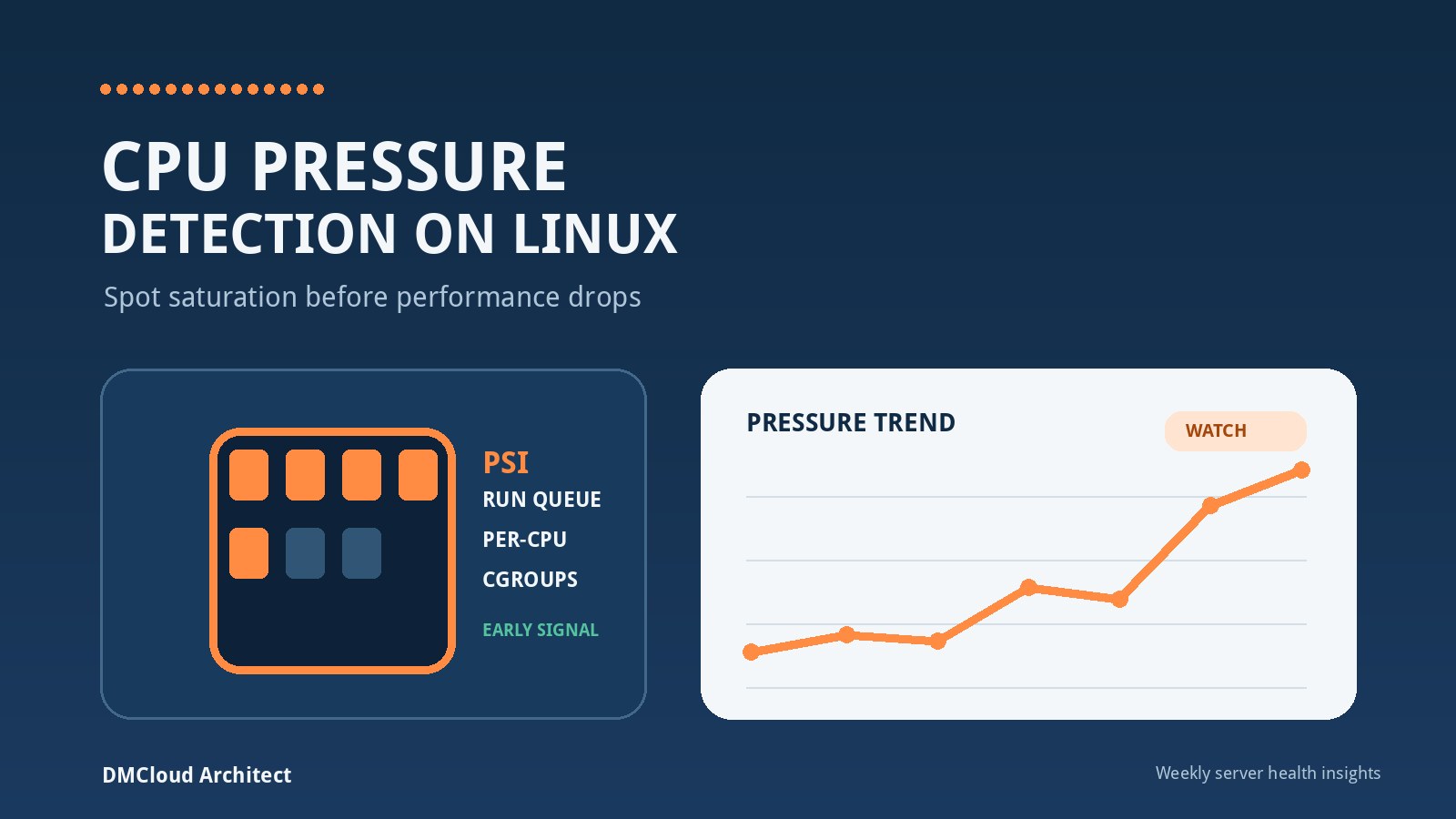
Look for CPU utilization alongside load, run-queue pressure, and evidence of sustained contention. Memory reporting should distinguish application use, cache, available memory, swap activity, and out-of-memory events. Storage needs capacity, growth rate, inode use, filesystem errors, and latency where available. Network checks can include interface errors, retransmissions, throughput changes, and reachability of important dependencies.
Service and operating-system health
A useful server health report records failed services, restart loops, notable system errors, pending or recent updates, certificate expiry, scheduled-job results, and uptime or reboot history. The report should avoid dumping every log line. It should group repeated events, show the observation period, and preserve a small amount of evidence for investigation.
Database health
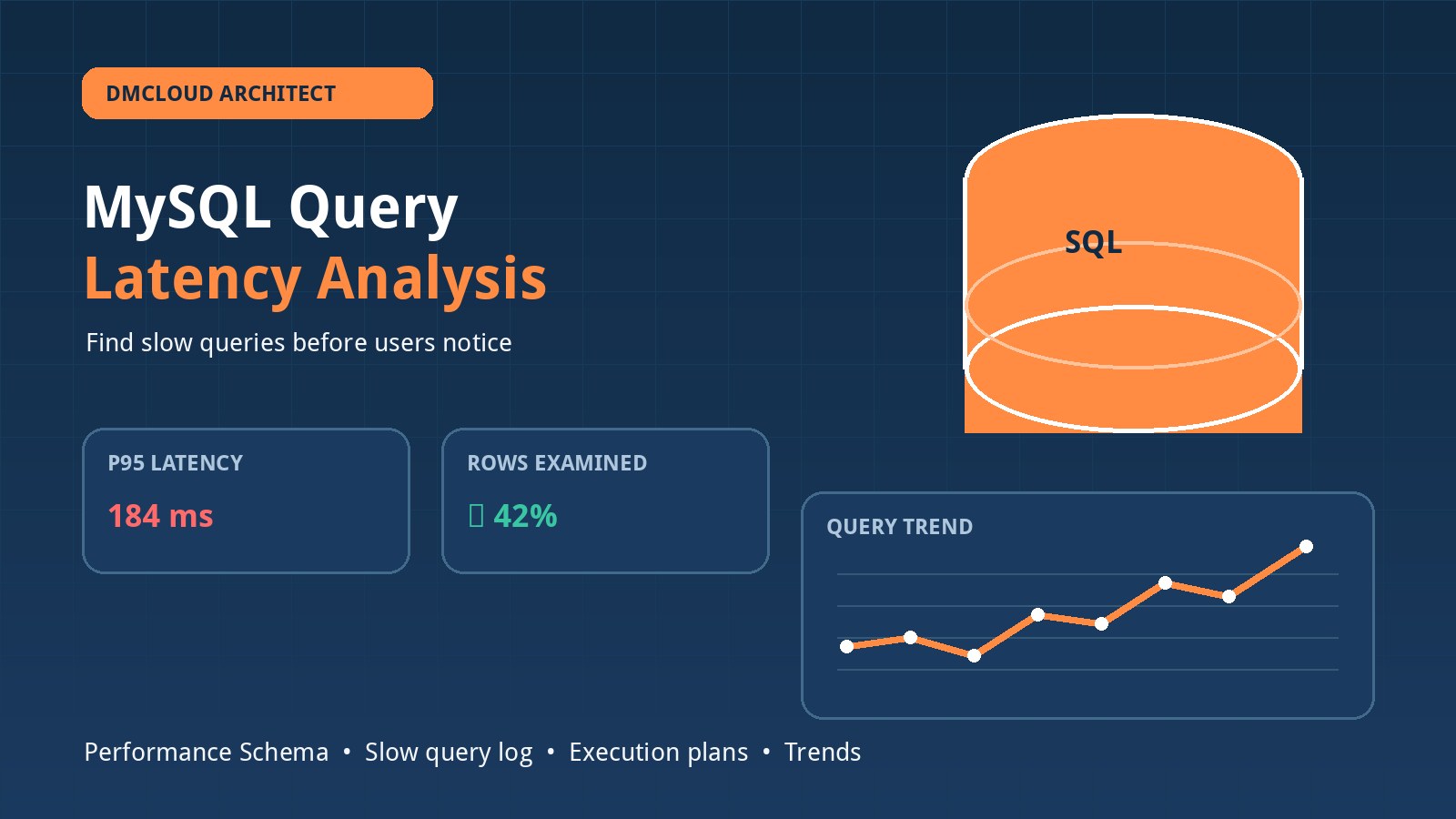
For MySQL, useful indicators include connection utilization, running threads, slow-query changes, lock waits, aborted connections, buffer-pool behavior, replication state when applicable, and database growth. No single value proves that the database is healthy or unhealthy. The report should correlate database symptoms with host pressure and application changes.
Protection and recoverability
Backup status is stronger when it includes completion time, age, size, and restore-test evidence—not just the existence of a backup process. Security-oriented checks may include failed authentication trends, exposed services, certificate age, and patch posture. Treat these as operational evidence, not a substitute for a dedicated security assessment.
Compare infrastructure reporting tools across seven dimensions
A feature list can hide the practical cost of operating a tool. Use a consistent scorecard and test each candidate against the same small environment.
- Coverage: Does it collect the Linux, MySQL, service, backup, and network signals that matter to your stack? Can unsupported checks be added without maintaining a fragile fork?
- Trend quality: Does it compare like-for-like periods, show units and timestamps, and distinguish a persistent change from a short spike? Can you see enough history to understand capacity drift?
- Actionability: Does each important finding explain what changed, why it matters, supporting evidence, and a reasonable next check? Severity without context creates another queue to triage.
- Delivery: Can the system send a readable server health weekly report by email or another channel people already review? A report that requires routine dashboard visits is likely to be ignored.
- Security: What privileges does collection require? Where are credentials and measurements stored, how are they encrypted, and how long are they retained? Prefer least-privilege, read-only collection wherever possible.
- Operational effort: How much work is required to deploy collectors, maintain rules, upgrade components, handle failed collection, and add a host? Include your team's time in the cost comparison.
- Portability and evidence: Can you export findings and raw measurements in a usable format? Can another engineer understand how a conclusion was reached without depending on a proprietary score?
Know the main tool patterns
Infrastructure reporting is delivered through several product patterns. None is automatically best; the fit depends on urgency, team size, existing tooling, and how much platform maintenance you want to own.
Monitoring platforms with scheduled reports
If you already operate a metrics and alerting platform, scheduled dashboards or summaries can reuse existing collection. This can be efficient, but a dashboard export often remains a collection of charts rather than a prioritized report. Test whether the output explains changes and actions or merely reproduces the interface in a PDF or email.
Cloud-provider health and observability services
Provider-native services can offer quick integration with hosted resources and may supply recommendations or service-health context. Check coverage for workloads outside that provider, database-level detail, retention cost, and how easily a mixed environment can be reviewed as one system.
Configuration, inventory, and compliance reporters
These tools are useful for asset state, patch posture, configuration drift, and policy checks. They may not capture performance trends or application symptoms well. They are strongest when the main question is whether systems match an intended state.
Custom scripts and scheduled jobs
A focused script can be inexpensive and transparent for a small, stable environment. The hidden work is error handling, secure credential management, scheduling, data retention, host discovery, report formatting, and maintenance when command output changes. Custom automation is a sound choice when ownership and testing are explicit—not when a one-off script quietly becomes critical infrastructure.
Report-first managed services
A report-first service is designed around periodic review rather than constant dashboard use. It can reduce tooling overhead for small teams, but evaluate the depth of evidence, collection permissions, data handling, customization, and escalation boundaries. Confirm what happens when collection fails and whether urgent conditions receive any separate treatment.
Run a two-cycle evaluation instead of a polished demo
A product demonstration shows an ideal environment. A short trial shows whether the workflow survives your real one. Choose one representative Linux host and, if relevant, one MySQL instance. Define the exact checks and report recipients before installing anything.
During the first cycle, record setup time, required access, missing signals, collection failures, false warnings, and the time needed to interpret the report. Make one controlled, low-risk change before the second cycle—for example, generate a modest temporary test file and remove it afterward, or use an approved workload test in a non-production environment. The second report should show whether the tool detects and explains the change without creating unrelated noise.
Score the result from one to five for coverage, trend clarity, evidence, actionability, security, delivery, and maintenance effort. Require reviewers to cite an example from the output for each score. This makes comparisons less vulnerable to attractive interfaces or vague claims.
Red flags that weaken system health reporting
- Opaque health scores: A single number without measurements, time ranges, or reasoning is difficult to trust and harder to act on.
- Snapshot-only conclusions: One high value may be harmless. Without a baseline or duration, severity can be misleading.
- Fixed thresholds presented as universal truth: Limits should reflect workload, capacity, and business impact.
- Raw-data overload: Hundreds of charts or log lines shift the analysis burden back to the reader.
- No collection-status section: Missing data must be visible. Silence should never be interpreted automatically as health.
- Excessive privileges: A convenient installer is not a reason to grant unrestricted database or operating-system access.
- No owner or next step: Findings without responsibility and a recommended investigation tend to recur.
Use a simple weekly report structure
Consistency helps readers notice change. A practical weekly output can begin with scope and collection status, followed by an executive summary of new or worsening risks. The body should group findings by host or service, show current evidence and prior-period comparison, and label confidence or data gaps. End with prioritized actions, owners, and items to recheck next week.
Keep informational detail available without giving every observation equal weight. A healthy report may be short. A problematic report should still be concise enough that the first action is obvious. Over time, retain the measurements behind important findings so the team can distinguish recurring patterns from genuine improvement.
Choose for sustained use, not maximum feature count
The best tool is the one your team can operate securely and review consistently. It should cover the right systems, expose its evidence, recognize trends, and turn findings into planned work. For many small teams, a concise weekly review paired with focused real-time alerts is more sustainable than expanding an unattended dashboard estate.
Want useful infrastructure trends without another dashboard to watch?
DMCloud Architect turns Linux and MySQL health signals into practical weekly reports, helping developers and small business teams spot risk and plan the next action.