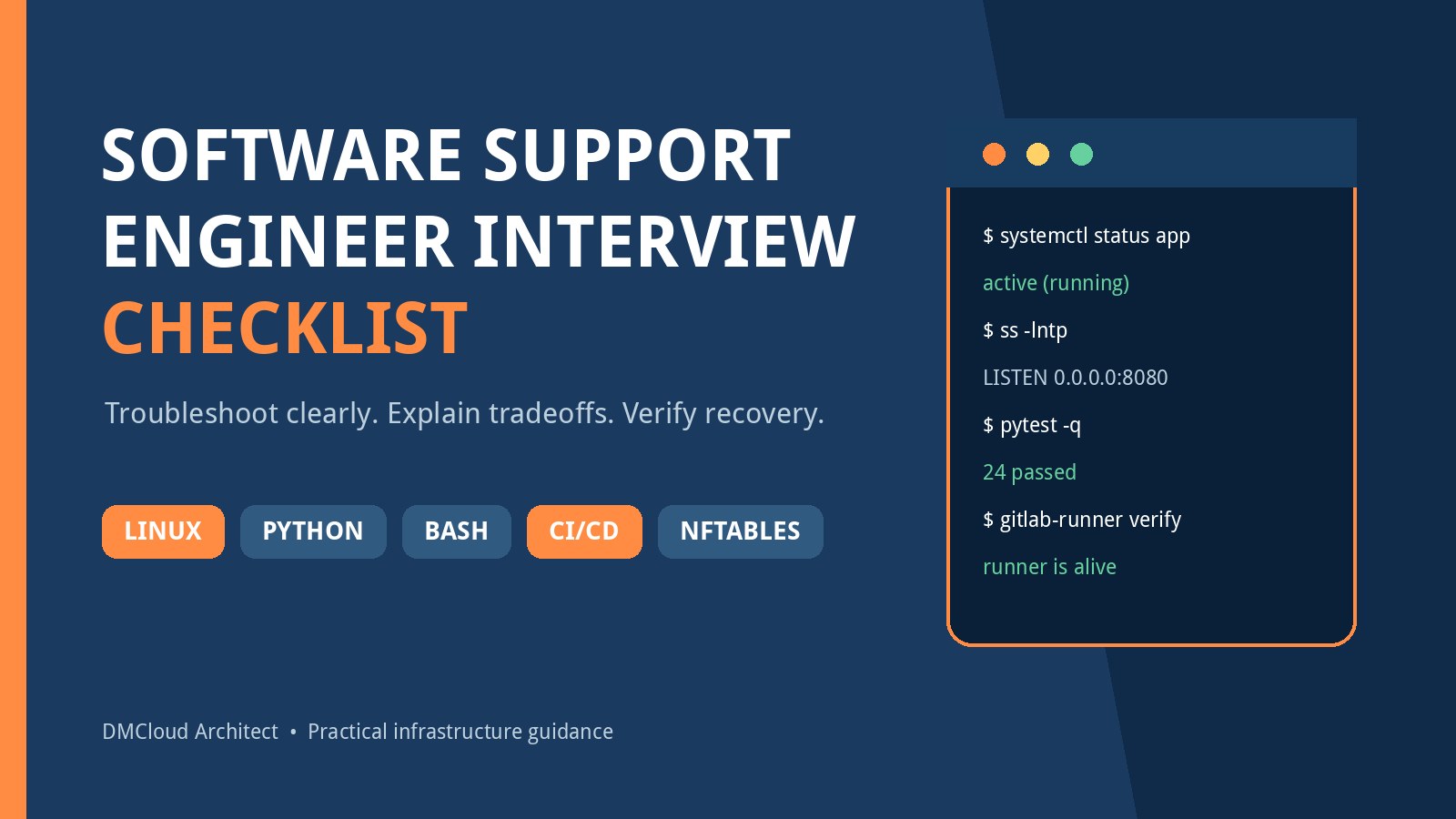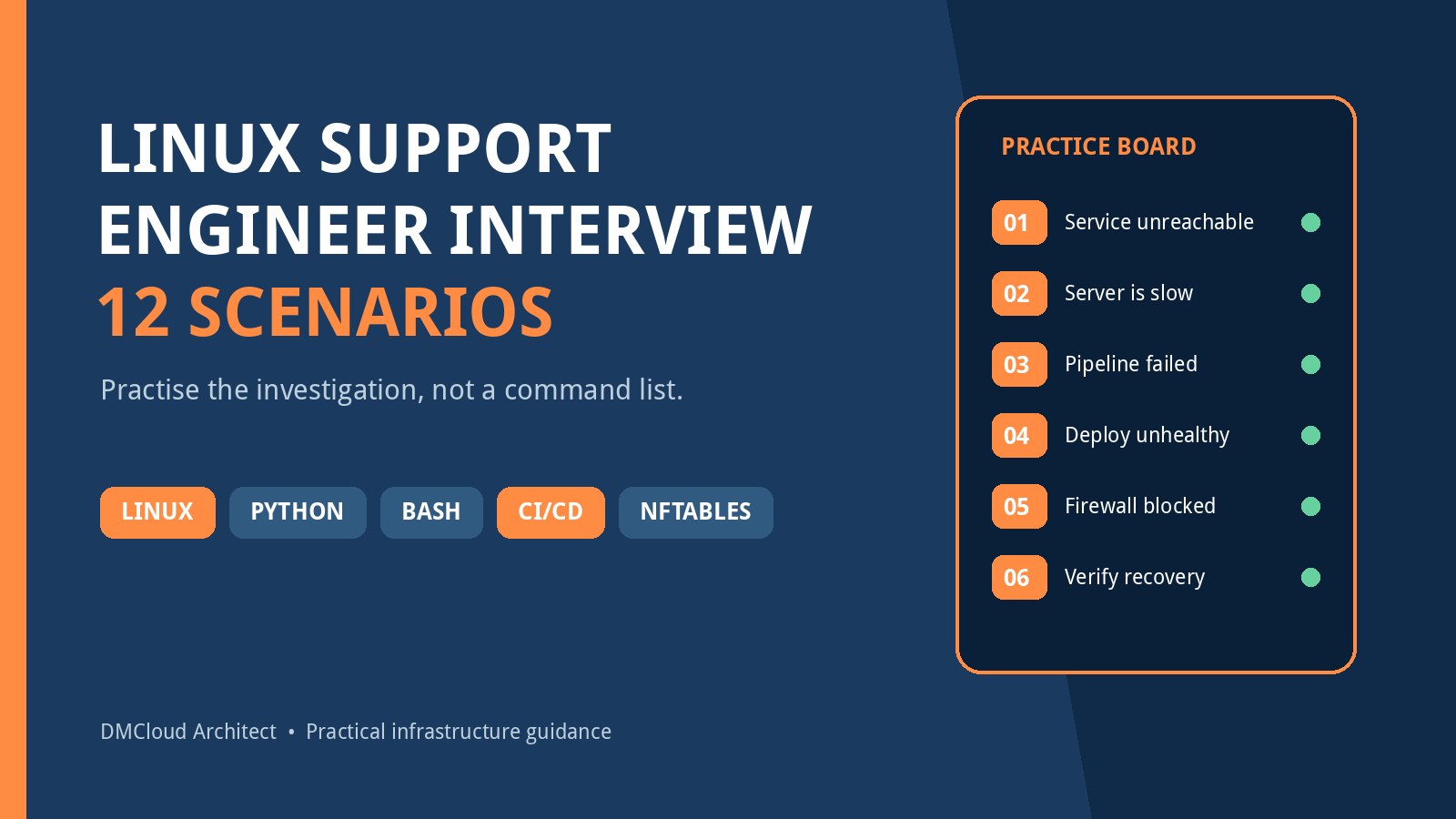
A short technical interview for a software support engineering role usually cannot test every Linux command, Python feature, Bash edge case, pipeline setting, and firewall rule. Instead, it tests whether you can investigate an unfamiliar problem without guessing, protect the system while you work, and explain what evidence would confirm the fix.
The best preparation is therefore scenario practice. For each prompt below, say your answer aloud and follow a consistent sequence: clarify the symptom, establish scope, gather evidence, rank hypotheses, test the safest one, restore service, and verify the user-visible result. Commands matter, but the reasoning that chooses them matters more.
What kind of role are you interviewing for?
A job that combines Linux, Python, Bash, GitLab CI/CD, test scripts, custom-server deployments, configuration management, and NFTables sits between software support, integration engineering, DevOps, and platform operations. It is broader than traditional help desk work and more operational than a typical application-development role. You are likely to connect code, pipelines, operating systems, networks, and users rather than owning only one layer.
That means an interviewer may deliberately give you incomplete information. They want to see whether you ask useful questions, distinguish facts from assumptions, and avoid risky actions. A strong answer should usually mention impact, recent changes, logs or measurements, rollback options, communication, and final verification.
A practical answer structure for every scenario
- Clarify: What is failing, when did it start, who is affected, and what changed?
- Scope: Is this one request, one host, one environment, one release, or the entire service?
- Observe: Gather logs, status, resource data, configuration, pipeline output, and network evidence before changing anything.
- Hypothesize: Rank likely causes using timing and scope rather than chasing unrelated possibilities.
- Test safely: Prefer read-only checks and reversible experiments; state the risk before making a production change.
- Recover: Mitigate active impact with a controlled restart, rollback, traffic shift, or configuration correction when justified.
- Verify: Test the same path the user follows, monitor for recurrence, and document cause and prevention.
1. A Linux service is active, but users cannot connect
Begin by separating process health from application and network health. Confirm the service manager state and inspect recent journal entries. Check whether the expected process owns the expected port and whether it is bound to 127.0.0.1, a specific interface, or 0.0.0.0. Test the health endpoint locally before testing from another host.
If the local request works, move outward through name resolution, routing, host firewall rules, upstream controls, load balancers, and the client path. If it fails locally, focus on application logs, configuration, dependencies, permissions, and startup behavior. Verify recovery remotely through the public or intended internal route; a green service-manager status is not enough.
2. The server is suddenly slow
Ask whether the slowdown affects every request or one operation, and whether it began after a release, traffic change, backup, or scheduled job. Review load average with runnable and blocked tasks rather than treating load as CPU usage. Check CPU saturation, memory pressure, swap activity, disk latency, filesystem space, inode use, network errors, and the processes consuming resources.
This is where linux server monitoring history becomes important. A snapshot might show high memory use without revealing that it has been stable for months, while a weekly trend may expose gradual disk growth or rising I/O wait. Explain which baseline you would compare, what threshold requires immediate response, and how you would prove that performance returned to normal.
3. A disk is full even after files were deleted
Check both blocks and inodes, identify the affected filesystem, and compare expected versus actual growth. Deleted files can remain allocated while a process keeps an open file descriptor, so inspect open deleted files before deleting more data. Also consider logs, package caches, temporary files, container layers, database files, and mounted paths that may hide data beneath a mount point.
A safe answer does not begin with a broad rm command. State how you would preserve required logs, confirm ownership and retention policy, release space safely, and verify both application behavior and free capacity. Then describe prevention: rotation, retention, capacity forecasts, and trend reporting.
4. A GitLab job passes locally but fails on the runner
Compare the environments systematically: operating-system image, architecture, tool and dependency versions, user identity, working directory, environment variables, permissions, network access, time zone, locale, caches, and hidden local state. Inspect the exact job log and reproduce using the same container or runner image when possible.
Discuss dependency locks, immutable build images, explicit variables, and clean builds. Do not fix the symptom by adding unbounded retries. Verify the correction with a clean pipeline run and preserve enough diagnostics that another engineer can understand why local and runner behavior differed.
5. The pipeline is green, but the deployment is unhealthy
A successful deployment job only proves that its configured commands completed acceptably. Confirm which artifact and configuration reached the target, inspect startup and application logs, test health endpoints, and check dependency availability, permissions, environment variables, migrations, ports, and certificate state.
Explain the decision between troubleshooting in place and rolling back. If impact is active and the previous version is compatible, rollback may be safer than extended diagnosis. The final verification should include the real service path plus a watch period, not merely a successful pipeline rerun.
6. A Bash automation works interactively but fails in cron
Compare the scheduler environment with the login shell: account, working directory, PATH, shell, environment variables, credentials, file permissions, umask, and time zone. Use absolute paths, capture standard output and error, and reproduce the command under the scheduler's account and minimal environment.
A mature answer also covers overlapping runs, lock handling, idempotency, bounded retries, useful exit codes, and cleanup through traps. Explain how the job communicates failure and how you know a missed run will not silently skip work forever.
7. Choose Python or Bash for a support tool
Bash is a good fit for concise orchestration around trusted command-line tools, especially when the inputs and branching are simple. Python is usually easier to maintain when the task handles structured data, REST APIs, complex validation, reusable components, concurrency, or extensive tests.
Interviewers are often testing tradeoffs rather than seeking one correct language. Mention quoting and exit-status hazards in Bash, exception handling and dependency management in Python, and security in both. For external commands, prefer argument arrays over constructing a shell string from untrusted input. For network calls, include timeouts, bounded retries, response validation, and safe logging that never exposes secrets.
8. A Python support script intermittently corrupts output
Clarify whether multiple processes can write the same file, whether writes are interrupted, and whether partially valid output is later treated as complete. Reproduce with controlled inputs, add structured logs and correlation identifiers, and isolate parsing from side effects so the decision logic can be tested.
Possible safeguards include writing to a temporary file in the same filesystem, flushing and closing it, validating the completed content, and atomically replacing the destination. If multiple workers are involved, discuss locking or a queue. Verify with repeated concurrent tests and a forced-failure case rather than one successful run.
9. A configuration-management run changed the wrong hosts
First stop further rollout and establish impact. Determine which inventory, group, selector, branch, and variables were used, and preserve the run record. Compare actual state with intended state, then choose rollback or a corrective desired-state change based on risk and service impact.
Prevention may include reviewed inventory changes, staged rollouts, check mode, host limits, environment separation, approval gates, and assertions that fail when the target set is unexpected. A strong answer treats configuration management as code while recognizing that an idempotent command can still enforce the wrong state perfectly.
10. A unit test passes, but production behavior is wrong
Explain the boundaries of the test. A unit test may validate local logic while mocking the interface where the real failure occurs. Compare production inputs, data shape, versions, configuration, permissions, timing, and external responses. Reproduce the production contract with a focused integration test, then add a regression test at the lowest level that would have caught the defect.
Be ready to distinguish unit, integration, and end-to-end tests. Unit tests are fast and narrow; integration tests validate component boundaries; end-to-end tests exercise a user path but cost more and can be fragile. The right test portfolio reflects the risk of each interface.
11. NFTables blocks a service after a rules change
Confirm that the application listens and works locally before blaming the firewall. Identify source, destination, protocol, port, interface, and whether the packet is entering, leaving, or being forwarded. Inspect the active ruleset, chain hooks, priorities, rule order, counters, sets, verdicts, and default policy. Packet capture or controlled logging can show whether traffic reaches the host and where it stops.
Do not propose flushing the ruleset on a remote production server. Prepare an atomic and reversible change, keep an out-of-band recovery path, and test from the real client network. Knowing the packet path and managing lockout risk matters more than memorizing every NFTables expression.
12. Monitoring is noisy, but an important issue was missed
Separate live incident detection from periodic health review. Alerts should cover conditions that require prompt action and include enough context to route a response. Dashboards help during active diagnosis and for teams with continuous operational coverage. Neither automatically reveals gradual drift if nobody reviews the right time range.
Weekly reports are useful for owners who need visibility into disk growth, backup results, patch status, certificates, resource trends, and recurring errors without watching another console. The strongest approach is not “reports instead of alerts” or “dashboards instead of reports.” It is a layered system: urgent signals for immediate action, investigative views for incidents, and scheduled summaries for trends and accountability.
How deeply should you study each topic?
- Linux: go deepest here. Be comfortable with services, processes, logs, filesystems, permissions, resources, networking, and safe troubleshooting.
- Python and Bash: prepare one real automation example in each, including inputs, error handling, tests, security, deployment, and measurable outcome.
- GitLab CI/CD: understand commits, pipelines, stages, jobs, runners, artifacts, caches, variables, protected branches, environments, approvals, health gates, and rollback.
- Testing: explain test boundaries and where mocks can hide integration failures.
- NFTables: learn the packet-path mental model, ruleset inspection, counters, and safe change practice before obscure syntax.
Prepare five evidence-based stories
Build short examples covering a difficult incident, an automation improvement, a failed deployment, a cross-team escalation, and a mistake that changed your process. For each, state the situation, your responsibility, the evidence you gathered, the choice you made, the result, and what prevented recurrence. Keep the first version under two minutes, then prepare deeper technical detail if the interviewer asks.
Also prepare questions of your own: What percentage of the role is reactive support versus planned engineering? Which pipeline and server components does the team own? How are releases validated and rolled back? What does a good escalation contain? Which recurring problem should the new hire eliminate in the first three months? These questions help distinguish a genuine engineering-support role from one that merely has a DevOps-flavored description.
Your final preparation checklist
- Practise three scenarios aloud using clarify, scope, observe, hypothesize, test, recover, and verify.
- Review one Python script and one Bash script you can defend line by line.
- Sketch a GitLab pipeline from commit through test, immutable artifact, staged deployment, health check, and rollback.
- Trace one allowed and one blocked packet through a simple NFTables ruleset.
- Prepare five concise stories with concrete evidence and outcomes.
- Do not claim commands or systems you have not used; explain how you would learn and validate instead.
The goal is not to predict a secret question list. It is to make your troubleshooting process visible. When you can connect Linux evidence, safe automation, pipeline behavior, test boundaries, network controls, communication, and verification, you demonstrate the cross-layer judgement a software support engineer needs.
Want clearer Linux health evidence without another dashboard to watch?
DMCloud Architect turns Linux and MySQL health checks into practical weekly reports, helping developers and small business owners spot trends and risks without adding alert fatigue.
Get the free starter plan for weekly infrastructure health reports.