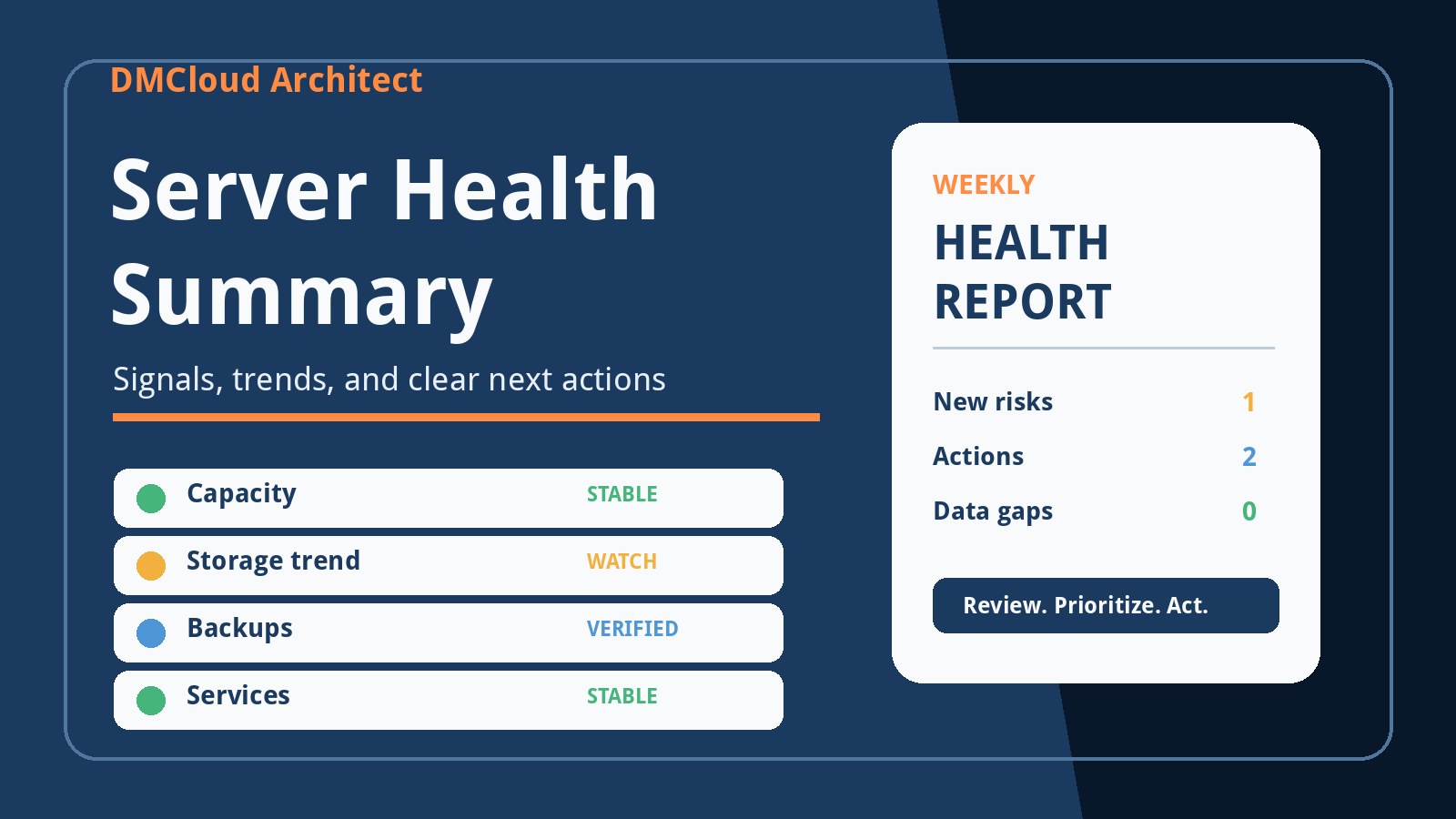
A server can be online and still be moving toward trouble. Disk use may be climbing steadily, memory headroom may be shrinking, a backup may be finishing later each week, or MySQL queries may be slowing without crossing an alert threshold. A useful server health summary brings those changes together so the person responsible can understand what is stable, what needs watching, and what should happen next.
The goal is not to reproduce every dashboard or paste pages of command output into an email. It is to provide a compact review of current health, recent trends, collection gaps, and prioritized actions. For developers and small business owners, that format makes infrastructure maintenance easier to fit into a normal week instead of waiting for an outage.
Begin with scope and collection status
Every report should state what it covers. List the hosts, databases, applications, and review period in plain language. If the environment contains a web server, a worker, and a MySQL instance, the reader should be able to confirm that all three were checked without interpreting a monitoring inventory.
Collection status matters just as much as the measurements. A missing result is not evidence of a healthy system. Identify checks that failed, hosts that could not be reached, credentials that expired, and data sources that returned incomplete information. Put these gaps near the top because they affect confidence in everything that follows.
Use an executive summary that supports a decision
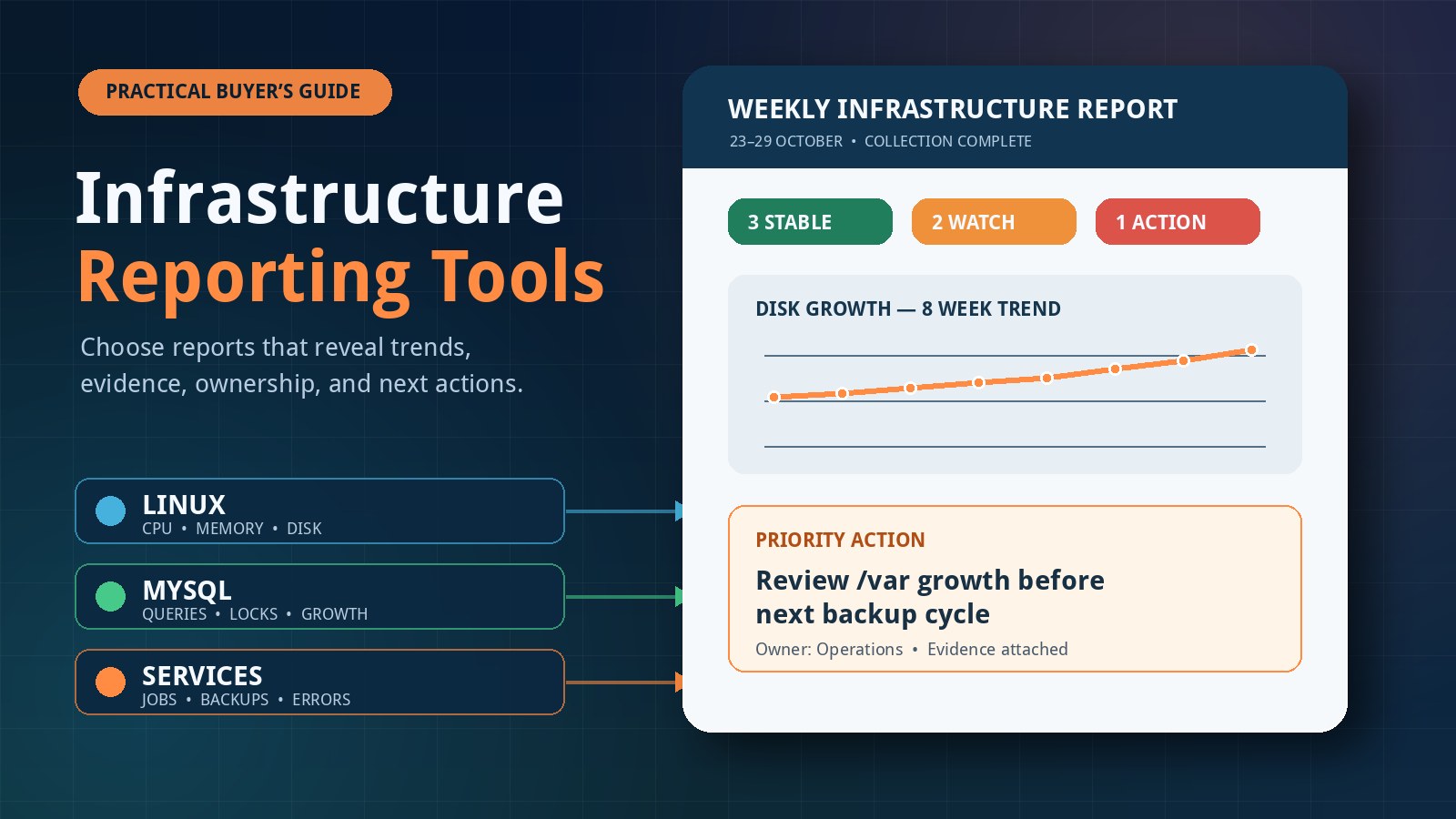
The opening section should answer three questions: did health materially change, which risk matters most, and what action is recommended? A short status such as stable, watch, or action needed is easier to scan than a collection of unrelated severities.
- Stable: Important signals are within the environment's recent range, scheduled work completed, and no new risk needs intervention.
- Watch: A trend or recurring warning deserves investigation, but there is still time to plan the response.
- Action needed: Evidence indicates a credible reliability, capacity, security, or recoverability risk that should be assigned now.
The label should always include a reason. “Watch: root filesystem use rose from 68% to 76% over four weeks” is actionable. “Disk warning” is not. The first statement provides direction, history, and enough context to choose a next check.
Summarize CPU and workload pressure
CPU utilization alone does not explain whether a server is under pressure. A weekly review should combine utilization with load, runnable tasks, I/O wait, steal time in virtual environments, and any known workload changes. A brief spike during a scheduled job may be normal, while a moderate but sustained increase during business hours may deserve attention.
Compare like-for-like periods wherever possible. If traffic is seasonal, note that context instead of treating every increase as a fault. The report should distinguish a one-off event from a persistent shift and identify whether the likely next step is application profiling, query review, job scheduling, or capacity planning.
Explain memory rather than reporting only “used”
Linux uses available memory for filesystem cache, so a simple used-memory percentage can be misleading. Include available memory, swap activity, major paging events, out-of-memory incidents, and the applications consuming the most memory when a change is significant.
Trend context is especially valuable. A process that grows slightly each week can indicate a leak even if the host has not started swapping. Conversely, high cache use with healthy available memory may require no action. The summary should explain the difference in one or two sentences rather than forcing the reader to reconstruct it from raw counters.
Show storage capacity, growth, and filesystem risk
Storage reporting should cover free space, percentage used, inode use, growth rate, and relevant filesystem or device errors. The current percentage is only the starting point. A filesystem at 70% with flat usage may be safer than one at 55% that is gaining several gigabytes every day.
Identify the directories or data sets responsible for meaningful growth, but avoid presenting automated deletion as a default remedy. Logs, uploads, database files, backups, and container layers have different retention and recovery implications. A good next action names what to inspect and who should approve cleanup or expansion.
Include service reliability and scheduled work
A system health reporting routine should confirm that important services are running, but it should also look for restarts, crash loops, failed units, and repeated warnings. A service that is currently active may still have restarted six times during the review period.
Scheduled jobs deserve their own check. Backups, certificate renewals, report exports, data imports, and housekeeping tasks can fail quietly when nobody reviews their outcomes. Summarize expected runs, successful completions, failures, and unusual duration changes. If a job did not produce an observable result, record that as a validation gap.
Make database health part of the same story
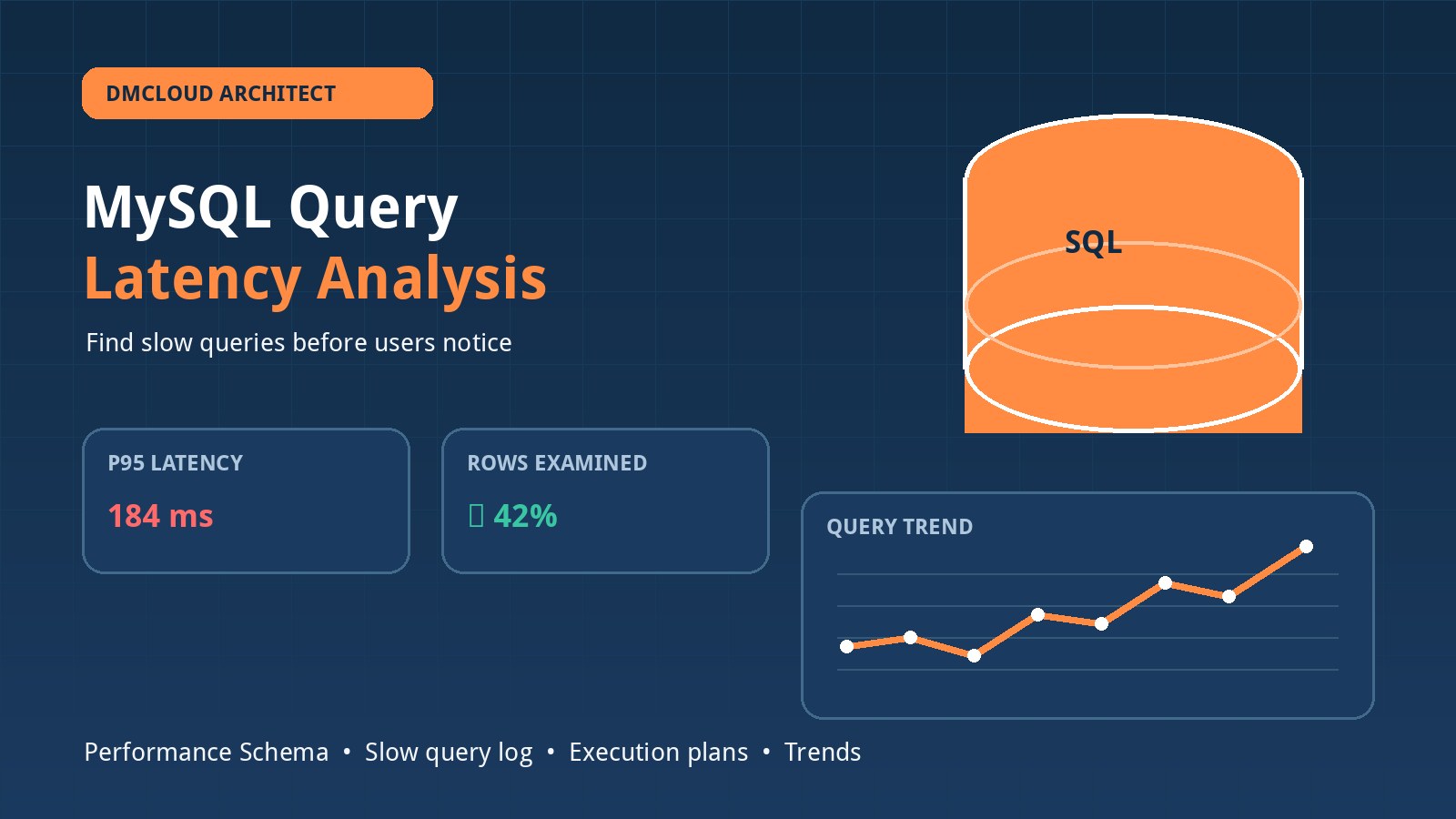
For a MySQL-backed application, host health and database health should not live in separate conversations. Include connection usage, slow-query patterns, lock waits, aborted connections, buffer-pool behavior, replication state when applicable, and database growth. Relate database symptoms to CPU, memory, and storage evidence from the same period.
A rising slow-query count may follow a release, a larger data set, or a scheduled reporting task. A connection increase may reflect traffic growth or a pooling problem. The infrastructure monitoring report does not need to solve the issue, but it should preserve enough context for a developer or database owner to begin the right investigation.
Treat backups as recoverability evidence
“Backup job ran” is weaker than “backup completed, produced a plausible artifact, was copied to the expected location, and remains within the retention policy.” Include completion time, age of the latest successful backup, size changes, failed transfers, and the date of the most recent restore test when that information is available.
A large change in backup size may be legitimate, but it deserves explanation. A zero-byte file, an expired cloud credential, or a backup that now overlaps peak traffic can create risk even when the scheduler reports success. The weekly summary should make those exceptions visible.
Add security and maintenance signals without pretending to be an audit
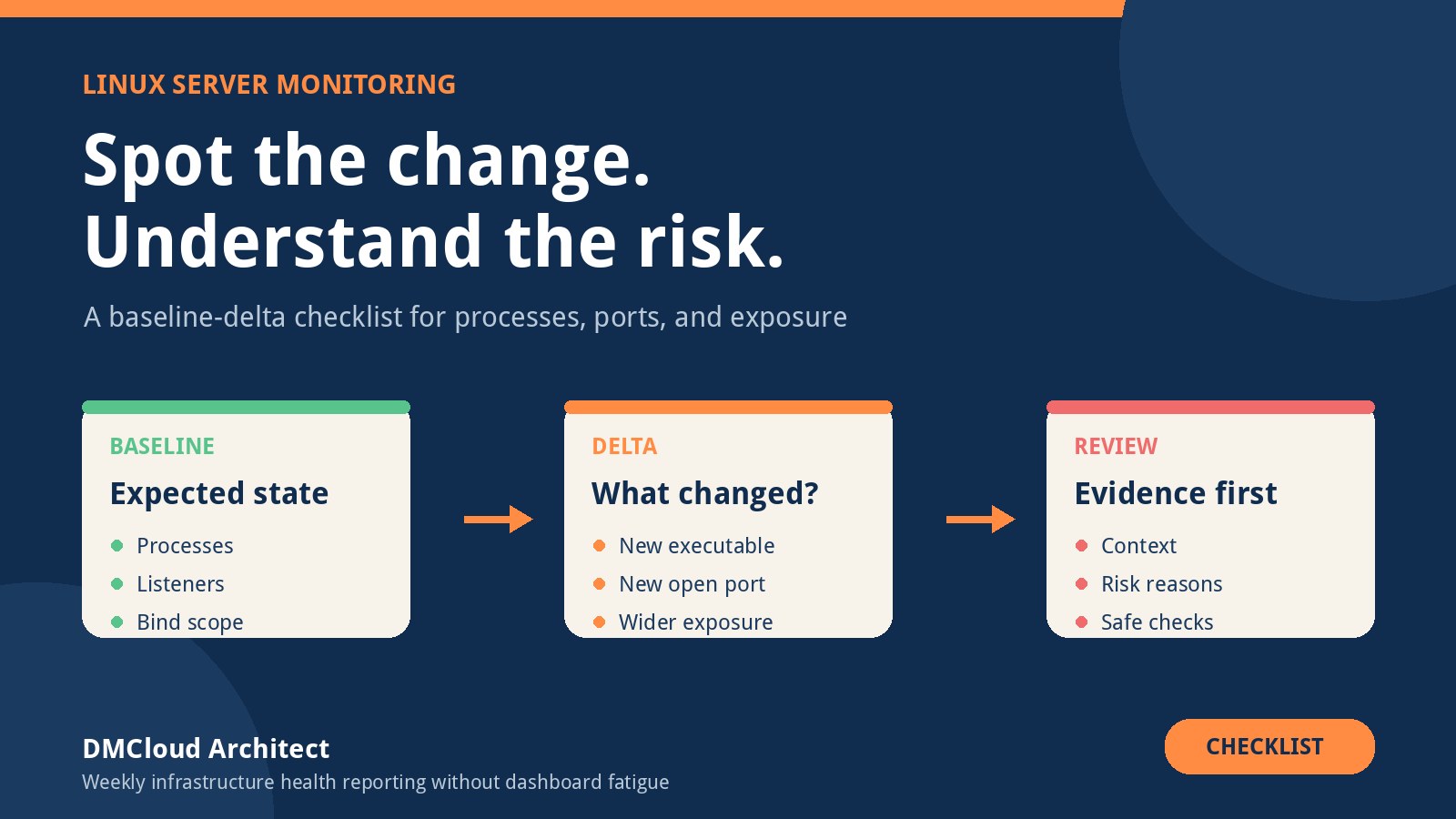
Operational health reporting can include pending security updates, failed authentication trends, unexpected listening services, certificate expiry, and recent configuration changes. These checks help teams spot maintenance work and obvious drift. They do not replace a vulnerability assessment, penetration test, or formal compliance review.
Use careful language. State what was observed, the period and scope of the check, and the recommended follow-up. Avoid claims that a server is “secure” merely because a short checklist found no immediate warning.
Turn every important finding into an owned action
A useful finding includes evidence, impact, priority, owner, and next step. For example: “Storage on the application host grew by 9 GB this week, mainly under the uploads directory. At the current rate, the filesystem has approximately five weeks of headroom. Application owner: confirm retention requirements by Friday; infrastructure owner: prepare an expansion option.”
That structure prevents vague warnings from returning unchanged in every report. It also makes the summary useful to a non-specialist reader, who can see the risk and responsibility without needing to interpret every metric.
Keep the weekly layout consistent
Consistency reduces review time and makes changes easier to notice. A practical server health weekly report can use the following order:
- Scope, review period, and collection status.
- Overall status and the most important change.
- New or worsening risks.
- CPU, memory, storage, and network trends.
- Service, scheduled-job, database, and backup results.
- Security and maintenance observations.
- Prioritized actions with owners and target dates.
- Items to compare again in the next report.
A healthy report may be short. Do not manufacture warnings to make the document look busy. If all important checks are stable and collection is complete, say so clearly and retain the measurements for future comparisons.
Avoid common reporting mistakes
- Raw metric dumps: Data without interpretation transfers the analysis burden to the reader.
- Universal thresholds: Limits should reflect workload, capacity, recent history, and business impact.
- No time comparison: A snapshot cannot show whether a condition is stable, improving, or deteriorating.
- Hidden missing data: Failed collection must be visible rather than silently treated as healthy.
- Unowned recommendations: A task without an owner and next step is likely to remain open.
- False assurance: Report only the scope and evidence actually checked.
Build a review habit, not another dashboard
The strongest summary is one people read and act on consistently. Keep it concise, deliver it through a channel the owners already use, and retain enough history to identify slow changes. Pair the weekly review with focused real-time alerts for conditions that cannot wait.
Over time, the report becomes an operational record. It shows whether actions reduced risk, whether capacity plans were accurate, and which warnings recur. That evidence helps a small team make maintenance decisions before symptoms become incidents.
Want a clear weekly view of Linux and MySQL health?
DMCloud Architect turns infrastructure signals into practical reports with trends, evidence, and next actions—without giving you another dashboard to watch.