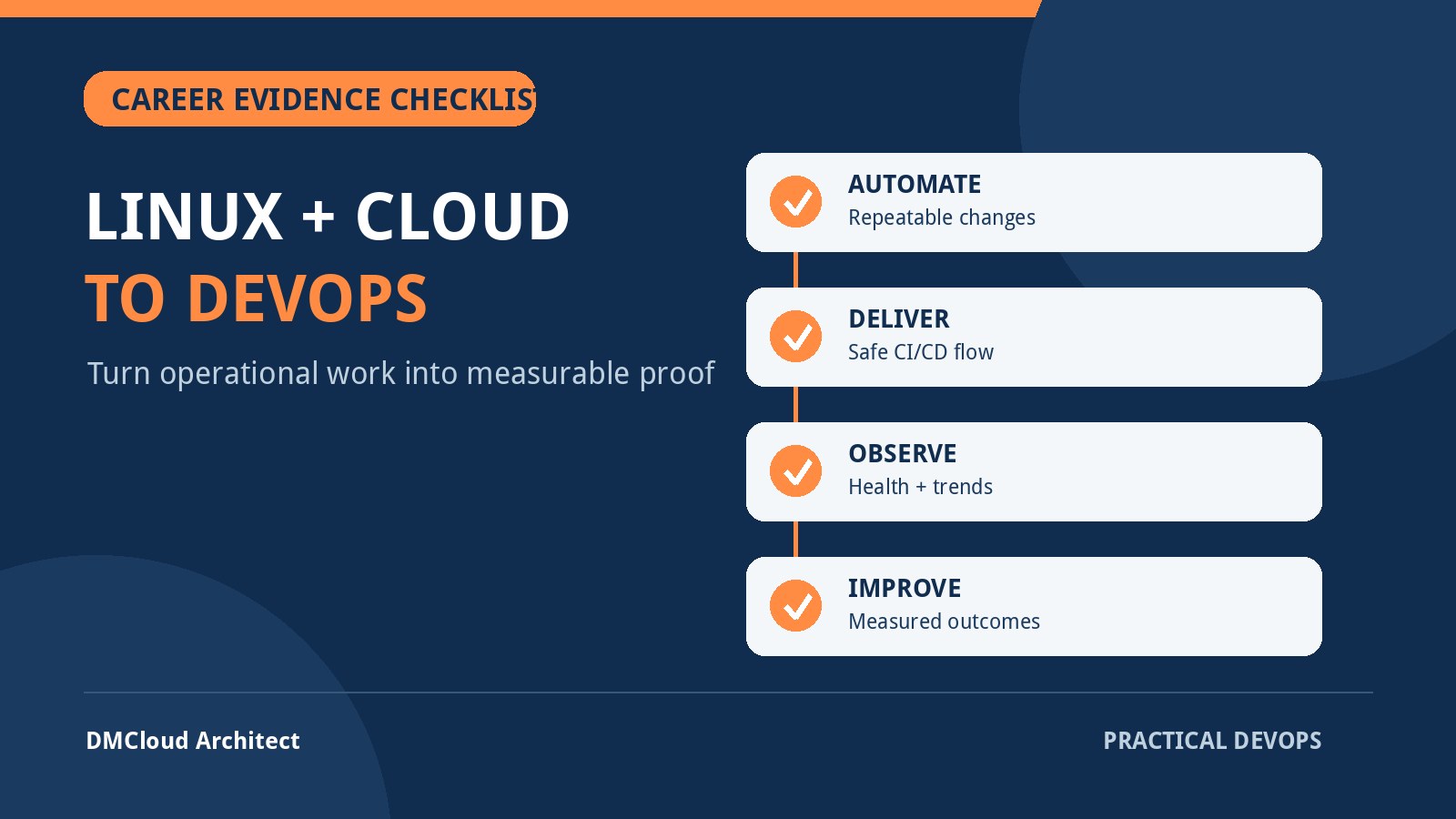
Moving from Linux and cloud administration into DevOps is usually less about abandoning operations and more about presenting it through a delivery-and-reliability lens. You may already troubleshoot services, automate repetitive work, manage access, review capacity, and recover failed systems. The resume challenge is to show how that work made changes safer, feedback faster, and services more dependable.
A hiring manager cannot evaluate a list of tools without context. “Linux, AWS, Docker, Jenkins, Terraform” says what you have encountered, but not what you can own. Strong evidence connects a problem, your action, the operating scale, and a verified outcome. This checklist helps you find that evidence in work you may currently describe as routine administration.
Start with the role you actually want
DevOps titles cover different jobs. One opening may emphasize cloud infrastructure and infrastructure as code; another may be a platform engineering role centered on Kubernetes; a third may focus on CI/CD, release automation, or site reliability. Before rewriting your resume, review a representative group of openings and identify the recurring responsibilities rather than collecting every named tool.
- Infrastructure: provisioning, configuration, networks, identity, patching, backups, and lifecycle management.
- Delivery: build, test, artifact, deployment, rollback, and release controls.
- Reliability: service objectives, monitoring, incident response, capacity, recovery, and post-incident improvement.
- Automation: repeatable workflows, idempotent changes, testing, review, and safe failure behavior.
- Collaboration: working with developers, security teams, service owners, and business stakeholders.
Use those responsibility groups as your resume's structure. Tool names should support the story, not replace it.
Translate administration tasks into operational outcomes
Many Linux and cloud administrators undersell relevant experience because their bullets describe activity rather than impact. Compare these patterns:
- Activity: Managed Linux servers. Evidence: Standardized configuration and patch checks across a defined server fleet, documented exceptions, and reduced inconsistent manual steps.
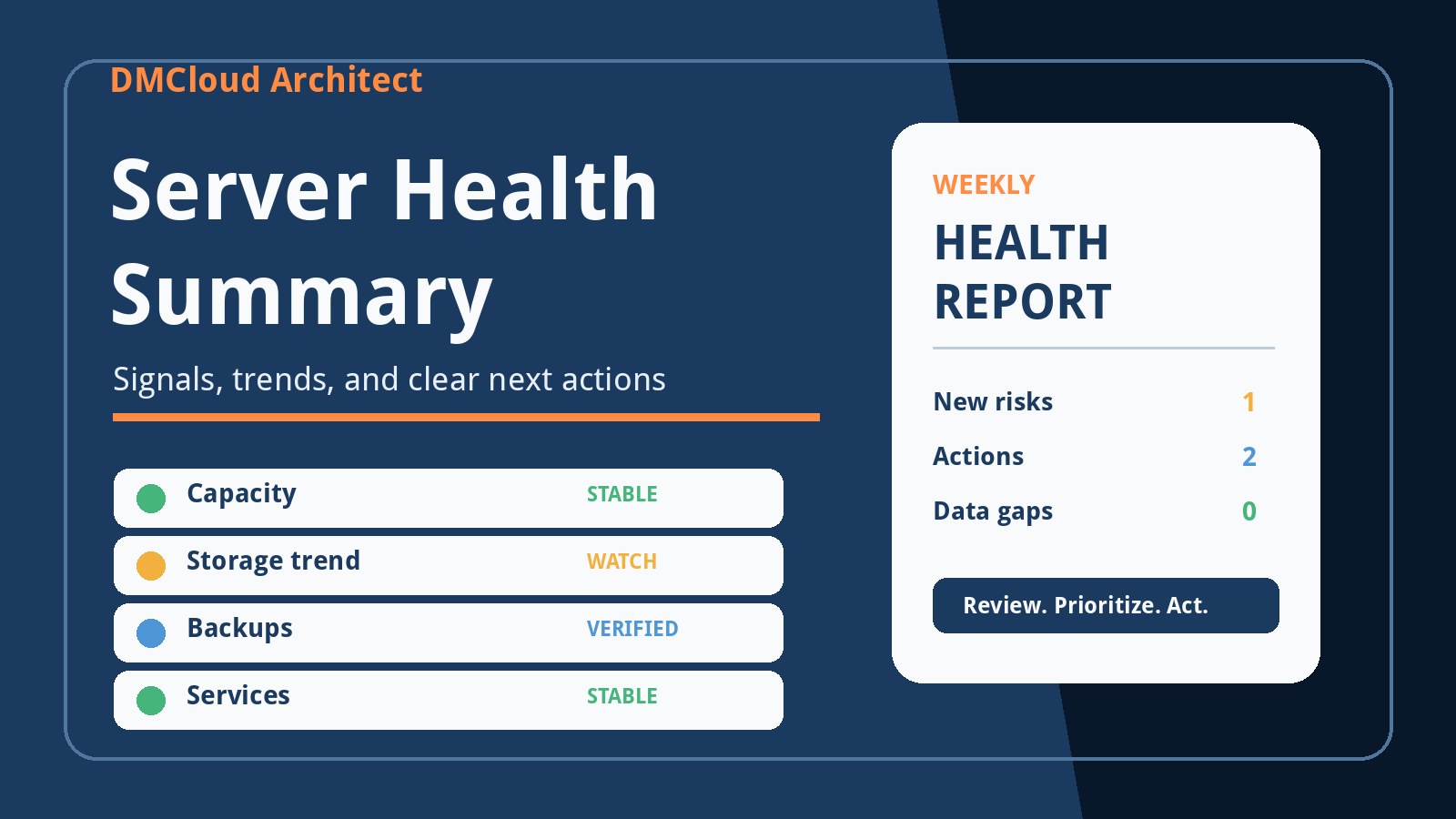
- Activity: Monitored infrastructure. Evidence: Built a weekly health review covering storage, failed services, backup age, patch status, and recurring errors, then tracked remediation to closure.
- Activity: Wrote Bash scripts. Evidence: Replaced a recurring manual validation with a version-controlled script that checked prerequisites, logged failures clearly, and produced an auditable result.
- Activity: Supported deployments. Evidence: Added pre-deployment checks and a documented rollback path, reducing failed handoffs and shortening recovery when releases went wrong.
Do not invent percentages or claim a business result you cannot support. Precise scope is useful even when no formal metric exists: number of hosts, deployment frequency, time previously spent, incident count, recovery steps removed, teams supported, or checks made repeatable.
Use a four-part resume bullet
A practical bullet can be built from four elements:
- Context: What system, service, or constraint existed?
- Action: What did you personally design, automate, diagnose, or improve?
- Control: How did you make the change safe, repeatable, observable, or reviewable?
- Outcome: What measurable or verifiable result followed?
For example: “Automated weekly filesystem, service, patch, and backup-age checks for 28 Linux hosts; stored structured results for trend comparison and added explicit no-data states, cutting manual review time while preserving evidence for follow-up.” The sentence shows scope, engineering judgment, and an outcome without relying on a dense tool list.
Show automation as a maintained system
A script is relevant DevOps evidence when it is more than a command sequence that worked once. Review your automation for these qualities:
- Inputs and expected state are explicit.
- Repeated execution is safe where practical.
- Secrets are not printed, committed, or exposed in process arguments.
- Failures return a useful status and enough context for diagnosis.
- Changes are version controlled and reviewed.
- Tests or validation checks cover the risky paths.
- Documentation explains ownership, prerequisites, rollback, and verification.
If your current scripts lack these controls, improving one real workflow is a better portfolio project than creating several toy repositories. Show the before-and-after operating process, not just the final source code.
Connect Linux server monitoring to reliability decisions
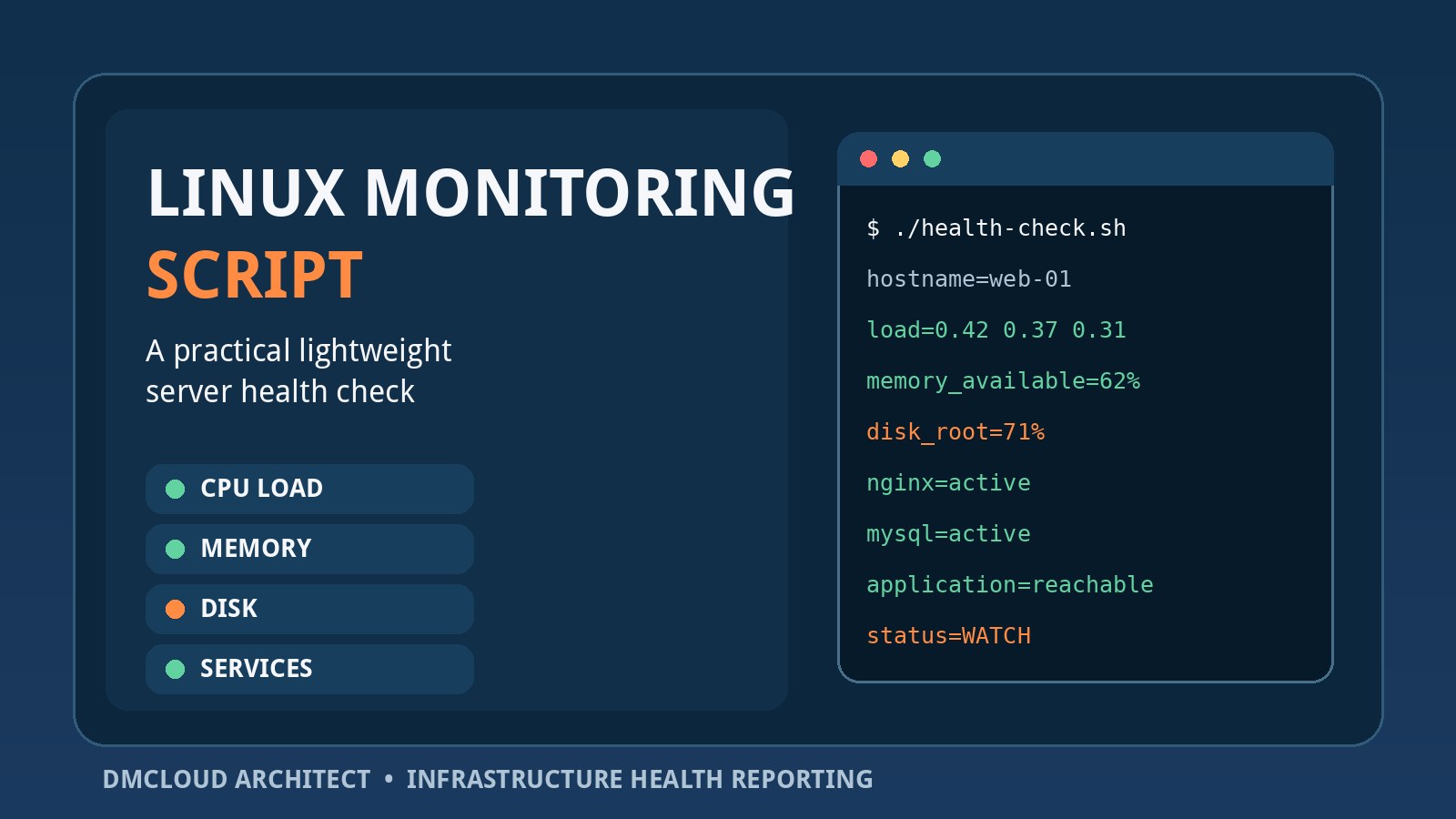
Linux server monitoring is valuable resume evidence when you can explain what decisions the collected signals supported. A dashboard screenshot alone does not demonstrate operational judgment. Describe how you selected checks, distinguished urgent alerts from review items, handled missing data, and converted findings into action.
A credible monitoring story might include:
- Availability checks from the correct network vantage point.
- CPU pressure, memory pressure, filesystem capacity, inode use, and growth trends.
- Failed or repeatedly restarting services.
- Patch posture and reboot requirements.
- Backup completion, backup age, and evidence from restore tests.
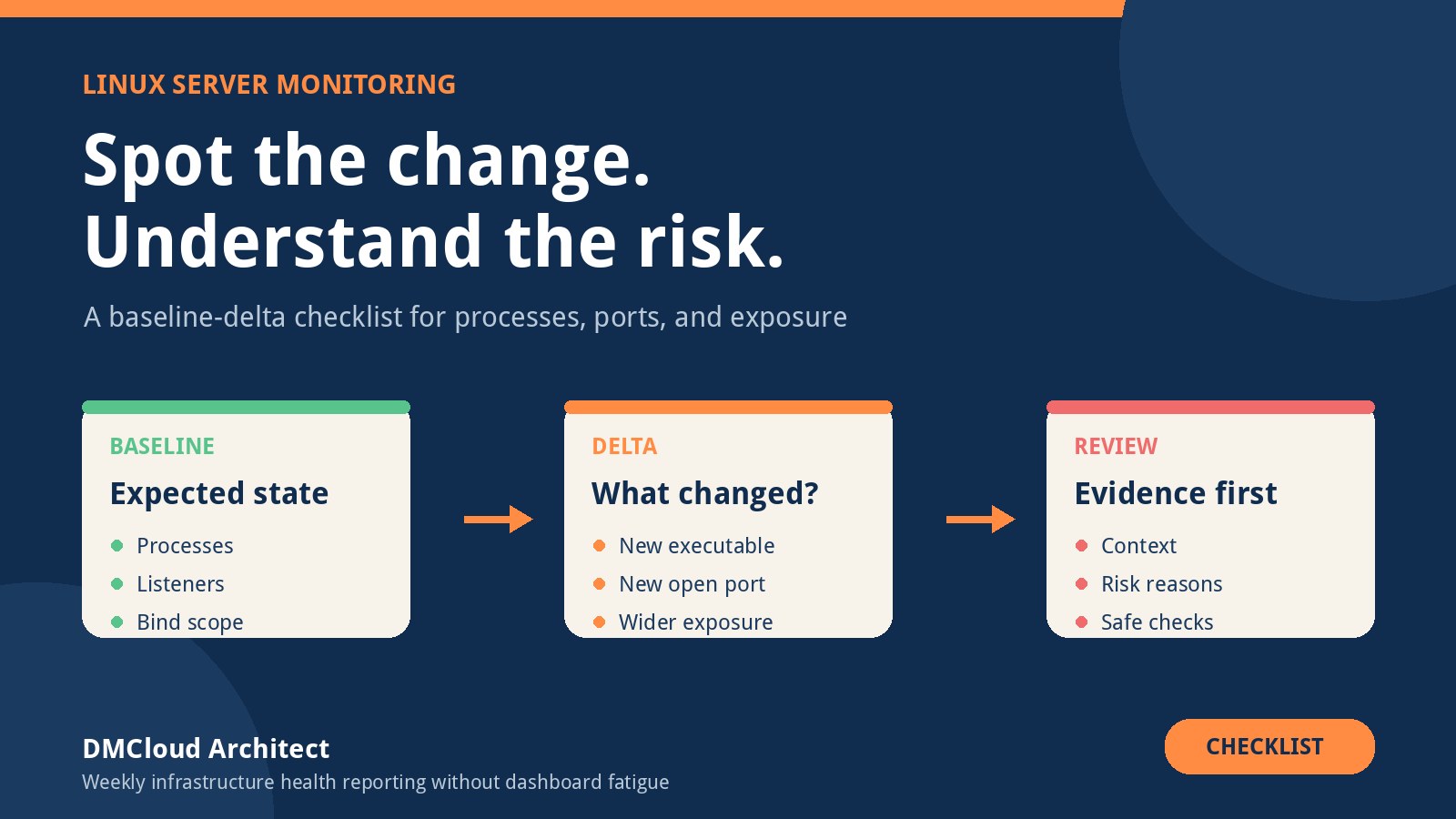
- Authentication anomalies, unexpected listeners, or configuration drift.
- Application and database indicators tied to user-visible service behavior.
Explain the feedback loop: detect, investigate, remediate, verify, and prevent recurrence. If a storage warning led to log-retention changes, automated cleanup safeguards, and a capacity forecast, that sequence is stronger than “configured alerts.”
Demonstrate infrastructure as code beyond syntax
Infrastructure as code is not proven by listing Terraform, CloudFormation, Ansible, or another framework. Hiring teams want evidence that you understand state, dependencies, review, drift, secrets, environments, and recovery.
- How was a change planned and reviewed before application?
- How did you separate environments and avoid accidental production changes?
- Where did state live, and how was access controlled?
- How were modules or roles kept reusable without hiding important differences?
- How did you detect drift or imports of pre-existing resources?
- What validation ran before and after a change?
- What was the rollback or forward-fix strategy?
A small, well-documented environment with networking, compute, identity, monitoring, and a safe change workflow demonstrates more than a large template copied from a tutorial.
Add delivery pipeline evidence
Linux administrators often have adjacent deployment experience even when they have not owned a formal CI/CD platform. Look for work involving package builds, artifact promotion, service restarts, schema changes, configuration rollout, smoke tests, maintenance windows, or rollback.
Then make the delivery chain explicit:
- A version-controlled change starts the workflow.
- Automated checks validate syntax, behavior, policy, or security expectations.
- An immutable or traceable artifact is produced.
- Deployment uses environment-specific controls and least privilege.
- Health checks verify the new version.
- Failure stops promotion and invokes a tested rollback or forward-fix path.
If you need portfolio evidence, build this chain around a small service you understand. Include a deliberately failing test and a deliberately unhealthy deployment so the repository shows how the pipeline prevents or contains failure.
Include incident response and troubleshooting
DevOps work is not only building the happy path. Your resume should include at least one example of diagnosis under uncertainty. A good incident example shows how you narrowed the problem with evidence rather than trying random fixes.
- Establish the timeline and affected scope.
- Compare recent changes with a known baseline.
- Separate network, host, service, application, and dependency symptoms.
- Mitigate user impact while preserving useful evidence.
- Verify recovery from the user's perspective.
- Record follow-up actions that reduce recurrence or detection time.
Keep confidential details out of a public resume. You can still describe the system type, scale, diagnostic method, and resulting control.
Show cloud knowledge through architecture choices
Cloud experience is stronger when tied to design tradeoffs. Be ready to explain identity boundaries, network paths, service exposure, encryption, backup and recovery, availability assumptions, cost controls, logging, and ownership.
Instead of “managed cloud infrastructure,” describe a choice: segmented application and database access, replaced long-lived credentials with role-based access, added lifecycle policies for logs or backups, tested recovery in a separate environment, or identified idle resources through a scheduled review. State what constraint mattered and how you verified the result.
Close the experience gaps with one coherent portfolio
Do not build disconnected “hello world” projects for every tool. One small service can demonstrate an end-to-end operating model:
- Provision the environment with infrastructure as code.
- Configure the host or runtime repeatably.
- Build and test the application in CI.
- Publish a traceable artifact.
- Deploy with health checks and a rollback path.
- Collect service and Linux health evidence.
- Create an alert for an urgent failure and a weekly report for slower trends.
- Document an incident exercise and the improvement that followed.
- Estimate costs and explain the security boundaries.
The README should explain architecture, decisions, failure modes, and verification. Avoid committing real credentials or leaving paid resources running unintentionally. A diagram, operating runbook, and sample sanitized report make the project easier to evaluate.
Keep the skills section honest and useful
Group skills by function, such as operating systems, cloud, infrastructure as code, delivery, observability, scripting, and data stores. Include a technology only if you can discuss where you used it, what went wrong, and how you verified the outcome. Separate production experience from lab exposure when the distinction matters.
Do not use proficiency bars. “Eighty percent Kubernetes” has no shared meaning. Evidence in the experience and project sections should establish depth.
Run this final resume review
- Does the opening summary name the target role and the operational value you bring?
- Do the first bullets show outcomes rather than ticket volume or generic duties?
- Is the scale clear without exposing confidential information?
- Does each major tool support a real example?
- Are automation, delivery, monitoring, security, and recovery all represented?
- Can you defend every number and claim in an interview?
- Have you removed duplicate skills, vague adjectives, and long inventories?
- Does the portfolio close a genuine experience gap rather than repeat work already shown?
- Can a reviewer understand your contribution separately from the team's work?
- Is the document concise enough that the strongest evidence appears early?
Your Linux and cloud background is not a detour from DevOps. It is the operational foundation. The transition becomes credible when your resume shows repeatable change, fast feedback, measured reliability, and thoughtful recovery—not merely familiarity with another set of tools.
Want practical Linux health evidence without another dashboard to watch?
DMCloud Architect turns Linux and MySQL health checks into useful weekly reports, helping developers and small business owners review trends, risks, and recurring issues without adding alert fatigue.
Get the free starter plan for weekly infrastructure health reports.