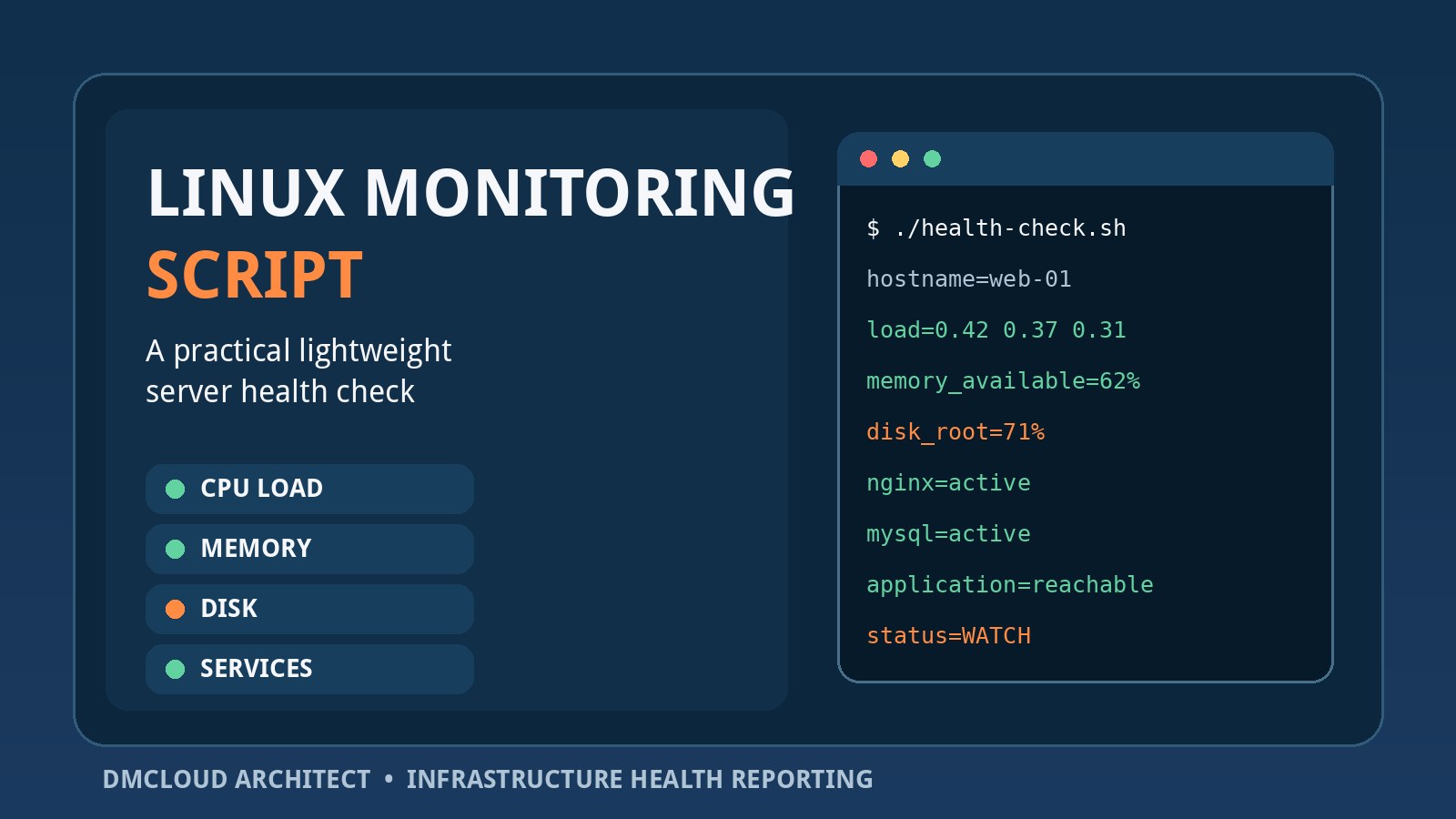
A small Linux server does not always need a complex observability stack, but it does need regular evidence that its essential resources and services are healthy. A focused Linux monitoring script can collect that evidence in a repeatable format, flag meaningful exceptions, and leave a record for trend review.
The aim is not to recreate a full monitoring platform in Bash. It is to automate a dependable first-line health check for developers and small business owners who need visibility without another dashboard to maintain. The best script is narrow, readable, safe to run unattended, and explicit about what it could not check.
Decide what the script must answer
Start with operational questions rather than a long list of commands. Is the host under sustained CPU pressure? Is usable memory shrinking? Which filesystem is approaching capacity? Did an important service restart or fail? Can the application port accept a local connection? Did scheduled work complete?
A simple Linux monitoring routine should usually cover six areas:
- Host identity and collection time: hostname, kernel, uptime, timestamp, and timezone.
- Compute pressure: load averages, CPU count, CPU utilization, I/O wait, and virtual-machine steal time where available.
- Memory health: available memory, swap use, paging activity, and out-of-memory events.
- Storage health: filesystem capacity, inode use, recent growth, and relevant device or filesystem errors.
- Service health: required systemd units, failed units, listening ports, and local application checks.
- Recent failures: selected journal errors, failed jobs, backup age, and collection errors.
Keep snapshots and trends separate
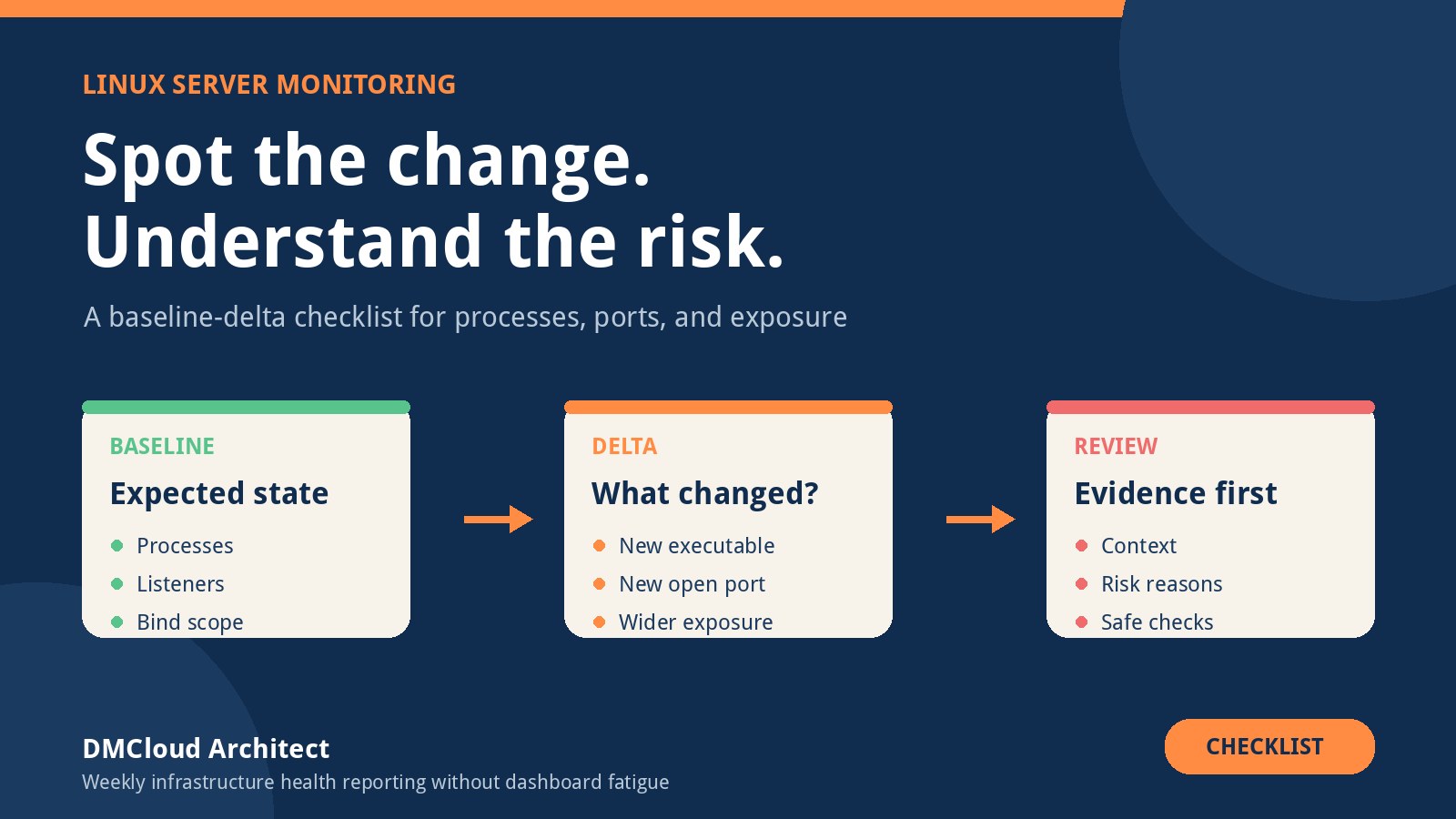
A single sample tells you what the server looked like at one moment. It cannot show whether disk use has grown every week or whether available memory is gradually falling after each release. Save compact, timestamped results so the current check can be compared with previous checks.
Use snapshots for immediate conditions and trends for slow changes. A filesystem at 78% may be stable and planned; one at 62% that gains five percentage points each week may be the more urgent capacity risk. Lightweight Linux monitoring becomes much more useful when it preserves history instead of overwriting yesterday's output.
A practical Bash starting point
The following example collects a concise report with common tools. Adjust the service list, filesystem exclusions, and application URL for the environment. Test every command on the target distribution before scheduling it.
#!/usr/bin/env bash
set -u
set -o pipefail

REPORT_DIR="/var/log/server-health"
STAMP="$(date -u +%Y%m%dT%H%M%SZ)"
REPORT="$REPORT_DIR/health-$STAMP.txt"
SERVICES=(nginx mysql)
APP_URL="http://127.0.0.1:8080/health"

install -d -m 0750 "$REPORT_DIR"
exec > >(tee -a "$REPORT") 2>&1

echo "Server health check"
echo "collected_utc=$STAMP"
echo "hostname=$(hostname -f 2>/dev/null || hostname)"
echo "kernel=$(uname -r)"
echo "uptime=$(uptime -p 2>/dev/null || true)"
echo

echo "== Load and CPU =="
printf 'logical_cpus='; getconf _NPROCESSORS_ONLN
printf 'load='; cut -d ' ' -f 1-3 /proc/loadavg
command -v vmstat >/dev/null && vmstat 1 2 | tail -1

echo
echo "== Memory =="
free -h
printf 'swap_activity='; vmstat 1 2 | tail -1 | awk '{print "si=" $7 ",so=" $8}'

echo
echo "== Filesystems =="
df -hP -x tmpfs -x devtmpfs -x squashfs
df -iP -x tmpfs -x devtmpfs -x squashfs

echo
echo "== Services =="
for service in "${SERVICES[@]}"; do
  if systemctl is-active --quiet "$service"; then
    echo "$service=active"
  else
    echo "$service=NOT_ACTIVE"
  fi
done
systemctl --failed --no-legend || true

echo
echo "== Application check =="
if curl --fail --silent --show-error --max-time 10 "$APP_URL" >/dev/null; then
  echo "application=reachable"
else
  echo "application=CHECK_FAILED"
fi

echo
echo "== Recent high-priority journal events =="
journalctl --since '-24 hours' -p err --no-pager -n 50 || true

echo
echo "report=$REPORT"
This example reports observations rather than changing the system. That distinction matters: monitoring code should not delete logs, restart services, clear caches, or modify firewall rules. Detection and remediation have different risk profiles and should normally remain separate.
Interpret load in context
Load average is not a CPU percentage. It includes tasks waiting for CPU and, on Linux, tasks in uninterruptible sleep such as some I/O waits. Compare load with the number of logical CPUs, then inspect CPU utilization, I/O wait, and workload timing before declaring a problem.
A short spike during a backup or deployment may be expected. A sustained load above the host's usual range, accompanied by a growing run queue or I/O wait, deserves investigation. Record enough context to distinguish a busy application from slow storage or an overloaded virtual machine.
Use available memory, not only used memory
Linux intentionally uses spare RAM for cache, so “used” memory by itself can produce false alarms. Track MemAvailable, swap usage, swap-in and swap-out activity, and out-of-memory events. A server can show high memory use while remaining healthy if cache can be reclaimed and swapping is quiet.
Trend the result across comparable periods. Gradually declining available memory, repeated swap activity, or new OOM-killer messages can reveal pressure that a one-time percentage misses. If container limits apply, inspect the relevant cgroup metrics as well as host totals.
Check disk space and inodes
Run both capacity and inode checks. A filesystem may have free gigabytes but still fail to create files because its inodes are exhausted. Exclude pseudo-filesystems so the report stays readable, and do not assume one percentage threshold is appropriate for every volume.
Add growth context where possible. Store the used-byte value for important filesystems and compare it with the prior run. If usage rises unexpectedly, report which directories deserve review, but do not place automatic cleanup commands in the health script. Logs, database files, uploads, backups, and container layers each require different retention decisions.
Validate services beyond process existence
An active systemd unit does not prove that an application can serve a request. Combine service-state checks with a local HTTP health endpoint, a TCP connection test, or a lightweight database query. Keep the test local when the goal is application health; use a separate external check when the goal is end-to-end reachability.
Also report failed units and recent restarts. A service that is active now may have crashed repeatedly overnight. For databases, a low-cost query such as SELECT 1 can verify that the server accepts a connection, while deeper checks should be handled by a dedicated database-health routine with appropriately scoped credentials.
Make failure visible
A script that exits early and produces no report can create false reassurance. Capture command failures, record missing dependencies, and distinguish “healthy” from “not checked.” Use a nonzero exit code for incomplete or failed collection if a scheduler or wrapper monitors exit status.
Avoid hiding all errors with broad || true clauses. In the example, they are used only where the report should continue after an optional check. A production version should append a collection-status section that lists each failed check and sets an overall result such as OK, WARN, CRITICAL, or INCOMPLETE.
Choose thresholds from the environment
Universal thresholds are easy to code but often noisy. A better setup combines a few hard safety limits with baselines and trends. For example, alert on critically low free space, but create a lower-priority warning when the projected growth rate leaves only a few weeks of headroom.
- Use absolute values where percentages hide risk, such as remaining gigabytes.
- Require persistence across multiple samples for conditions that frequently spike.
- Compare with the same hour or workload window when usage is cyclical.
- Document why each threshold exists and who should respond.
- Treat missing data as an explicit collection problem.
Schedule safely with systemd or cron
Run the script as a dedicated, minimally privileged account where practical. Root access may be needed for specific journal or hardware checks, but do not grant broad privileges merely for convenience. Use a restricted sudo rule for a narrowly defined command if elevated access is unavoidable.
A systemd timer provides execution history, dependency controls, resource limits, and clear failure state. Cron remains suitable for a simple Linux monitoring setup, provided that the script uses absolute paths, defines its environment, writes errors to a known location, prevents overlapping runs, and has a retention policy.
Use flock or a systemd unit to prevent overlap. Rotate or expire old reports only after deciding how much history is needed for trend analysis. Protect report files because they can reveal hostnames, services, filesystem paths, software versions, and operational weaknesses.
Know when a script is no longer enough
A Bash check is a good fit for a small number of hosts, low-frequency reviews, and a clear set of operational questions. Move toward established Linux monitoring tools when you need high-frequency metrics, distributed collection, long retention, dependency mapping, multi-user access, formal alert routing, or reliable fleet-wide configuration.
The transition does not invalidate the script. Its checks can become a requirements list for the next system. Keep the most useful questions—capacity trend, service reliability, backup evidence, failed collection, and owned actions—even if the collection mechanism changes.
Turn collected data into a useful report
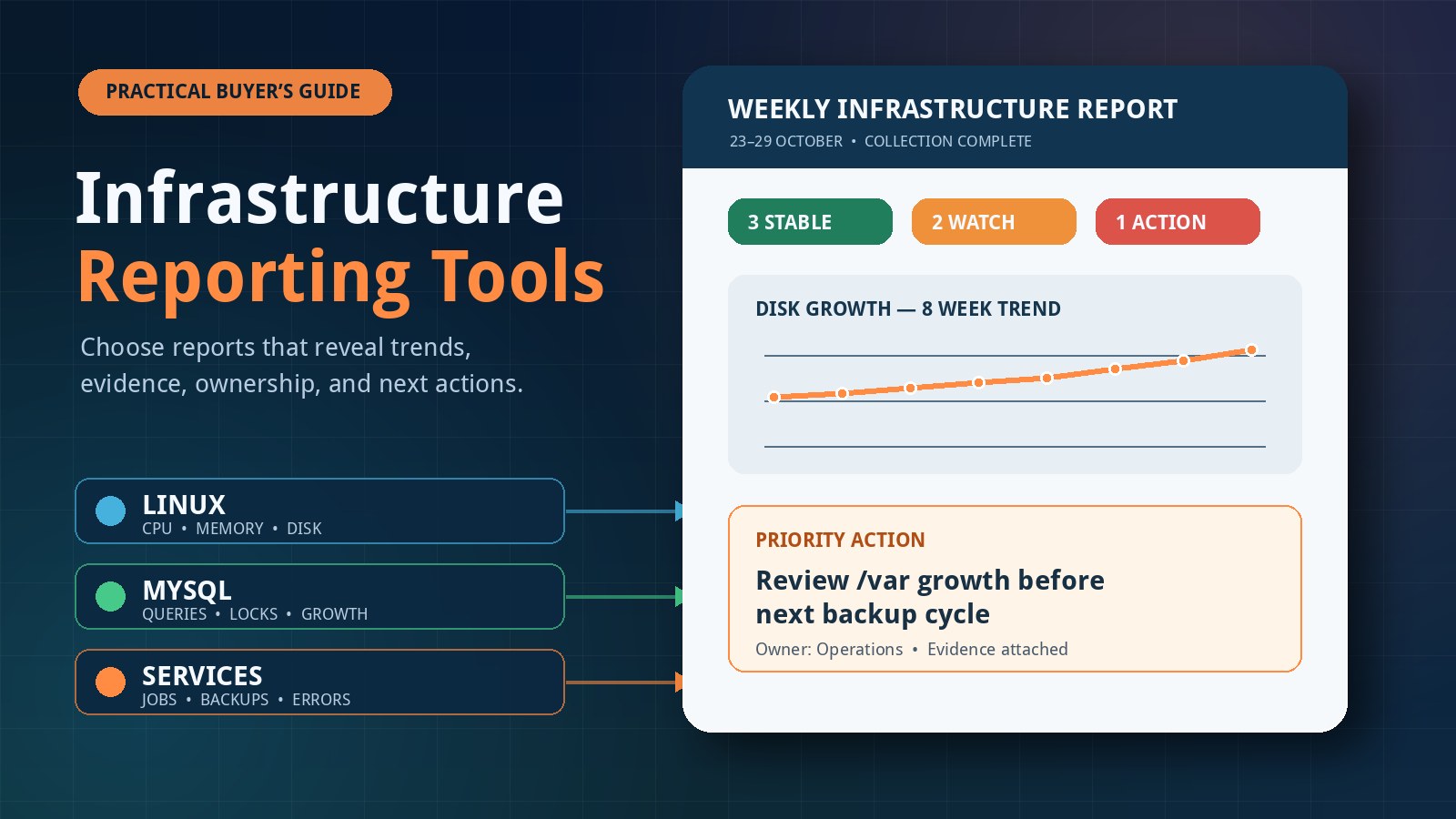
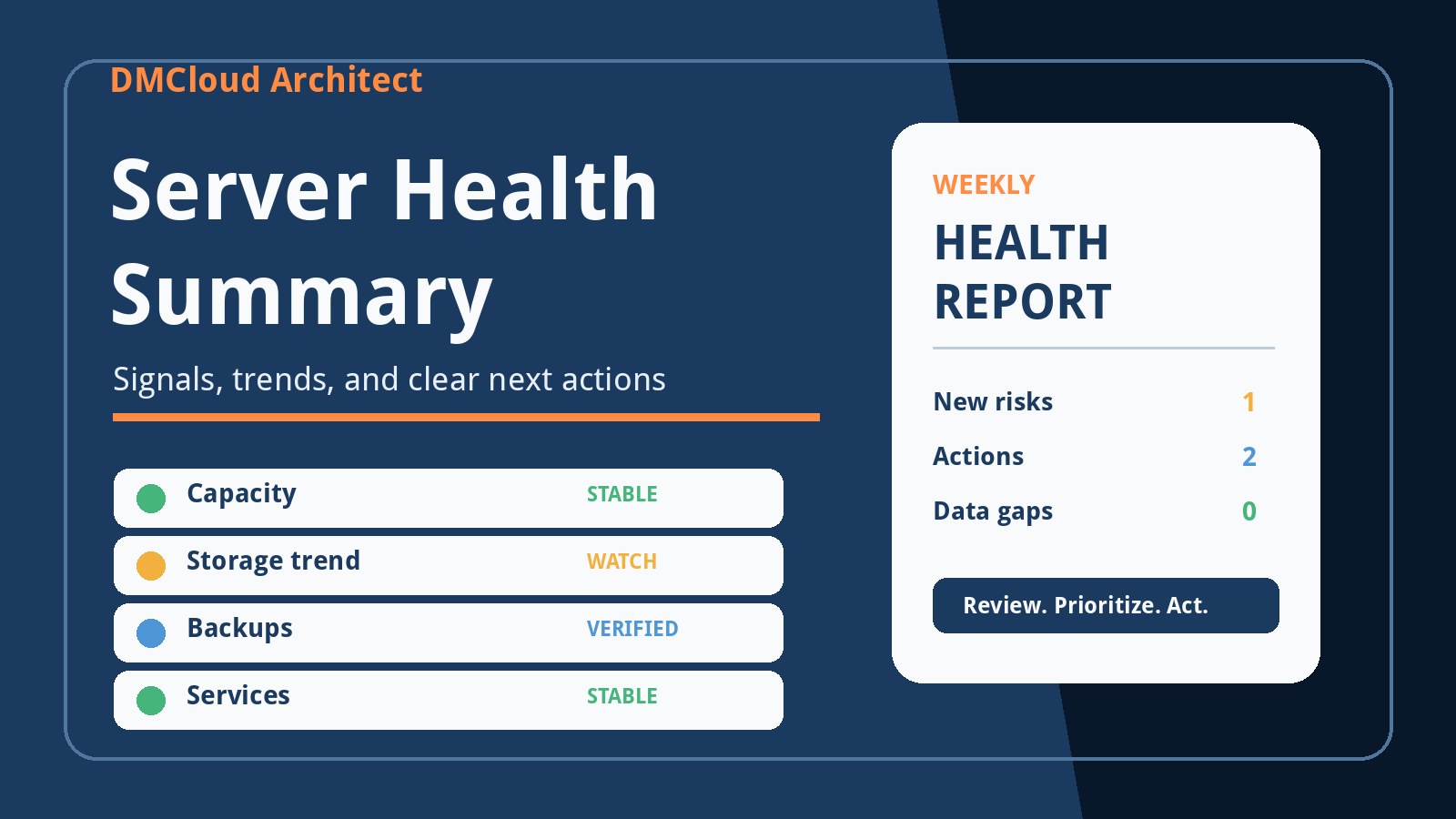
Raw command output is evidence, not the final deliverable. Summarize what changed, identify the most important risk, show supporting values, and recommend a next action. A weekly report might say that storage grew by 8 GB, the backup completed normally, application response remained stable, and one failed timer needs an owner.
That short interpretation is what helps a developer or business owner act. Retain the detailed output for troubleshooting, but lead with decisions: stable, watch, action needed, or incomplete. Over time, those consistent reviews make slow infrastructure drift visible before it becomes an incident.
Want lightweight health checks without another dashboard?
DMCloud Architect turns Linux and MySQL signals into practical weekly reports with trends, evidence, and clear next actions.