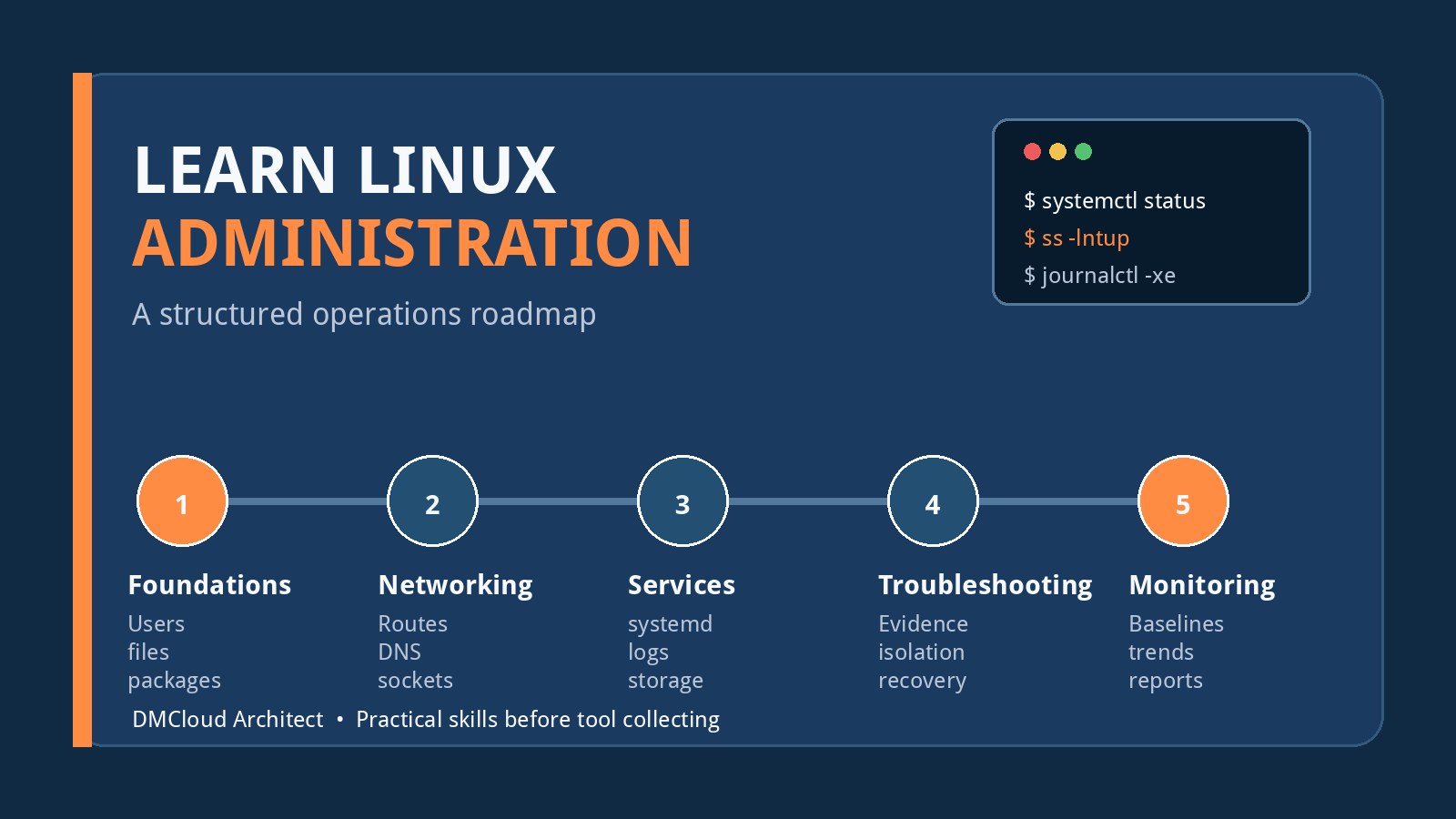
Knowing how to navigate a shell is an important start, but it is not the same as knowing how to operate a Linux system. Administration begins when you can explain what a host is supposed to do, observe what it is actually doing, diagnose the gap, make a controlled change, and verify the result.
The fastest route from intermediate user to dependable administrator is therefore not memorizing more commands. It is building a structured practice loop around real operating-system concepts: identity, processes, storage, networking, services, security, automation, troubleshooting, and linux server monitoring. Commands then become tools for answering specific questions rather than isolated facts to recall.
Start with an operations-first learning loop
Use the same cycle for every topic:
- Build: configure a small service or system behavior yourself.
- Observe: inspect processes, sockets, logs, files, and resource use.
- Break: introduce one safe, documented fault in a disposable lab.
- Diagnose: gather evidence before changing anything.
- Recover: restore service with the smallest justified change.
- Document: record the symptom, evidence, cause, fix, and verification.
This loop turns reading into operational memory. It also exposes weak spots quickly: if you can follow a tutorial but cannot explain why the service failed after a reboot, the underlying concept still needs work.
Stage 1: Strengthen the fundamentals administrators use daily
Do not skip fundamentals because basic shell navigation feels comfortable. Revisit them from an administrator's perspective, where ownership, persistence, failure behavior, and auditability matter.
- Users, groups, numeric IDs, supplementary groups, password state, and privilege escalation.
- Permissions, ownership, the execute bit on directories, umask, setuid, setgid, and sticky directories.
- Filesystems, mount points, inodes, links, device files, temporary filesystems, and filesystem capacity.
- Processes, parent-child relationships, signals, priorities, sessions, and exit status.
- Package repositories, package ownership of files, updates, and rollback limitations.
- Shell quoting, pipelines, redirection, environment variables, and safe error handling.
A useful lab is to create two service accounts and a shared directory, then design permissions that allow exactly the intended collaboration. Test the result as each account. Next, fill a small loopback filesystem and compare what df and du report. These exercises teach more than another list of commands because they force you to predict and verify behavior.
Stage 2: Learn systemd and the service lifecycle
Modern Linux administration is largely service administration. Learn how a unit is discovered, how dependencies affect startup, which account runs the process, where environment settings come from, how restart policy behaves, and how logs relate to a failed unit.
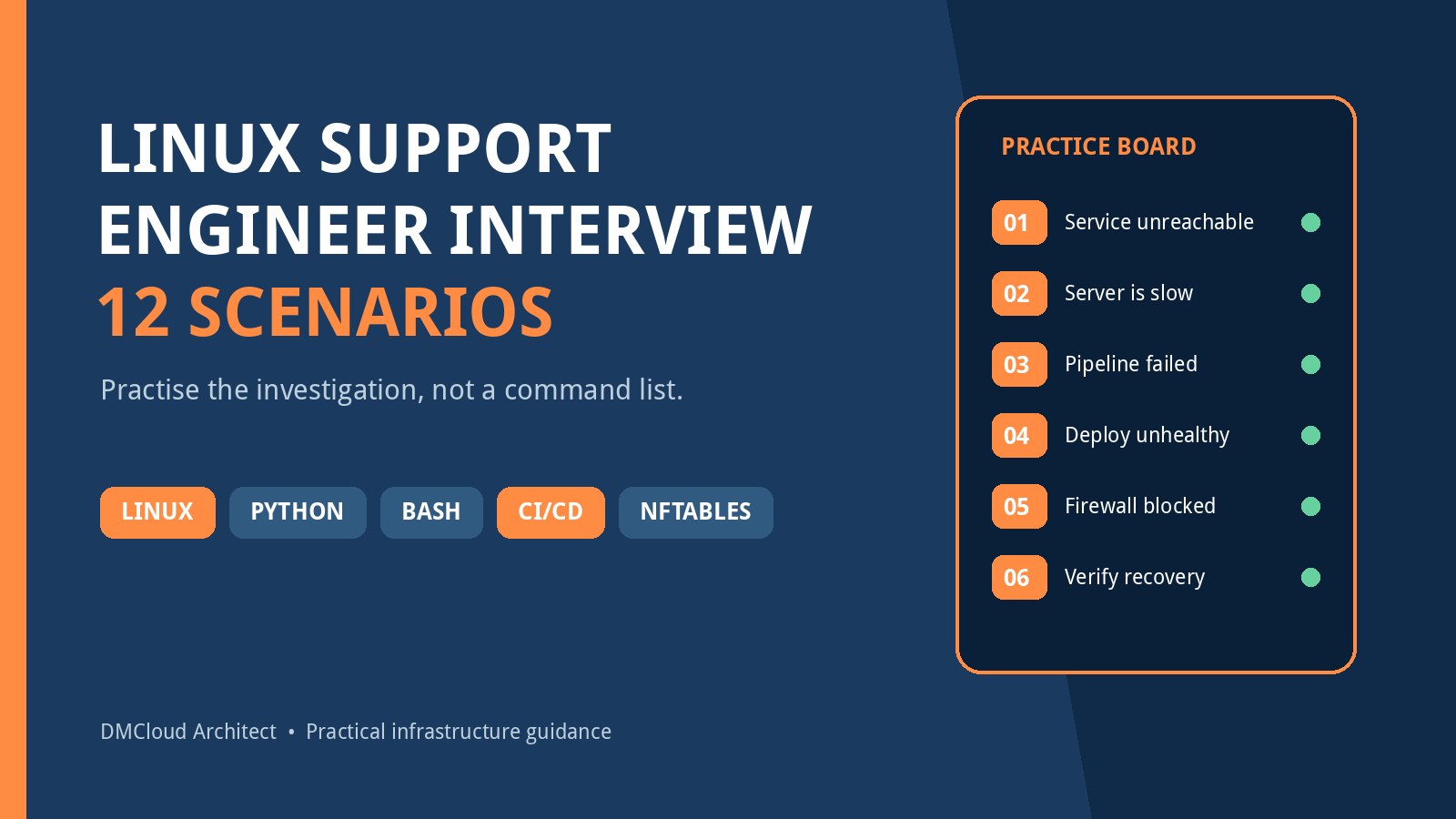
Build a small local web service and manage it with a custom systemd unit. Practice these scenarios:
- The executable path is wrong.
- The service account cannot read a required file.
- The application starts manually but lacks its expected environment under systemd.
- The port is already in use.
- The process exits repeatedly and triggers the restart limit.
- The unit works now but is not enabled for the next boot.
For each fault, inspect unit status and the journal before editing the configuration. Learn to distinguish a systemd problem from an application problem. The service manager can report that a process exited; the application log may explain why.
Stage 3: Build networking knowledge from the packet path
Networking becomes easier when studied as a path rather than as a collection of utilities. For a connection to succeed, name resolution, route selection, local interface state, listener binding, firewall policy, upstream network controls, and application behavior must all align.
Work through the path in a consistent order:
- Resolve the destination name and confirm the returned address.
- Inspect the route the kernel will use for that destination.
- Check interface addresses, link state, and the default gateway.
- Confirm whether a process is listening on the expected protocol, address, and port.
- Inspect host firewall policy and relevant counters.
- Test port reachability from the correct network vantage point.
- Make an application request and inspect both client and server evidence.
Learn the difference between binding to 127.0.0.1, a specific interface address, and 0.0.0.0. A wildcard listener does not prove Internet exposure; routing, firewalls, cloud security controls, proxies, and network address translation still affect reachability.
Use ip, ss, a DNS query tool, curl, and packet capture in a lab. Packet capture is especially useful because it separates “the request never arrived” from “the server received it but did not answer correctly.” Only capture traffic you are authorized to inspect, and avoid retaining credentials or sensitive payloads.
Stage 4: Treat logs as evidence, not as an answer generator
Learn where your distribution and applications record authentication events, service failures, kernel messages, scheduled task output, package operations, and web or database errors. Then practice correlating events by time, host, service, process ID, request ID, and user.
A log line is evidence produced by one component. It may be incomplete, delayed, duplicated, or misleading without context. Keep clocks synchronized, work in an explicit timezone, and preserve the original message before filtering. When troubleshooting, create a short timeline instead of copying hundreds of unrelated lines.
Also learn log rotation, retention, permissions, and disk-risk controls. A logging system that fills the root filesystem can turn a minor application fault into a host outage.
Stage 5: Add storage, memory, and performance reasoning
Resource troubleshooting should connect symptoms to constraints. High CPU use can represent useful work, a runaway loop, lock contention, or excessive context switching. Low free memory is not automatically a problem because Linux uses memory for cache. A full disk may mean exhausted bytes, exhausted inodes, deleted-but-open files, snapshots, or a runaway log.
Practice answering these questions:
- Is the host CPU-bound, waiting on storage, or blocked elsewhere?
- Is memory pressure causing reclaim or swap activity?
- Which filesystem is constrained, and is the constraint bytes or inodes?
- Which process owns a large deleted file that still consumes space?
- Did the symptom begin after a deployment, update, traffic change, or scheduled task?
- Is the issue momentary, recurring, or a sustained trend?
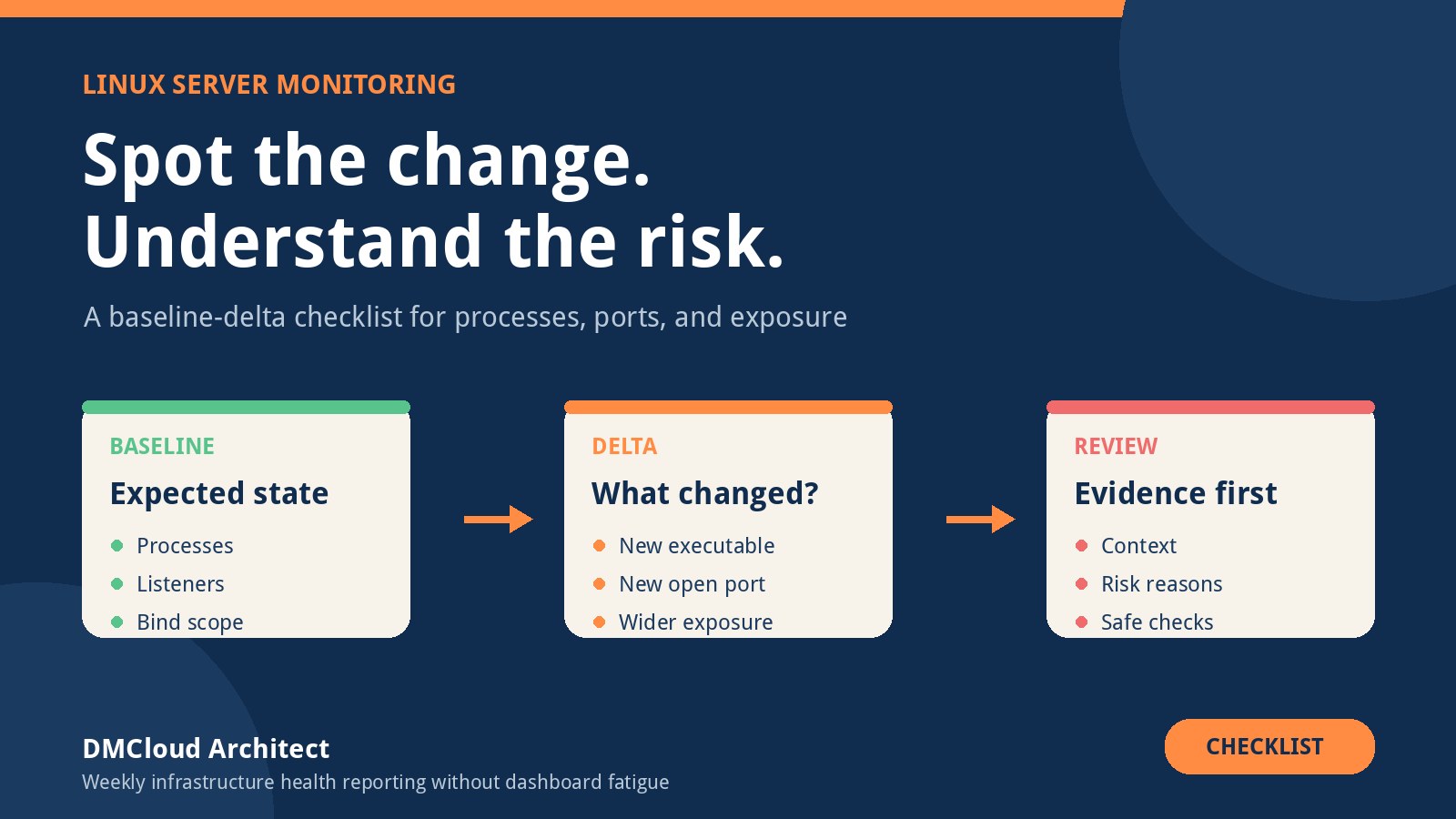
Generate controlled load only in a disposable environment. Capture a baseline first, introduce one constraint, observe the effect, remove it, and confirm recovery. This teaches interpretation rather than command output recognition.
Stage 6: Practice security as routine administration
Security is not a separate advanced module. It is part of user management, service configuration, patching, remote access, logging, backups, and network design.
- Use least-privilege service accounts and narrowly scoped sudo rules.
- Understand SSH keys, host verification, authentication logs, and safe remote-access policy.
- Track patch state and know which services or reboots are required after updates.
- Keep secrets out of shell history, process arguments, logs, repositories, and world-readable files.
- Review listening services and disable software that has no operational purpose.
- Test restores; a successful backup job is not proof that recovery works.
- Learn the mandatory access control system used by your distribution rather than disabling it at the first denial.
Use vendor documentation and distribution security guidance for current configuration details. Generic tutorials age quickly, especially around cryptography, repositories, authentication, and firewall tooling.
Stage 7: Automate only after you understand the manual path
Shell and Python automation are valuable when they make a known procedure repeatable. Before automating, write the manual steps, inputs, expected state, failure modes, and verification checks. Then make the automation idempotent where practical, fail loudly, avoid printing secrets, and log enough context to diagnose a failed run.
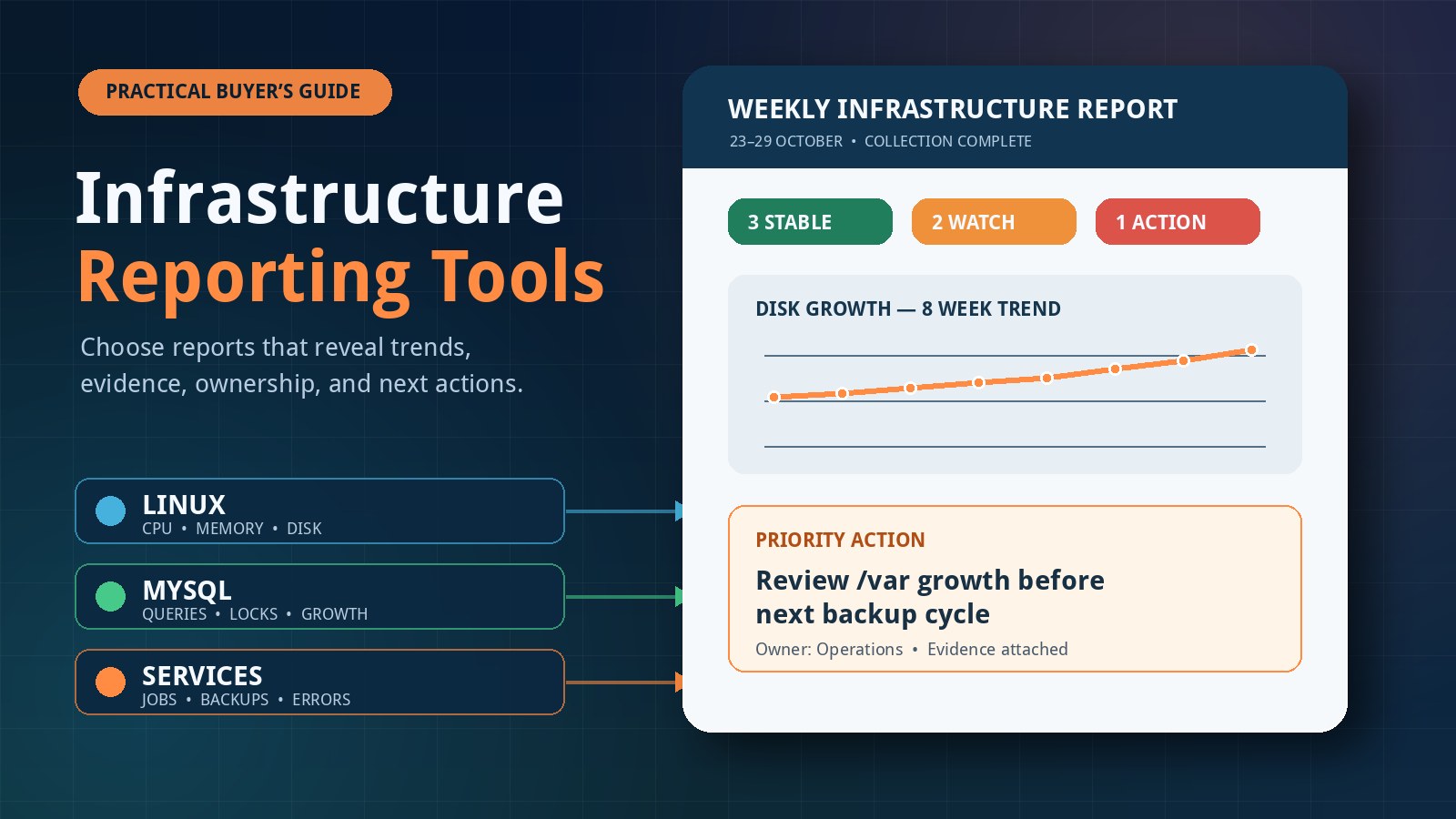
A useful first project is a read-only server evidence collector. It can record host identity, uptime, filesystem usage, pending updates, failed services, listening sockets, recent critical journal events, and backup age. Store structured output so one week's results can be compared with the next.
Do not let a script convert an unavailable check into a reassuring green result. “No data” and “healthy” are different states.
Stage 8: Make Linux server monitoring part of the curriculum
Monitoring is where separate administration topics become one operating model. A useful setup starts with the questions you need to answer, then selects evidence and tools.
- Availability: Is the host and intended service reachable from the right place?
- Capacity: Are CPU pressure, memory pressure, filesystem use, inode use, or database growth trending toward a limit?
- Change: Did packages, services, listeners, configuration, or scheduled tasks change?
- Reliability: Are backups recent, restores tested, jobs completing, and recurring errors increasing?
- Security posture: Are patches pending, unexpected accounts present, authentication failures unusual, or network exposure broader than intended?
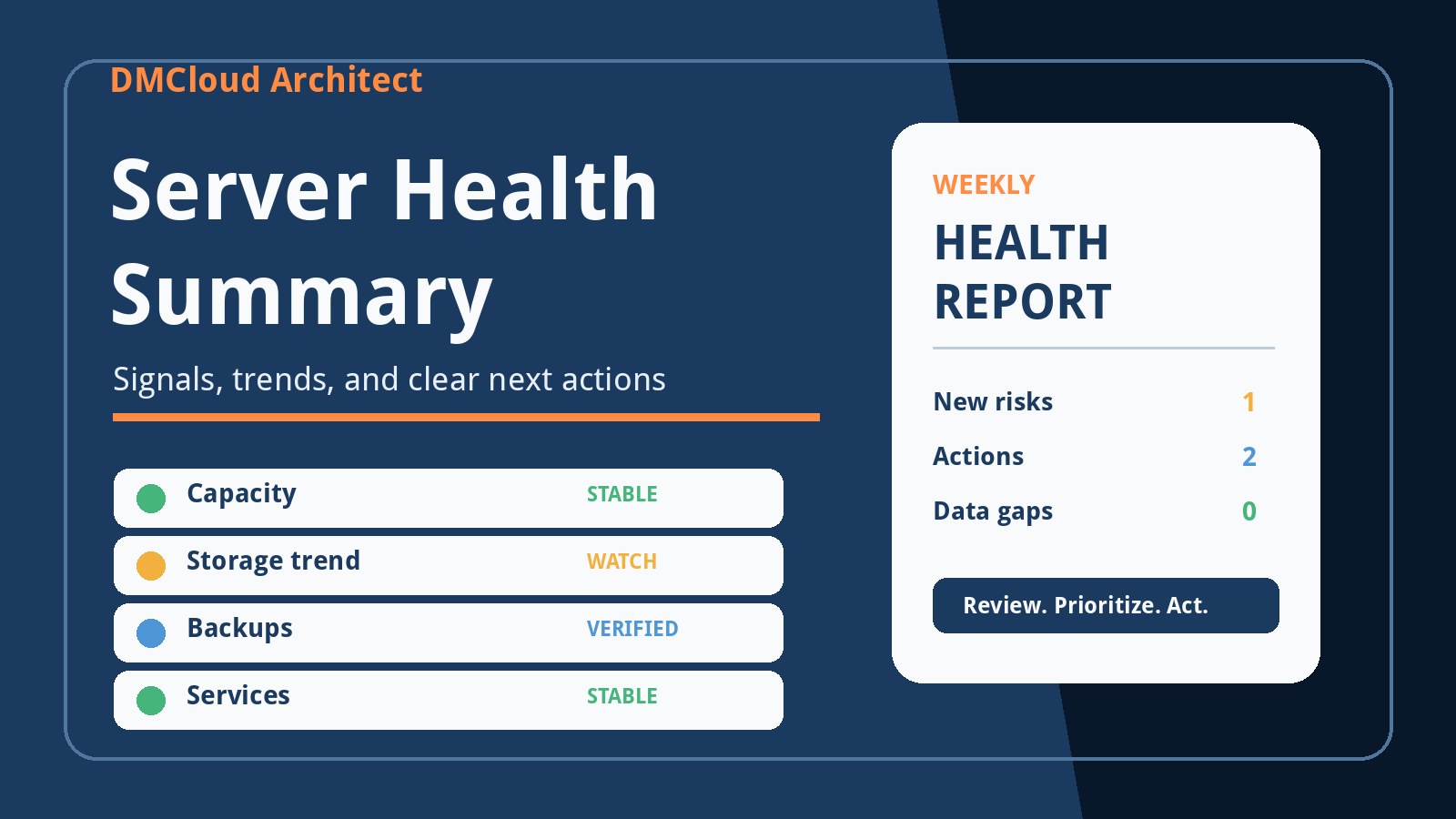
Use immediate alerts for conditions that require prompt action, such as a critical service outage or storage close to exhaustion. Use dashboards when an operator is actively investigating and needs to explore several signals. Use weekly reports for slower trends, recurring warnings, patch posture, backup evidence, and regular review by small teams that do not want another screen to watch all day.
Building and reviewing this evidence is a strong learning exercise. It teaches what “normal” means, how metrics differ from logs, why thresholds need context, and how a system can be available while gradually becoming unhealthy.
How to evaluate courses and certifications
A structured course can be worthwhile if it fills a specific gap and includes labs, clear objectives, and feedback. A certification can provide a syllabus, a deadline, and a recognizable signal to employers. Neither guarantees troubleshooting skill.
Before paying, compare the curriculum with your target role and ask:
- Does it explain concepts or mainly rehearse exam objectives?
- Are labs substantial enough to require diagnosis, not just copying commands?
- Does it cover your gaps in networking, services, storage, security, and troubleshooting?
- Is the material current for the distributions and tools you expect to use?
- Will you finish it, and can you afford it without crowding out lab time?
- Do the roles you want actually request the credential?
Use the official exam objectives or course outline as a map even if you do not buy immediately. Pair every module with a lab and a short incident note. The portfolio of systems you built, faults you diagnosed, and procedures you documented is what turns the syllabus into competence.
A practical 12-week sequence
- Weeks 1–2: identity, permissions, processes, packages, filesystems, and shell safety.
- Weeks 3–4: systemd units, journals, scheduled work, boot behavior, and service recovery.
- Weeks 5–6: addressing, routes, DNS, sockets, firewalls, HTTP, SSH, and packet-path troubleshooting.
- Weeks 7–8: storage, memory, CPU, performance baselines, logs, rotation, and capacity failures.
- Weeks 9–10: patching, least privilege, secrets, backups, restore testing, and basic hardening.
- Weeks 11–12: automation, monitoring, alert design, weekly reporting, and a complete incident exercise.
Keep the lab small: two or three virtual machines are enough for a client, a server, and an optional monitoring host. Take snapshots before destructive exercises, keep the lab isolated from production, and write a one-page runbook for each service you build.
Use documentation in layers
Start with your distribution's official administration guide and manual pages for exact behavior. Use upstream project documentation for services such as systemd, OpenSSH, databases, and web servers. Add a structured course or book for sequencing, then use community articles and videos for alternative explanations and worked examples.
Search and AI tools are useful for discovery, but verify commands against documentation and inspect them before execution. Never paste an unfamiliar privileged command into a production host. Ask what it reads, what it changes, how it fails, and how you will confirm the result.
Readiness checklist for the next level
- You can explain a service's path from boot to listening socket.
- You diagnose with evidence before making changes.
- You can trace a failed connection across DNS, routing, listener, firewall, and application layers.
- You understand the difference between capacity, availability, performance, and security signals.
- You can recover from a bad unit file, failed update, full filesystem, and broken permission safely in a lab.
- You document changes, rollback steps, and verification results.
- You can design alerts for urgent failures and reports for slower operational trends.
- You know when to stop, preserve evidence, and escalate rather than improvising on production.
A holistic understanding of Linux comes from connecting concepts through repeated operational practice. Choose one structured curriculum, maintain a disposable lab, work incidents deliberately, and keep an evidence-based notebook. The goal is not to stop looking things up; experienced administrators look things up constantly. The goal is to know what question to ask, where trustworthy evidence lives, and how to verify that your action improved the system.
Want to learn from real Linux health evidence without another dashboard to watch?
DMCloud Architect turns Linux and MySQL health checks into practical weekly reports, helping developers and small business owners review trends, risks, and recurring issues without adding alert fatigue.
Get the free starter plan for weekly infrastructure health reports.