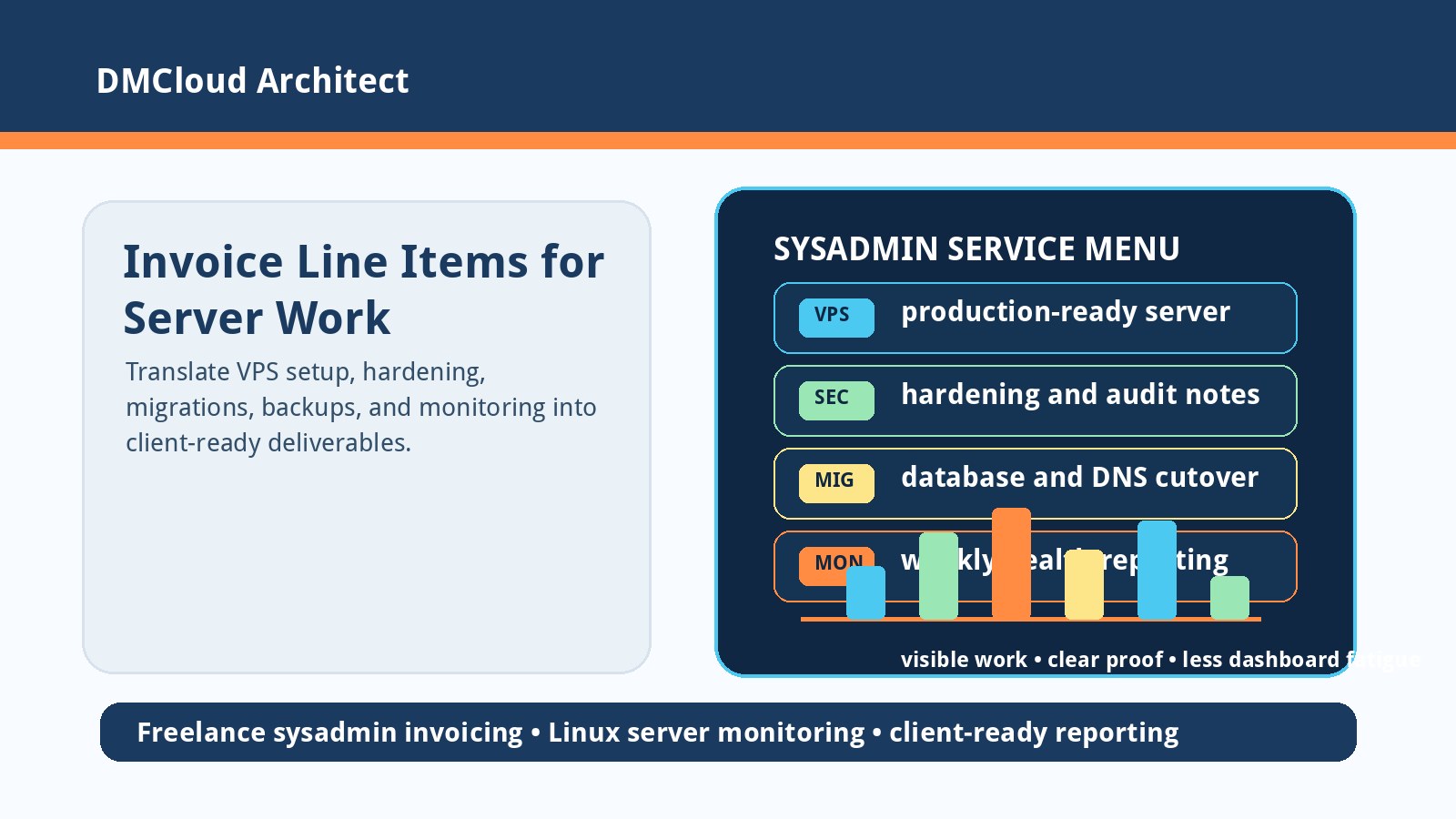
Freelance sysadmin work is often invisible when it is described too technically. A client may understand that their site stopped breaking, but not why ufw rules, SSH hardening, DNS cleanup, SSL renewal, Nginx configuration, backups, database migration, and linux server monitoring belong on a professional invoice. Clear line items help clients see the business outcome instead of a wall of commands.
This checklist is for freelance Linux admins, developers, and small business owners who need to turn real server work into plain-language deliverables. It is not about padding an invoice. It is about naming the work accurately, grouping it in a way clients understand, and leaving behind enough evidence that future maintenance is easier.
1. Start each invoice line with the business result
A good technical invoice line should answer the client's first question: what did this do for the business? The command-level detail can live in notes or a handoff document, but the headline should be outcome-based.
- VPS server setup: provisioned a production-ready Linux server with hostname, users, package updates, firewall baseline, timezone, and access controls.
- Security hardening: reduced common attack paths by tightening SSH, firewall rules, package updates, service exposure, and administrative access.
- SSL configuration: enabled encrypted HTTPS access with certificate installation, renewal checks, and web server redirect rules.
- Database migration: moved application data with backup, restore, permission checks, connection testing, and rollback notes.
Clients do not need every flag you used. They do need to know whether the work made the system safer, faster, more reliable, easier to recover, or easier to maintain.
2. Separate setup, repair, migration, and ongoing care
One confusing invoice often mixes four different kinds of work into one vague description. Separating them helps clients compare scope and prevents recurring care from looking like a one-time emergency fix.
- Setup work creates a new capability: VPS build, Nginx reverse proxy, Docker deployment, email sending, monitoring checks, or backup jobs.
- Repair work restores a broken service: failed SSL renewal, full disk, bad permissions, DNS failure, crashed database, or unavailable web app.
- Migration work moves risk from one platform to another: server refresh, MySQL migration, DNS transfer, OS upgrade, or cloud move.
- Ongoing care keeps the system healthy: patch review, backup verification, disk trend review, log review, and weekly server health reporting.
This distinction matters because each type has a different success condition. A migration is not done when files copy successfully; it is done when the application works, users can connect, logs are clean enough, and rollback risk is understood.
3. Use plain-language service names with technical proof underneath
Freelancers often under-explain good work because the technical shorthand feels obvious. Replace shorthand with a clear service name, then keep the technical evidence available if the client asks.
- Instead of: configured Nginx reverse proxy. Use: web traffic routing and HTTPS gateway setup for the application.
- Instead of: adjusted DNS records. Use: domain routing update for website, mail, and service endpoints.
- Instead of: wrote backup cron. Use: automated backup schedule with restore point verification.
- Instead of: installed monitoring. Use: server health checks for uptime, disk, load, memory, service status, and database availability.
The plain-language version makes the value legible. The technical proof protects you if the client, another vendor, or a future auditor needs to understand exactly what changed.
4. Make server monitoring a visible deliverable
Linux server monitoring is easy to underbill because it can sound like a small add-on. In practice, monitoring setup often includes choosing checks, installing agents or scripts, setting thresholds, testing alerts or reports, and deciding what should be ignored.
- Host health: CPU load, memory pressure, disk usage, inode usage, swap, uptime, and package update posture.
- Service health: web server, database, SSH, cron jobs, backup jobs, queues, and certificates.
- Application checks: HTTP response, login page availability, key endpoints, error logs, and slow response patterns.
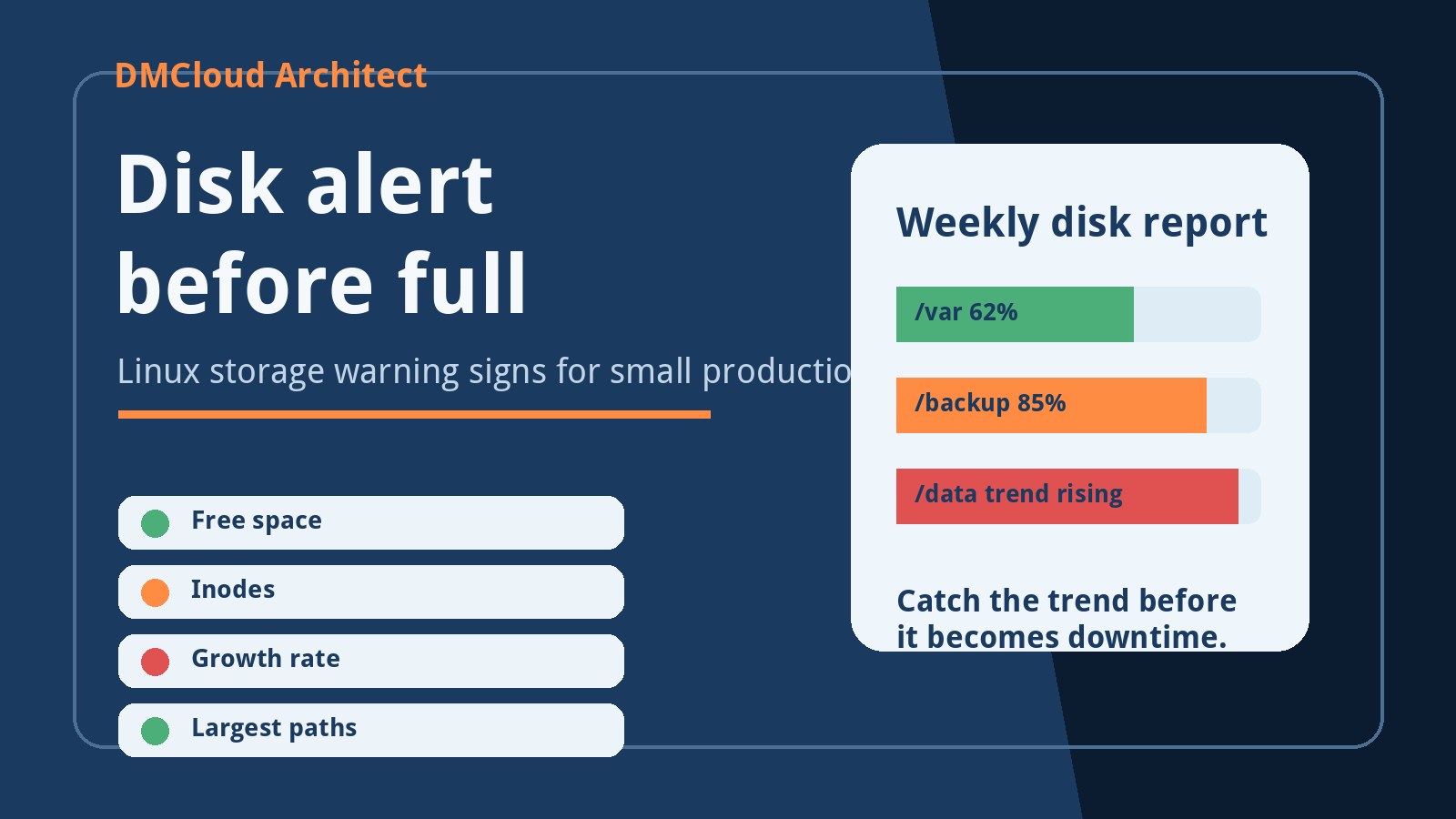
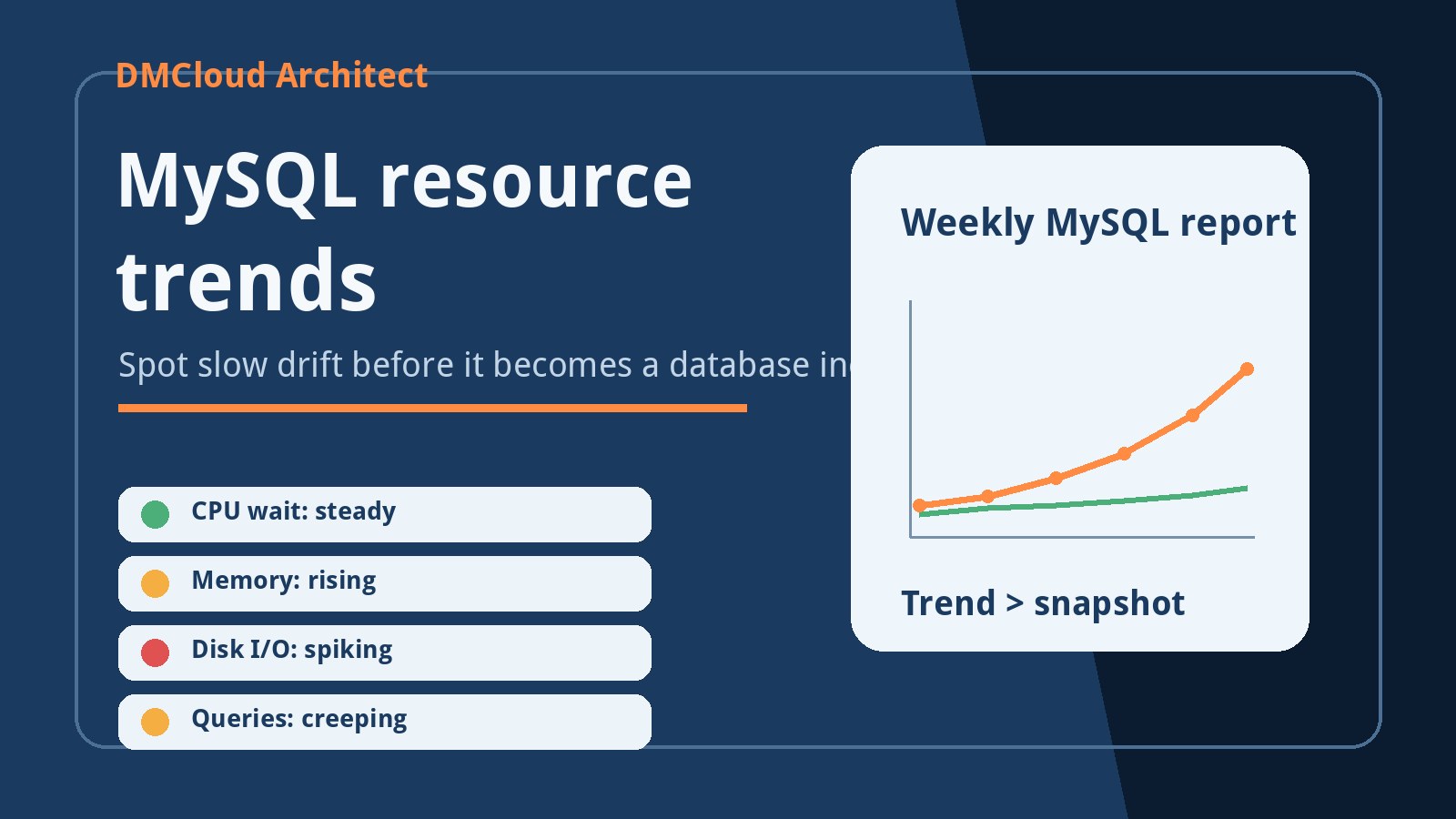
- Trend reporting: weekly summaries that show whether disk, load, memory, MySQL growth, or recurring errors are drifting in the wrong direction.
For small businesses, a weekly report can be more useful than a real-time dashboard nobody opens. The invoice line can describe the outcome as “weekly infrastructure health reporting setup” instead of burying it under scripts, cron, and log parsing.
5. Include client-facing acceptance checks
Every invoice line becomes stronger when it includes a visible test. That test does not need to be long; it only needs to show how both sides know the work is complete.
- VPS setup: server reachable over approved ports, non-root admin access tested, firewall rules documented, updates applied.
- SSL setup: HTTPS returns a valid certificate, HTTP redirects correctly, renewal command or timer is verified.
- Backup setup: latest backup exists, storage destination is reachable, at least one restore or restore-list test is documented.
- Database migration: application connects to the new database, row counts or key tables are checked, old database rollback path is noted.
- Monitoring setup: sample report, alert, or check output is generated and saved with the handoff notes.
Acceptance checks reduce awkward billing conversations because the invoice points to proof. They also reduce support risk because the client can see what was tested and what still needs a future maintenance plan.
6. Avoid vague bundle names when the work carries risk
Some sysadmin tasks deserve separate line items because they carry operational risk. Combining them into one “server work” charge makes the invoice shorter, but it hides why the job took care and judgment.
- Security audit and remediation should separate discovery from fixes when possible.
- DNS changes should mention records touched, TTL planning, mail impact, and verification.
- Email setup should distinguish SMTP configuration from SPF, DKIM, DMARC, and deliverability checks.
- Server migration should separate preparation, data transfer, cutover, post-cutover checks, and rollback readiness.
The goal is not to make invoices complicated. The goal is to make the risk visible enough that the client understands why careful infrastructure work is worth paying for.
7. Keep a reusable line-item library
A reusable service list saves time and keeps pricing consistent. It also stops you from inventing a new explanation every time a client asks why a seemingly simple task took longer than expected.
- Use standard names: VPS Server Setup, Security Hardening, SSL Configuration, DNS Configuration, Backup Setup, Database Migration, Monitoring Setup.
- Add a one-sentence outcome: explain what the client can now do, avoid, or trust.
- Attach proof: include a short handoff note, screenshot, command output summary, report link, or test checklist.
- Review monthly: update descriptions when your process improves or clients repeatedly ask the same question.
A clear line-item library turns invisible infrastructure work into a professional service catalog. Clients get better explanations, freelancers get fewer awkward invoice conversations, and recurring server care becomes easier to position before there is an outage.
Want server work that is easier to explain before something breaks?
DMCloud Architect sends weekly Linux and MySQL infrastructure health reports directly to your inbox, highlighting disk growth, service restarts, database pressure, uptime issues, and practical next steps without adding dashboard fatigue.
Get the free starter plan for weekly infrastructure health reports.