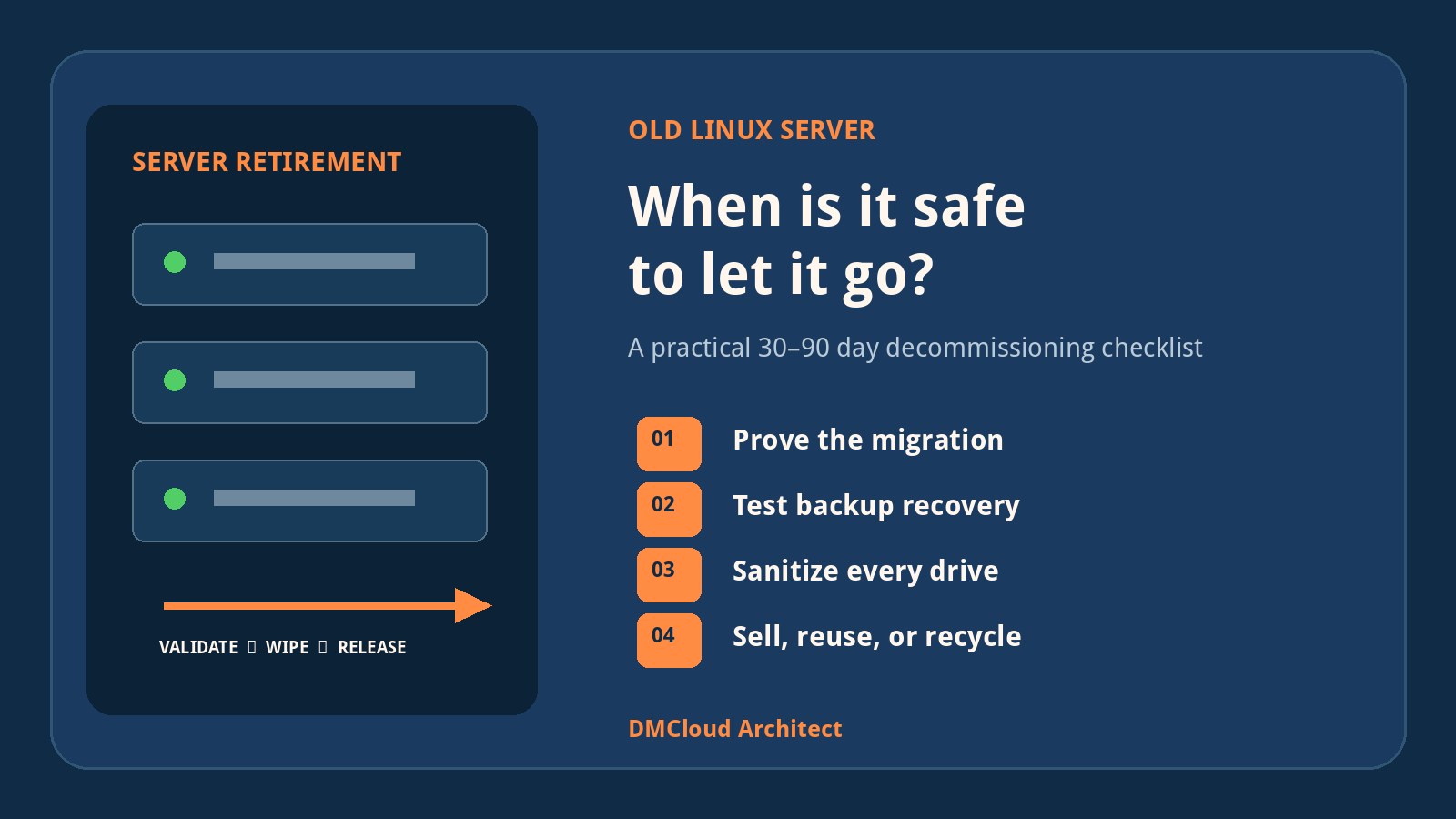
Replacing a physical server creates an awkward question: when is the old machine no longer a safety net and merely an unmanaged asset? There is no universal number of days, but “keep it until we need the space” is not a policy. A useful retirement decision is based on verified migration evidence, rollback requirements, data-handling obligations, hardware value, and a named disposal date.
For many small businesses, a 30- to 90-day powered-off retention window is reasonable after a routine migration. Critical or regulated workloads may justify a longer period, while a stateless or easily rebuilt system may need much less. The important point is to define the exit criteria before the migration, then prove those criteria have been met.
Start with a risk-based retention window
Choose a default window and document the exceptions. A simple policy can use three bands:
- 7–30 days: low-risk systems that are reproducible, well backed up, and not holding unique data.
- 30–90 days: typical file, application, and infrastructure servers after a planned migration with tested backups.
- 90–180 days: complex legacy applications, contractual dependencies, regulated records, or migrations with a long business-validation cycle.
A longer window should have a reason, an owner, and a review date. “Just in case” without a defined failure scenario usually means the migration acceptance criteria were never made explicit.
Do not confuse rollback with backup
An old server can provide a short-term rollback option, but it is not a trustworthy backup. Hardware can fail while sitting on a shelf, disks can degrade, credentials become stale, and the machine may no longer boot safely on the current network. A rollback plan should say what event triggers rollback, who approves it, how data written after cutover will be reconciled, and when the option expires.
Backups serve a different purpose. They should be independent of the retired hardware, protected from accidental deletion or ransomware, retained according to business requirements, and tested through restoration. Before disposing of the old host, verify that the new system and its backups can recover the data and service without relying on the old chassis.
Server retirement checklist: before cutover
- Record the asset tag, serial number, model, warranty state, location, owner, and intended disposition.
- Inventory applications, services, containers, scheduled jobs, users, service accounts, certificates, shares, mounts, ports, and dependencies.
- Identify authoritative data stores and any local files that are not covered by the normal backup process.
- Capture configuration through version control, configuration management, exports, or documented build steps.
- Set measurable acceptance criteria for functionality, performance, backups, security, and business-owner sign-off.
- Define the rollback window and a calendar date for sanitization or disposal.
- Confirm legal, tax, insurance, contractual, and data-retention requirements with the appropriate owner.
This inventory often exposes the real reason teams keep hardware indefinitely: they are unsure what still depends on it. Dependency discovery before cutover is cheaper than preserving an unknown machine forever.
Validate the replacement with Linux server monitoring
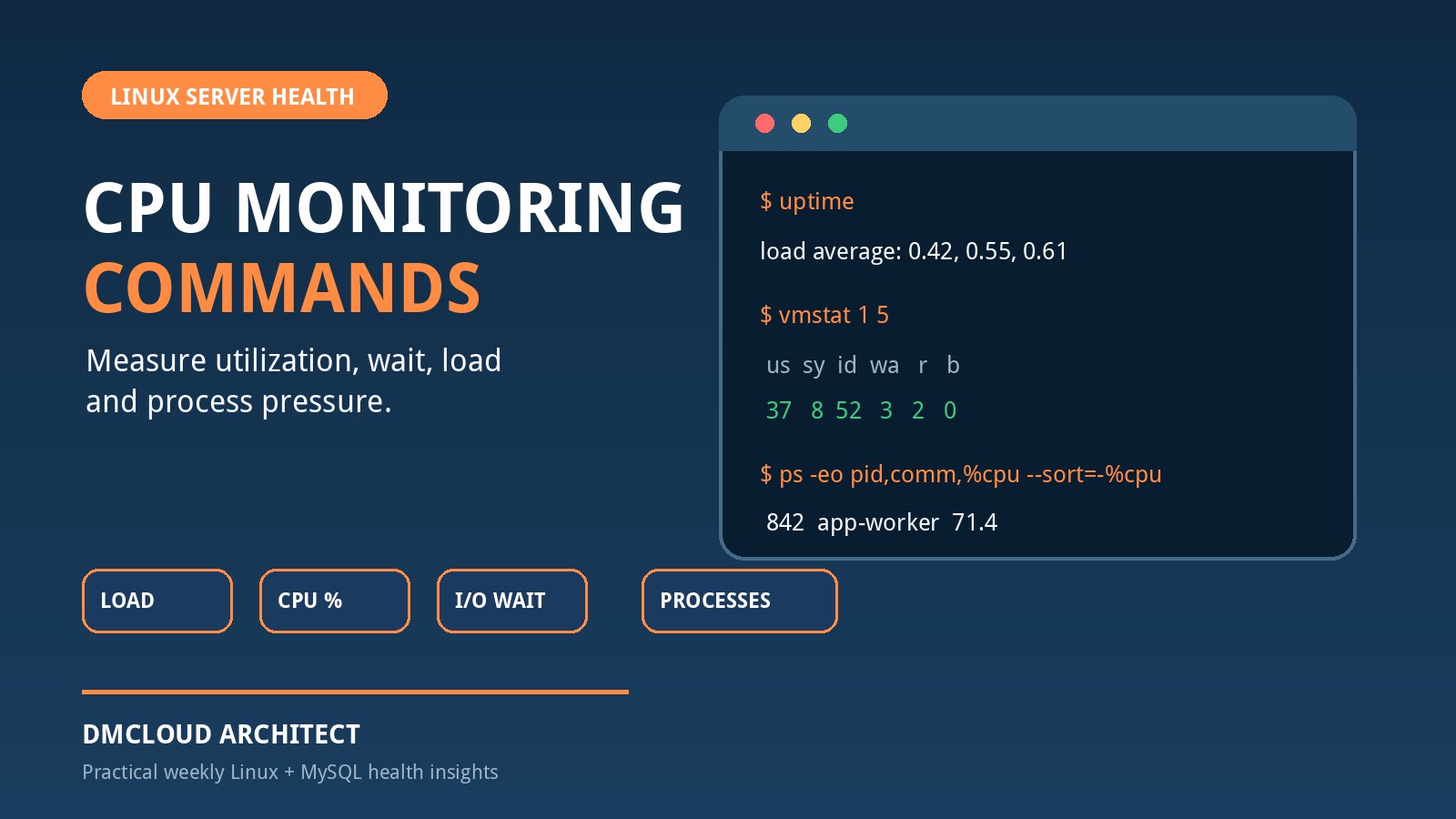
Linux server monitoring should produce evidence that the new host is stable, not merely show that it booted. Compare a baseline from before migration with measurements after cutover. Useful evidence includes:
- service availability and restart history;
- CPU load, memory pressure, swap activity, and process behavior;
- filesystem capacity, inode usage, storage latency, and growth rate;
- network errors, listening ports, connection failures, DNS behavior, and TLS certificate status;
- application response time, queue depth, error rates, and background-job completion;
- backup completion, backup age, and a successful restore test;
- high-priority logs, failed units, authentication failures, and patch status.
Observe the system through at least one representative business cycle. For a payroll or month-end server, a quiet week may not be representative. For a web application, include normal peak traffic and scheduled maintenance. Weekly reports are useful here because they preserve trend evidence and make it easier to compare the replacement with the former baseline without watching another dashboard all day.
Test the migration from the user's perspective
Infrastructure checks are necessary but not sufficient. Ask the people who use the service to validate the workflows that matter. A successful ping does not prove that invoices can be generated, shared files retain permissions, an API integration still authenticates, or a scheduled report reaches its recipient.
- List critical user journeys and machine-to-machine workflows.
- Test each workflow with realistic permissions and data.
- Verify integrations, exports, notifications, scheduled tasks, and audit trails.
- Record who accepted each result and when.
- Keep unresolved defects separate from optional improvements.
Once the agreed acceptance criteria pass and the system remains stable through the observation period, the old machine's value as a rollback device drops sharply.
Quarantine the retired server instead of leaving it live
During the retention window, power the old server down unless a documented test requires it. Remove it from production load balancers, DNS, monitoring alerts intended for live systems, backup schedules that could overwrite useful recovery points, and automated configuration jobs. Revoke or rotate credentials that should not remain valid on the old image.
If the server must be powered on, place it on an isolated network with tightly controlled access. Two machines using the same hostname, address, scheduled job, storage target, or cluster identity can cause data corruption or duplicate processing. Label the chassis and management interface clearly with the retirement status, owner, and deadline.
Review what data remains on every storage device
Do not treat “the server” as one disk. Inventory internal drives, RAID members, NVMe devices, removable media, external storage, cached credentials, hardware security modules, remote-management settings, and any failed drives retained from the array. Decide whether each device will be reused, returned, sold, recycled, or destroyed.
Data sanitization should match the media type, sensitivity, and applicable policy. Use an accepted organizational standard rather than assuming that deleting partitions or reinstalling Linux removes data. Cryptographic erase may be appropriate when encryption keys were managed correctly; secure erase or vendor-supported sanitize operations may suit reusable media; physical destruction may be required for failed or highly sensitive devices. Keep evidence of the method, operator, date, device serial number, and result.
Preserve records, not unnecessary hardware
Before sanitization, retain the information needed to understand the retired system later:
- asset and ownership records;
- system purpose and dependency inventory;
- migration plan, acceptance evidence, and approvals;
- configuration exports and source-controlled automation;
- backup and restore-test evidence;
- software licence transfer or termination records;
- sanitization certificate and chain of custody;
- sale, donation, recycling, or destruction receipt.
These records answer future audit and troubleshooting questions more reliably than an undocumented box whose disks may or may not still work.
Sell early when resale is part of the plan
Server resale value generally declines with age, expiring support, newer processor generations, and increasing power costs. If the equipment has a viable secondary market, evaluate it near the end of the migration window rather than years later. Compare the expected proceeds with staff time, listing fees, shipping risk, secure packaging, warranty expectations, and the cost of certified sanitization.
For a small number of common machines, direct sale or a local reseller may work. For a larger fleet or equipment containing sensitive data, an IT asset disposition provider can combine inventory, transport, sanitization, resale, recycling, and reporting. Verify the provider's process, certifications, insurance, downstream recycling practices, and how any resale proceeds are calculated.
Recycle equipment that no longer has a responsible use
Do not send servers or drives to general waste. Use an appropriate electronics recycler and retain disposal evidence. Remove company labels where needed, but do not destroy serial-number traceability before the asset and sanitization records are complete. Batteries, power supplies, rails, network cards, and other components may follow different reuse or recycling paths.
Donation can be worthwhile when the hardware is efficient enough to operate, supportable, securely sanitized, and genuinely useful to the recipient. Donating obsolete, power-hungry, unsupported equipment can transfer a disposal problem rather than create value.
A practical 90-day retirement timeline
- Before cutover: inventory the system, define acceptance tests, confirm backups, set the rollback conditions, and assign a disposal date.
- Days 0–7: monitor the replacement closely, validate critical workflows, resolve migration defects, and keep the old server powered off but recoverable.
- Days 8–30: review trends, complete a restore test, rotate old credentials, obtain business-owner acceptance, and identify resale or recycling options.
- Days 31–60: close remaining acceptance items, confirm no dependencies have contacted the retired host, and approve release from rollback status.
- Days 61–90: sanitize every storage device, complete asset records, transfer or recycle the equipment, and retain the certificate or receipt.
Adjust the timeline to the workload, but do not allow the final date to disappear. If the server is still being kept after the deadline, document the new risk, owner, reason, and next review date.
Decision questions before the hardware leaves
- Has the replacement completed a representative business cycle?
- Have users and system owners accepted the critical workflows?
- Are independent backups current, and has a restore been tested?
- Can the system be rebuilt without undocumented files from the old host?
- Have old credentials, DNS records, jobs, licences, and monitoring entries been removed or transferred?
- Has every storage device been identified and assigned a sanitization method?
- Are asset, migration, wipe, and chain-of-custody records complete?
- Is resale, reuse, donation, recycling, or destruction approved?
If these questions have evidence-backed answers, keeping the chassis usually adds little safety. The stronger long-term fallback is a tested backup, reproducible configuration, clear documentation, and health history for the replacement system.
Want migration evidence without another dashboard to watch?
DMCloud Architect turns Linux and MySQL health checks into practical weekly reports, helping developers and small business owners verify trends, risks, and recurring issues before retiring old infrastructure.
Get the free starter plan for weekly infrastructure health reports.