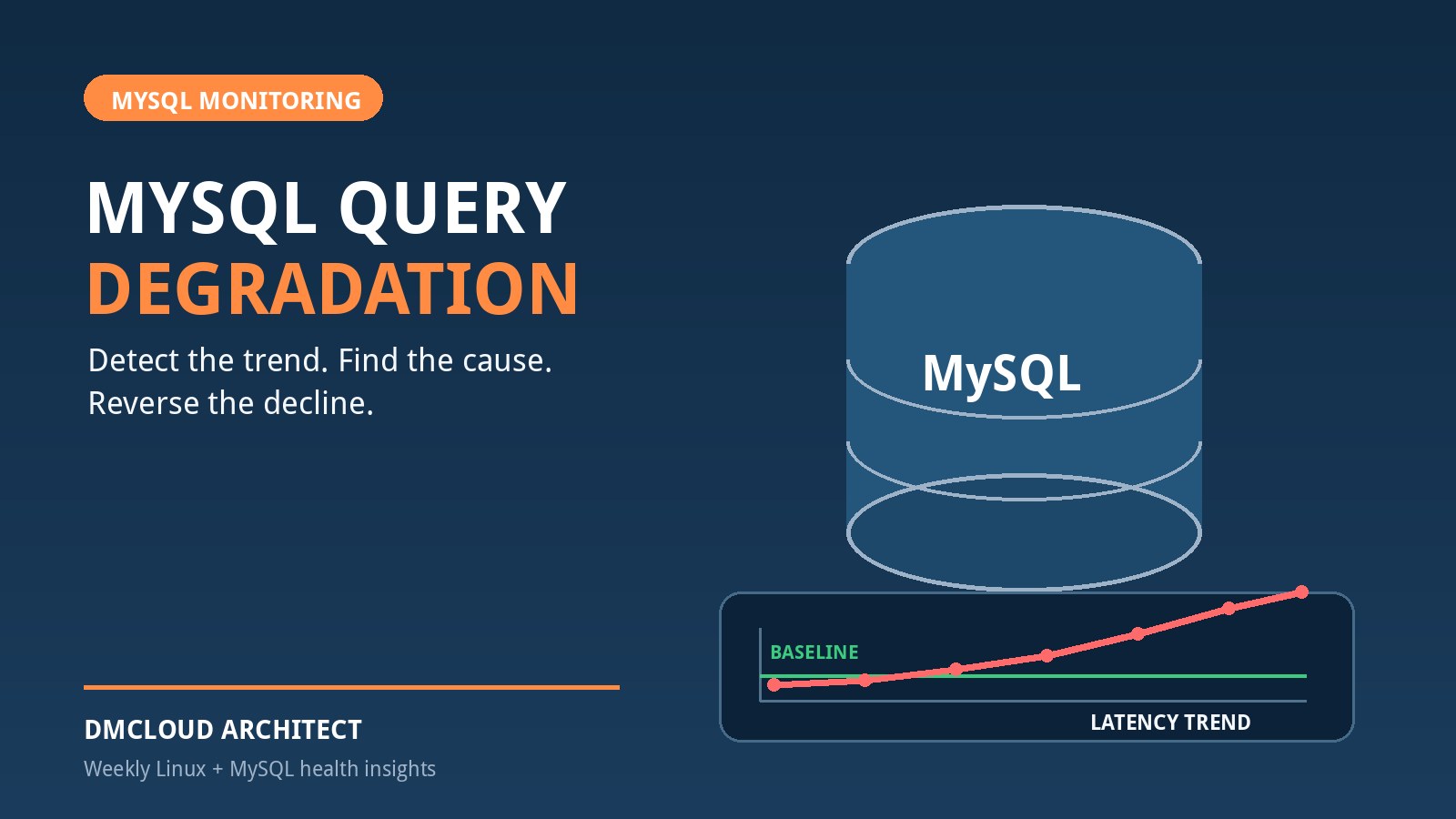
Database performance rarely fails in one dramatic moment. More often, a page that once loaded in 180 milliseconds drifts toward 350, a nightly job runs a little longer each week, or the same report examines millions more rows as customer data grows. MySQL query degradation is that measurable decline in query efficiency or response time, and it is easiest to fix when a team can show what changed.
The useful question is not simply, “Which query is slow?” It is, “Which statement pattern became slower, when did the change begin, and what evidence separates SQL, locking, data growth, and host pressure?” The following workflow is designed for developers and small business teams that need reliable answers without operating a large observability platform.
Recognize degradation before it becomes an incident
A degrading query can appear in several ways: average latency rises, tail latency becomes unpredictable, rows examined per execution increases, a former index lookup becomes a scan, lock time grows, temporary-table work moves to disk, or total database time rises because a query runs more often. User symptoms may include slow API routes, delayed queues, timeouts, and reports that overlap with business hours.
Do not treat one slow sample as a trend. Traffic mix, cache warmth, backup activity, and one unusual request can distort a snapshot. Compare equivalent windows: the same endpoint, similar request volume, the same weekday or batch, and a known-stable release. A baseline turns “the database feels slower” into a testable statement.
Build a small baseline that can be compared
For each important statement pattern, retain a compact set of measurements: execution count, total time, average time, rows examined, rows returned, errors, warnings, and lock time. Pair those values with application response time, active threads, buffer-pool reads, CPU pressure, memory pressure, and storage latency from the same interval.
Performance Schema digest summaries are a practical source on MySQL installations where the relevant instrumentation is enabled:
SELECT
  DIGEST,
  LEFT(DIGEST_TEXT, 180) AS statement_pattern,
  COUNT_STAR AS executions,
  ROUND(SUM_TIMER_WAIT / 1000000000000, 2) AS total_seconds,
  ROUND(AVG_TIMER_WAIT / 1000000000, 2) AS average_ms,
  SUM_ROWS_EXAMINED AS rows_examined,
  SUM_ROWS_SENT AS rows_sent,
  SUM_CREATED_TMP_DISK_TABLES AS disk_temp_tables
FROM performance_schema.events_statements_summary_by_digest
WHERE DIGEST_TEXT IS NOT NULL
ORDER BY SUM_TIMER_WAIT DESC
LIMIT 25;
These values are cumulative, so label the observation period. The safest comparison is often to capture counters at the beginning and end of a window and calculate deltas outside the database. Reset shared instrumentation only when the operational process explicitly allows it.
Rank by impact, not by the longest single query
A query that takes two seconds once per night may be less important than a 120-millisecond query executed 100,000 times. Rank statement digests in several ways: total time shows workload cost, average or maximum time highlights expensive executions, and rows examined per execution exposes declining efficiency. Combine database rankings with the user workflow they affect.
For MySQL slow query monitoring, use change as well as an absolute threshold. Warning signs include average latency doubling, examined rows per execution climbing after data growth, total time expanding faster than request volume, or disk temporary tables appearing where none existed before. These comparisons reveal degradation that a fixed one-second slow-query threshold can miss.
Confirm the change with representative evidence
Once a digest stands out, capture the exact query shape and representative parameter values. Start with EXPLAIN, which shows the optimizer's estimate without executing the statement:
EXPLAIN FORMAT=TREE
SELECT id, customer_id, created_at, total
FROM orders
WHERE customer_id = 1842
  AND status = 'open'
ORDER BY created_at DESC
LIMIT 50;
Compare the current plan with a known-good plan if one is available. Look for a changed access path, much larger row estimates, sorting or temporary-table work, a different join order, and predicates that no longer use a suitable index. An index can still exist while being ineffective because the data distribution, predicate shape, implicit type conversion, or composite-column order changed.
EXPLAIN ANALYZE provides actual row counts and timing, but it executes the statement. Use it only for bounded, understood queries and preferably on a safe replica or staging system with representative data. Never test an expensive write or an unbounded production query merely to obtain a plan.
Check whether data growth changed the economics
Queries that were acceptable on 50,000 rows may become costly on 20 million. Compare table and index size, cardinality, rows examined per execution, and the selectivity of important predicates. A once-selective status value may become common; a date range may cover a larger share of the table; or tenant growth may make one customer's workload very different from the average.
SELECT
  TABLE_SCHEMA,
  TABLE_NAME,
  TABLE_ROWS,
  DATA_LENGTH,
  INDEX_LENGTH
FROM information_schema.TABLES
WHERE TABLE_SCHEMA = 'app_database'
ORDER BY DATA_LENGTH + INDEX_LENGTH DESC;
TABLE_ROWS can be an estimate for InnoDB, so use it for direction rather than exact billing-grade counts. If optimizer estimates are badly wrong, investigate statistics and data skew before forcing a plan. Refreshing statistics, changing an index, or rewriting a predicate should follow the normal test and deployment process, with a rollback path.
Separate execution cost from waiting
Not every slow statement is doing expensive work. It may be waiting behind a transaction that stays open too long. Check active sessions, transaction age, lock waits, and application transaction boundaries. A query that is fast in isolation but erratic under concurrency often points toward contention rather than an inefficient access path.
Review whether application code performs network calls or lengthy processing inside a transaction, whether workers update shared rows in inconsistent order, and whether a batch is too large. Removing the immediate blocker can restore service, but the lasting fix is usually shorter transactions, consistent access order, smaller batches, or more careful concurrency control.
Rule out shared infrastructure pressure
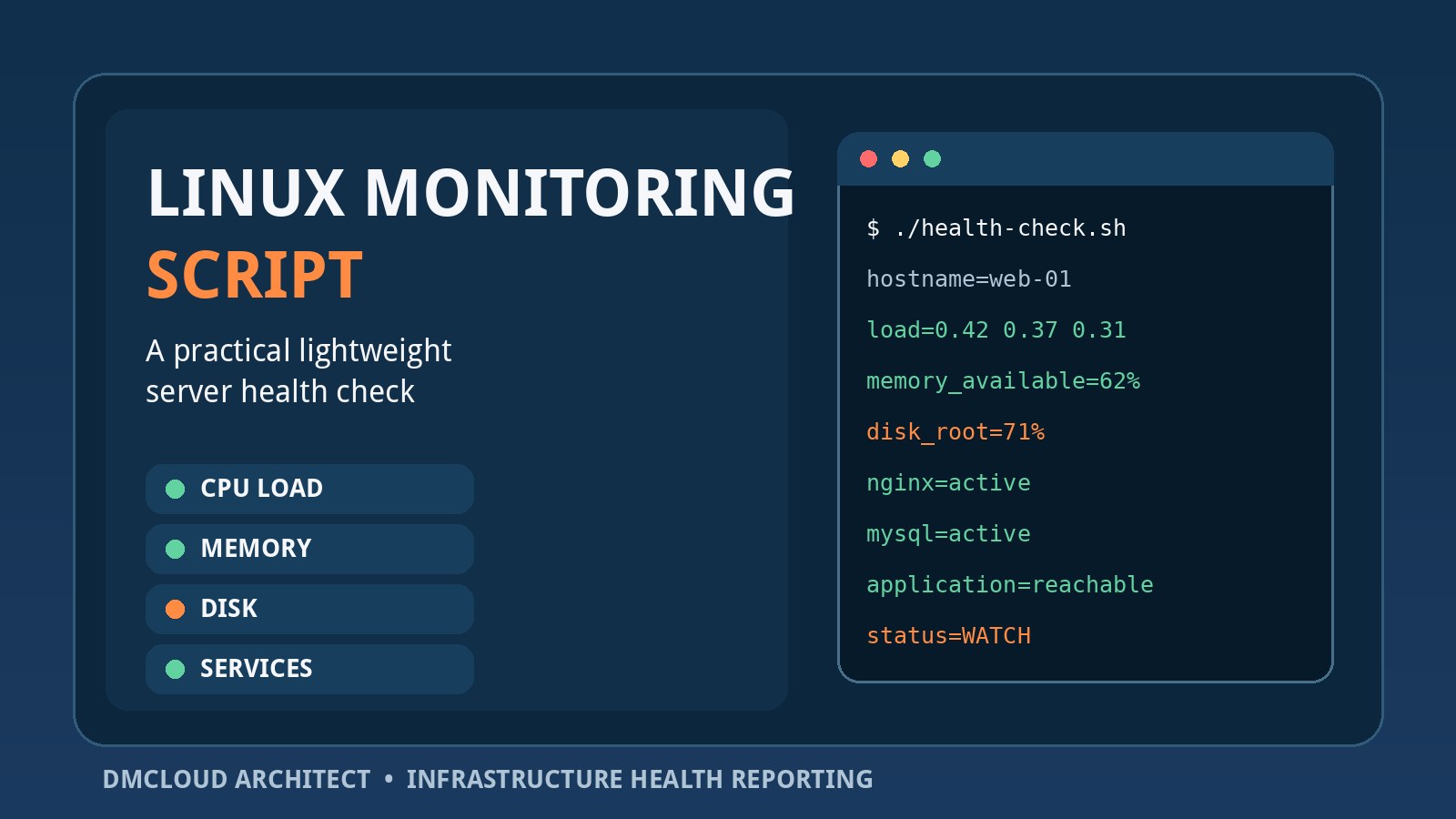
Broad slowdowns across unrelated digests usually deserve a host-level check. CPU saturation, storage latency, memory pressure, swap activity, connection storms, or a buffer pool that no longer holds the working set can make healthy SQL look bad. Compare query timing with Linux and MySQL signals from the same minutes, not a later snapshot.
A focused MySQL slow query analysis should therefore classify the pattern:
- One digest regressed: inspect its plan, indexes, parameters, and release history.
- Many digests slowed together: inspect CPU, storage, memory, connections, and shared waits.
- Latency spikes only under concurrency: inspect locks, transaction scope, and queue behavior.
- Cost rises with table size: inspect selectivity, pagination, retention, partitioning needs, and examined rows.
Correlate the start of degradation with changes
A timeline often shortens the investigation. Note deployments, schema migrations, index changes, MySQL configuration changes, data imports, traffic growth, maintenance jobs, and infrastructure resizing. If the first measurable decline follows a release, compare query shape and plan before and after that release. If it follows steady data growth, test with realistic table size rather than a small development database.
A correlation is a lead, not proof. Validate one hypothesis at a time. Avoid changing SQL, indexes, server settings, and hardware simultaneously because the team will not know which action helped or what to reverse if performance worsens.
Apply a measured recovery workflow
- Define the affected workflow and a repeatable test.
- Capture a current measurement window and a comparable baseline.
- Identify the digest with the largest change in user impact or total time.
- Compare plans, row estimates, examined rows, lock time, and host conditions.
- Choose the smallest plausible correction: query rewrite, index adjustment, transaction change, batch reduction, statistics review, or capacity action.
- Test with representative data and concurrency.
- Deploy through the normal change process with rollback instructions.
- Measure the same digest and user workflow again.
For an index change, account for write overhead, storage, maintenance, and redundant indexes. For a query rewrite, verify result correctness as well as speed. For a configuration change, confirm scope and persistence. The objective is not a faster benchmark in isolation; it is a durable improvement to the production workflow.
Track MySQL slow query trends weekly
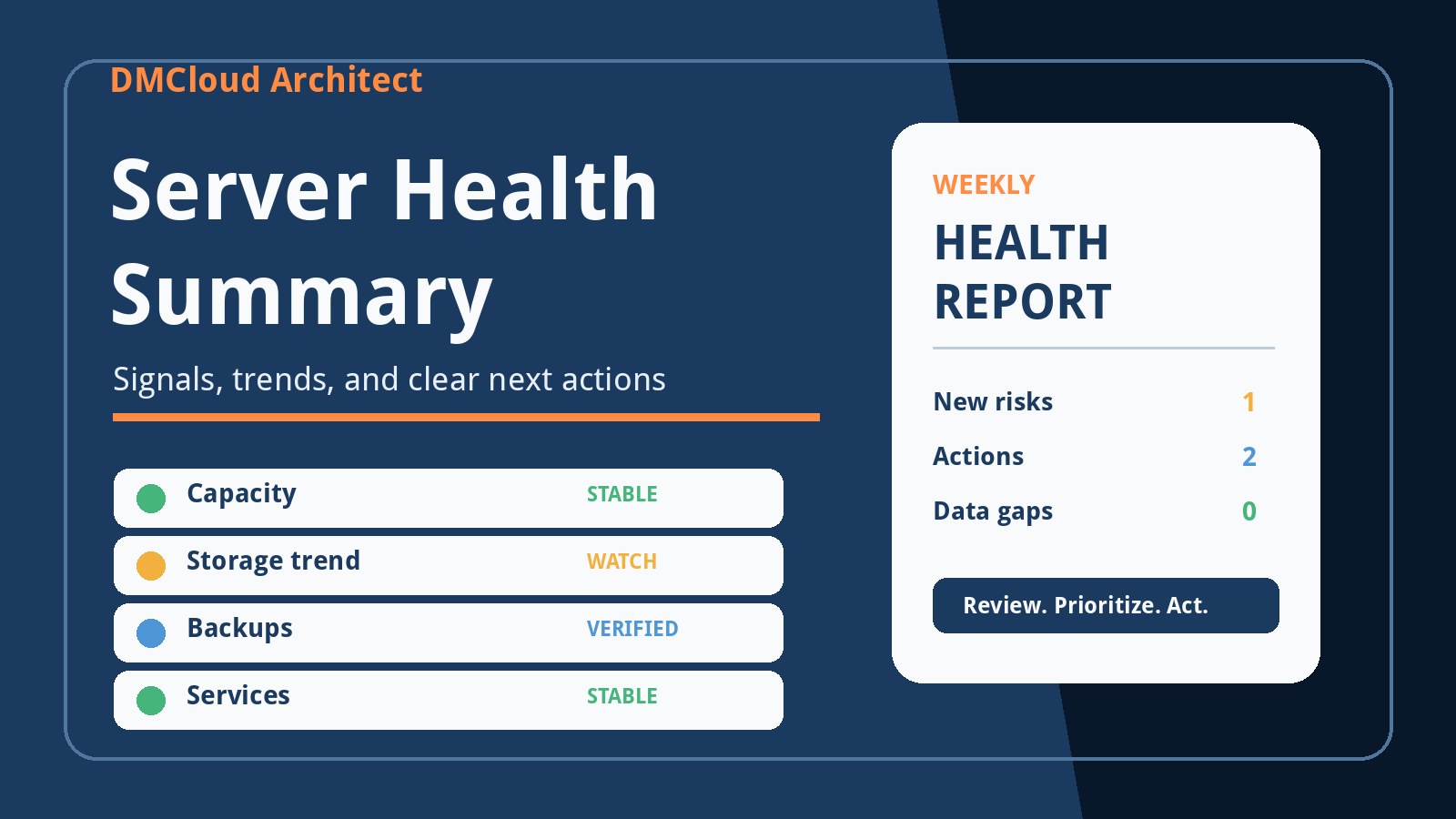
A lightweight weekly report can catch deterioration without creating constant alert noise. Include the top statement digests by total time, the largest week-over-week latency changes, rows examined per execution, lock-wait changes, disk temporary-table counts, and a short note linking each material change to deployments or data growth.
Keep digest text redacted or normalized when reports leave the database team because SQL can contain sensitive values. Trend stable identifiers and aggregates rather than copying raw production statements into email. Escalate only changes that are sustained, user-visible, or operationally significant.
A concise degradation checklist
- Is the comparison window equivalent to the baseline?
- Did latency, frequency, rows examined, lock time, or temporary work change?
- Did the execution plan or optimizer estimate change?
- Did table size, selectivity, or parameter distribution change?
- Are many queries affected by the same host pressure?
- Did a deployment, migration, job, or configuration change align with the start?
- Can the proposed fix be tested, measured, and rolled back?
Teams that preserve these few comparisons can detect slow queries in MySQL before gradual decline becomes a visible outage. The important habit is consistent evidence: compare the same statement patterns and operating conditions, make one measured change, and verify the result against the original symptom.
Want MySQL performance changes summarized without another dashboard?
DMCloud Architect turns Linux and MySQL health signals into practical weekly reports, helping small teams spot query and infrastructure risks before they become incidents.