Doing well in guided Linux labs and then performing badly on a harder exam is frustrating, but it reveals a specific problem you can fix. Guided exercises test whether you can follow a path. Certification-style questions often test whether you can recall the path, distinguish similar commands, interpret unfamiliar output, and choose the safest next step without prompts.
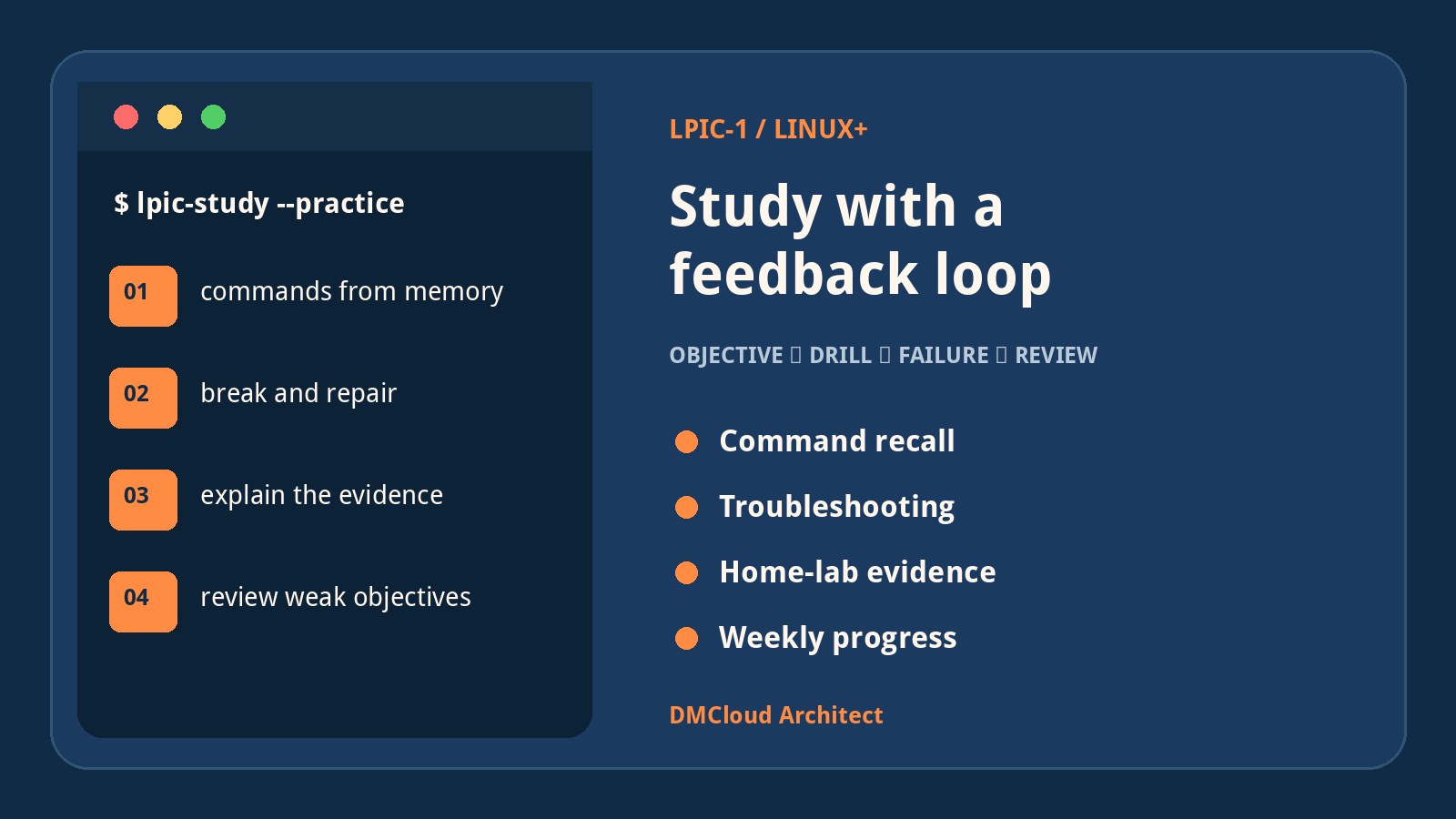
A large home lab is useful, but more machines do not automatically produce better learning. The fastest improvement usually comes from a smaller feedback loop: choose one objective, recall it without notes, create a failure, diagnose it from evidence, repair it, and explain why the repair worked. Use the checklist below to turn broad study into repeatable practice.
1. Diagnose the exam gap before adding resources
Do not respond to one poor result by immediately buying another course or watching hours of videos. First, classify what went wrong. Review every missed question you can access and assign it to one of these categories:
- Recall gap: you understood the topic but could not remember the command, option, file, or sequence.
- Concept gap: you could repeat a definition but could not explain the mechanism or predict an outcome.
- Interpretation gap: you knew the command but misread output, a log message, permissions, a process state, or a network symptom.
- Scenario gap: you had practised a happy path but not a broken or ambiguous system.
- Question gap: you missed words such as “first,” “persistent,” “least disruptive,” or “without rebooting.”
- Time gap: you knew the material but spent too long retrieving it.
Count the categories. If most misses are recall problems, use short retrieval drills. If they are scenario problems, build troubleshooting exercises. If question wording caused trouble, practise explaining why each incorrect option is wrong. This diagnosis is more useful than comparing your score with classmates whose background and test strategy may be different.
2. Build an objective-to-evidence map
Download the current objectives for the exam you are actually taking. LPIC-1 and Linux+ overlap, but they are not interchangeable, and objectives can change. Create a simple sheet with one row per objective and four evidence columns:
- Explain: can you describe the concept in plain language?
- Execute: can you perform the task without a tutorial?
- Troubleshoot: can you diagnose a deliberately broken version?
- Verify: can you prove the final state with commands or logs?
Mark each cell red, amber, or green. Green should mean you can produce evidence from a blank terminal, not that the topic looks familiar. Start with high-weight red areas, then high-weight amber areas. Revisit green topics through mixed practice so familiarity does not decay.
3. Replace passive review with command recall
Videos and textbooks are good for first exposure, but they can create an illusion of fluency. The command appears obvious while it is on screen. A blank terminal tells you what you can actually retrieve.
For each topic, write five to ten prompts rather than copying command answers. Examples include:
- Find files under a directory that changed within the last day.
- Show which package owns a particular file.
- Identify a process listening on a TCP port.
- Create a symbolic link and explain how it differs from a hard link.
- Schedule a recurring job and show where its output or failure appears.
- Change a service so it starts at boot, then prove the setting persists.
- Find the effective permissions along every component of a path.
Attempt each prompt from memory, inspect the relevant manual page only after committing to an answer, and record the missing detail. Repeat missed prompts after one day, three days, and one week. The goal is not to memorize every option; it is to know the command family, form a defensible first attempt, and use built-in documentation efficiently.
4. Practise the core domains as small drills
A useful weekly rotation covers the major administrative layers instead of spending every session on the most enjoyable tools.
Boot, processes, and services
- Trace the path from firmware and bootloader to kernel and service manager.
- Inspect process relationships, priorities, signals, jobs, and resource use.
- Start, stop, enable, mask, and diagnose a service.
- Use the journal and conventional logs to reconstruct a failed startup.
Storage and filesystems
- Create a filesystem in a disposable virtual disk, mount it temporarily, then make the mount persistent.
- Compare filesystem space with inode use and explain how either can cause “disk full” symptoms.
- Work with partitions, logical volumes, swap, ownership, modes, ACLs, links, and archives.
- Break a mount configuration safely and recover using logs and a rescue path.
Packages and shared libraries
- Install, query, verify, remove, and update packages using the distribution's native tools.
- Identify package files, repositories, dependencies, architecture, and signatures.
- Inspect dynamic library dependencies and the loader's search configuration.
Shells, text, and automation
- Practise quoting, expansion, redirection, pipelines, exit statuses, variables, and conditionals.
- Use tools such as
grep,sed,awk,cut,sort,uniq,tr,xargs, and regular expressions on real logs. - Write small scripts that validate inputs, fail clearly, avoid leaking secrets, and return meaningful status codes.
Users, permissions, and scheduled work
- Create users and groups, inspect account databases, and explain password ageing.
- Compare numeric modes, symbolic modes, default permissions, special bits, and ACLs.
- Schedule work with cron or systemd timers and verify that it ran under the expected identity and environment.
Networking and security basics
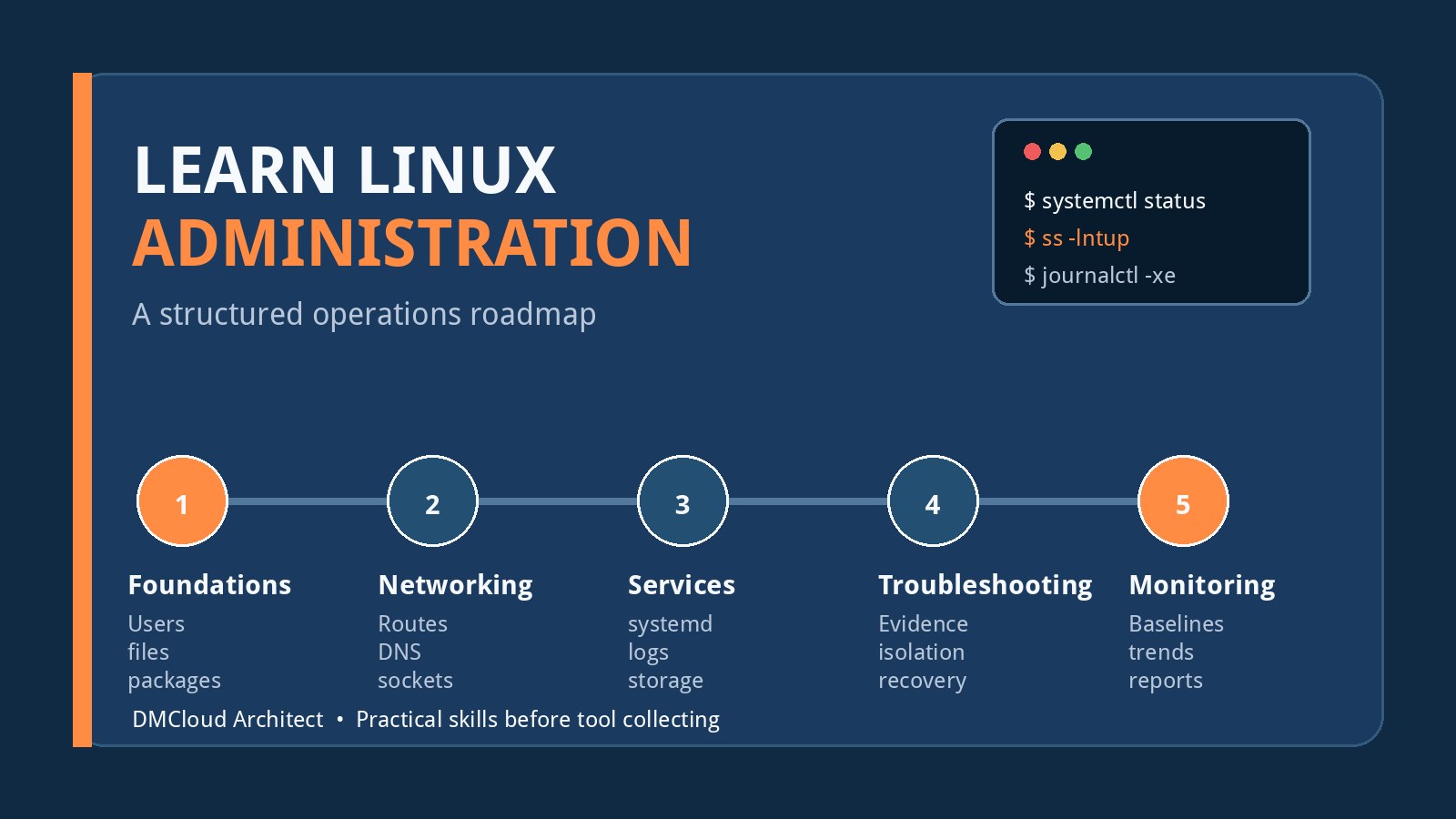
- Calculate basic subnets and inspect addresses, routes, resolvers, listeners, and connections.
- Separate DNS, routing, firewall, transport, TLS, and application failures.
- Use SSH keys, host verification, permissions, and configuration safely.
- Identify exposed services and explain the principle of least privilege without turning the lab into a collection of attack tools.
5. Turn the home lab into controlled experiments
A home lab with Ubuntu Server, a Raspberry Pi, virtual machines, storage shares, DNS, and security tools already contains enough material. Resist adding another platform until the existing systems answer specific objectives.
Pick one service and write a one-page operating card containing:
- the service's purpose and dependencies;
- configuration and state locations;
- the user and privileges under which it runs;
- ports and network paths;
- normal process, log, storage, and resource evidence;
- backup and recovery expectations;
- three likely failures and how to verify each one.
Then break one thing at a time in a snapshot or disposable virtual machine. Use a wrong file owner, occupied port, invalid configuration line, full test filesystem, failed DNS lookup, disabled dependency, expired credential, or blocked route. Before repairing it, write down your hypothesis and the command that would confirm or reject it. This prevents random command guessing.
6. Use Linux server monitoring as a study tool
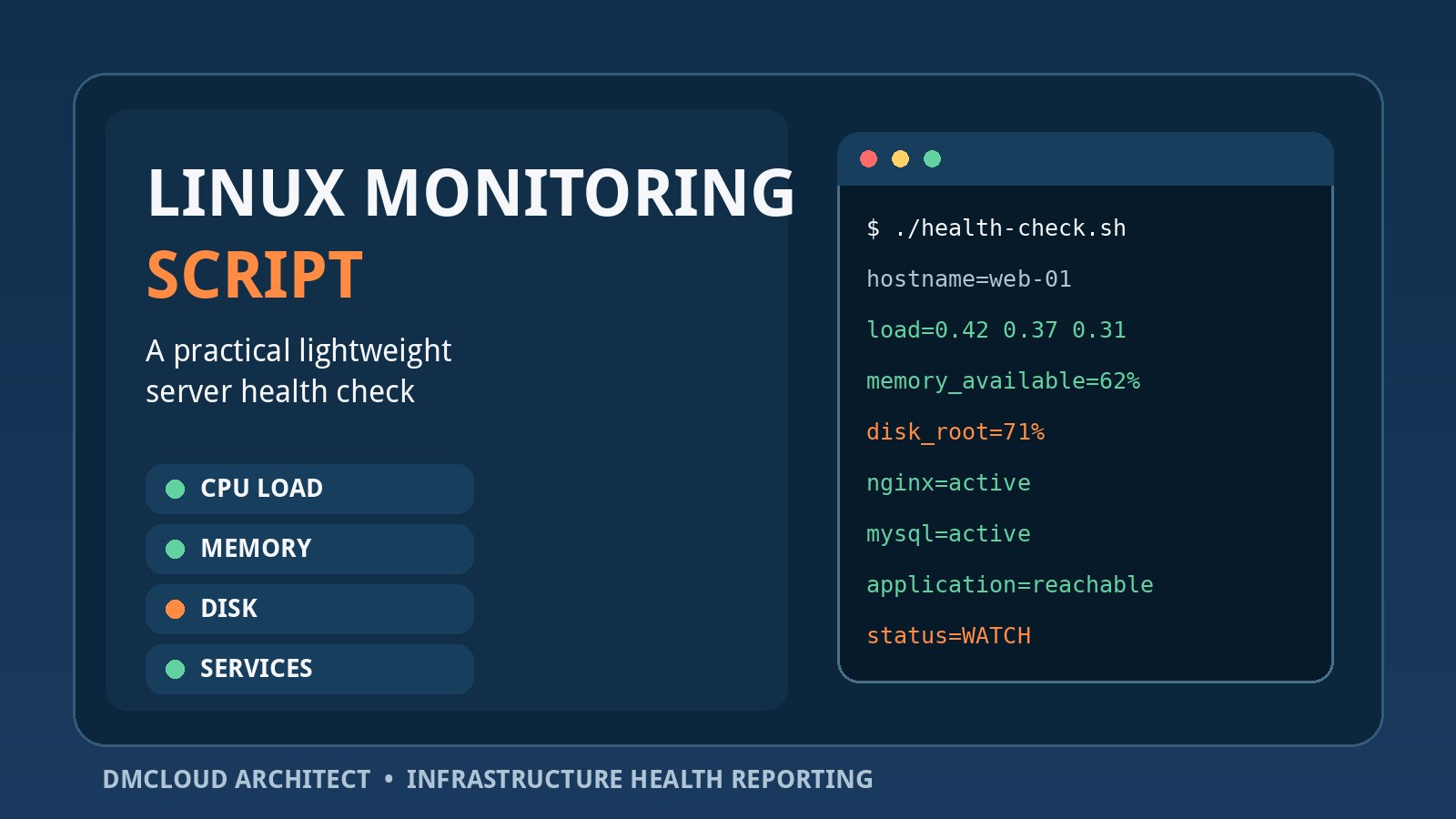
Linux server monitoring is not only a production concern. It can turn a home lab into a source of objective feedback. Instead of merely noticing that a machine “seems fine,” collect a small set of evidence and explain what changed.
A practical study baseline can include:
- uptime, load, CPU pressure, memory pressure, and swap activity;
- filesystem capacity, inode use, and recent growth;
- failed units, restart loops, and recent high-priority log entries;
- listening ports and unexpected exposure;
- package updates, reboot requirements, and patch age;
- backup age plus the date of the latest tested restore;
- DNS resolution, route selection, and application-level reachability.
For each metric, ask three exam-strength questions: Which command provides the evidence? What result is normal on this host? What could produce an abnormal result? This connects memorized tools to operational reasoning.
Use urgent alerts only for conditions that require prompt action, such as a critical service being unavailable. Put slower changes—filesystem growth, recurring warnings, stale backups, patch posture, and capacity trends—into a weekly report. A report is often more useful than another dashboard when the purpose is review, comparison, and deliberate learning rather than constant watching.
7. Follow a focused seven-day cycle
A repeatable week is better than an unsustainable weekend marathon:
- Day 1 — Assess: take a short mixed quiz without notes and classify every miss.
- Day 2 — Learn: study one weak objective from a reliable primary resource and make concise prompts.
- Day 3 — Recall: execute the prompts from a blank terminal and use manual pages only after attempting them.
- Day 4 — Break: create two safe failures related to the objective and diagnose them from evidence.
- Day 5 — Integrate: connect the topic to another layer, such as permissions plus services or storage plus logging.
- Day 6 — Test: complete timed mixed questions and explain why the distractors are wrong.
- Day 7 — Report: update the objective map, summarize lab health, and choose the next week's priorities.
Keep sessions short enough to repeat. Forty-five focused minutes with recall and feedback usually beats several hours of passive watching.
8. Choose supplementary resources by function
No single resource needs to do everything. Use each type for a defined job:
- Official objectives: scope and weighting.
- Distribution documentation and manual pages: authoritative behavior and command details.
- A structured book or video course: first-pass explanations and sequence.
- Practice questions: retrieval, wording, and weak-area discovery—not memorizing answer banks.
- A home lab: execution, failure diagnosis, and verification.
- Flashcards: facts that genuinely require recall, such as files, options, ports, and command distinctions.
Evaluate a course against the current objectives before relying on it. A polished series can still be incomplete or outdated. Avoid unauthorized exam dumps: they undermine learning, may violate certification rules, and do not build the troubleshooting ability required on real systems.
9. Measure progress with evidence, not confidence
Confidence changes with mood; evidence is more stable. Track a small number of weekly measures:
- percentage of objective cells supported by explain, execute, troubleshoot, and verify evidence;
- first-attempt accuracy on mixed questions you have not memorized;
- time required to complete common command drills;
- number of lab failures diagnosed from evidence before a fix was attempted;
- recall accuracy after several days, not immediately after study;
- weak categories remaining from the latest review.
Do not interpret every bad practice score as regression. A harder, unfamiliar test can be more valuable than an easy perfect score because it exposes where retrieval or reasoning still breaks.
10. Use a troubleshooting sequence under pressure
When an exam or lab scenario feels unfamiliar, use a consistent order:
- Restate the required outcome and constraints.
- Identify the affected layer: boot, storage, process, service, network, identity, or application.
- Collect the smallest useful evidence before changing state.
- Compare actual state with expected state.
- Choose the least disruptive action that tests the leading hypothesis.
- Verify the result from the user's or dependent service's perspective.
- Confirm persistence if the question requires a change to survive reboot or restart.
This sequence helps even when you cannot remember an exact option. It keeps you from selecting a dramatic fix before understanding the failure.
Final checklist before the next exam
- I am studying from the current objectives for my chosen certification version.
- I can identify whether my misses come from recall, concepts, interpretation, scenarios, wording, or time.
- I practise commands from prompts without copying a tutorial.
- I can explain important output and not merely produce it.
- I deliberately troubleshoot broken systems in snapshots or disposable environments.
- I rotate through boot, services, storage, packages, shell tools, users, networking, and security.
- I use manual pages and official documentation efficiently.
- I test with mixed, timed questions and review every distractor.
- I measure delayed recall and troubleshooting evidence each week.
- I can verify that a repair worked and that persistent changes survive restart.
A poor midterm does not prove that you cannot become a Linux administrator. It shows that the current learning loop is not yet matching the assessment. Narrow the gap with retrieval, controlled failures, evidence, and weekly review; the home lab you already have is more than enough to make that process real.
Want useful Linux health evidence without another dashboard to watch?
DMCloud Architect turns Linux and MySQL checks into practical weekly reports, helping developers and small business owners spot trends, risks, and recurring problems without adding alert fatigue.
Get the free starter plan for weekly infrastructure health reports.