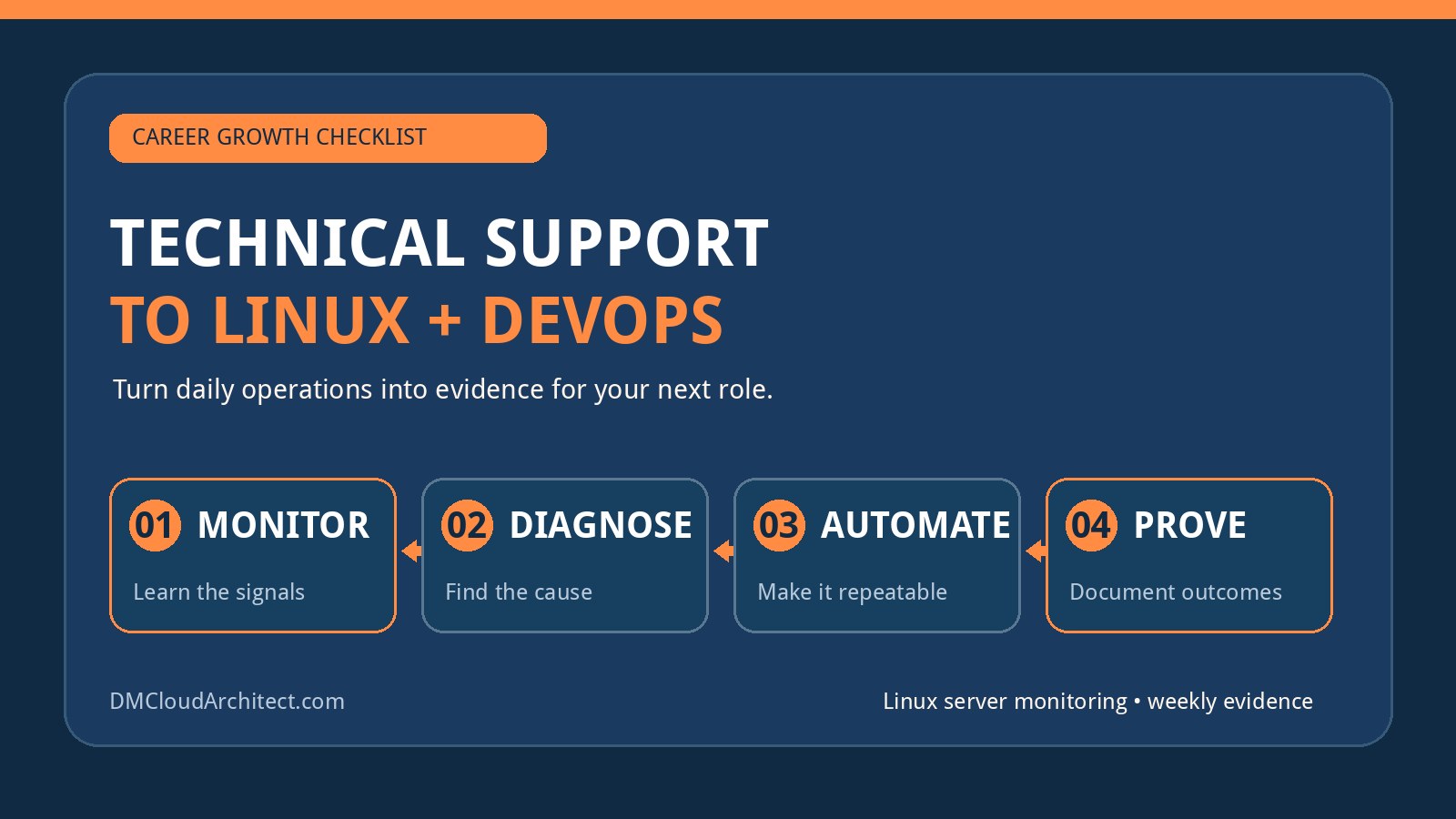
A first IT job can feel alarming when the title and daily work do not match the career you imagined. If your goal is Linux administration or DevOps, a technical support role that includes remote monitoring, software administration, database maintenance, camera servers, and general health checks may look like a detour. It can be a detour—but it can also be the place where you learn production discipline, troubleshooting, ownership, and communication.
The useful question is not simply, “Is this a Linux job?” Ask instead: “Am I gaining evidence that will qualify me for the next role?” A job becomes a trap when the learning has stopped, the work cannot expand, and you are making no deliberate progress outside its narrow routine. Use this checklist to evaluate the role honestly and build a controlled transition rather than resigning from fear.
Do not panic because Linux is only part of the job
Early-career infrastructure roles are rarely pure. Linux administrators still deal with networking, storage, databases, identity, backups, vendors, users, and applications. DevOps engineers also need to understand how services fail in production, how changes affect users, and how to communicate during incidents. Breadth is not automatically wasted time.
Even 10–20% Linux work can be valuable if it exposes you to real systems and lets you deepen your responsibility. The stronger signals are whether you can investigate instead of merely acknowledge alerts, make controlled changes instead of only escalating tickets, document recurring failures, and automate safe parts of the workflow.
Score the role on learning, ownership, and evidence
Review the past month and give each statement a score from zero to two: zero for never, one for occasionally, and two for regularly.
- I use Linux commands to diagnose real service, resource, storage, network, or permission problems.
- I can read logs and build a timeline rather than guessing at a fix.
- I understand at least one system from user request through application, database, network, and host.
- I make or propose changes that prevent a recurring issue.
- I write documentation, runbooks, scripts, or queries that other people can reuse.
- I can explain why a health check matters and what action follows a failed result.
- I receive feedback from someone with stronger technical experience.
- I am gaining examples I can discuss honestly in an interview.
A high score means the title may understate the role's value. A middle score suggests you should ask for better tasks and create a development plan. A very low score sustained over several months is a warning that you need a more active search—but it is still better to search while employed unless the environment is harmful or financially impossible.
Recognize the experience you already have
Technical support work becomes relevant when you describe the engineering responsibility behind it. “Checked server health” is vague. A stronger account explains which signals you reviewed, how you identified exceptions, what you investigated, who owned remediation, and how you verified recovery.
- Remote monitoring: availability, latency, service state, capacity, backup age, alert triage, and escalation quality.
- Software administration: configuration, access control, upgrades, dependency checks, change windows, rollback, and user impact.
- Database maintenance: backup verification, storage growth, connection health, slow queries, permissions, and scheduled jobs.
- Camera server monitoring: service uptime, storage retention, network reachability, time synchronization, recording gaps, and capacity planning.
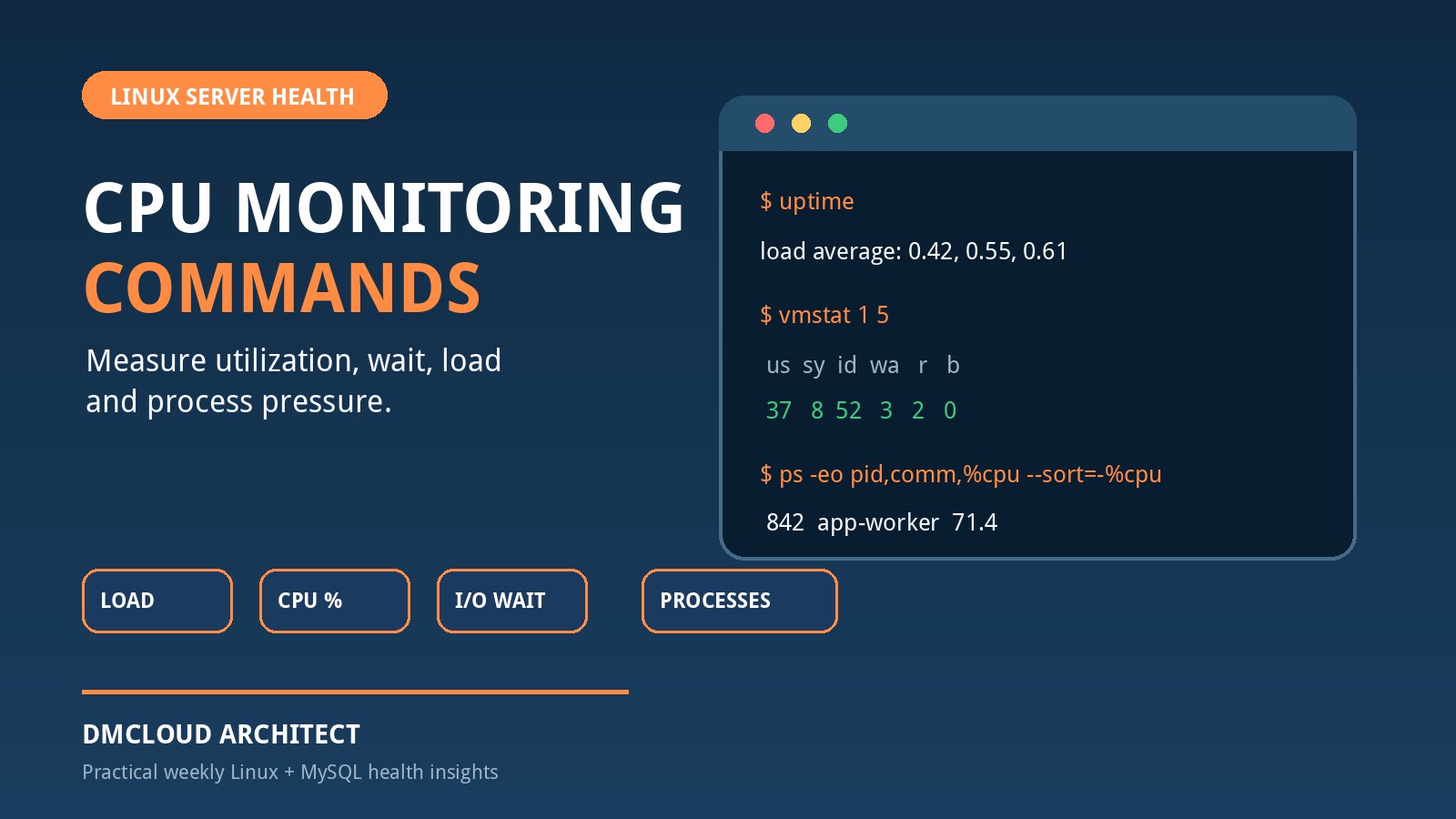
- Server health checks: CPU and memory pressure, filesystems, failed services, logs, patches, certificates, and restart patterns.
These are operations fundamentals. The gap between support and administration is often the depth of diagnosis and change ownership, not the existence of entirely different systems.
Turn Linux server monitoring into engineering evidence
Linux server monitoring is useful career evidence when it leads to decisions. Watching a dashboard or forwarding an alert is a starting point, not the finished skill. Build a repeatable feedback loop:
- Define what healthy means for the host and service.
- Collect the few signals that reveal availability, capacity, errors, and change.
- Compare current results with a known baseline or previous period.
- Investigate exceptions and identify the affected layer.
- Record the action, owner, and verification result.
- Improve the check, threshold, runbook, or configuration when an issue repeats.
For example, a filesystem warning becomes stronger evidence if you identify the growth source, confirm whether retention is intentional, introduce a safe cleanup or rotation policy, and verify that growth returns to an expected rate. A failed service check becomes stronger when you distinguish a process crash from a dependency failure, document recovery, and add a check that catches the root symptom earlier.
Know when weekly reports are better than more dashboards
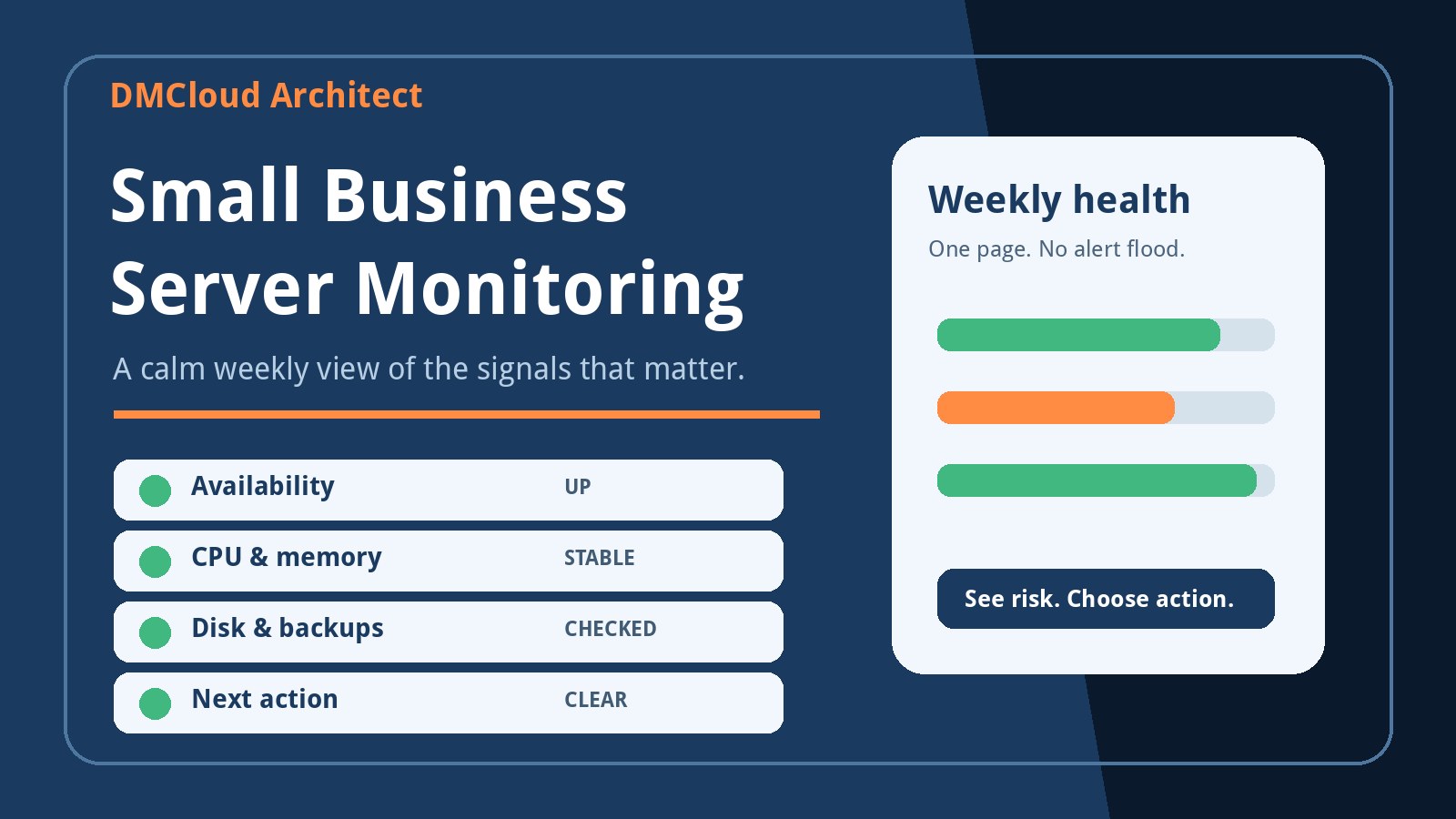
Dashboards suit active incident response and live operational views. They are less effective when nobody has time to watch them or when slow changes get buried among noisy alerts. A weekly health report can be a better tool for filesystem growth, backup age, patch posture, certificate expiry, recurring service failures, resource trends, and unresolved actions.
Creating a small weekly report is also an excellent development exercise. It forces you to select meaningful signals, handle missing data, compare periods, explain risk plainly, and recommend an action. Those skills connect Linux administration with automation, observability, and business communication. Keep confidential values out of a public portfolio, but preserve a sanitized example and the logic used to create it.
Ask for growth before assuming none is available
Your manager may not know your target unless you state it clearly. Ask for a short discussion focused on useful work rather than a title change. Explain that you want to deepen Linux and automation skills while improving the team's existing process.
Reasonable requests include:
- owning one Linux health-check runbook and improving its diagnostic steps;
- investigating recurring alerts and proposing a permanent fix;
- automating a repetitive report with review and rollback safeguards;
- helping with patch validation, backup restore tests, or capacity reviews;
- shadowing a senior administrator during a controlled change or incident review;
- documenting one service end to end, including dependencies and failure modes.
Ask for a defined, low-risk responsibility and deliver it well. That is easier for a manager to approve than a broad request for “more DevOps work.” If the answer is repeatedly no and the work remains static, you have useful evidence for your decision to move.
Build a 90-day Linux-to-DevOps plan
Days 1–30: establish depth
- Inventory your actual responsibilities and map each one to Linux, networking, databases, security, automation, or communication.
- Choose one Linux service you encounter at work and learn its process model, configuration, logs, dependencies, ports, storage, and recovery path.
- Keep a private achievement log with the problem, your action, verification, and result. Do not copy employer secrets.
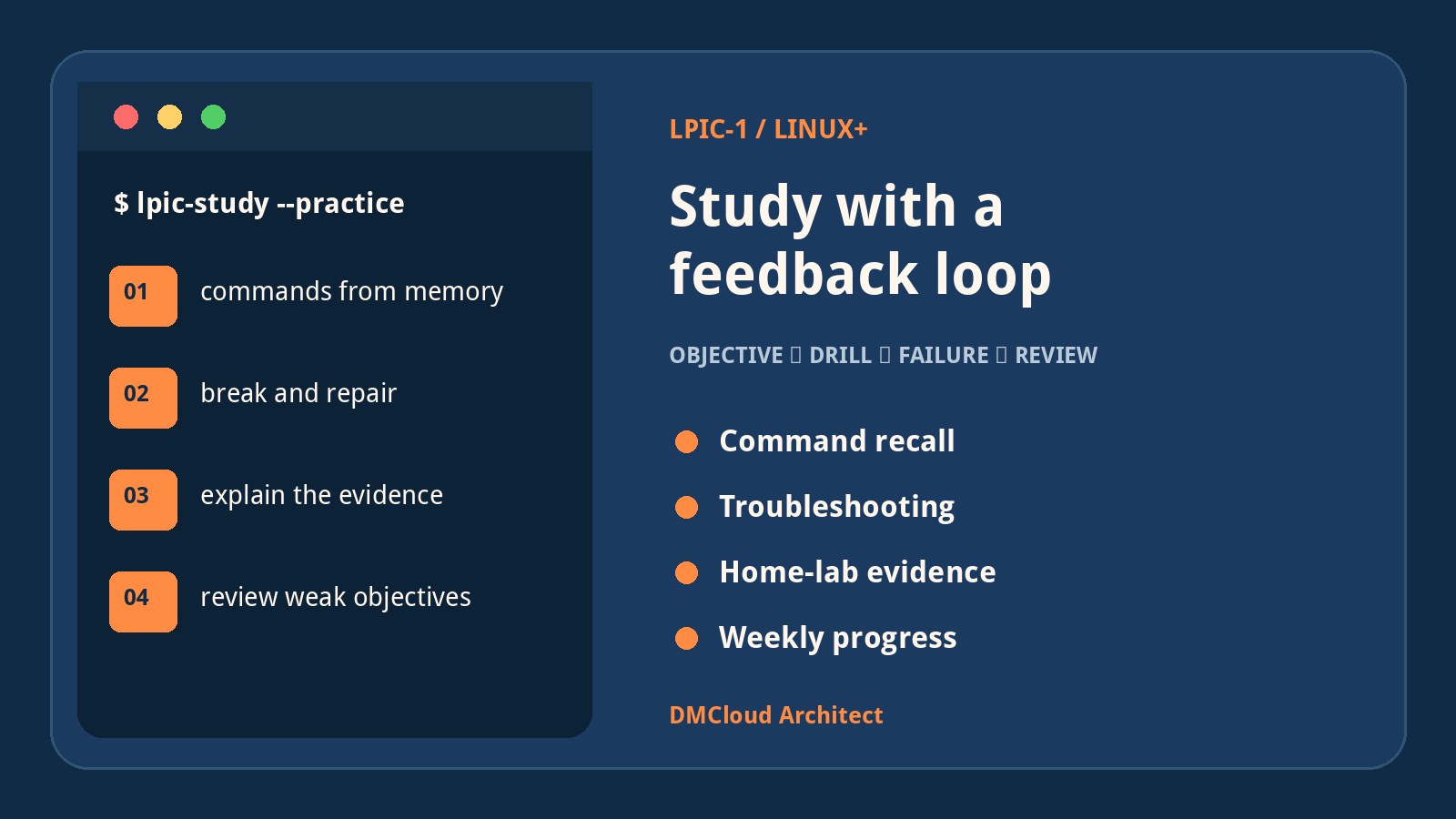
- Practice Linux daily in a safe lab so your command-line skill does not depend on the amount of Linux work assigned.
- Review job descriptions for the next realistic role and identify the three most common gaps.
Days 31–60: automate and document
- Create one version-controlled script that performs a real health check safely and produces clear output.
- Add input validation, useful exit codes, error handling, and documentation instead of stopping when the happy path works.
- Build a sanitized weekly Linux health report from lab data or approved work data.
- Document one incident or troubleshooting exercise as a timeline: symptom, hypotheses, tests, root cause, recovery, and prevention.
- Ask for review from a colleague, mentor, or technical community and improve the work based on feedback.
Days 61–90: connect operations to delivery
- Put a small service in source control and add automated tests or validation.
- Deploy it to a Linux host or cloud lab using a repeatable process.
- Add service health, host health, logs, and a tested recovery step.
- Automate one deployment or configuration task with a clear failure path.
- Update your resume with evidence, begin targeted applications, and practice explaining tradeoffs rather than reciting commands.
This plan is deliberately small. One coherent project with monitoring, automation, documentation, and recovery is more persuasive than ten copied tutorials.
Protect your communication skills as deliberately as technical skills
A quiet role does not have to stop your communication growth. Write concise incident updates, explain findings to a colleague, present a five-minute weekly review, improve runbooks, and practice translating a technical symptom into user impact. Clear written English is especially valuable in distributed Linux and DevOps teams.
Use a simple update structure: what happened, what is affected, what evidence you have, what you are doing next, and when the next update will arrive. This is a professional skill you can practice in almost any support role.
Warning signs that justify an active exit plan
- You only acknowledge, copy, or route alerts and are not allowed to investigate.
- There is no access to documentation, mentoring, safe lab work, or increasing responsibility.
- The organization expects unsafe changes, hides incidents, or discourages learning.
- Your duties and pay differ materially from what was promised, with no credible correction plan.
- You have proposed specific improvements for several months and every path to growth remains closed.
- The role is damaging your health or creating an unsafe situation.
One frustrating week is not proof of a dead end. A consistent pattern is. Set a review date—perhaps 60 or 90 days—so you evaluate evidence instead of reliving the same anxiety every evening.
Do not resign only to create urgency
Leaving without another offer can be reasonable when health, safety, contractual issues, or a secure financial runway make it the best choice. Otherwise, employment gives you time to learn, apply selectively, and avoid accepting the next poor fit under pressure. Start the job search before you feel perfectly ready.
Aim for the next adjacent role: junior Linux administrator, infrastructure support engineer, cloud support engineer, operations engineer, NOC role with real troubleshooting, or a DevOps trainee position with defined mentoring. Read the responsibilities, not just the title.
Final career health checklist
- Can I name three technical skills that improved in the last month?
- Can I describe one problem I diagnosed beyond the first alert?
- Have I created reusable documentation, automation, or a report?
- Do I understand one production service more deeply than I did 30 days ago?
- Have I asked for a specific growth responsibility?
- Am I building a safe lab project that closes a real job-market gap?
- Can I explain my current work as evidence without exaggeration?
- Have I set a date to decide whether to stay, search harder, or accept a better offer?
Your first job does not determine your entire career. What matters is whether you keep converting exposure into depth, depth into evidence, and evidence into the next opportunity. Treat the current role as a platform with a review date—not as a permanent identity.
Want practical Linux health evidence without another dashboard to watch?
DMCloud Architect turns Linux and MySQL health checks into useful weekly reports, helping developers and small business owners review trends, risks, and recurring issues without adding alert fatigue.
Get the free starter plan for weekly infrastructure health reports.