Introduction
For small teams, server downtime is not just an inconvenience—it directly impacts users, revenue, and trust. Yet most monitoring solutions are either too complex, too expensive, or simply overkill.
This is where server health monitoring for small teams becomes critical. The goal is not to build enterprise-grade observability, but to gain just enough visibility to detect issues early and act fast.
The Problem
Small teams typically face two extremes:
- No monitoring at all → Issues are discovered only after failures
- Over-engineered solutions → Tools that are hard to maintain and configure
Common gaps include:
- No visibility into CPU, memory, or disk usage
- Lack of alerting for downtime or failures
- Manual troubleshooting instead of proactive detection
- Too many tools with no centralized view
The result? Late-night firefighting and avoidable outages.
Practical Solution
A simple and effective monitoring setup should focus on core health signals and actionable alerts.
Start with these steps:
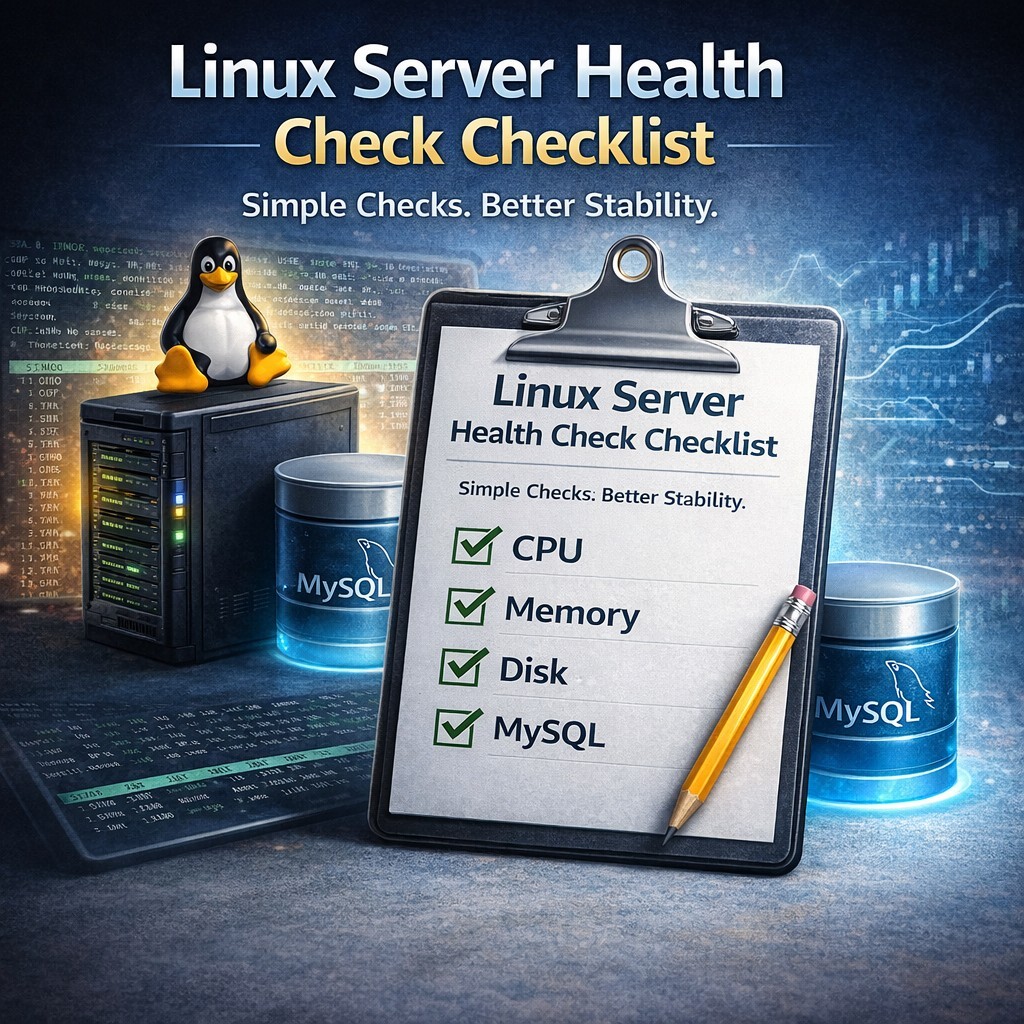
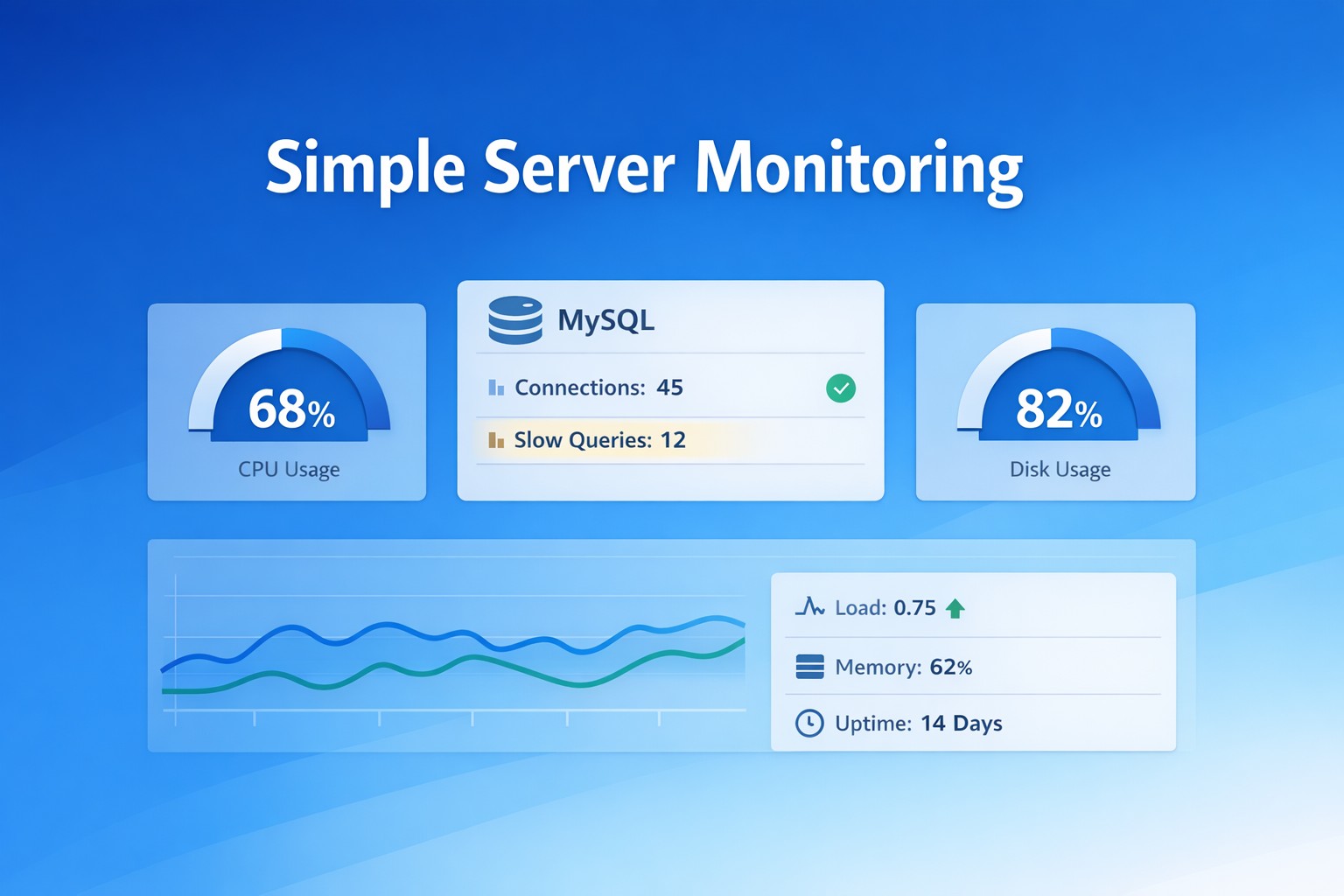
- Monitor key system metrics (CPU, memory, disk)
- Track server uptime and availability
- Set threshold-based alerts
- Use lightweight scripts or tools instead of heavy platforms
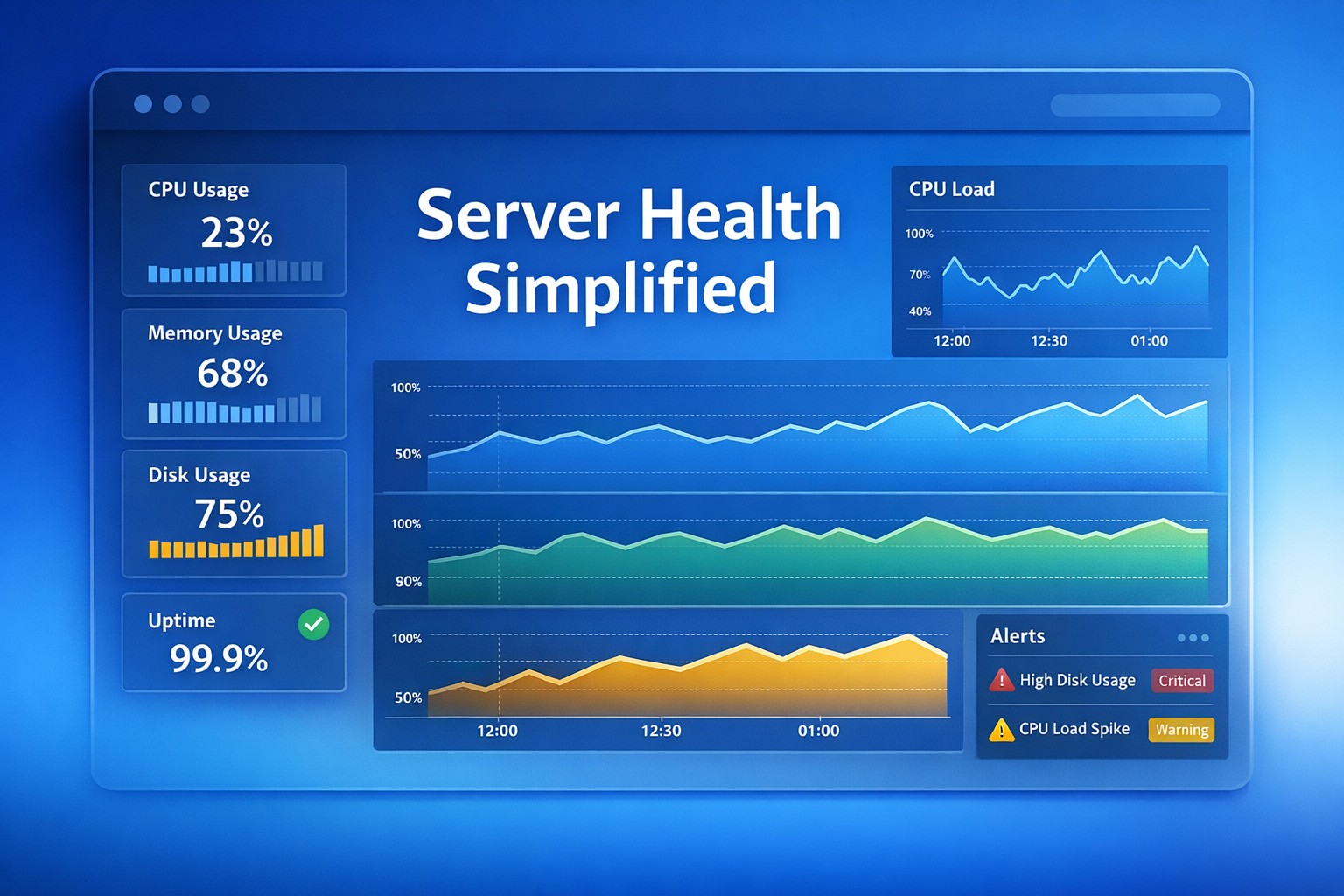
- Centralize reports in a simple dashboard
You don’t need dozens of metrics—just the right ones.
Architecture / Approach
- Data Collection
- Use simple Linux scripts (bash/python)
- Collect CPU, memory, disk, load average
- Health Checks
- Run checks via cron every 1–5 minutes
- Log results locally or send to endpoint
- Alerting
- Email or webhook alerts when thresholds exceed
- Example: CPU > 85%, Disk > 90%
- Visualization
- Use a lightweight dashboard or hosted solution
- Centralize multiple servers in one place
For a ready-to-use lightweight solution, you can explore:
https://health.dmcloudarchitect.com/
Best Practices
- Monitor only what matters – Avoid metric overload
- Set realistic thresholds – Prevent alert fatigue
- Automate checks – Never rely on manual monitoring
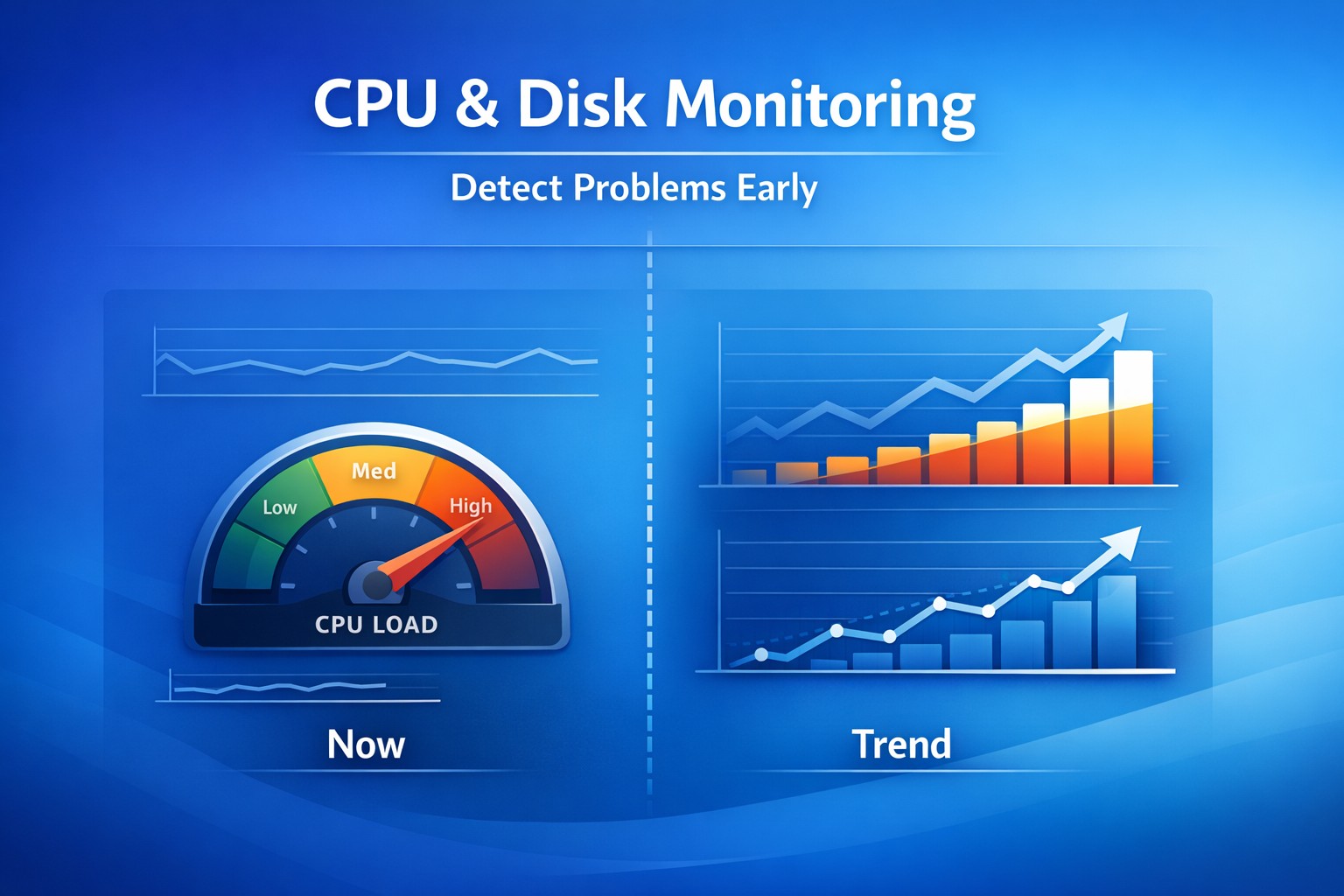
- Track trends, not just spikes – Identify gradual degradation
- Keep it lightweight – Simplicity improves reliability
Common Mistakes
- Trying to replicate enterprise monitoring stacks
- No alert tuning → Too many false positives
- Ignoring disk usage → One of the most common failure points
- No historical data → Impossible to analyze trends
- Monitoring without action plans
Summary
Effective server health monitoring for small teams is about balance. You don’t need complex observability platforms—you need clear visibility, timely alerts, and simple tools that work reliably.
By focusing on essential metrics and lightweight architecture, small teams can prevent most outages before they happen.
If you're looking for a simple, ready-to-use monitoring approach, check out:
DMCloudArchitect Health Monitoring