Blog - Server Health

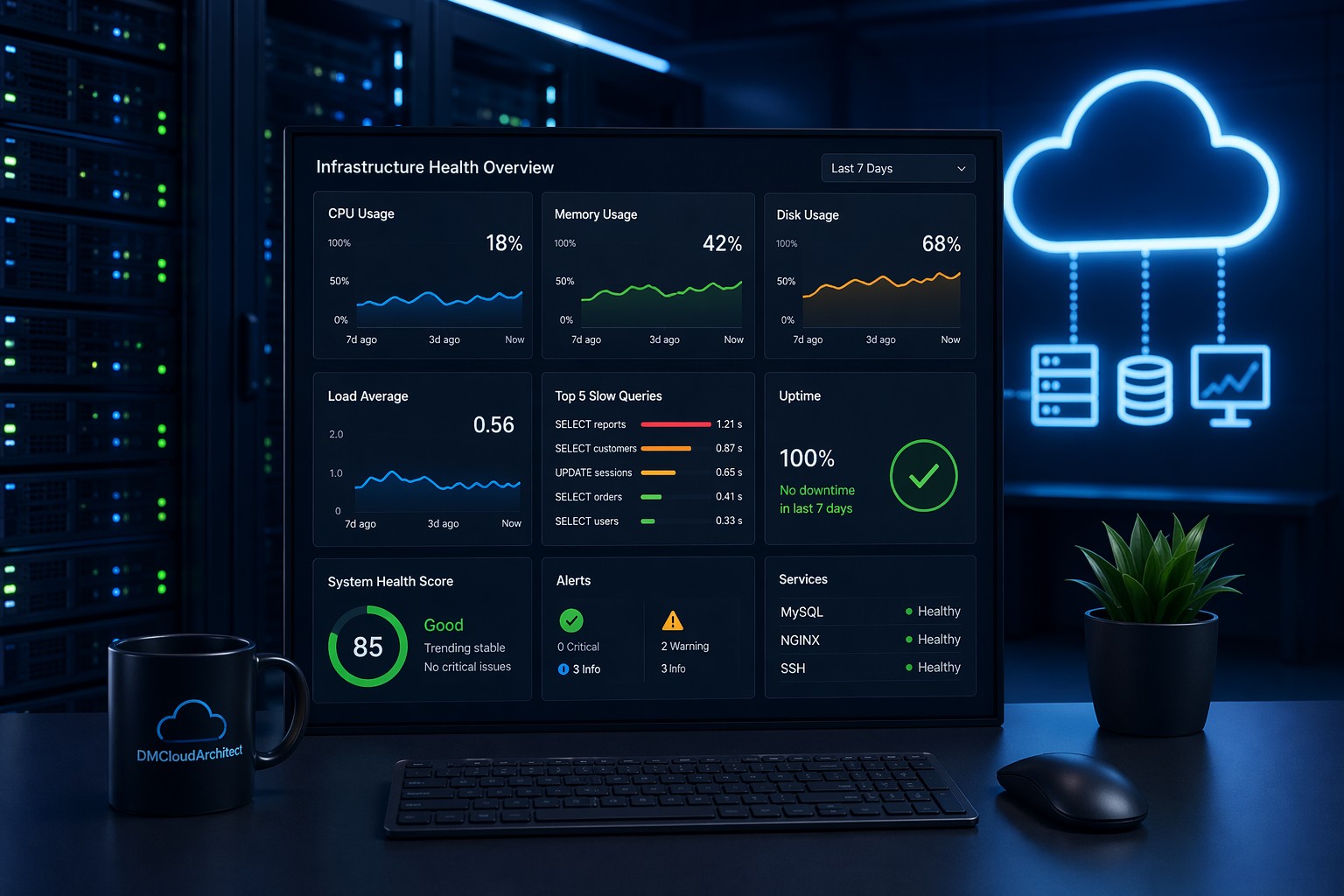
System Health Reporting: Why Trend Visibility Matters

System Health Reporting: Why Trend Visibility Matters

May 09, 2026    Mariusz Antonik    Server Health    7 min read

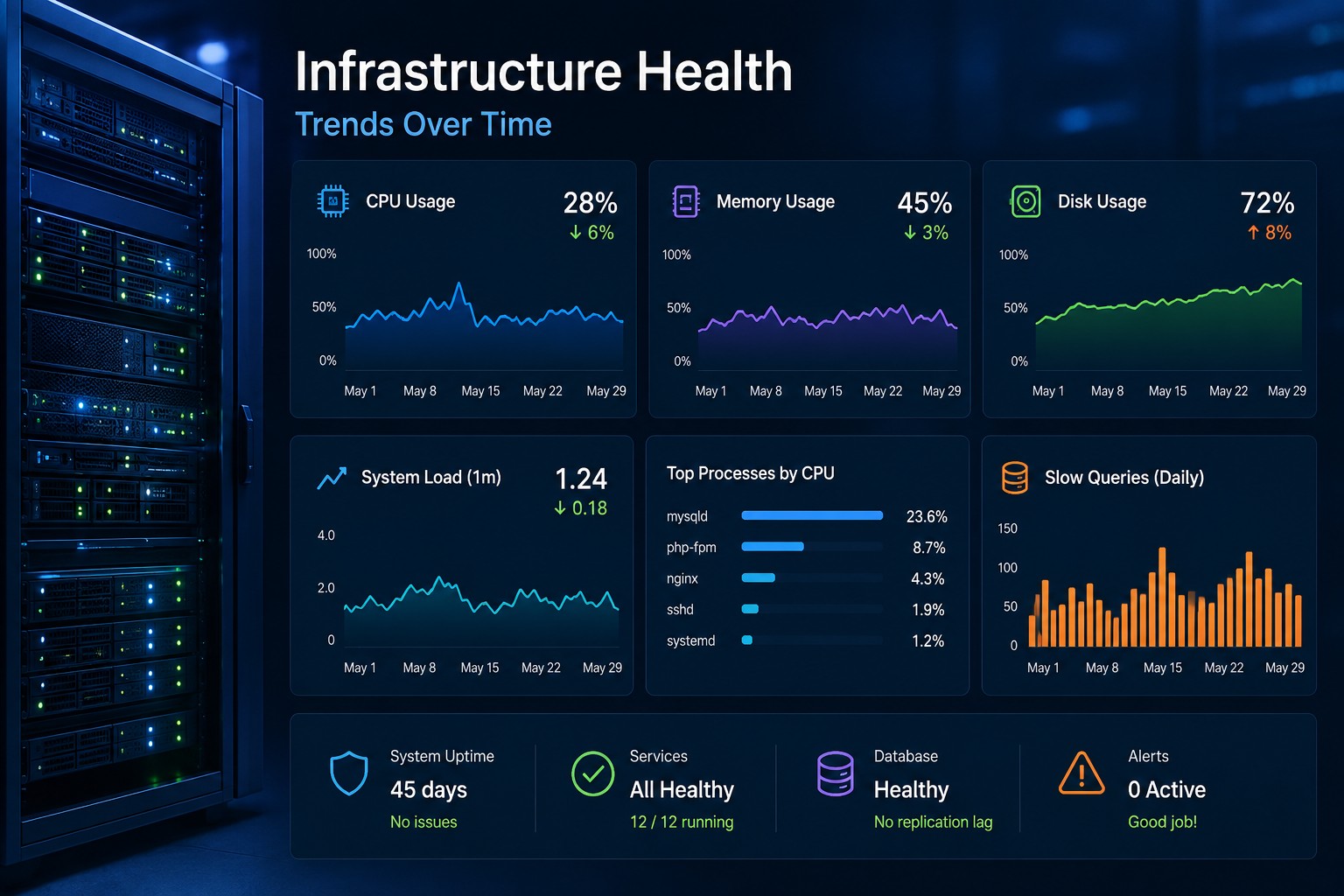
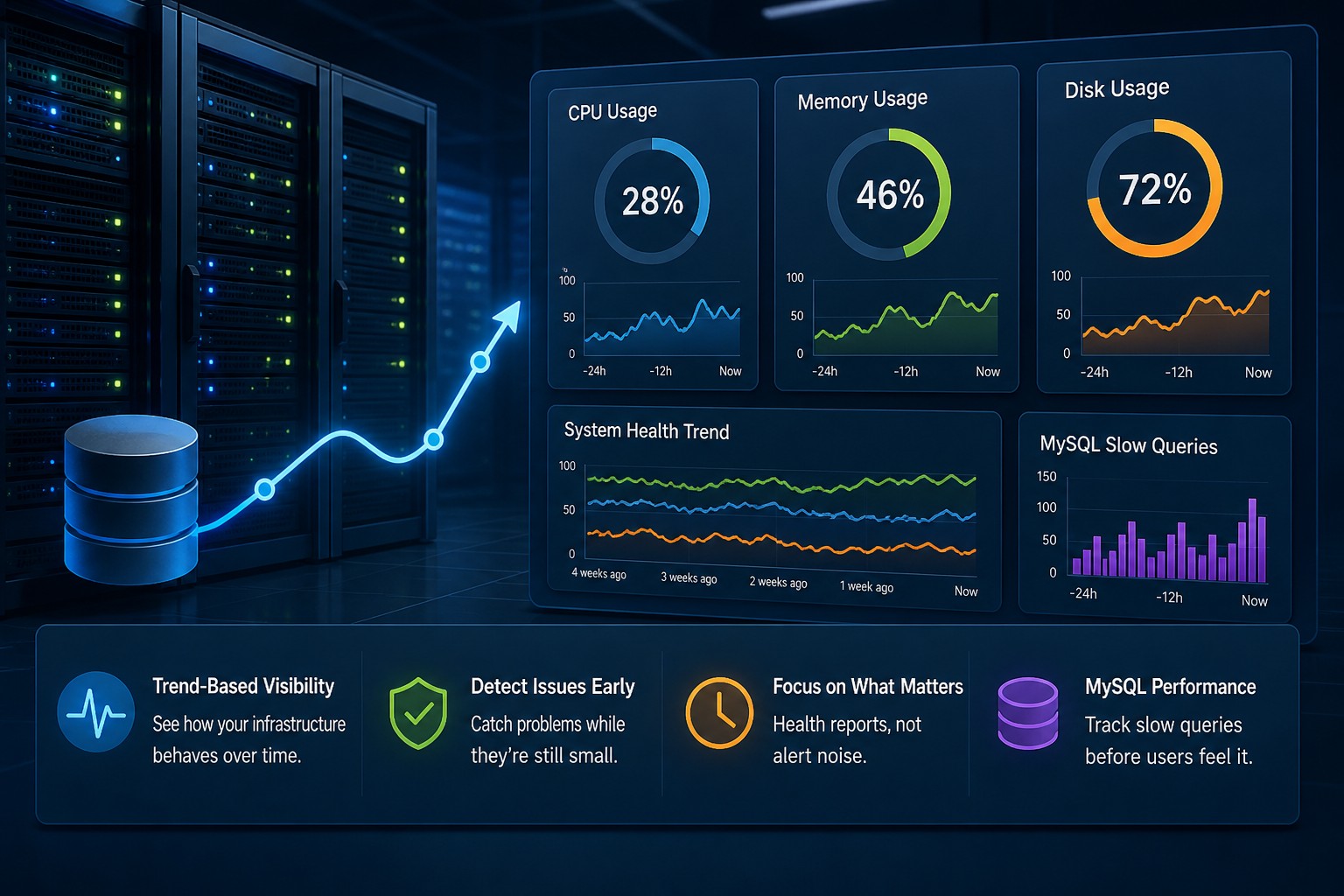
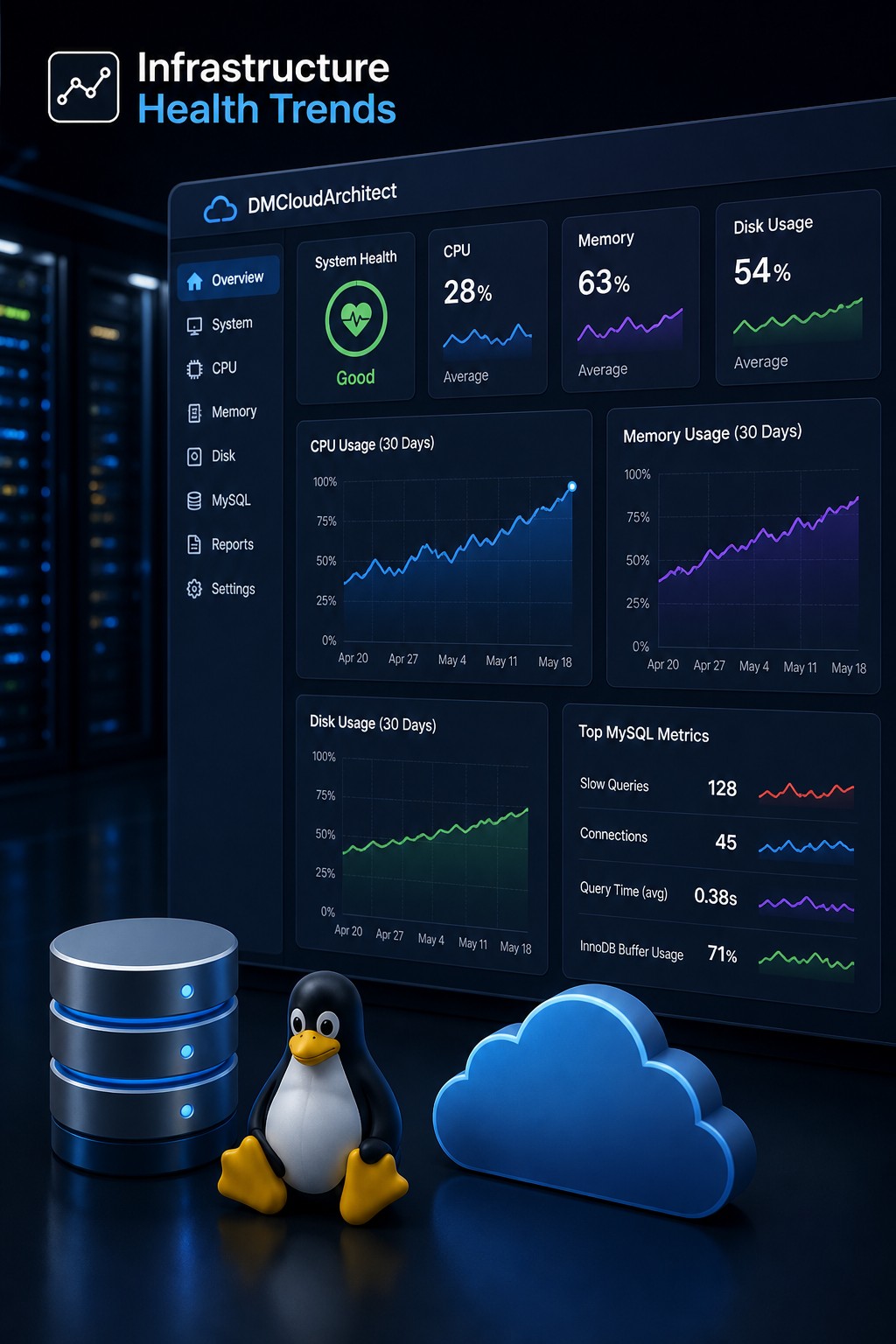
System health reporting helps infrastructure teams understand long-term server and database behavior instead of reacting only to alerts. By tracking trends like CPU growth, disk usage, memory pressure, and query performance, teams can identify problems before they become outages. This article explains how infrastructure health reporting works, what metrics matter most, and why trend visibility is essential for smaller operations teams. It also explores practical examples of how reporting-focused monitoring improves operational stability and reduces alert fatigue.

Read More
Cron Disk Monitoring Linux: Simple Automated Disk Checks

Cron Disk Monitoring Linux: Simple Automated Disk Checks

May 06, 2026    Mariusz Antonik    Server Health    6 min read

Disk usage problems in Linux environments often grow slowly before causing outages or performance issues. This guide explains how to automate disk monitoring with cron jobs, lightweight Bash scripts, and scheduled reporting. You’ll learn practical ways to track storage growth, identify trends, and reduce alert fatigue across Linux servers. The article also covers real-world operational examples and best practices for long-term infrastructure visibility.

Read More
Detect Storage Issues Early in Linux Systems

Detect Storage Issues Early in Linux Systems

May 05, 2026    Mariusz Antonik    Server Health    4 min read

Storage issues in Linux rarely happen instantly—they build over time. This article explains how to detect early warning signs like disk growth, I/O wait, and log accumulation before they cause outages. Learn practical commands and strategies to identify disk problems early. Prevent failures by focusing on trends instead of alerts.

Read More
Disk Growth Trend Linux: How to Track and Prevent Disk Issues Early

Disk Growth Trend Linux: How to Track and Prevent Disk Issues Early

May 01, 2026    Mariusz Antonik    Server Health    4 min read

Disk space issues rarely happen suddenly—they build up over time. This article explains how to track disk growth trends in Linux and why it matters for preventing outages. You’ll learn simple ways to monitor disk usage over time and identify hidden growth patterns. Practical examples show how small trends can lead to major problems if ignored.

Read More
Track CPU Utilization on Linux Server (Simple & Practical Guide)

Track CPU Utilization on Linux Server (Simple & Practical Guide)

Apr 30, 2026    Mariusz Antonik    Server Health    5 min read

Tracking CPU utilization on a Linux server is essential for spotting performance issues before they escalate. This guide explains how to monitor CPU usage over time using simple tools and techniques. Learn how to identify trends, understand growth patterns, and make smarter infrastructure decisions without complex monitoring stacks.

Read More
Bash CPU Monitoring Script (Simple & Practical Guide)

Bash CPU Monitoring Script (Simple & Practical Guide)

Apr 21, 2026    Mariusz Antonik    Server Health    4 min read

A simple bash CPU monitoring script can give you real visibility into how your system behaves over time. This guide walks through building a lightweight solution using built-in Linux tools. You’ll learn how to log CPU usage, automate data collection, and spot performance trends early. It’s a practical approach for teams that want insight without adding complex monitoring tools.

Read More
How to Identify CPU Bottlenecks in Linux Servers

How to Identify CPU Bottlenecks in Linux Servers

Apr 20, 2026    Mariusz Antonik    Server Health    4 min read

CPU bottlenecks in Linux rarely happen suddenly—they build over time through gradual performance degradation. This article explains how to identify early warning signs like rising baseline usage and load average changes. You’ll learn practical commands and real-world patterns that signal CPU issues before they impact production. Discover how trend-based monitoring helps you catch problems early and avoid reactive firefighting.

Read More
How to Track CPU Trend Monitoring on Linux Servers

How to Track CPU Trend Monitoring on Linux Servers

Apr 19, 2026    Mariusz Antonik    Server Health    6 min read

Most monitoring tools tell you when something is already broken, but cpu trend monitoring on Linux is about spotting problems before that moment arrives. By tracking CPU usage history over days and weeks, small infrastructure teams can identify rising load patterns, unexpected overnight spikes, and gradual utilization growth that would never trigger a real-time alert. This guide walks through practical tools including sar, vmstat, and Prometheus to capture and review CPU utilization trends on Linux servers. You will come away with a straightforward approach to weekly health reviews that replaces reactive firefighting with informed capacity planning.

Read More
Disk Full Warning on Linux: Catch It Before It Causes Issues

Disk Full Warning on Linux: Catch It Before It Causes Issues

Apr 19, 2026    Mariusz Antonik    Server Health    6 min read

A disk full warning on Linux is easy to ignore until the moment it is not. When a filesystem fills up unexpectedly, it can bring down databases, stop log rotation, and cause application failures that take hours to trace. Understanding how to detect storage issues early, before they tip into real outages, is one of the most practical habits a Linux administrator can build. This guide walks through the common signs, the tools, and the steps to stay ahead of disk saturation on your servers.

Read More
How to Build a Bash Script for Disk Monitoring on Linux

How to Build a Bash Script for Disk Monitoring on Linux

Apr 19, 2026    Mariusz Antonik    Server Health    4 min read

Disk space problems tend to build slowly, and by the time a threshold alert fires, the damage is often already done. A bash script for disk monitoring gives you a lightweight, automatic way to check disk usage across your Linux servers on a regular schedule. This guide covers building a working script from scratch, scheduling it with cron, checking inode usage, and making the log output useful over time.

Read More