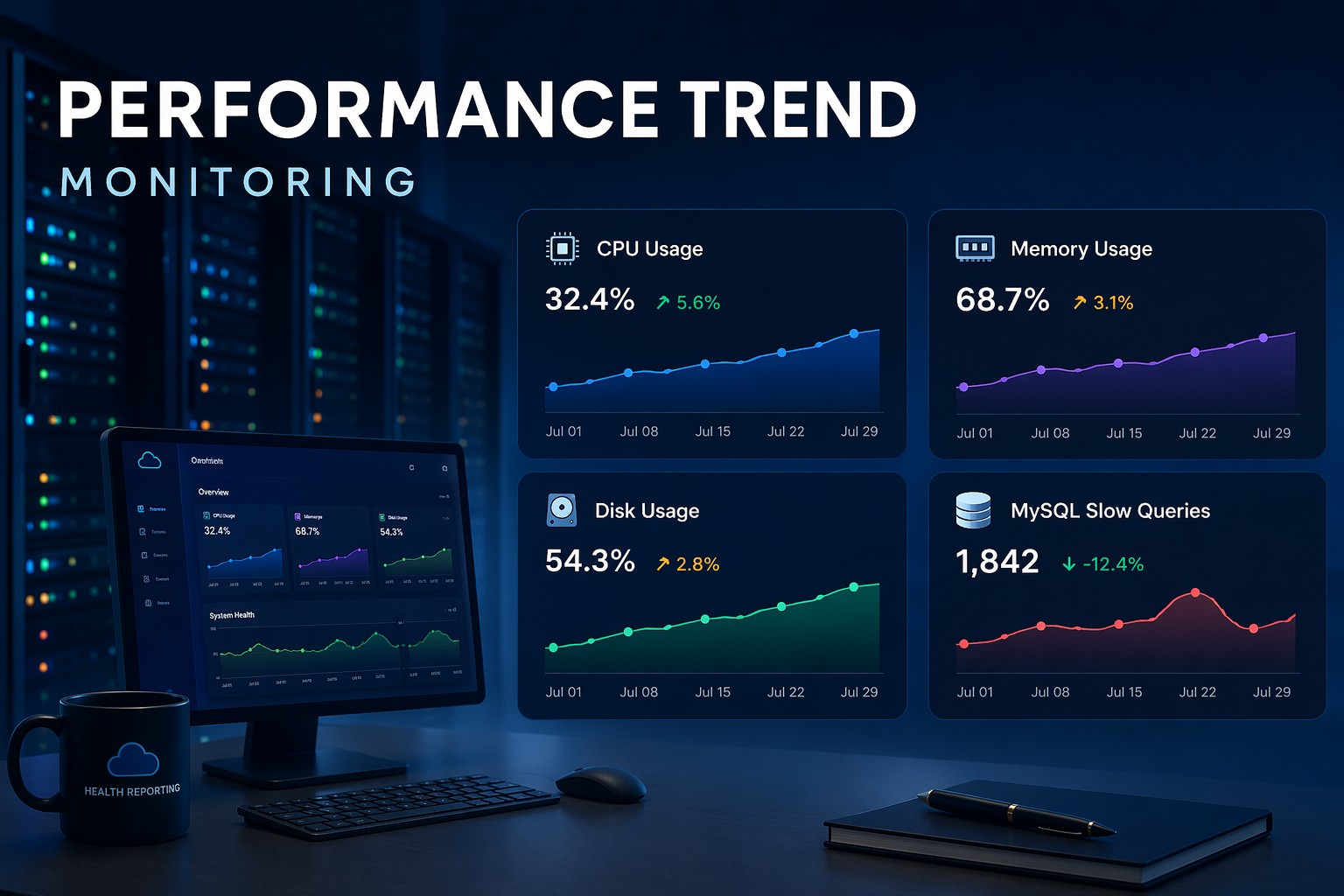
Disk space tends to sneak up on you. A server running fine Monday can have a full filesystem by Friday. Most of these situations are avoidable not through better alerting but through better visibility into how disk usage is trending over time.
A bash script for disk monitoring is one of the most practical tools you can add to a Linux server. It requires no extra software, runs on almost every distro, and when paired with cron gives you a lightweight automatic check on a regular schedule.
This guide covers building a working disk monitoring script from scratch, scheduling it with cron, adding an inode check, and making the log output useful over time.
Why Disk Monitoring Deserves Its Own Script
Most monitoring setups treat disk as secondary. They alert when a threshold is crossed but do not show the trajectory. A disk at 72% is fine today. But if it has been growing 3% per week, you are six weeks from a problem. That is exactly what a scheduled script with historical tracking can reveal.
When you manage multiple servers or partitions it is easy to miss one. A script that runs automatically and logs results removes that reliance on memory. Running a linux disk monitoring command manually is what every admin does. Running it on a schedule and keeping output somewhere useful is what separates reactive from proactive.
Building the Disk Monitoring Script
The foundation is df, the standard Linux command for filesystem disk space usage. Here is a script that checks all mounted filesystems and flags anything over a defined threshold:
#!/bin/bash
THRESHOLD=80
LOGFILE=/var/log/disk_usage.log
df -h --output=target,pcent | tail -n +2 | while read -r MOUNT USAGE; do
  PCT=$(echo $USAGE | tr -d percent)
  if test $PCT -ge $THRESHOLD; then
    echo WARNING at $MOUNT >> $LOGFILE
  fi
done
Using --output=target,pcent gives clean parseable columns. Each run appends to a log file, building a history over time.
Skipping Pseudo-Filesystems
Systems mount pseudo-filesystems like tmpfs and devtmpfs that show up in df output but are irrelevant to disk health. Add fstype to the output columns and skip rows where fstype matches tmpfs, devtmpfs, squashfs, or overlay. This keeps output focused on physical partitions that actually run out of space.
Checking Inode Usage
Inodes can exhaust independently of disk space, especially on systems generating many small files such as mail servers or log processors. A filesystem at 40% disk usage but 99% inode usage is just as broken as a full disk. Add a parallel inode check using df -i --output=target,ipcent with its own threshold variable and log warnings the same way.
Scheduling with Cron
A cron disk monitoring linux setup is straightforward. Running every four hours catches growing trends without excessive log volume:
0 */4 * * * /usr/local/bin/disk_monitor.shMake the script executable first. Write output to a log and review it during regular health checks rather than relying on email for every run.
A Real-World Example: Slow Disk Growth
Suppose you have a server with log rotation configured weekly instead of daily. Traffic has been increasing and access logs grow larger each week. The disk is at 55% Monday. By Thursday it is 71%. By the next Monday it is at 89%.
With manual checks you might catch this on Thursday or not until errors appear. With a scheduled disk usage script linux writing to a log, you have a record of that growth pattern and can fix log rotation before the outage. That is the value: visibility while there is still time to act calmly.
Making Log Output Useful Over Time
A few additions make the log more valuable:
- Add a summary line at each run end showing filesystems checked and warnings found
- Use consistent timestamp formatting for easy diffing or spreadsheet import
- Rotate the log with
logrotate, keeping 30 days of history - For multiple servers, aggregate output to a central shared path or object store
The pattern of collecting disk metrics over time across multiple hosts is exactly what infrastructure health reporting is built around.
Wrapping Up
A bash script for disk monitoring is lightweight, requires no third-party tools, and when scheduled with cron gives you a regular picture of how disk usage is trending, not just whether it crossed a threshold right now.
The real payoff is in the history. Weeks of disk usage data lets you see problems forming and plan capacity changes before they become urgent. You can explore how this kind of trend-based visibility fits into a broader approach with Infrastructure Health Reporting.