How to Monitor a Small Production Server in 5 Minutes
If you run a small production server, you already know one thing:
You don’t have time to build and maintain a full monitoring system.
You just want to know:
-
Is the server healthy?
-
Is MySQL performing normally?
-
Is anything trending toward a problem?
And ideally, you want that visibility without spending days setting up monitoring tools.
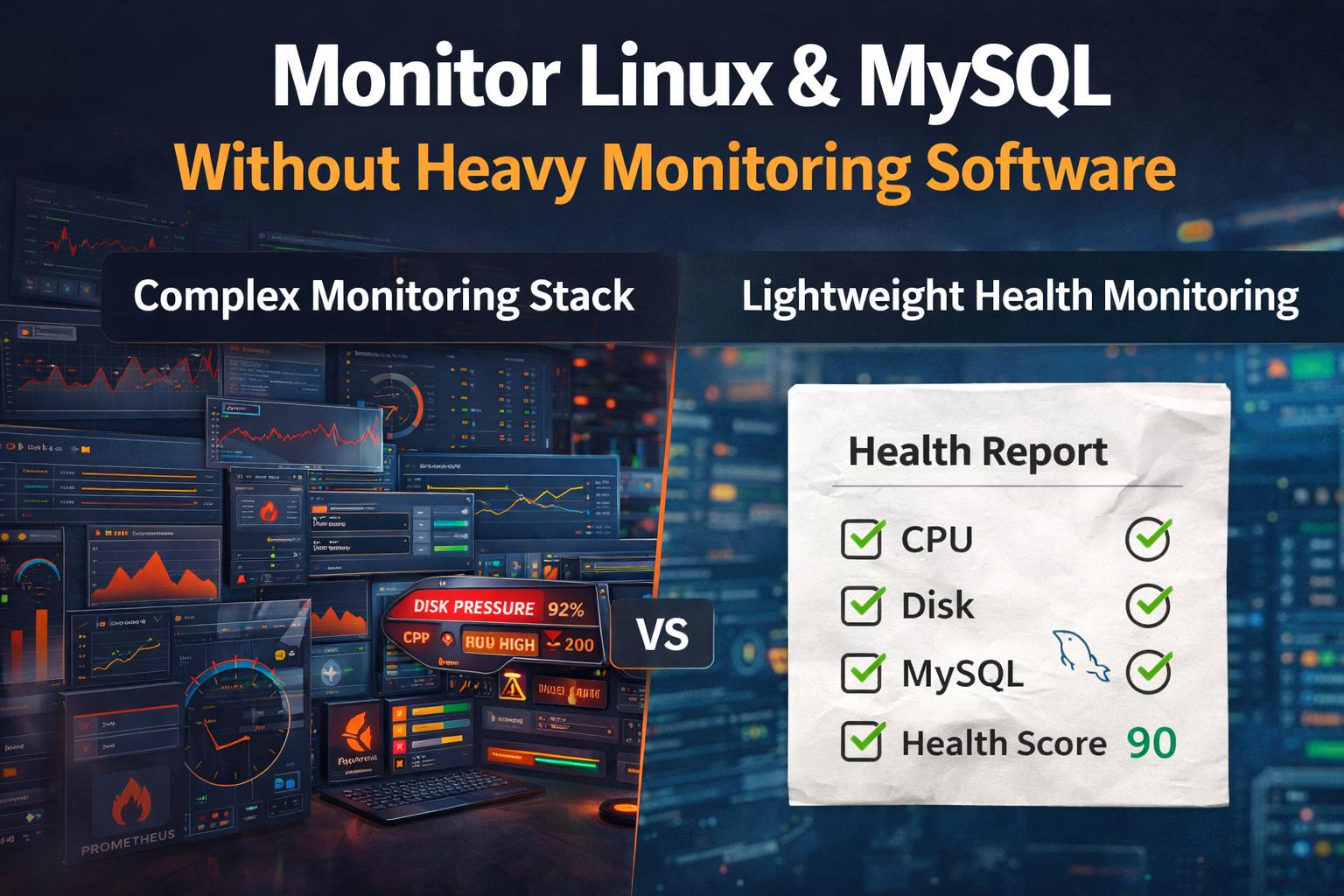
The good news is — you don’t need a complex monitoring stack to get that insight.
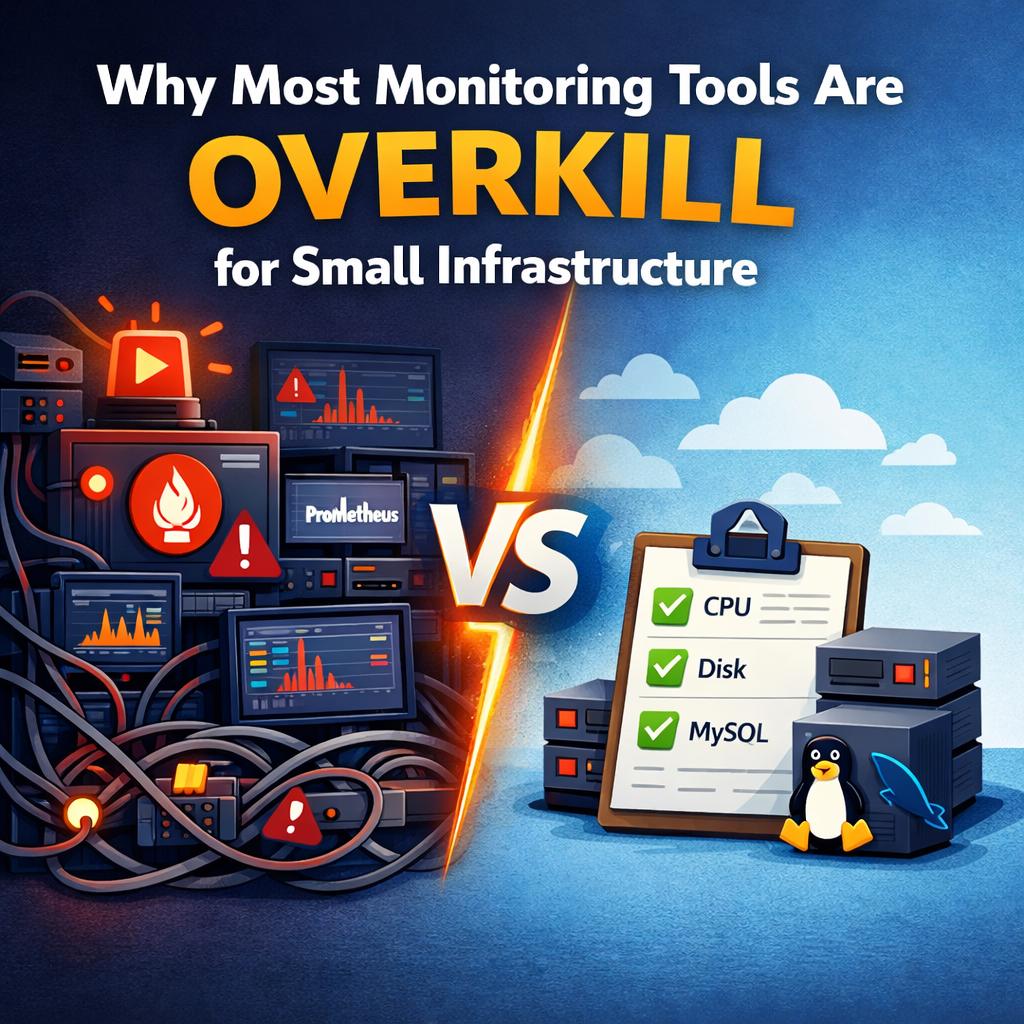
What Most People Do (And Why It Fails)
When developers decide to add monitoring, they often start with:
-
Prometheus
-
Grafana
-
exporters
-
alerting rules
This quickly turns into:
-
multiple services to install
-
dashboards to build
-
alerts to tune
-
ongoing maintenance
For a small environment, this becomes a project of its own.
Most people either:
-
abandon it halfway
-
or run it without really using it
What You Actually Need
For a small production server, you don’t need thousands of metrics.
You need answers to a few critical questions:
-
Is CPU usage stable or increasing?
-
Is memory pressure growing?
-
Is disk space safe?
-
Is MySQL workload changing?
-
Are slow queries increasing?
If you can answer these consistently, you can prevent most outages.
The 5-Minute Monitoring Approach
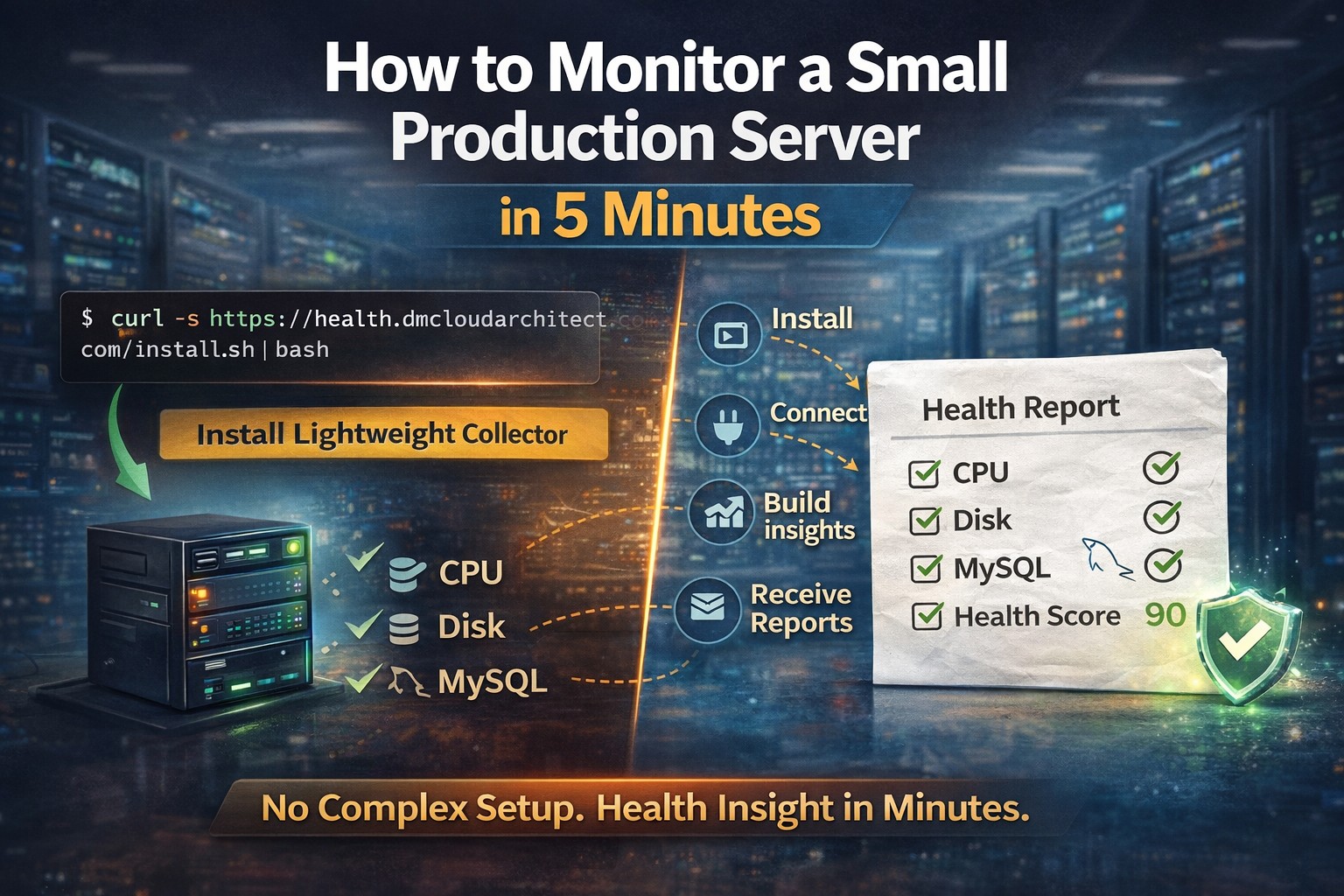
Instead of building a monitoring system, you use a lightweight health monitoring approach.
Here’s how it works:
Step 1 — Install a lightweight collector
Run a simple install command on your Linux server.
Example:
This installs a small local collector.
No heavy agents. No complex dependencies.
Step 2 — Connect your environment
The collector gathers:
-
CPU, memory, disk metrics
-
system load
-
MySQL activity
-
slow query signals
Everything is collected locally and safely.
Step 3 — Let it build health data
Instead of flooding you with alerts, the system:
-
aggregates data
-
detects trends
-
identifies risk patterns
You don’t need dashboards.
You get structured insight.
Step 4 — Receive health reports
You receive clear reports showing:
-
system health
-
disk growth trends
-
MySQL behavior
-
potential risks
This gives you a weekly operational view instead of constant noise.
Why This Works Better for Small Environments
This approach works because it matches reality.
Small environments:
-
don’t have dedicated monitoring teams
-
don’t need real-time dashboards 24/7
-
don’t want alert fatigue
-
need simple, reliable insight
Instead of reacting to alerts, you:
-
understand trends
-
act early
-
avoid emergencies
Example: What You Can Catch Early
With simple health monitoring, you can detect:
-
disk filling over time
-
increasing MySQL connections
-
growing slow query activity
-
memory pressure before crashes
-
rising load trends
These are the issues that cause downtime later.
No Maintenance Overhead
One of the biggest advantages:
You are not maintaining a monitoring platform.
No:
-
dashboards
-
exporters
-
alert tuning
-
scaling monitoring infrastructure
Just:
-
install once
-
receive insights
-
act when needed
Designed for Real-World Small Infrastructure
This is exactly why DMCloudArchitect Health was created.
It is designed for:
-
solo developers
-
small SaaS environments
-
consultants managing servers
-
small production workloads
It provides:
lightweight infrastructure health monitoring for Linux and MySQL environments
without complexity.
Final Thoughts
Monitoring a small production server should not require a complex system.
You don’t need more tools.
You need better visibility.
And that should take minutes, not days.
Try It in 5 Minutes
If you want to monitor your Linux server and MySQL database without building a monitoring stack:
👉 https://health.dmcloudarchitect.com/install
Start in minutes.
Get structured infrastructure health insight.
Avoid problems before they happen.