Back to Blog
Create a Server in Oracle Cloud: Step-by-Step OCI Compute Instance Guide

Create a Server in Oracle Cloud: Step-by-Step OCI Compute Instance Guide

   Mariusz Antonik    Oracle Cloud (OCI)    2 min read    3 views

Oracle Cloud Infrastructure (OCI) provides a flexible and powerful platform for deploying virtual servers. Whether you're hosting a website, running business applications, building development environments, or deploying databases, creating a properly configured server is the foundation of a reliable cloud environment.

This guide explains how to create a server in Oracle Cloud and highlights the key decisions that can improve performance, security, and long-term maintainability.

What Is an OCI Compute Instance?

In Oracle Cloud, a server is deployed as a Compute Instance. A compute instance is a virtual machine that provides CPU, memory, storage, and networking resources for your workloads.

Before You Create Your Server

  • A valid OCI tenancy
  • Proper user permissions
  • A compartment
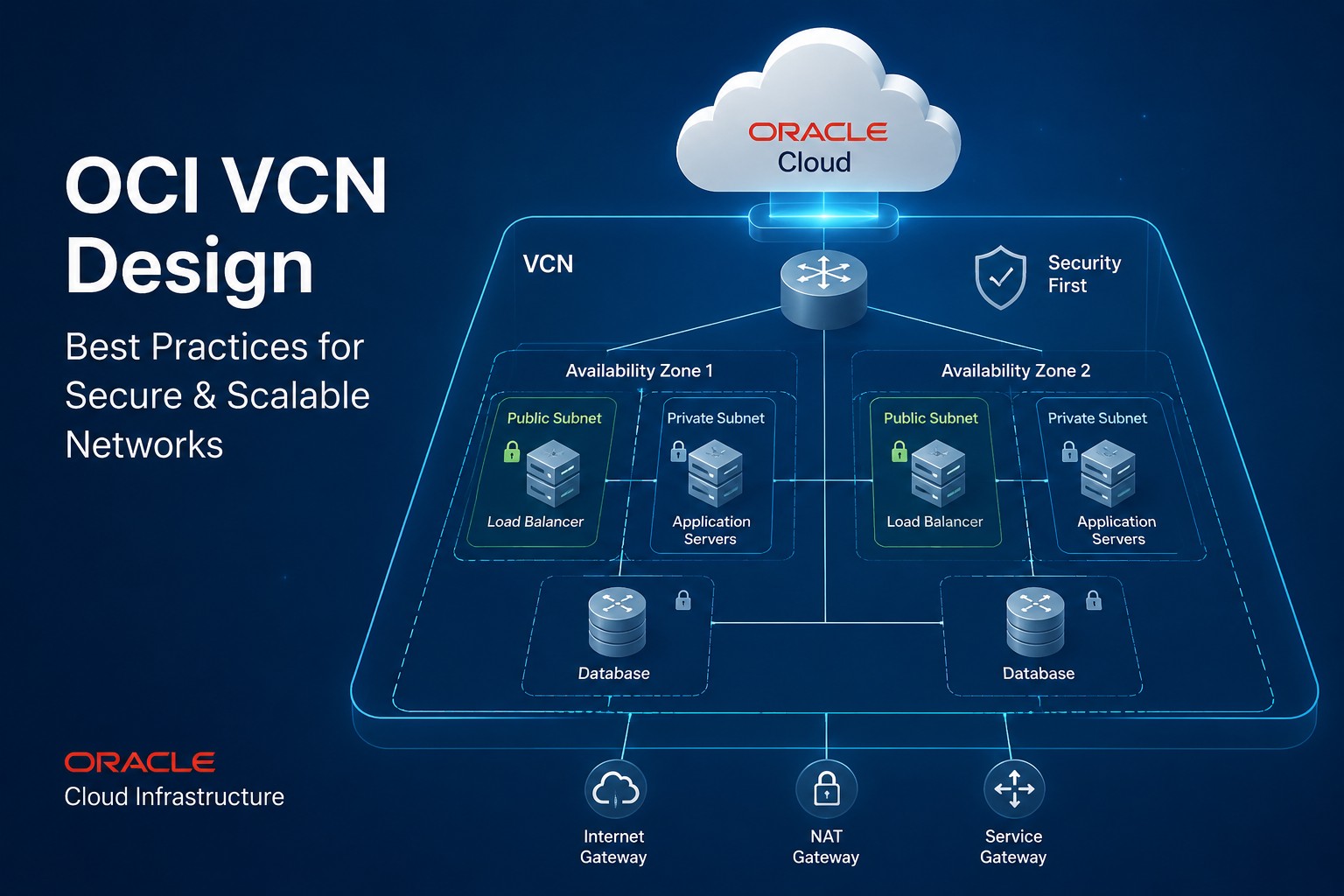
  • A VCN and subnet
  • SSH key pair

Step 1: Open the Compute Service

  1. Sign in to OCI Console
  2. Select compartment
  3. Navigate to Compute
  4. Choose Instances
  5. Click Create Instance

Step 2: Configure Instance Details

Choose a meaningful server name and select the appropriate availability domain.

Step 3: Select an Operating System

Choose Oracle Linux, Ubuntu, Windows Server, or another supported image.

Step 4: Choose a Compute Shape

Select CPU and memory resources appropriate for your workload.

Step 5: Configure Networking

Select the VCN, subnet, public IP requirements, and security controls.

Step 6: Configure SSH Access

ssh opc@your-server-ip

Step 7: Review Storage Configuration

Configure boot volume size and any additional storage requirements.

Step 8: Launch the Instance

Review settings and click Create to provision the server.

Best Practices

  • Use least-privilege access
  • Enable monitoring and logging
  • Implement backups
  • Keep systems patched

Conclusion

Creating a server in Oracle Cloud is a foundational OCI skill. If you need architecture guidance, deployment assistance, or ongoing OCI support, visit https://dmcloudarchitect.com.

About the Author
Mariusz Antonik

Oracle Cloud Infrastructure expert and consultant specializing in database management and automation.

All Tags
#Advanced #alerts #Bash #bash cpu monitoring script #bash monitoring #bash scripting #Beginner #Best Practices #block volume backup #Capacity Planning #cloud backup strategy #compute #cpu bottleneck #CPU Monitoring #cpu monitoring linux #cpu monitoring script linux #cpu trends #cpu usage trends #cpu usage trends linux #create oracle db system in oci #cron cpu monitoring #cron cpu monitoring linux #cron jobs #database monitoring #database performance #detect slow queries mysql #devops #disk capacity planning server #disk forecasting linux #disk growth trend linux #Disk Monitoring #disk usage #disk usage script linux #disk usage trends #Early Detection #easy infrastructure monitoring #free-tier #Guide #health dashboards #Health Reporting #historical server monitoring #how to monitor cpu usage linux #infrastructure #infrastructure health #infrastructure health dashboard #infrastructure health reporting #infrastructure monitoring #infrastructure monitoring report #infrastructure trends #infrastructure trends monitoring #Infrastructure Visibility #lightweight linux monitoring #lightweight monitoring #linux #linux administration #linux cpu monitoring #linux cpu usage #linux disk capacity planning #linux disk usage #Linux monitoring #linux monitoring setup #linux monitoring tools #linux performance #linux performance monitoring #linux server #linux server monitoring #linux servers #linux storage #linux tools #low maintenance monitoring #monitor cpu usage over time linux #monitor linux server health #monitor server trends #monitor small production server #monitoring without complexity #MySQL #mysql health reporting #MySQL monitoring #mysql optimization #MySQL Performance #mysql performance degradation #mysql performance monitoring #mysql performance trends #mysql query performance issues #mysql server monitoring #mysql slow queries #mysql slow query analysis #mysql slow query monitoring #mysql trends #mysql-health #networking #nsg #OCI #oci backup #oci bastion tutorial #oci block volume #oci infrastructure as code #OCI monitoring #oci networking #oci oracle database private subnet setup #oci oracle database tutorial #oci security #oci setup guide #oci terraform tutorial #oci tutorial for beginners #oci vcn terraform #oci virtual machine db system guide #oracle base database service tutorial #oracle cloud bastion #oracle cloud free tier tutorial #oracle cloud infrastructure step by step #oracle cloud infrastructure tutorial #oracle cloud storage #oracle database on oci setup #oracle-cloud #Performance #Performance Degradation #performance monitoring #performance trend monitoring #performance trends #plan disk growth server #practical server monitoring #predict disk usage growth #private instance access #query optimization #Security #security lists #server #server health #server health reporting #server health weekly report #server monitoring #Server Performance #server trend analysis #server-trends #simple cpu monitoring linux #simple linux monitoring #simple monitoring small business #simple monitoring system #simple ops monitoring #slow queries #slow query reporting mysql #small business infrastructure #small business IT #small business servers #small infrastructure monitoring #small server monitoring #ssh bastion #storage capacity planning linux #storage monitoring #subnets #System Health #system health reporting #terraform oci compute #terraform oracle cloud infrastructure #Trend Monitoring #trend-analysis #trends #Tutorial #vcn