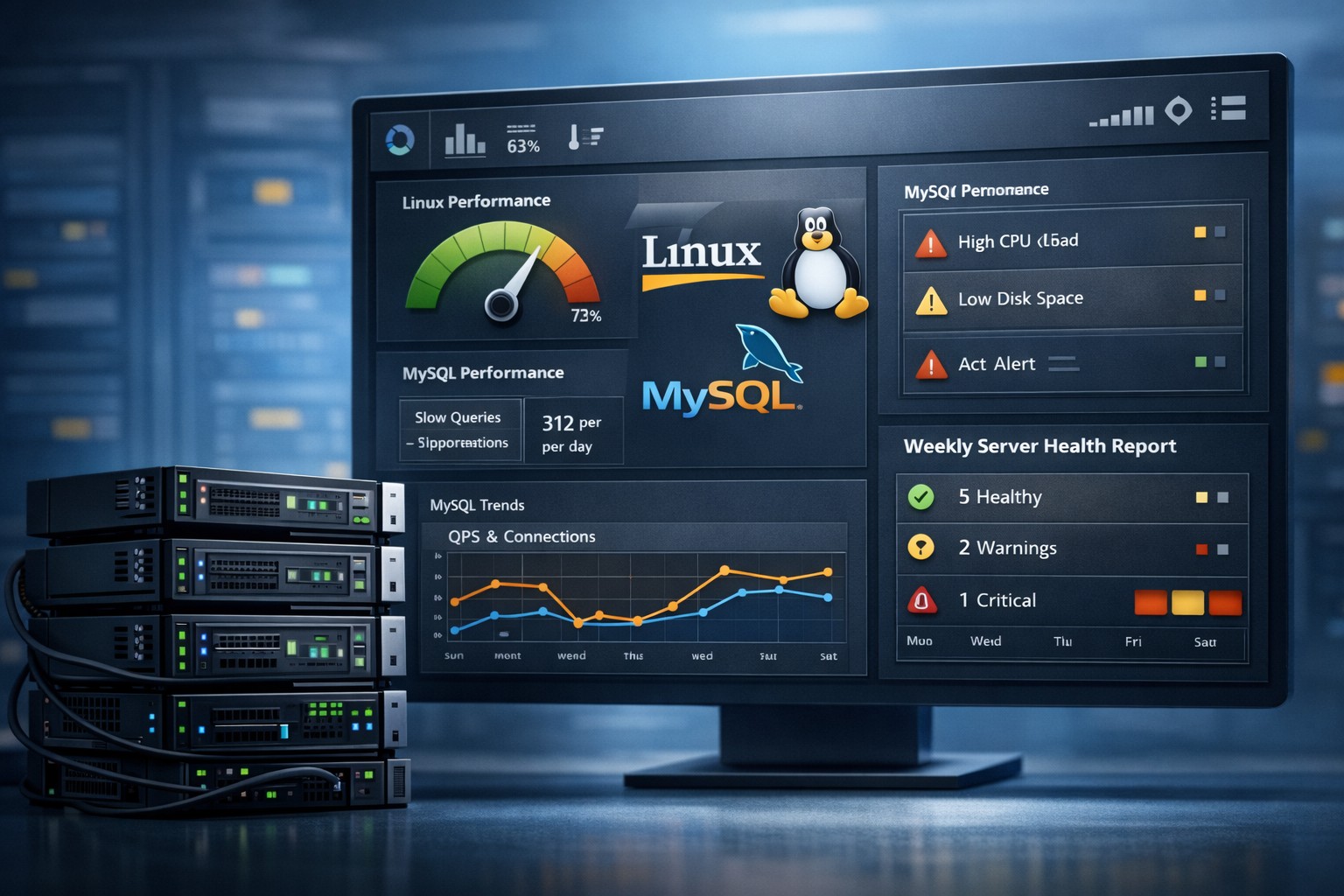
Linux Server Monitoring: A Practical Guide for Small Teams
Linux servers rarely fail without warning. CPU load increases, memory usage grows, disk space fills up, and processes slow down long before a real outage happens. The challenge is not collecting data—it’s knowing what to watch and how to interpret it.
This is why effective linux server monitoring is less about complex tools and more about consistent visibility into system behavior over time.
Why Linux Monitoring Often Fails
Many teams implement monitoring but still get surprised by issues. The common problem is relying too heavily on real-time alerts without understanding trends.
Typical issues include:
- Too many alerts with little context
- No historical visibility
- Overly complex monitoring stacks
- Difficulty identifying gradual performance degradation
Without trend visibility, teams react to symptoms instead of addressing root causes.
What to Monitor on a Linux Server
A solid linux monitoring setup focuses on a few key areas that consistently indicate system health.
CPU Usage
Track both spikes and long-term increases. Sustained high CPU often indicates inefficient processes or scaling issues.
Memory Utilization
Look beyond total usage. Monitor cache, buffers, and swap activity to detect memory pressure early.
Disk Space and I/O
Disk issues are among the most predictable failures. Watching growth trends helps avoid sudden outages caused by full volumes.
Load Average
Load average provides a quick view of system stress. When it increases steadily over time, it signals deeper performance issues.
MySQL and Application Metrics
For database-driven systems, tracking slow queries and connection counts is essential to understand performance bottlenecks.
Simple Linux Monitoring That Actually Works
You don’t need enterprise-level tooling to monitor linux server health. A lightweight approach is often more effective, especially for small teams.
Focus on simplicity:
- Collect metrics at regular intervals
- Store historical data for trend analysis
- Generate daily or weekly summaries
- Review patterns instead of reacting to every alert
This type of lightweight linux monitoring reduces noise while improving decision-making.
Real-World Example: Hidden Performance Drift
A small team manages a Linux server running a web application. Monitoring is in place, and alerts are configured for high CPU and low disk space.
No alerts are triggered for weeks.
However, trend reports reveal:
- CPU usage increasing steadily every week
- Memory usage slowly climbing
- Disk consumption growing due to unrotated logs
Individually, these metrics seem harmless. Together, they show a system gradually moving toward failure.
With proper simple linux monitoring, the team can act early—optimize processes, clean up storage, and plan scaling—before users are affected.
Choosing the Right Linux Monitoring Tools
There are many linux monitoring tools available, but the best choice depends on your goals.
For small teams, prioritize tools that:
- Are easy to deploy and maintain
- Focus on essential metrics
- Provide historical insights
- Support reporting rather than constant alerting
The goal is clarity, not complexity.
From Monitoring to Visibility
Effective monitoring is not about collecting more data—it’s about understanding what that data means over time.
By focusing on trends instead of isolated events, teams gain real visibility into their infrastructure and can prevent issues instead of reacting to them.
Summary
Linux server monitoring is most effective when it highlights patterns, not just problems. By tracking CPU, memory, disk, and database behavior over time, teams can detect issues early and maintain stable systems without unnecessary complexity.
If you're looking for a practical way to simplify monitoring while gaining real insight, explore Infrastructure Health Reporting. It helps small teams turn raw metrics into clear, actionable visibility.