CPU Performance Degradation in Linux: How to Detect It Early
CPU issues in Linux environments rarely appear overnight. More often, performance slowly declines over time—until one day, applications become sluggish, queries take longer, and users start noticing delays. By that point, teams are already in reactive mode.
The real challenge isn’t fixing CPU issues. It’s detecting CPU performance degradation early enough to act before it impacts production.
Why CPU Performance Degradation Matters
When CPU performance declines gradually, it often goes unnoticed by traditional monitoring tools that focus on real-time spikes or alerts. However, long-term degradation can signal deeper issues such as inefficient queries, resource contention, or growing workloads.
For Linux servers, this typically shows up as:
- Increasing CPU utilization over weeks
- Longer processing times for the same workloads
- Higher load averages without clear traffic increases
- Frequent CPU saturation during peak hours
These patterns are early warning signs that something is changing beneath the surface.
Common Causes of CPU Degradation in Linux
Understanding what drives CPU performance decline helps you detect it faster. Some of the most common causes include:
- Workload growth: Applications handling more requests without scaling resources
- Inefficient code or queries: Especially in MySQL environments where query patterns evolve
- Background processes: Cron jobs or services consuming CPU over time
- Resource contention: Multiple services competing for CPU cycles
- Kernel or system-level changes: Updates that affect scheduling or performance
How to Detect CPU Issues Early in Linux
To detect CPU issues early in Linux, you need to move beyond point-in-time metrics and focus on trends.
1. Track CPU Utilization Trends
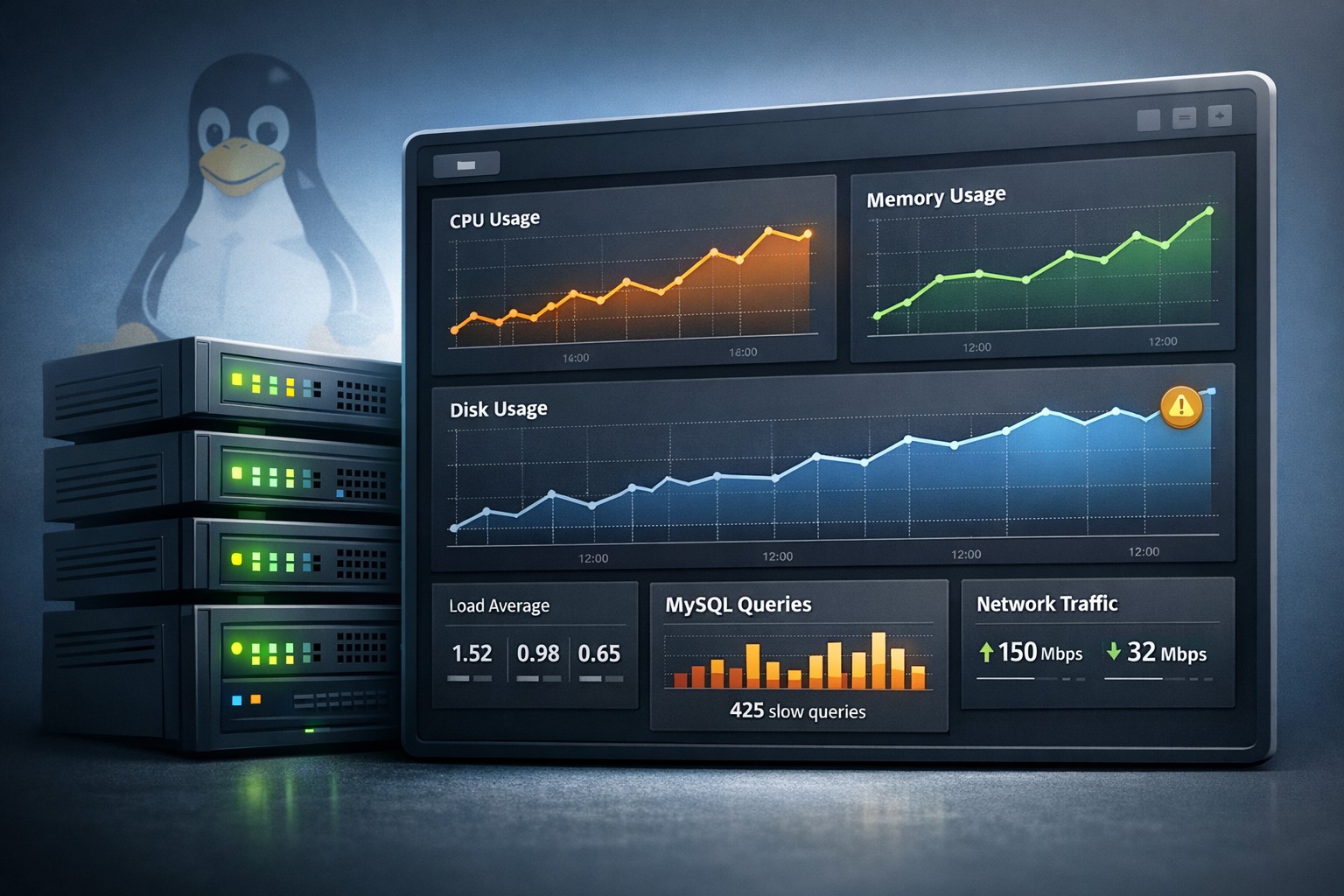
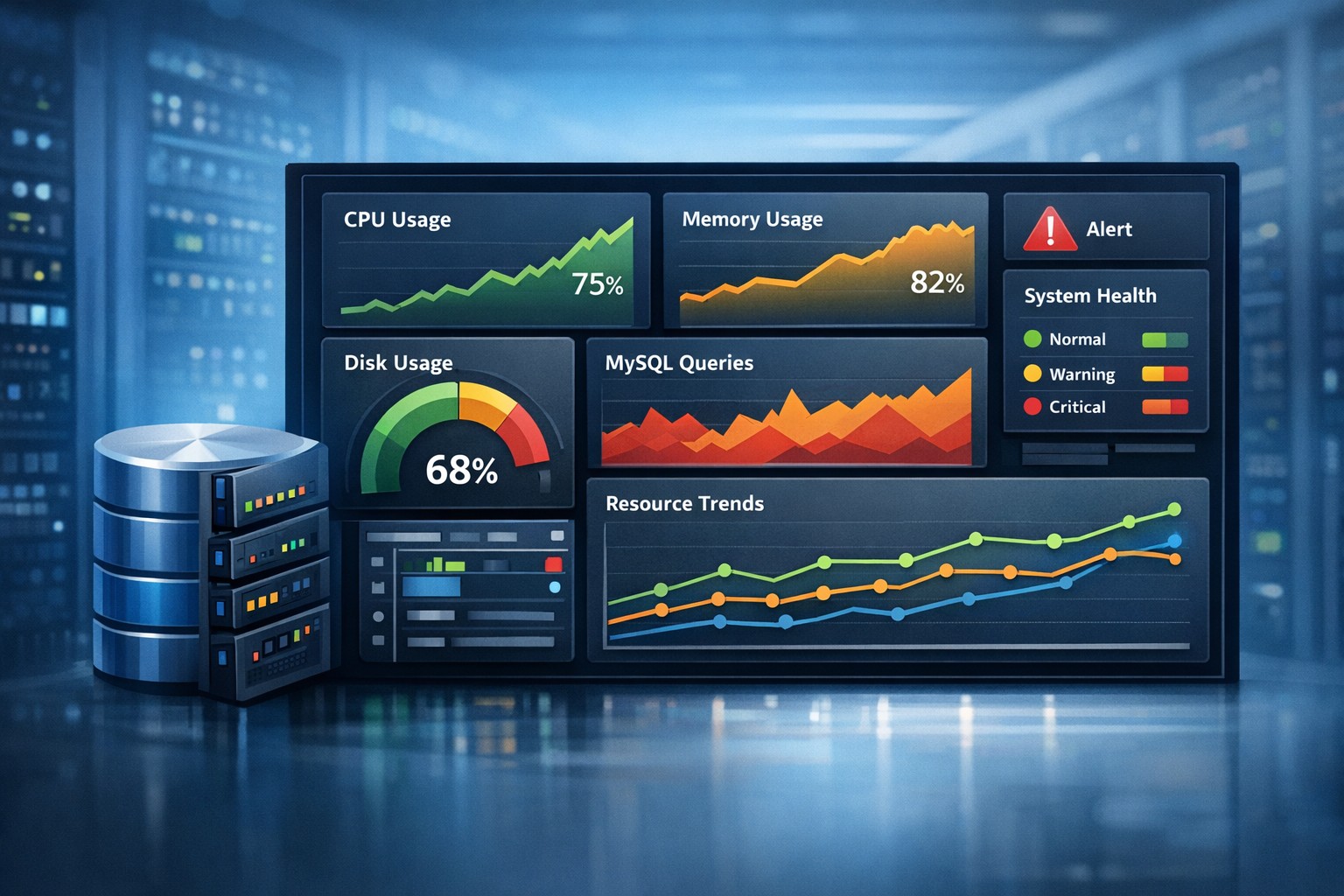
Instead of looking at current CPU usage, analyze how it changes over days or weeks. A steady upward trend—even if still below critical thresholds—can indicate growing inefficiencies.
2. Monitor Load Average vs CPU Capacity
Load average is often overlooked, but it’s a strong indicator of CPU pressure. When load averages consistently exceed the number of CPU cores, your system is under sustained stress.
3. Identify CPU Saturation Patterns
Short spikes are normal. Repeated saturation patterns at specific times (like batch jobs or peak traffic) suggest capacity limits are being reached.
4. Analyze Process-Level Consumption
Use tools like top, htop, or pidstat to identify which processes are consuming more CPU over time. Compare snapshots across different periods to detect drift.
5. Correlate with Application Behavior
CPU degradation rarely exists in isolation. Look at database query times, API latency, or job completion times to understand the broader impact.
Real-World Example: Gradual CPU Bottleneck
Consider a Linux server running a MySQL database for a growing application. Initially, CPU usage averages around 35%. Over a few months, it slowly increases to 60%, then 75% during peak hours.
No alerts are triggered because usage never exceeds critical thresholds. However, query response times double, and background jobs start lagging.
This is a classic case of CPU performance degradation—not a sudden failure, but a gradual bottleneck forming over time.
By tracking trends instead of relying on real-time alerts, teams can identify this shift early and take action—such as optimizing queries or scaling resources—before it impacts users.
Why Trend-Based Monitoring Works Better
Traditional monitoring answers the question: “What is happening right now?”
Trend-based monitoring answers a more important question: “What is changing over time?”
For CPU performance in Linux, this shift in perspective is critical. It allows teams to:
- Detect performance degradation before outages occur
- Understand long-term resource behavior
- Make informed capacity planning decisions
- Reduce firefighting and reactive troubleshooting
Summary
CPU performance degradation in Linux is rarely obvious in the moment. It builds gradually, often hidden behind acceptable metrics until it becomes a real problem.
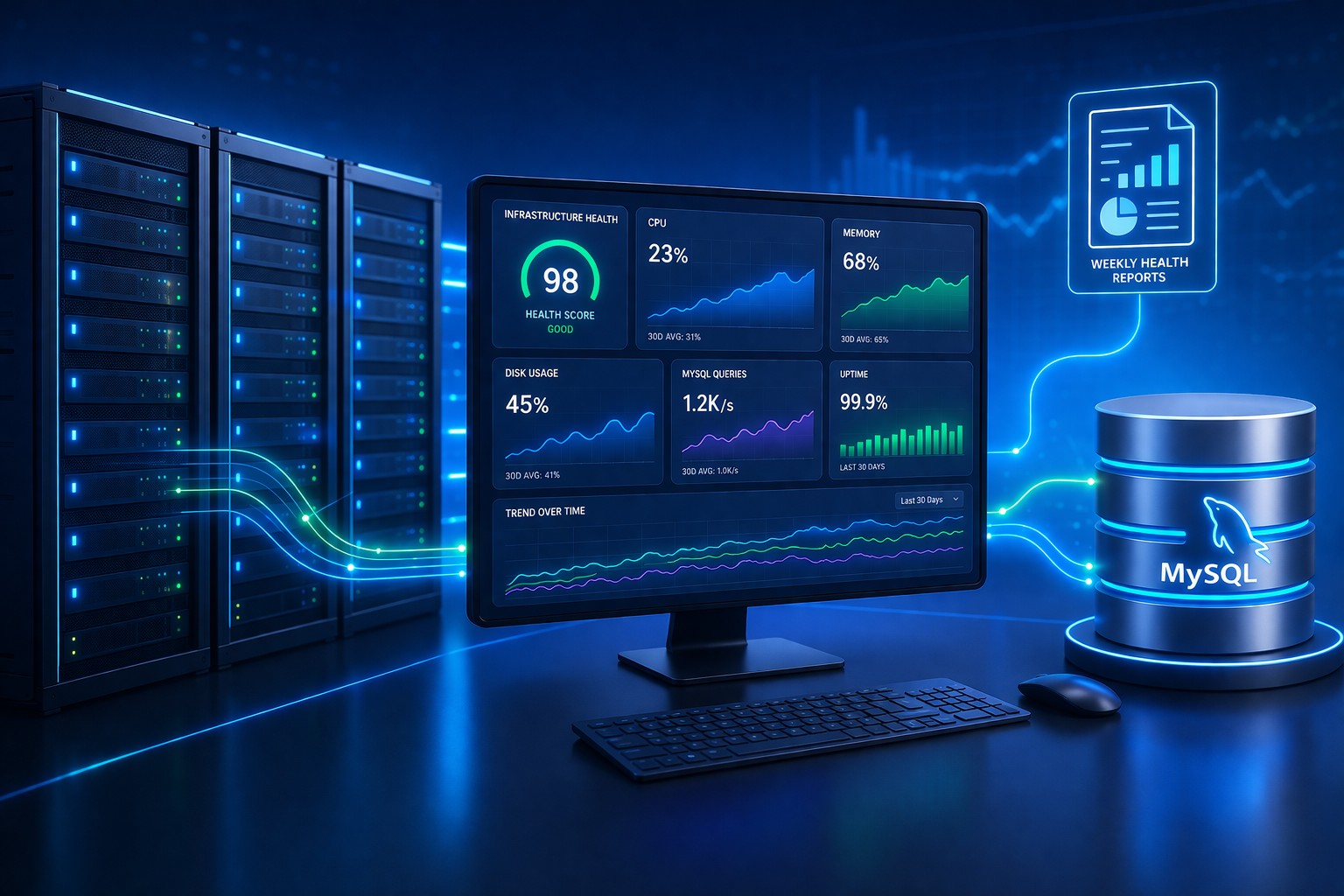
By focusing on trends, load patterns, and long-term behavior, teams can detect CPU issues early and avoid unexpected slowdowns. If you want a clearer view of how your infrastructure evolves over time, exploring Infrastructure Health Reporting can help you identify these patterns before they turn into outages.