MySQL Slow Query Monitoring: A Practical Guide
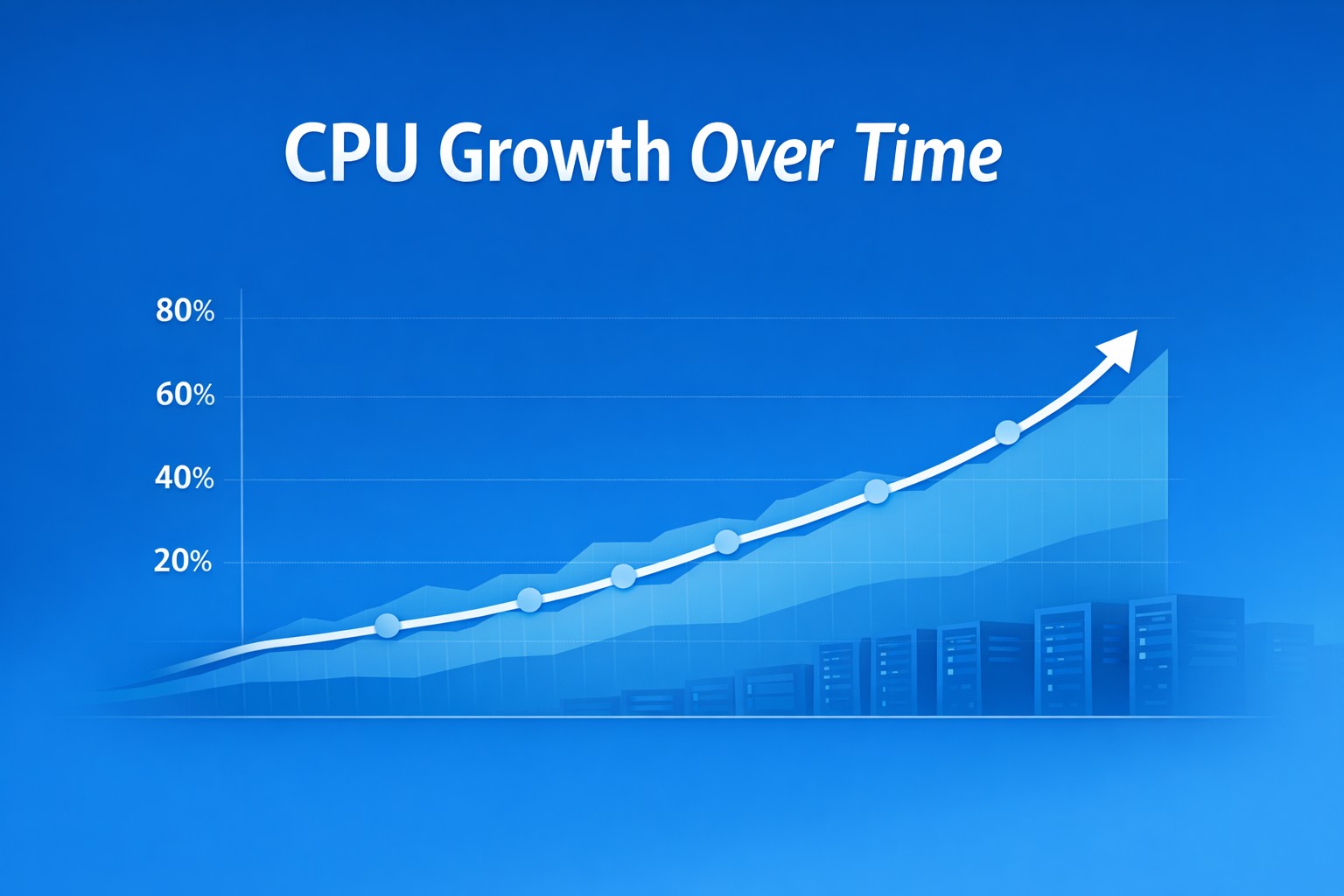
Performance issues in MySQL rarely appear overnight. In most environments, they build gradually—queries take slightly longer, CPU usage creeps up, and eventually users start to feel the impact. Without proper visibility, these slowdowns often go unnoticed until they become production incidents.
This is where mysql slow query monitoring becomes essential. Instead of reacting to outages, teams can identify performance degradation early and take action before it affects applications.
Why Slow Query Monitoring Matters
Every MySQL system has inefficient queries. The real problem isn’t their existence—it’s the lack of visibility into how they evolve over time.
When you consistently track slow queries, you can:
- Detect query performance issues before they impact users
- Understand workload patterns across peak and off-peak hours
- Prioritize optimization efforts based on real impact
- Reduce CPU and disk I/O pressure caused by inefficient queries
Without structured monitoring, teams often rely on snapshots or reactive debugging, which misses the bigger picture.
How to Detect Slow Queries in MySQL
The foundation of mysql slow query analysis is the slow query log. Enabling it allows MySQL to record queries that exceed a defined execution time.
SET GLOBAL slow_query_log = 'ON';
SET GLOBAL long_query_time = 2;
This setup captures queries that take longer than two seconds. However, raw logs alone are not enough—they quickly become too large and difficult to interpret manually.
This is why structured monitoring and aggregation are critical. Instead of looking at individual queries, you should focus on trends.
From Logs to Trends: What Actually Matters
Most teams make the mistake of focusing only on the “top slow queries” at a single point in time. While useful, this approach misses gradual degradation.
Effective mysql slow query monitoring focuses on:
- Query execution time trends over days or weeks
- Frequency of slow queries increasing over time
- New queries entering the slow query log
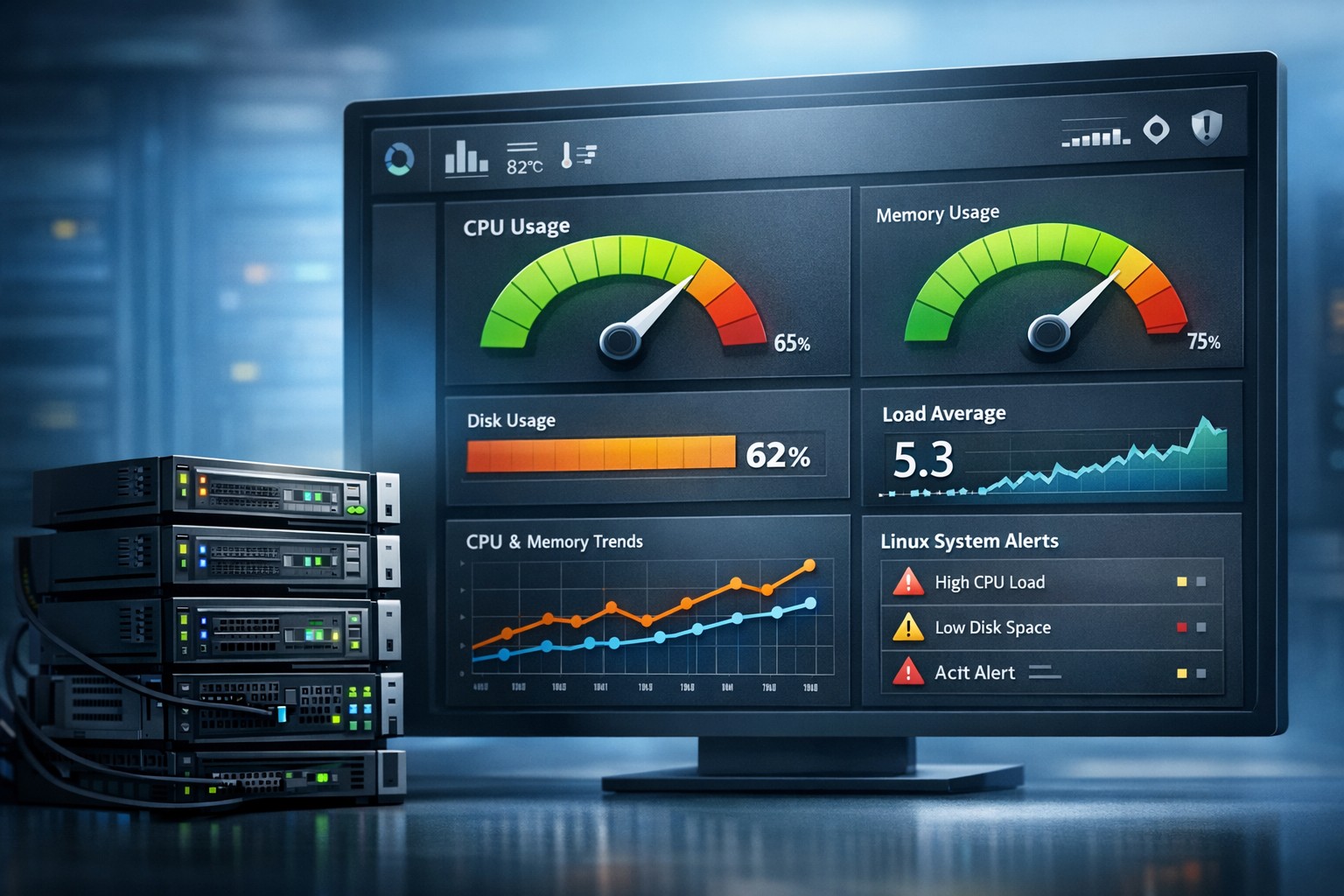
- Correlation with CPU, memory, and disk usage
For example, a query that runs in 1.8 seconds today may not appear in logs. But if it trends upward to 2.5 seconds over time, it becomes a problem worth addressing early.
Real-World Example: Gradual Query Degradation
Consider a reporting query that runs every five minutes. Initially, it takes 500ms. Over time, as the dataset grows, execution increases to 1.5 seconds, then 3 seconds.
Without monitoring trends, this change may go unnoticed until it starts locking tables or impacting other queries.
With proper slow query reporting in MySQL, you would see:
- A steady increase in execution time
- Higher frequency of slow log entries
- Growing impact on CPU and I/O
This visibility allows you to optimize indexes or rewrite the query before it becomes critical.
Common Causes of Slow Query Performance Issues
Understanding why queries slow down is just as important as detecting them. Common causes include:
- Missing or inefficient indexes
- Full table scans on growing datasets
- Poor query design or joins
- Lock contention in high-write environments
- Hardware constraints such as disk I/O bottlenecks
Monitoring helps you connect these issues with real system behavior instead of guessing.
Why Lightweight Monitoring Beats Complex Tools
Many organizations deploy heavy observability stacks expecting better visibility. In reality, these tools often generate noise without providing actionable insights.
A lightweight approach focused on trend-based reporting gives small teams exactly what they need:
- Clear weekly or daily summaries
- Easy identification of degrading queries
- Minimal overhead on production systems
- Faster decision-making without alert fatigue
This aligns especially well with environments where resources are limited but reliability is critical.
Building a Practical Monitoring Workflow
A simple but effective mysql slow query monitoring workflow looks like this:
- Enable and collect slow query logs
- Aggregate and normalize query patterns
- Track execution time and frequency trends
- Correlate with system metrics like CPU and disk
- Review reports regularly (weekly works well for most teams)
This approach shifts your team from reactive firefighting to proactive optimization.
Summary
MySQL performance issues rarely come from a single event—they build over time through small inefficiencies. Mysql slow query monitoring gives you the visibility needed to catch these issues early, understand their impact, and fix them before they escalate.
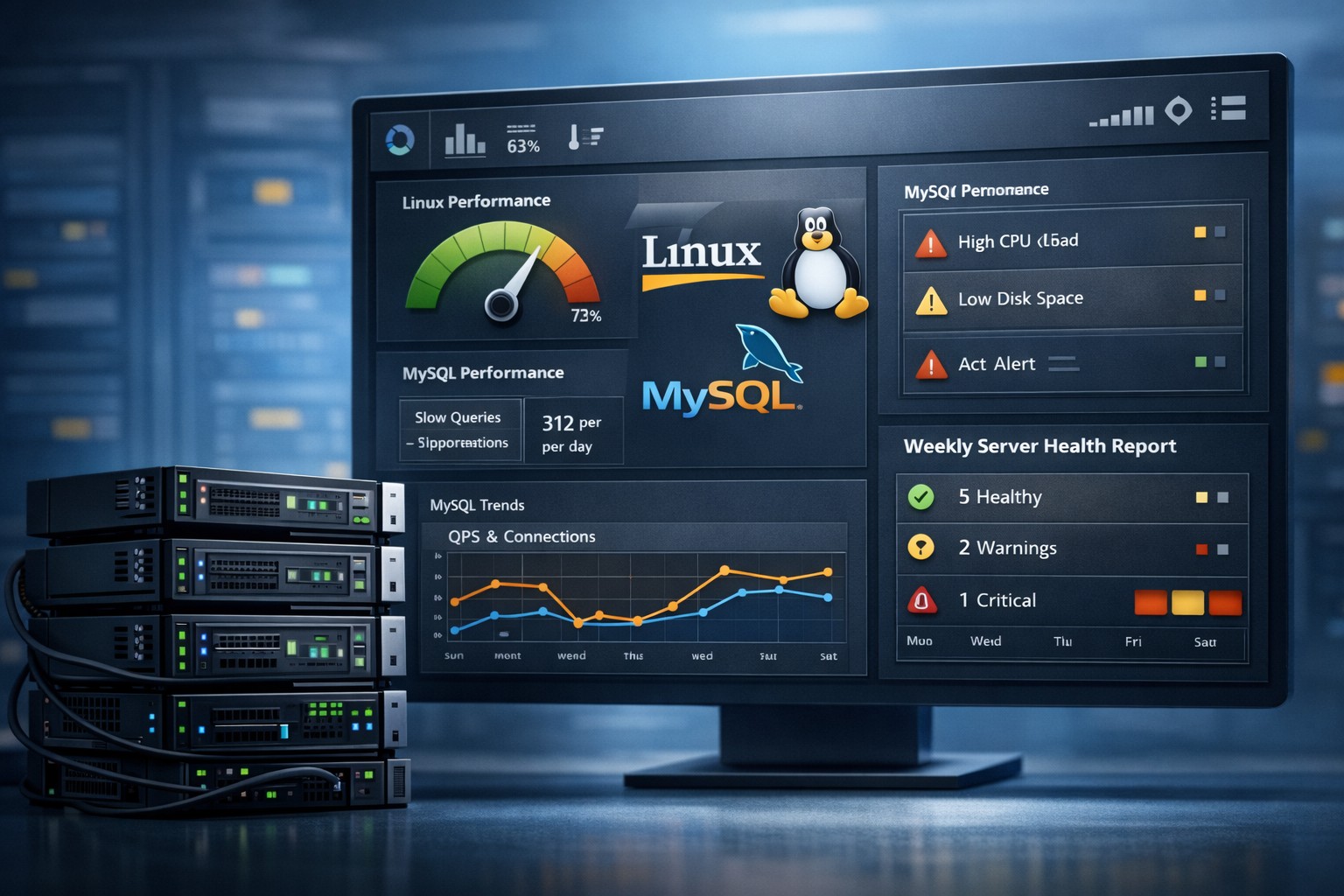
If you want a simpler way to track query trends and overall system health without adding complexity, explore Infrastructure Health Reporting. It helps teams see how performance evolves over time and make informed decisions before problems turn into outages.