Setting up an Oracle database in Oracle Cloud Infrastructure (OCI) sounds straightforward until you actually start doing it. You quickly run into decisions around networking, database types, subnets, and access controls. If these aren’t configured properly from the start, you’ll end up troubleshooting connectivity, security gaps, or performance issues later.
This guide walks through a practical oracle database on oci setup approach. It focuses on getting the foundation right so your database is secure, accessible, and ready for real workloads.
Why Proper OCI Database Setup Matters
OCI gives you flexibility, but that flexibility can lead to complexity if you don’t structure things correctly. A database deployed without proper networking isolation or security rules can become difficult to manage or expose unnecessary risk.
A well-designed setup ensures:
- Database access is restricted and controlled
- Performance is consistent and predictable
- Backup and maintenance operations work smoothly
- Future scaling doesn’t require redesign
Key Components in an OCI Oracle Database Setup
Before jumping into the steps, it helps to understand what you’re building.
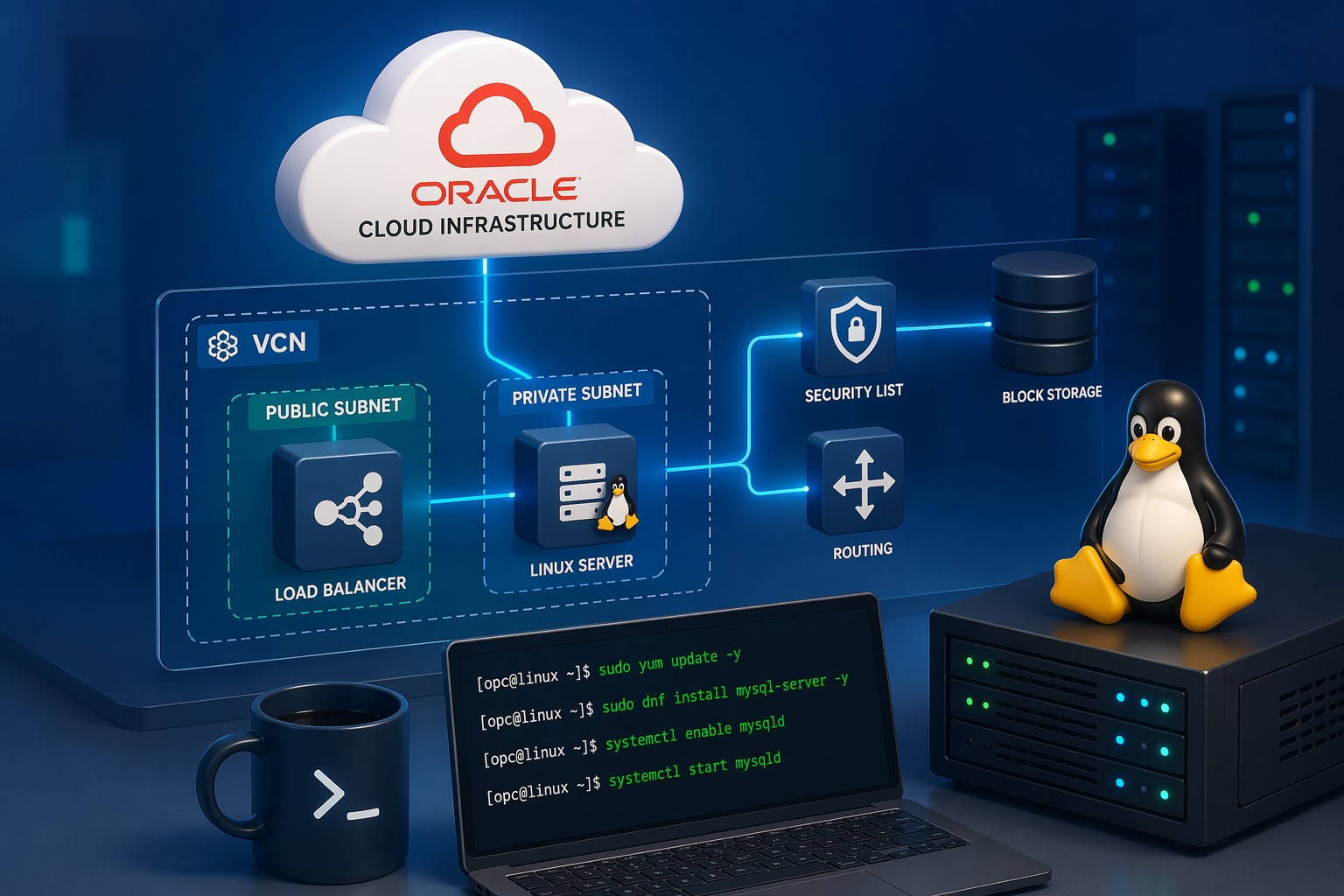
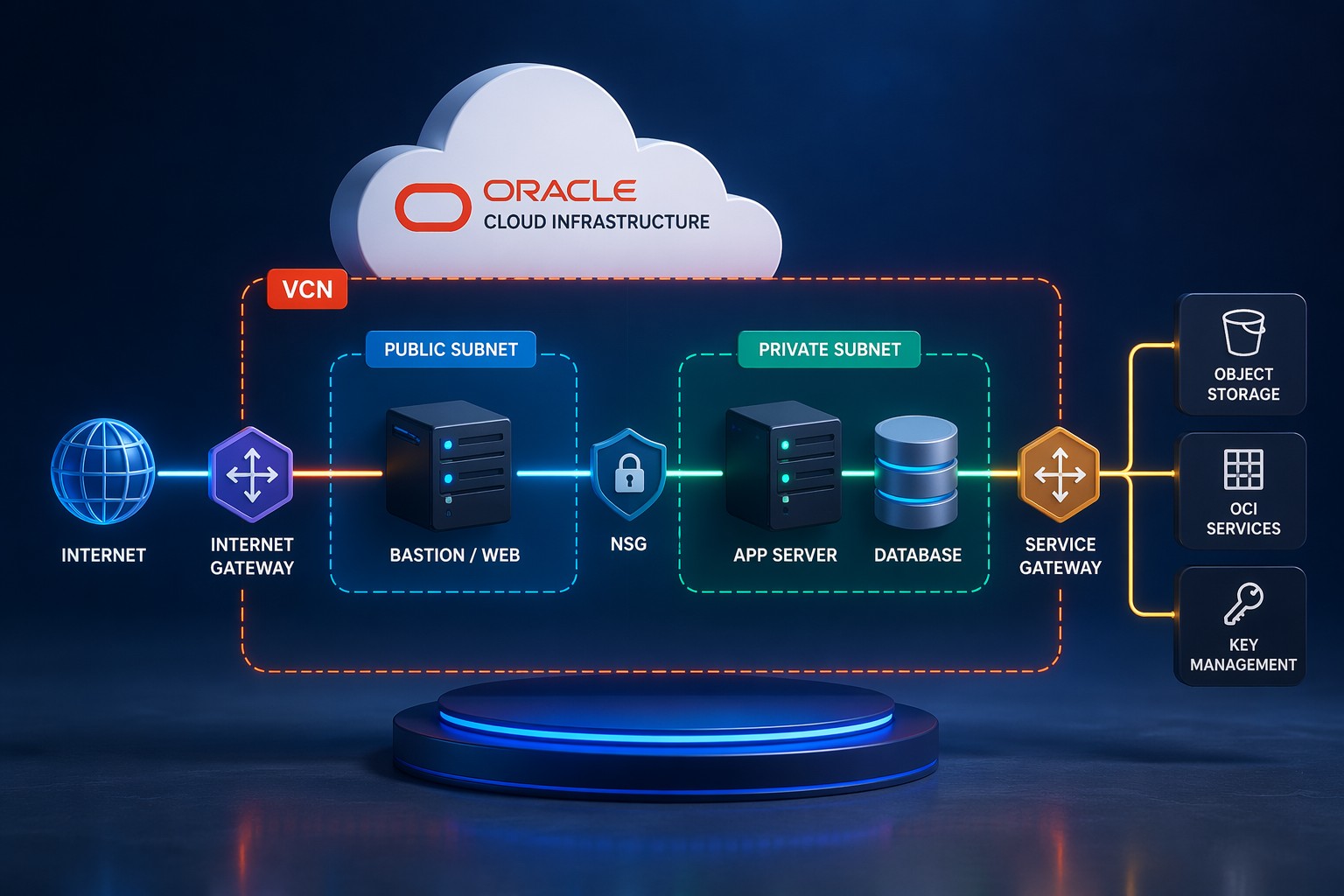
- VCN (Virtual Cloud Network) – Your isolated cloud network
- Subnets – Public or private segments for your resources
- DB System – The Oracle database service (VM or bare metal)
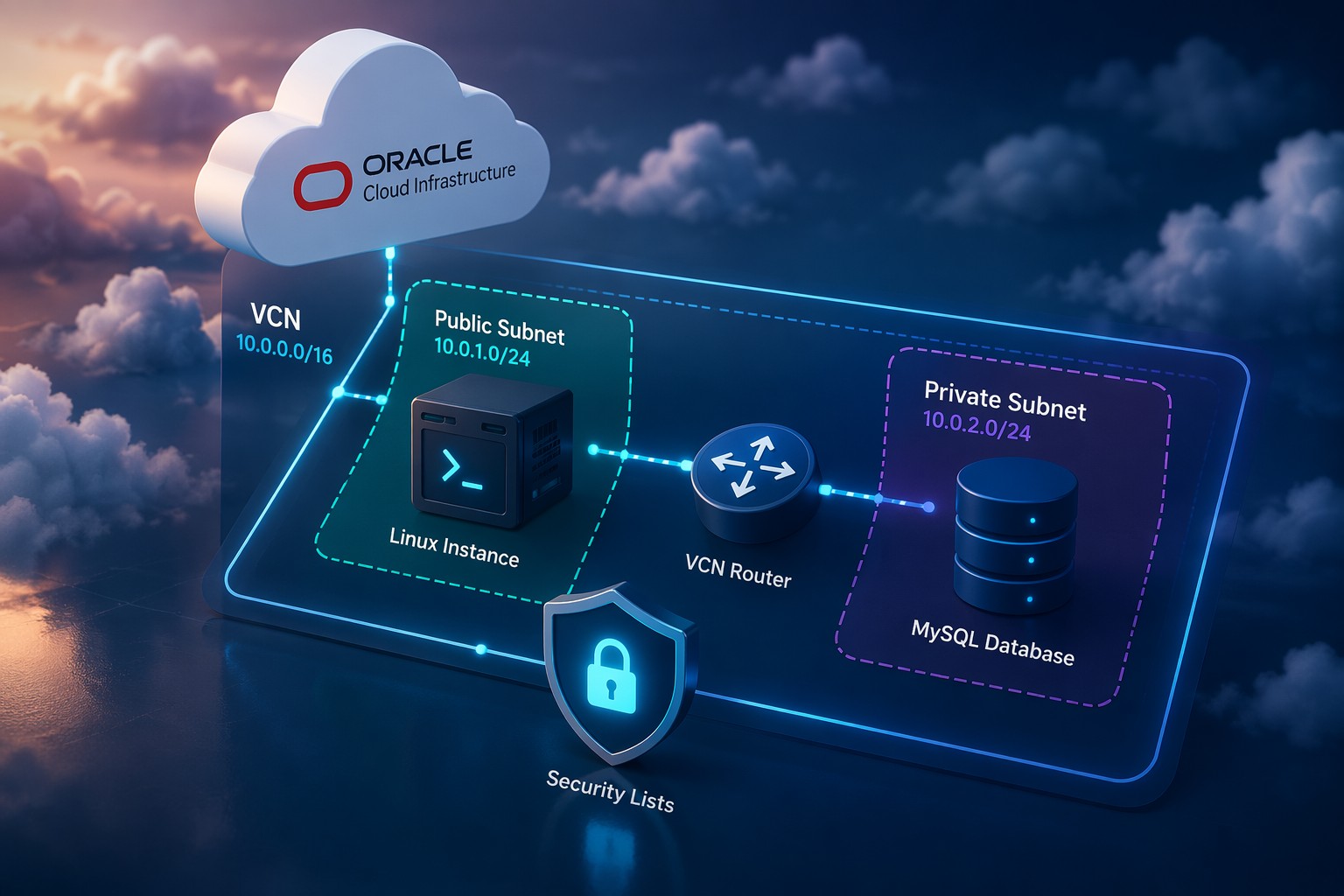
- Security Lists / NSGs – Control traffic flow
- Gateways – Internet or NAT access when needed
Step-by-Step Oracle Database on OCI Setup
1. Create Your VCN and Subnets
Start with a clean network design. Create a VCN with at least one private subnet for your database.
- Use a CIDR block like
10.0.0.0/16 - Create a private subnet (e.g.,
10.0.2.0/24) - Avoid placing your database in a public subnet
This is one of the most common mistakes in early OCI deployments.
2. Configure Security Rules
Define inbound and outbound rules carefully.
- Allow SQL*Net (port 1521) only from trusted sources
- Restrict SSH access to specific IPs
- Use Network Security Groups (NSGs) where possible
Keep access minimal and intentional.
3. Create the DB System
Now you can create the Oracle DB system in OCI.
- Choose Base Database Service for most workloads
- Select VM DB system for cost-effective deployments
- Pick the correct shape based on CPU and memory needs
- Attach the DB system to your private subnet
This step is often referred to in many oci oracle database tutorials, but the key difference here is that your network is already properly structured.
4. Configure Storage and Backup
During setup:
- Enable automatic backups
- Choose appropriate storage size with room for growth
- Understand backup retention policies
Skipping backup configuration is a risk you don’t want to take.
5. Set Up Connectivity
To connect to your database:
- Use a bastion host or VPN for secure access
- Avoid exposing the database directly to the internet
- Configure DNS or use private IPs
This is especially important in an oci oracle database private subnet setup.
Common Mistakes to Avoid
- Deploying the database in a public subnet
- Opening database ports to the entire internet
- Skipping NSG-based segmentation
- Underestimating storage or compute requirements
- Not planning backup and recovery upfront
Real-World Setup Example
A typical small team deployment might look like this:
- VCN with separate public and private subnets
- Bastion host in public subnet
- Oracle DB system in private subnet
- NSGs controlling access between layers
This structure keeps your database protected while still allowing controlled administrative access.
Final Thoughts
Getting your oracle database on oci setup right from the beginning saves time, reduces risk, and makes ongoing maintenance much easier. Focus on network design first, then layer in the database service with proper security and access controls.
If you want to avoid common setup mistakes or need help designing your OCI environment properly, Get help building your OCI environment and make sure your deployment is done right the first time.