CPU Usage Trends Linux: How Gradual Growth Leads to Performance Problems
CPU problems in Linux servers rarely appear as sudden spikes. They build over time.
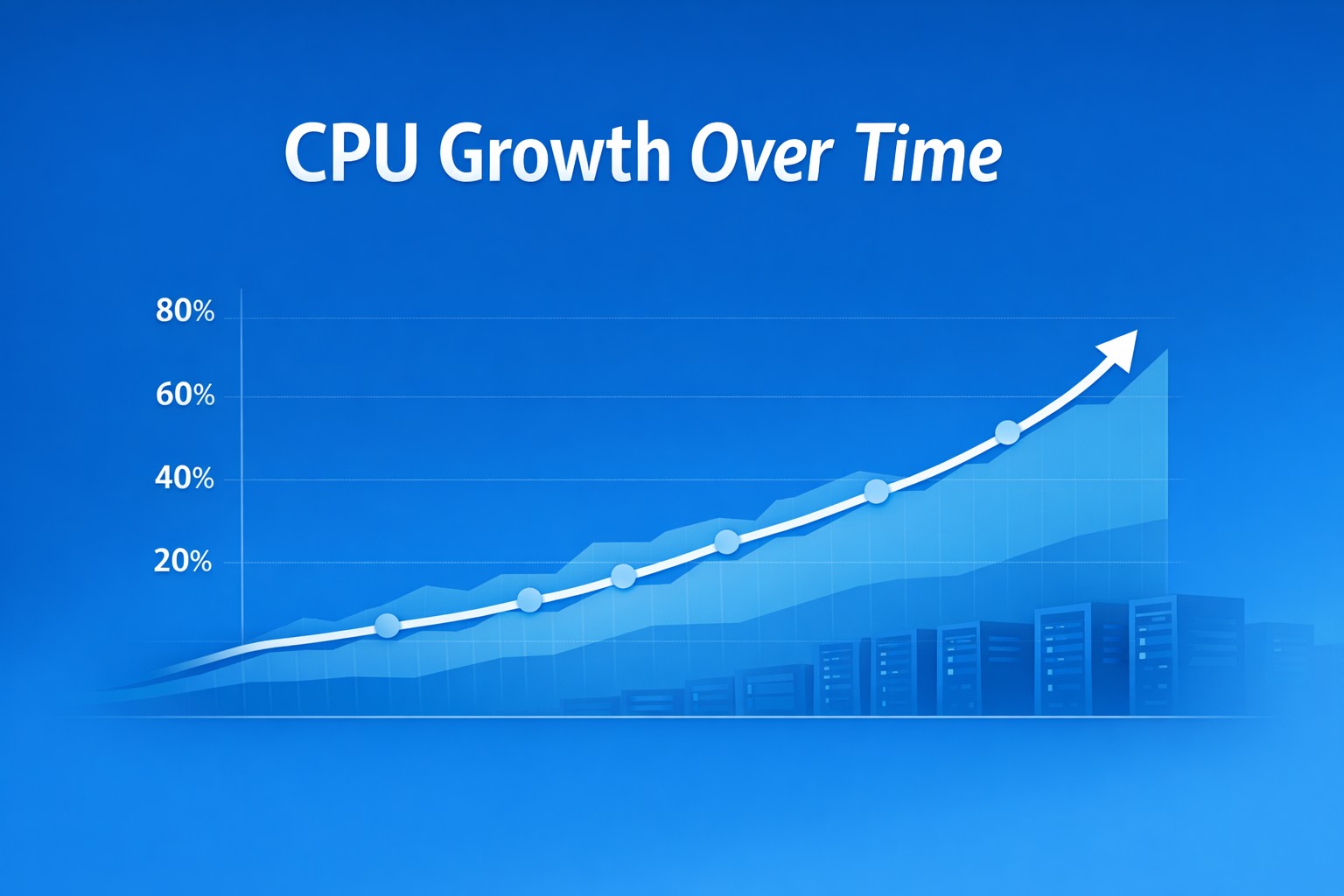
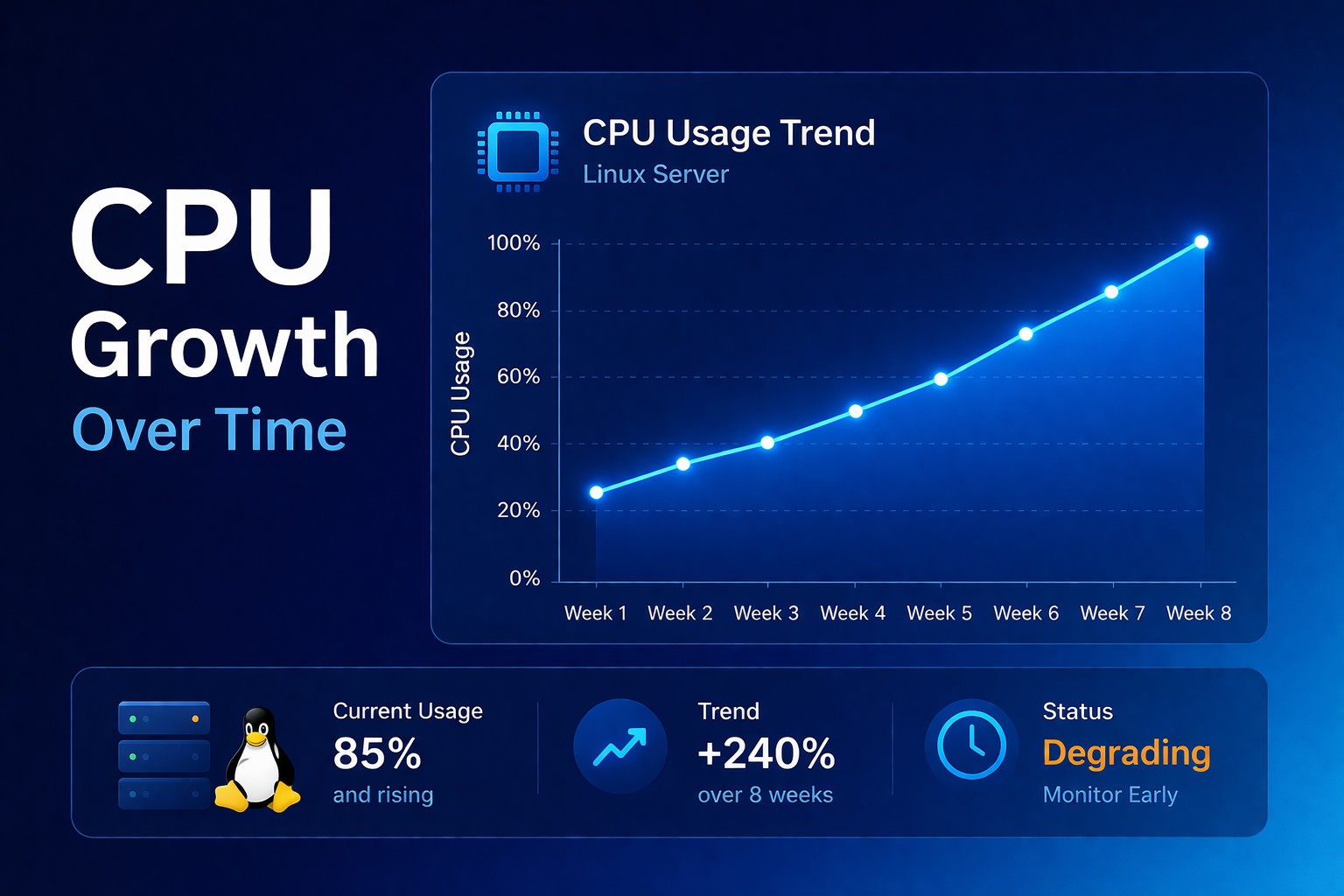
A system that used to run at 25% CPU starts averaging 35%. Then 45%. Then 60% during peak hours. Nothing looks broken in a single moment, but the server is clearly moving toward a problem.
This is where cpu usage trends linux becomes critical. You don’t need more real-time alerts. You need visibility into how CPU behavior is changing over time.
For teams running small or medium environments, this is often the missing piece. Without trend visibility, gradual CPU growth goes unnoticed until performance degradation becomes obvious.
The Problem: CPU Usage Grows Gradually
CPU performance degradation in Linux is usually a slow process.
New background jobs get added. Application logic becomes slightly less efficient. Traffic increases. Queries take longer. Each change adds a small amount of CPU load.
Individually, these changes are harmless. Together, they push CPU utilization higher over time.
This gradual growth leads to:
- higher baseline CPU usage
- longer response times under load
- less headroom for traffic spikes
- increased risk of saturation
The issue is not a spike. It is the trend.
Why This Gets Missed
Most teams rely on point-in-time checks.
They run top, check current CPU usage, and move on. If the system is at 40%, everything looks fine.
The problem is that 40% today might have been 20% two weeks ago.
Without historical context, it is impossible to see whether CPU usage is stable or steadily increasing.
What Health Reporting Shows
- baseline CPU growth over time
- peak usage pattern changes
- correlation with workload changes
- efficiency degradation signals
Practical Example
Week 1: CPU at 25%
Week 2: CPU at 35%
Week 3: CPU at 45%
Week 4: CPU peaks at 70%
Week 5: CPU hits 95% and users feel it
The failure looks sudden, but the trend was clear.
Best Practices
- track CPU usage over time
- focus on baseline growth
- correlate with workload
- keep reporting simple
Common Mistakes
- only checking current CPU
- ignoring gradual increases
- focusing only on spikes
Summary
CPU issues rarely spike suddenly. They build over time.
If you rely on snapshots, you react late. If you track trends, you act early.
Most infrastructure issues build gradually over time. Infrastructure health reporting helps you detect those changes early, and DMCloudArchitect Health gives you a simple way to start tracking real CPU trends without complex monitoring tools.