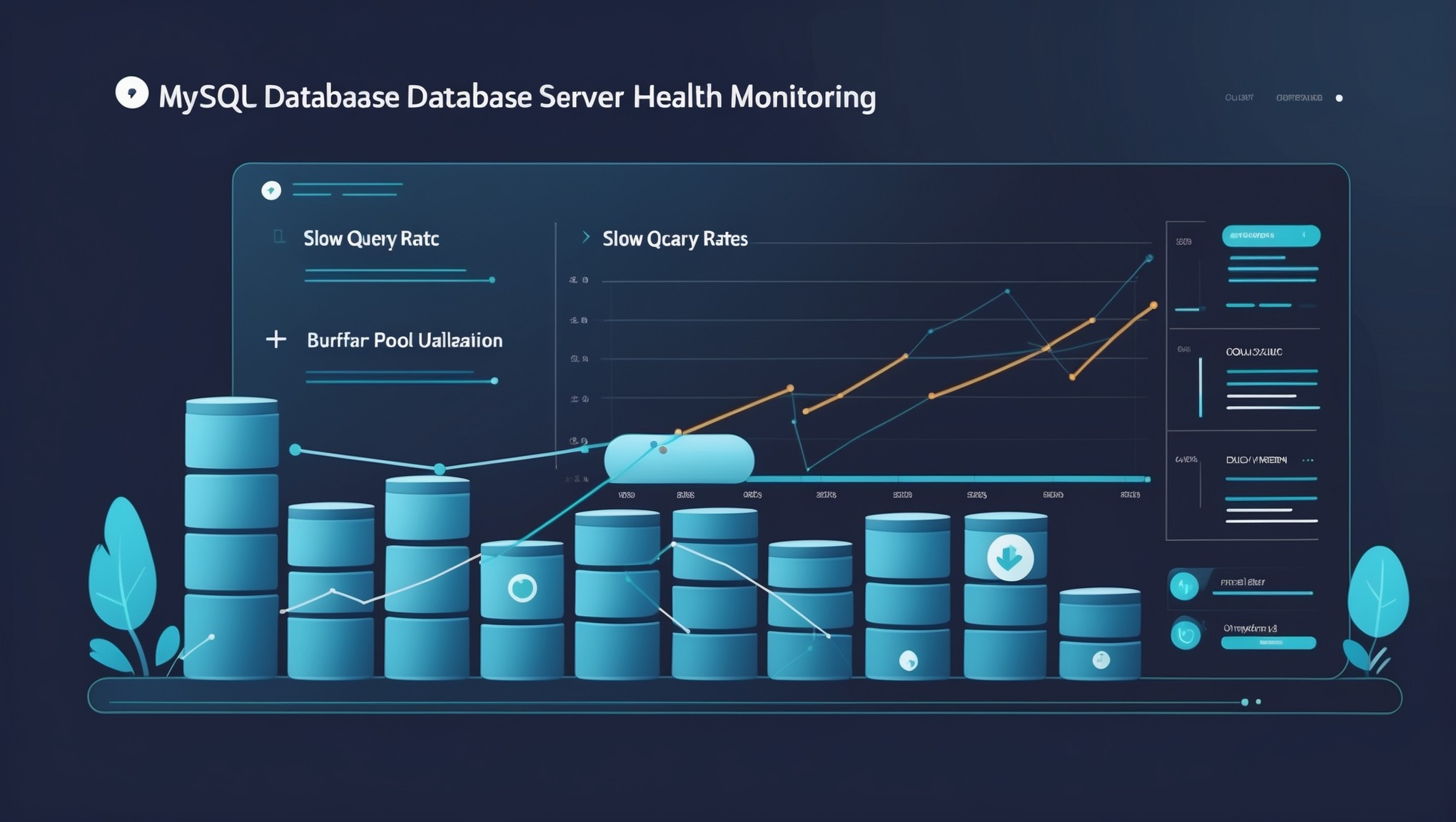
Most small infrastructure teams reach a breaking point with MySQL the same way: everything is running fine until it suddenly is not. A query that took 200ms last month now takes two seconds. A replica that was keeping up fine has started lagging. Disk usage crept up without anyone noticing until the application started throwing errors. MySQL server monitoring, done well, is what keeps you ahead of those moments — not scrambling to catch up after them.
The challenge is that monitoring means different things depending on who you ask. For some tools, it means a wall of dashboards and a flood of alerts every time a threshold crosses. For teams with one DBA or a developer doubling as a database admin, that is not monitoring — that is noise. What actually helps is understanding how your MySQL server is trending over time: is slow query count growing? Is buffer pool hit rate declining? Is disk filling at a rate that gives you three months or three weeks?
This guide covers practical MySQL server monitoring — what to track, what the metrics actually mean, and how to make sense of it all without setting up an enterprise-grade observability stack.
Why MySQL Health Trends Matter More Than Thresholds
Threshold-based alerting has its place. If your MySQL instance goes down or disk hits 95%, you need to know immediately. But for day-to-day operational health, thresholds alone tell you very little about what is coming.
Here is the thing: a slow query count of 50 per hour might be completely normal for your workload. But if that same count climbs from 50 to 80 to 120 over three weeks, something has changed — and you want to know about it before users start complaining about slowness.
The same applies to InnoDB buffer pool efficiency. A hit rate of 96% may look fine in isolation, but if it was 99% two months ago and has been slowly declining, your working dataset is outgrowing your buffer pool. That is a capacity issue you can address now, before performance degrades noticeably.
Trend-based monitoring shifts your attention from reacting to individual spikes to understanding the overall direction of your system health. It is the difference between noticing a slow leak and waiting for the pipe to burst.
Key MySQL Metrics Worth Tracking Regularly
Not every MySQL status variable needs to be in your health picture. These are the ones that consistently tell the most useful story for small infrastructure environments:
Slow Query Rate
Track Slow_queries over time rather than just the raw count. A rising rate of slow queries, especially if it correlates with increasing Com_select volume, often points to a query plan change caused by growing tables or an index that needs attention. Enable the slow query log with a reasonable threshold — 250 to 500ms is a good starting point — and review it weekly if not daily.
InnoDB Buffer Pool Hit Rate
This is calculated from Innodb_buffer_pool_reads and Innodb_buffer_pool_read_requests. When it drops steadily over weeks, your buffer pool is too small for your working dataset. On a server with available RAM, increasing innodb_buffer_pool_size is usually the first lever to pull. Watching the trend tells you when you are approaching that point.
Replication Lag
Seconds_Behind_Master is worth monitoring on any replica you rely on for read scaling or failover. A replica that usually runs at zero lag but shows growing lag during business hours suggests the replica cannot keep up with write volume — a sign to investigate before the lag becomes a problem during a failover event.
Connection Count and Thread Utilization
Track Threads_connected against your max_connections setting. A connection count that consistently hovers above 80% of your limit is a risk. Applications do not always handle connection exhaustion gracefully, and the failure mode can look like a complete outage even when MySQL itself is healthy.
Disk Usage Growth Rate
MySQL data directory size is something you can track at the OS level alongside MySQL metrics. The useful question is not just how full the disk is — it is: at the current rate of growth, when will it be a problem? A disk that is 60% full but growing at 5GB per week on a 200GB volume gives you about 8 weeks. A disk that is 80% full but growing slowly gives you much more runway. Growth rate changes the entire story.
A Real-World Example: The Slow Query That Built for Weeks
A team running a small e-commerce application noticed their MySQL server was reporting slower response times on product search queries. The application itself had not changed. Looking back at slow query log data from the past six weeks, the count of queries over 500ms had climbed from around 30 per day to over 200. The increase was gradual enough that no single-point alerting would have triggered.
The culprit turned out to be a product catalog table that had grown significantly as seasonal inventory was added. A full-table scan that was acceptable at 50,000 rows became noticeably slow at 400,000. Catching this through trend analysis gave the team time to add a proper index and test it before peak traffic periods — rather than diagnosing a live slowdown under pressure.
That is the kind of situation MySQL health reporting is designed to surface. The signal was there in the data for weeks. The problem was having a way to see the trend rather than just the moment.
Keeping MySQL Monitoring Lightweight for Small Teams
One of the common traps for small teams is overbuilding the monitoring solution. A full-stack observability setup with dedicated time-series databases, multiple exporters, and complex dashboards is the right answer for large environments — but it comes with real maintenance overhead that eats into the time you are trying to save.
For MySQL performance monitoring at small scale, the goal is a system that:
- Collects the metrics that matter, not everything available
- Shows you trend lines across days and weeks, not just the last five minutes
- Delivers a weekly summary that is actionable without requiring you to build the analysis yourself
- Does not require constant tuning to avoid alert fatigue
A consistent weekly health report that shows direction rather than just snapshots gives small teams the visibility they need without the overhead they do not have capacity for.
Getting a Clearer Picture of Your MySQL Health
Good MySQL server monitoring comes down to collecting the right metrics consistently, understanding what normal looks like for your environment, and tracking how that changes over weeks and months. The teams that catch problems early are not necessarily the ones with the most sophisticated tooling — they are the ones who have made trend visibility a regular part of their workflow.
If you are managing MySQL on a small team and want a structured way to track those trends without building and maintaining a heavy monitoring stack, you can learn how ongoing health tracking fits into a broader approach with Infrastructure Health Reporting.