Most small infrastructure teams do not have a dedicated monitoring engineer on staff. You are the one managing the servers, responding to support tickets, handling deployments, and trying to figure out why that production box is running slower than it did three weeks ago. Practical server monitoring is not about building a complex observability stack. It is about knowing what is happening on your servers without spending half your day managing the tools that are supposed to help you.
The problem with most monitoring setups is that they generate more noise than insight. Hundreds of alerts fire every week, most of them for things that do not actually matter right now. You learn to ignore them and that is exactly when the real problems slip through. A disk that has been filling steadily for three months finally causes an outage. A slow query that crept up over weeks suddenly brings your database to a crawl. You were not missing the data. You were missing the context.
Practical server monitoring changes the approach. Instead of asking whether something is wrong right now, you start asking how things are trending. That shift makes a bigger difference than most teams expect.
Why Simplicity Matters More Than Coverage
When teams first set up monitoring, the instinct is to track everything. CPU, memory, disk, network, process counts. Within a few days, the dashboards look impressive. Within a few weeks, nobody is looking at them anymore.
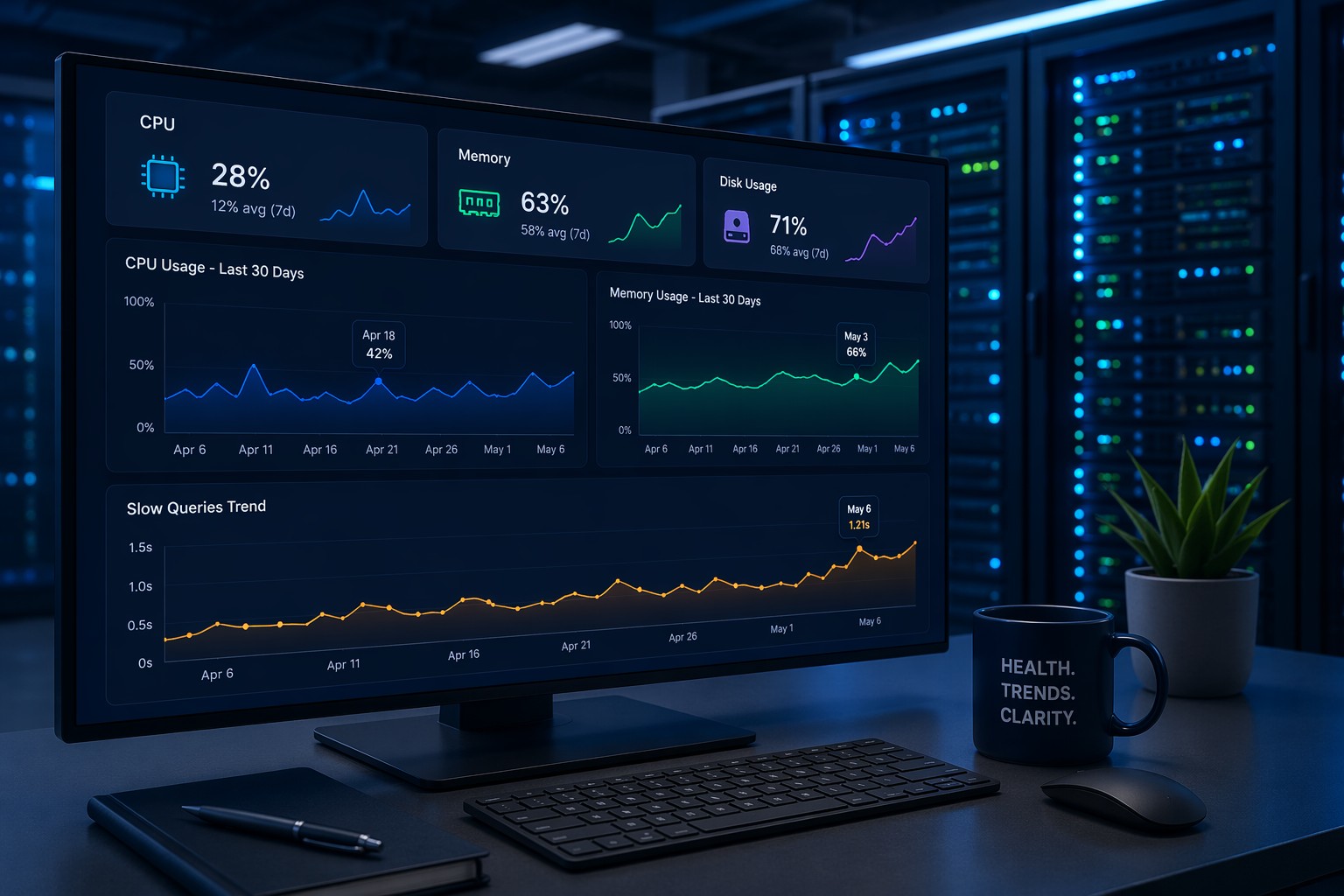
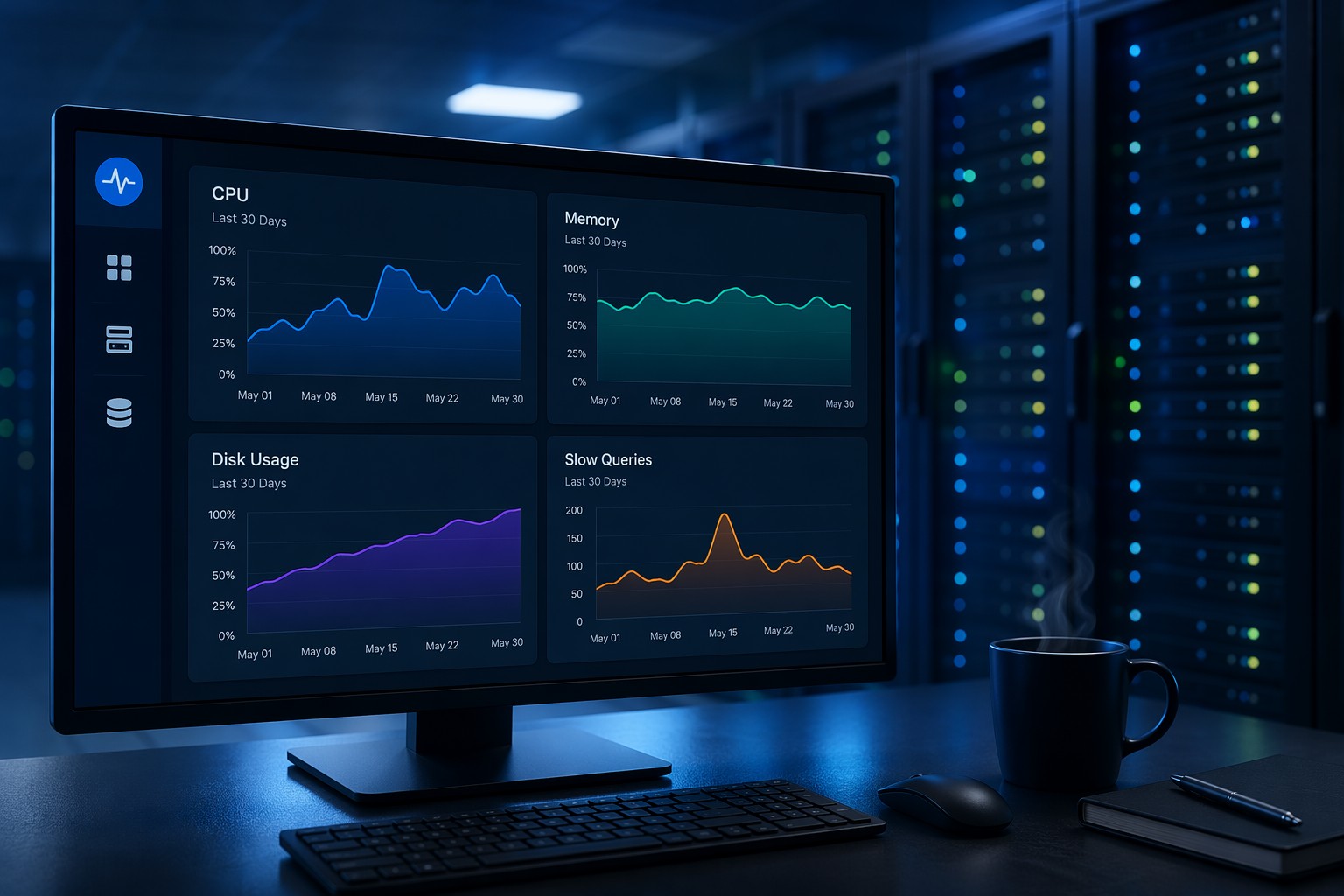
Simple monitoring systems are more effective in practice because they are actually used. A handful of key metrics checked consistently will catch more real problems than a hundred metrics nobody reviews. For small infrastructure teams, easy infrastructure monitoring starts with a short list: CPU load average trends, disk usage per partition, memory and swap trends, and MySQL slow query count.
These four areas cover the majority of performance problems small teams encounter. Everything else can be added later, once the basics are consistently reviewed.
How to Build a Monitoring Routine That Actually Works
One of the biggest gaps in how teams approach monitoring without complexity is that they configure the tools but never build the habit. The dashboards exist, the data is there, but nobody has a regular cadence for reviewing it.
A practical routine looks like this: once a week, spend fifteen minutes reviewing how each server key metrics trended over the past seven days. Are disk usage numbers climbing at a consistent rate? Is memory pressure higher at the start of the week than it was a month ago? Is slow query count rising week over week, or staying flat?
This kind of review is not about finding alarms. It is about understanding the rhythm of your systems. When you know what normal looks like for your infrastructure, you will notice when something drifts. That is where early detection actually happens, not in a 3am alert that fires when the problem is already acute.
Consistency matters more than sophistication here. A weekly fifteen-minute check-in with straightforward trend data beats an elaborate monitoring setup that nobody has time to maintain. Schedule it. Make it a habit. You will start recognising patterns in your servers the same way a mechanic notices when an engine does not sound quite right before anything breaks.
A Real-World Example: Disk Filling Slowly
Consider a common scenario. A web server is running fine. No alerts are firing. But week over week, the root partition is growing by about 2 percent. Log rotation is not quite keeping up with traffic growth, and nobody has noticed.
After three months, disk hits 95 percent. The application starts failing writes. Users see errors. The team scrambles to free space at 11pm.
A simple weekly trend review would have caught this at 70 percent. You would see the steady upward line, ask why it is growing, adjust log rotation, and move on. That is low maintenance monitoring in action. Not more alerting, just better visibility into what is already happening.
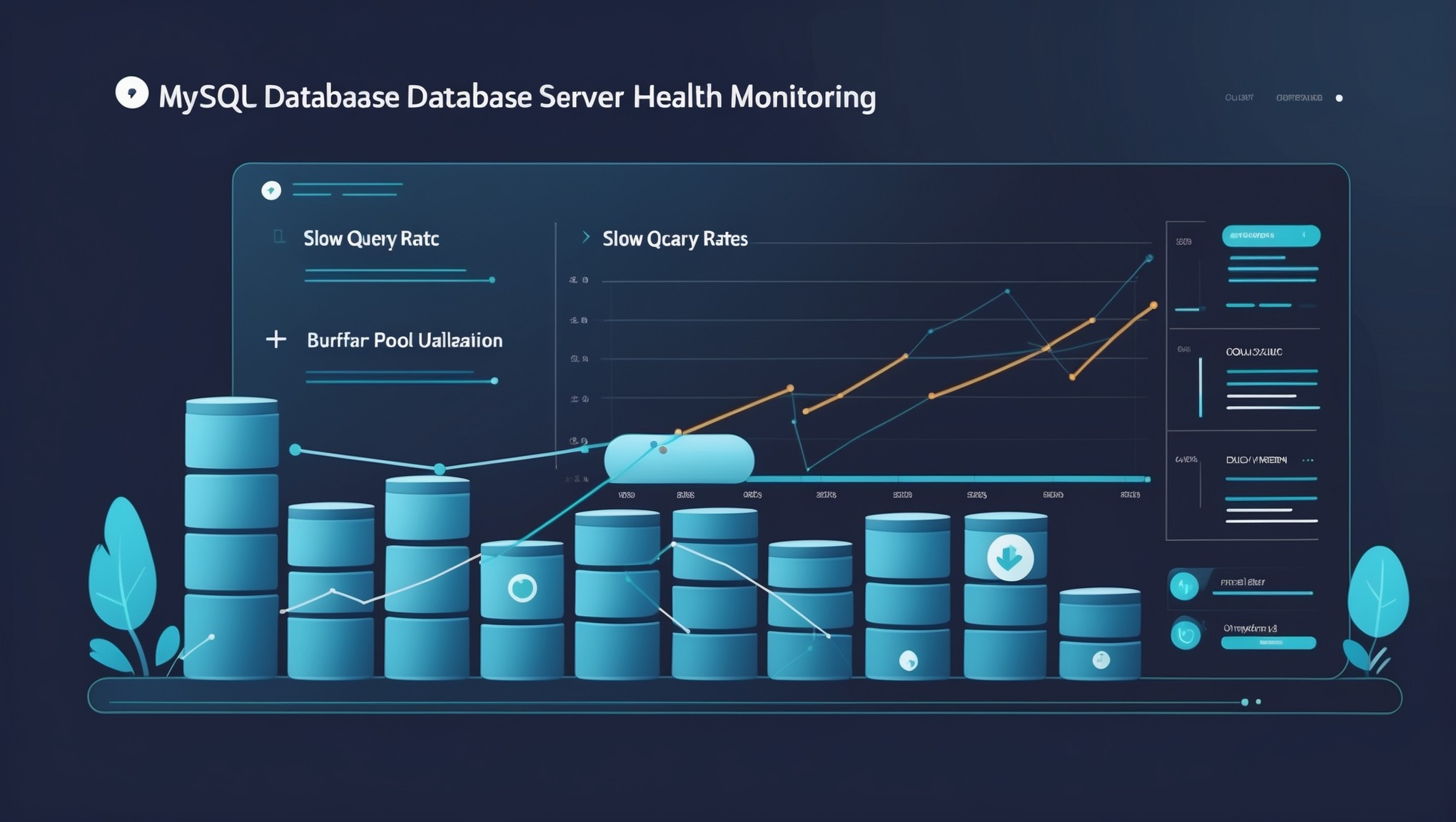
The same pattern applies to MySQL. Slow query count that climbs from 50 to 300 per hour over two months does not trigger a real-time alert. But it shows up clearly in a weekly trend chart, giving you time to optimize before it becomes a performance crisis.
Choosing Tools That Match Your Team Size
Simple ops monitoring does not require enterprise-grade tooling. Many small teams run Prometheus with Grafana, which works well but comes with significant setup and maintenance overhead. For most small teams, it is more infrastructure to manage than the problem warrants.
A better fit is a tool designed for trend-based health visibility rather than real-time alerting. You want something that surfaces how your servers have been doing this week rather than what is firing right now. Alerts demand immediate attention. Health trends invite regular review.
When evaluating monitoring tools for small infrastructure, ask: Does setup take hours or days? Does it require dedicated maintenance? Does it give you weekly trend summaries without custom dashboards? Can your whole team understand what it is showing without training? If the tool requires more work to maintain than the servers it is monitoring, it is the wrong fit.
What Good Health Reporting Actually Looks Like
Practical infrastructure health reporting is not a live dashboard you stare at. It is a regular summary of how your systems have been behaving. The output should answer one question: are my servers healthier or less healthy than they were last week?
A well-structured health report would show each server CPU, disk, and memory trends over the past seven days, highlight any metrics that changed significantly, and flag anything heading toward a threshold not breached yet but worth watching. That kind of proactive visibility is what separates teams that catch problems early from teams that respond to outages.
The format matters too. If your monitoring output requires custom queries or dashboard digging to get a weekly view, you will skip it when busy. A tool that delivers the summary automatically, in a format you can scan in five minutes, is far more likely to become part of your actual routine. This is the difference between monitoring as infrastructure and monitoring as a habit.
Wrapping Up
Practical server monitoring for small teams does not need to be complicated. It needs to be consistent. Pick the metrics that matter most, review them on a regular cadence, and focus on trends rather than real-time noise. That approach will surface problems earlier and with far less stress than any alert-heavy setup.
If you are managing a handful of servers and want a clear picture of how they are trending week over week, Sign Up Now to see what health-based infrastructure reporting looks like in practice.