Slow queries in MySQL tend to sneak up on you. One day everything feels fine, and a few weeks later your application is noticeably sluggish. Slow query problems usually do not appear overnight. They grow gradually as data volumes increase, indexes drift out of alignment, or query patterns shift. Detecting slow queries in MySQL early means watching how they behave over time.
If you manage MySQL on a handful of servers, you probably do not have a full observability platform watching every query in real time. What you do need is a reliable way to surface slow query patterns before they turn into outages.
This guide covers the practical tools MySQL gives you, how to use them, and how to think about slow query trends rather than one-off incidents.
Why Slow Queries Matter More Than You Think
A single slow query running occasionally is rarely a crisis. But the same query running thousands of times per hour is a different story. The impact of slow queries is cumulative. They consume CPU, hold locks, compete for I/O, and pile up in the connection queue.
The classic scenario is a table that starts at a few thousand rows, runs fine for months, and then crosses a threshold where a missing index makes a previously fast query run in seconds instead of milliseconds. If you track slow query counts week over week, you will see the number creeping upward long before users report a problem.
That is the difference between reactive monitoring and trend-based visibility. One tells you something broke. The other tells you something is going to break.
How to Enable and Read the MySQL Slow Query Log
The slow query log is the built-in mechanism for capturing queries that exceed a defined execution threshold. It is off by default in most distributions, but turning it on is straightforward.
Add or verify the following in your MySQL configuration file (typically /etc/mysql/mysql.conf.d/mysqld.cnf or /etc/my.cnf):
slow_query_log = 1
slow_query_log_file = /var/log/mysql/mysql-slow.log
long_query_time = 1
log_queries_not_using_indexes = 1
The long_query_time value is in seconds. Setting it to 1 captures any query taking longer than one second. For high-traffic applications, you might lower this to 0.5 or even 0.1, though log volume increases significantly. Start at 1 second and adjust based on what you find.
log_queries_not_using_indexes is worth enabling separately. It catches queries that run fast now but will degrade as data grows because they are doing full table scans with no index to rely on.
After updating the config, reload MySQL: systemctl restart mysql
To read the log in a structured way, use the mysqldumpslow utility that ships with MySQL: mysqldumpslow -s t -t 10 /var/log/mysql/mysql-slow.log
This shows the top 10 queries by total execution time. The -s c flag sorts by count instead, which helps you find queries that run constantly even if each individual execution is not especially slow.
Using performance_schema for Deeper MySQL Slow Query Analysis
The slow query log gives you a file to parse. performance_schema gives you live, queryable data inside MySQL itself. It is enabled by default in MySQL 5.6 and later, and captures detailed execution statistics for every statement type running on your server.
The most useful table for mysql slow query analysis is events_statements_summary_by_digest. It aggregates query patterns and tracks execution counts, total latency, max latency, and rows examined per execution.
SELECT DIGEST_TEXT, COUNT_STAR AS executions,
  ROUND(AVG_TIMER_WAIT / 1000000000000, 3) AS avg_seconds,
  ROUND(MAX_TIMER_WAIT / 1000000000000, 3) AS max_seconds,
  SUM_ROWS_EXAMINED
FROM performance_schema.events_statements_summary_by_digest
WHERE AVG_TIMER_WAIT > 500000000000
ORDER BY AVG_TIMER_WAIT DESC
LIMIT 20;
This query surfaces your slowest patterns by average execution time. The SUM_ROWS_EXAMINED column is particularly telling. A query examining millions of rows per execution is a strong candidate for index optimization, even if it currently runs in under a second.
If you run this query weekly and export the results, you can track which patterns are worsening over time. A query that goes from 50ms average to 200ms over four weeks is telling you something is changing and you have time to act.
A Real-World Example: The Growing Slow Query Count
Consider a small SaaS application running MySQL on a single server. The team runs a weekly check, not a real-time monitoring dashboard, just a scheduled query against performance_schema and a quick scan of the slow query log count.
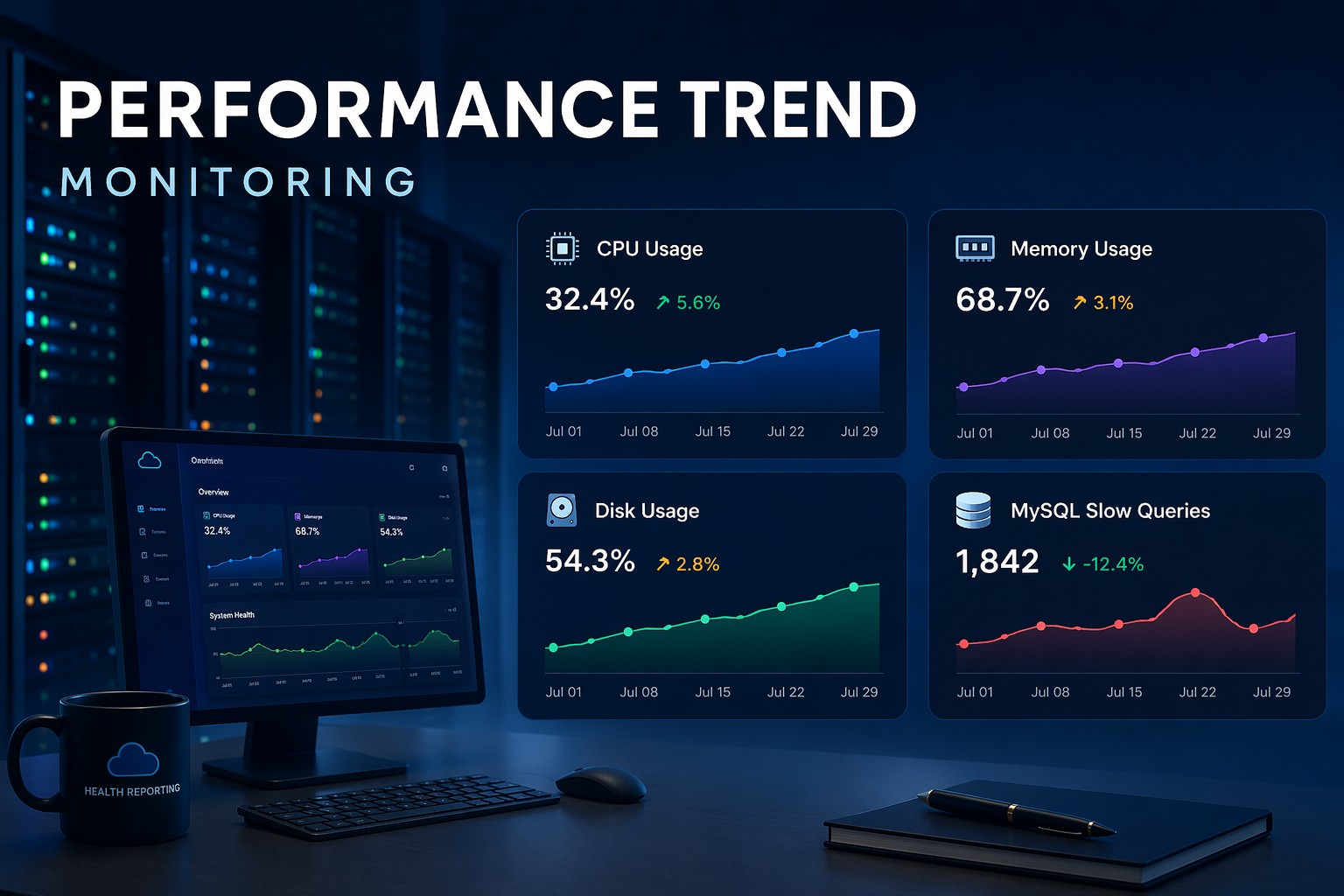
Over six weeks, they notice the count of slow queries goes from roughly 40 per day to 180 per day. No alerts fired. No users complained. But the trend is clear: something changed around week 3, and it is getting steadily worse.
They dig into events_statements_summary_by_digest and find a reporting query joining three tables. It was fast when the orders table had 50,000 rows. Now at 400,000 rows, it is doing a full scan because the composite index was not quite right for the query pattern. Adding a covering index drops average execution from 1.8 seconds to under 100ms. The slow query count drops back to baseline the following week.
That is mysql slow query monitoring working as it should. Not a 2am alert, but a trend spotted early, investigated calmly, and fixed before it became an incident.
Turning Slow Query Data Into a Health Summary
Catching slow queries once is useful. Tracking them as part of a recurring system health check is where the real value comes from. A weekly snapshot of your slow query count, top offenders by execution count, and max latency outliers gives you a picture of how query performance is trending, not just where it stands today.
This kind of slow query reporting in MySQL does not require complex tooling. A scheduled script, a weekly export to CSV, or a simple dashboard backed by your performance_schema data is enough to detect drift before it becomes a problem. The key is consistency: the same metrics, captured at the same interval, so you can compare week to week.
If you are looking for a structured way to pull this kind of data together across your infrastructure, learn how query performance fits into a broader picture with Infrastructure Health Reporting.