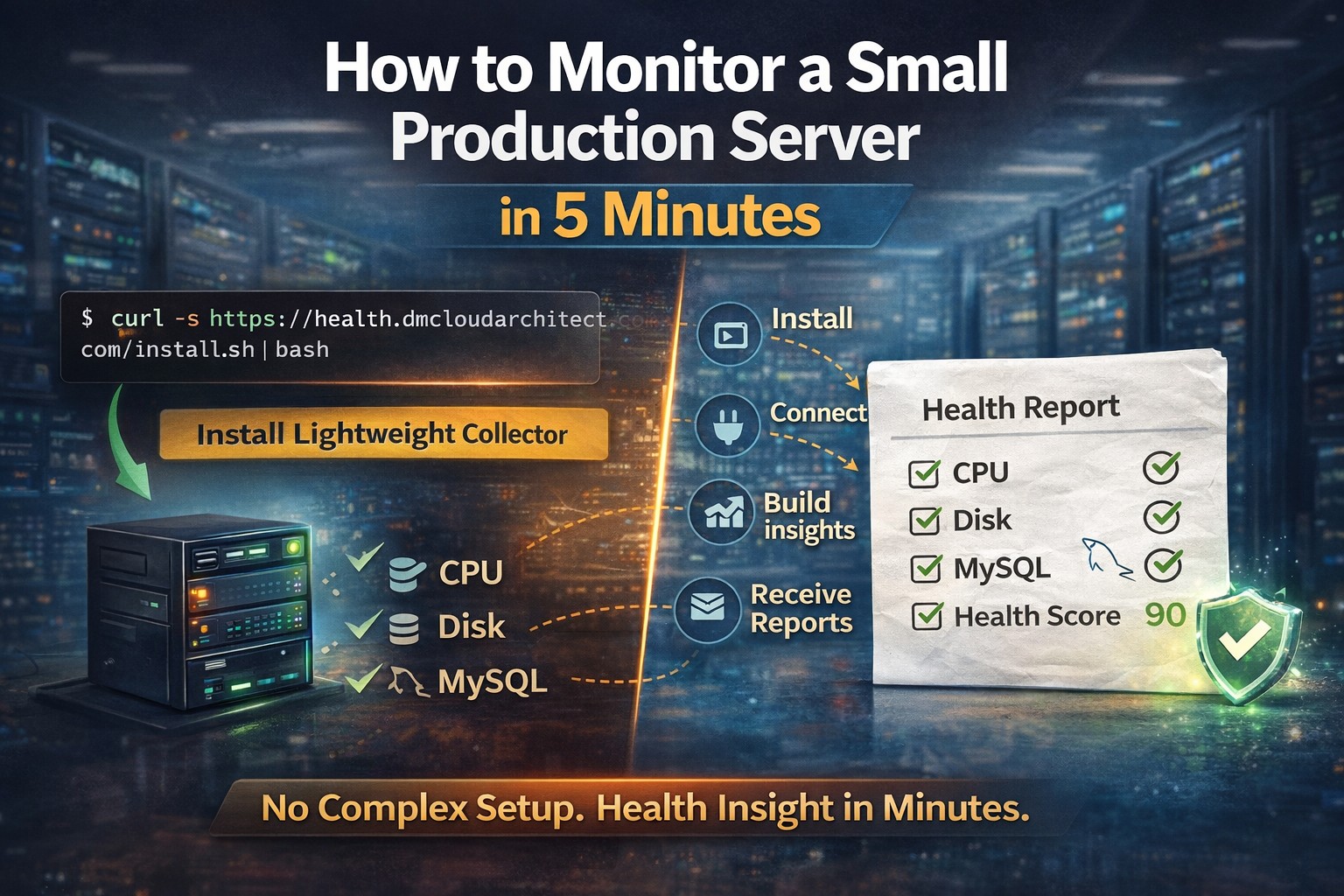
If you run a Linux server in production, even a small one, you need a simple way to answer:
👉 “Is my server healthy right now?”
Most problems don’t start with failures.
They start with small signals:
- disk slowly filling
- memory pressure increasing
- CPU spikes becoming more frequent
- MySQL queries getting slower
This checklist helps you detect those signals early.
Why You Need a Health Check Checklist
Small environments often rely on quick checks like:
topdf -hfree -mThat’s a good start.
But without a structured approach, it’s easy to miss:
- trends over time
- slow degradation
- hidden risks
A checklist ensures you look at the right signals consistently.
Core Linux Server Health Checks
These checks should be part of your routine.
1. CPU Usage and Load
Check current CPU usage:
topOr:
uptimeLook for:
- consistently high load
- spikes during normal operation
- increasing trend over time
👉 If load is rising week-over-week, something is changing.
2. Memory Usage
Check memory:
free -mFocus on:
- available memory
- swap usage
- swap activity increasing
Warning signs:
- low available memory
- swap constantly used
3. Disk Usage
Check disk space:
df -hAlso check growth:
du -sh /*Look for:
- partitions above 80%
- directories growing unexpectedly
- log accumulation
👉 Disk issues are one of the most common causes of outages.
4. Disk I/O Performance
Check I/O:
iostat -x 1Look for:
- high wait times
- slow disk response
- increasing latency
5. System Load Trends
Check load average:
uptimeCompare:
- current load vs CPU count
- changes over time
👉 Load trending upward is more important than a single spike.
MySQL Health Check Checklist
If your server runs MySQL, these checks are critical.
6. Active Connections
SHOW STATUS LIKE 'Threads_connected';Look for:
- increasing connections
- spikes during normal traffic
7. Slow Queries
Enable slow query log and check:
- number of slow queries
- frequency increasing
👉 Slow queries are silent performance killers.
8. Query Performance
Check long-running queries:
SHOW PROCESSLIST;Look for:
- queries running too long
- blocking queries
- repeated patterns
9. Replication Status (if applicable)
SHOW SLAVE STATUS\GLook for:
- replication lag
- errors
- stopped replication
What Most People Miss
Most developers check current state only.
But the real value is in:
👉 trend detection
Examples:
- disk growing every day
- memory slowly decreasing
- MySQL load increasing
- slow queries becoming more frequent
These are early warnings.
The Problem with Manual Checks
Manual checks work, but they have limitations:
- time-consuming
- inconsistent
- easy to forget
- no historical view
- hard to detect trends
You only see a snapshot — not the story.
A Better Approach: Automated Health Monitoring
Instead of manually running checks, a better approach is:
- collect metrics automatically
- track trends over time
- generate structured reports
This gives you:
- consistency
- visibility
- early detection
From Checklist to Insight
A checklist is useful.
But the real goal is:
👉 turning checks into insight
That means:
- understanding changes
- spotting risk patterns
- acting early
Designed for Small Linux and MySQL Environments
This is where DMCloudArchitect Health helps.
Instead of manually checking:
- CPU
- memory
- disk
- MySQL
The system:
- collects data automatically
- analyzes trends
- provides structured health reports
Built for:
- small production environments
- solo developers
- consultants
- small businesses
Final Thoughts
A Linux server health check checklist is a great starting point.
But the real value comes from:
👉 consistency
👉 trend awareness
👉 early action
Monitoring is not about reacting to failures.
It’s about preventing them.
Automate Your Health Checks
If you want to move from manual checks to automated insight:
👉 https://health.dmcloudarchitect.com
Get structured Linux and MySQL health monitoring designed for small environments.