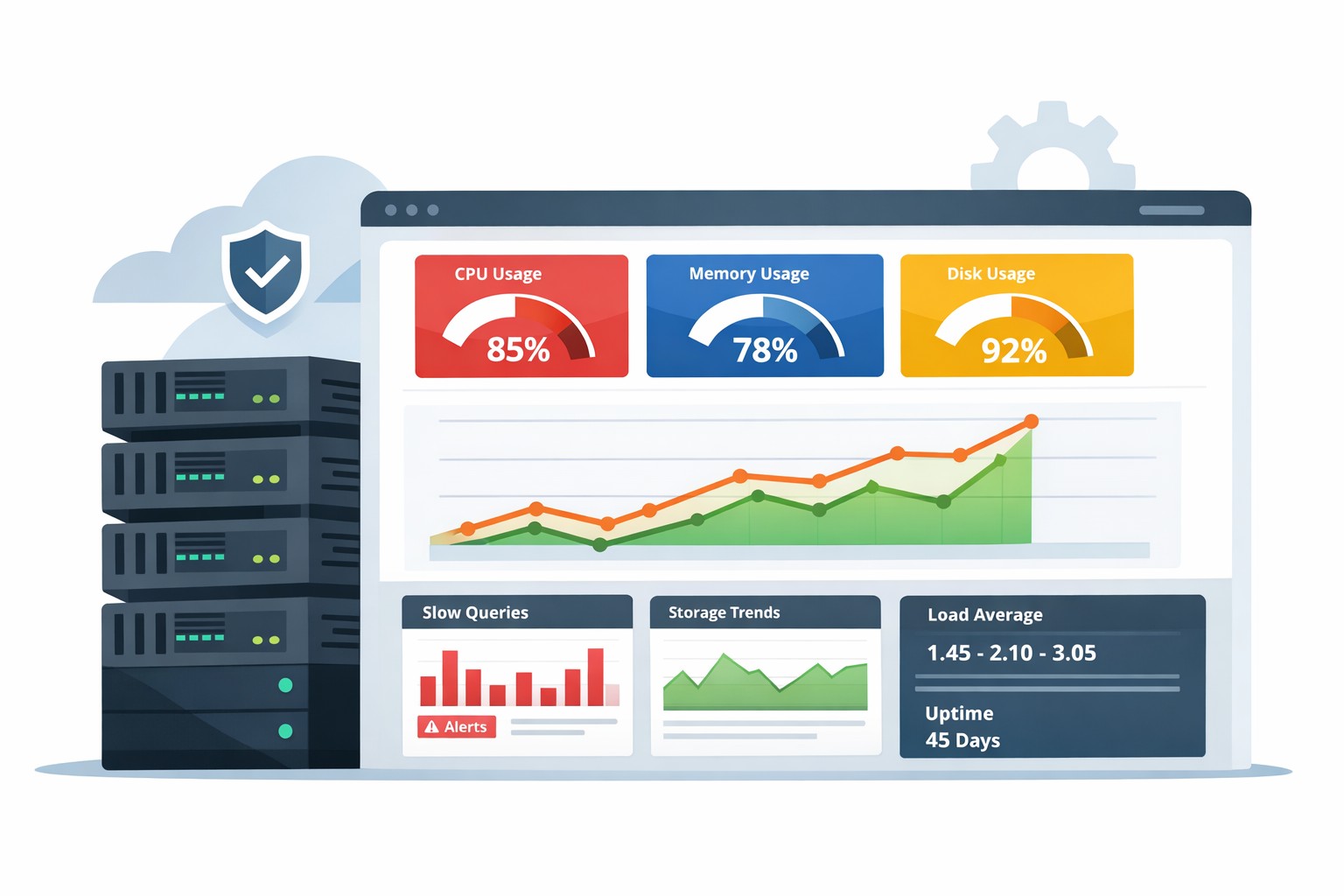
Monitor CPU Usage Over Time in Linux
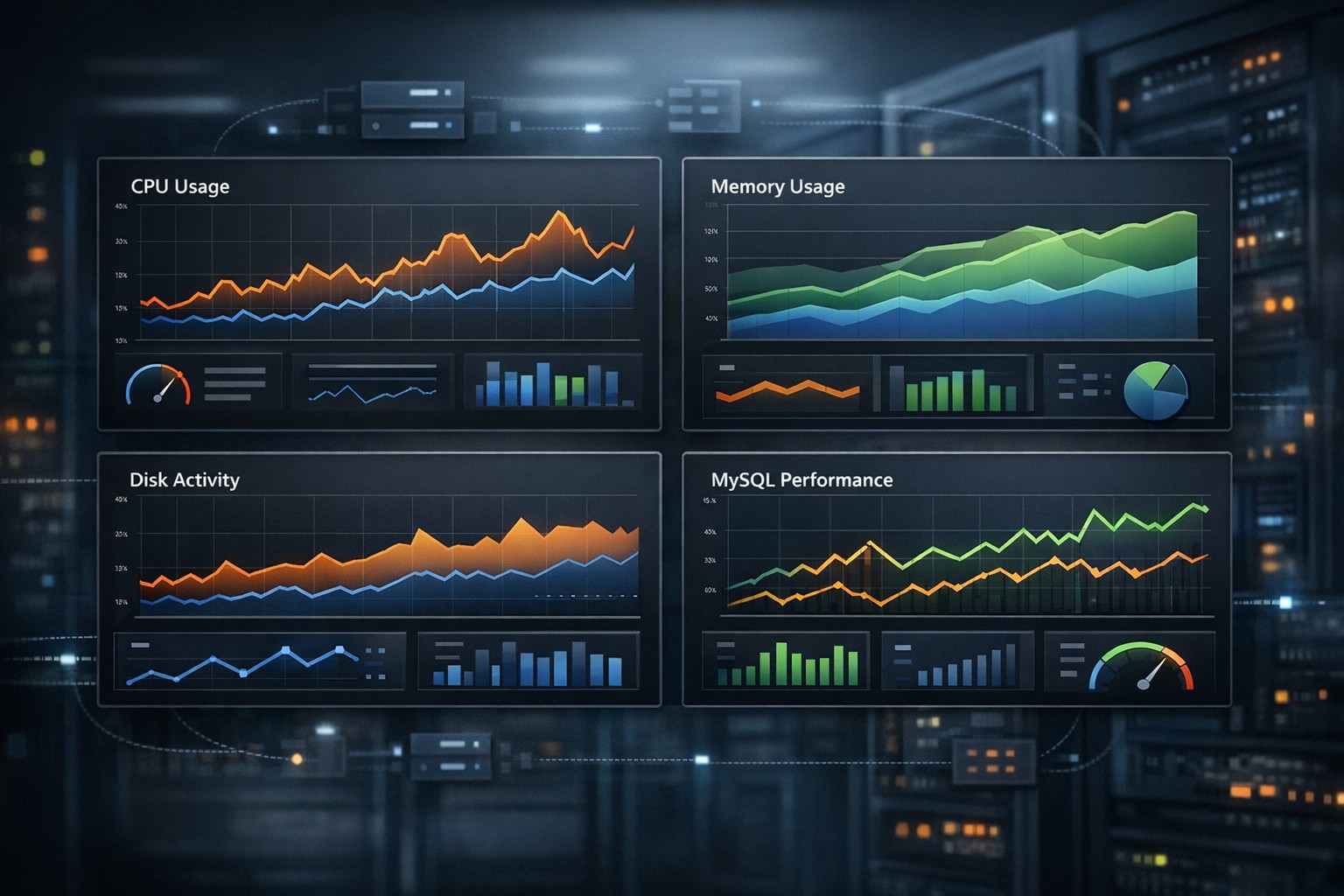
Most Linux servers don’t fail because of sudden spikes. They fail because of gradual resource pressure that builds up over days or weeks. CPU usage is a perfect example — it slowly increases as workloads grow, queries become inefficient, or background processes accumulate.
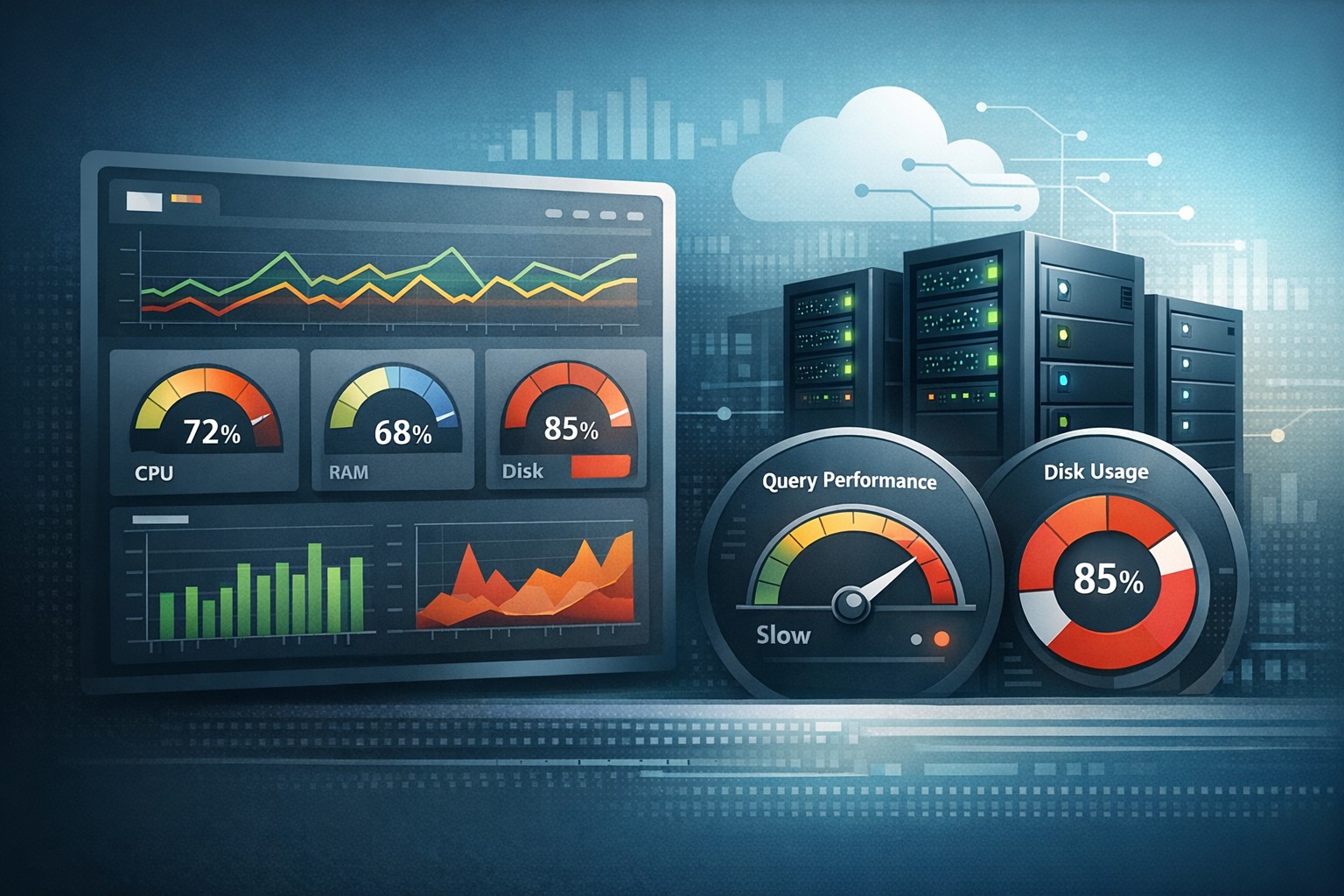
If you only check real-time metrics, you miss the bigger picture. To truly understand system health, you need to monitor CPU usage over time in Linux and identify trends before they turn into performance issues.
Why CPU Trends Matter More Than Real-Time Metrics
Tools like top or htop are useful, but they only show what’s happening right now. That’s helpful during incidents, but not for preventing them.
Tracking CPU usage trends in Linux helps you:
- Spot gradual increases in baseline CPU load
- Identify recurring spikes tied to cron jobs or batch processes
- Detect inefficient queries or applications over time
- Plan capacity before users feel performance degradation
Instead of reacting to alerts, you start seeing patterns.
How to Track CPU Utilization on a Linux Server
1. Use sar for Historical CPU Data
The sar command (part of sysstat) is one of the simplest ways to collect CPU usage history.
sar -u 1 10
For longer-term tracking, enable sysstat collection:
sudo systemctl enable sysstat
sudo systemctl start sysstat
This stores CPU usage history that you can review later:
sar -u -f /var/log/sysstat/sa10
2. Log CPU Usage Over Time
You can also create a simple cron job to log CPU metrics at intervals:
* * * * * mpstat 1 1 >> /var/log/cpu_usage.log
Over time, this builds a dataset you can analyze for CPU usage history in Linux.
3. Use vmstat for Continuous Monitoring
vmstat 5
This gives you a rolling view of CPU utilization, including idle time and system load. While not ideal for long-term storage, it helps understand behavior during observation windows.
What CPU Trends Actually Reveal
Raw CPU numbers don’t tell the full story. Trends do.
Here are common patterns seen in production systems:
- Steady growth: Often caused by increased traffic or inefficient scaling
- Periodic spikes: Usually tied to scheduled jobs or backups
- Sudden baseline shift: Often after a deployment or configuration change
- High idle drop over time: Indicates CPU saturation creeping in
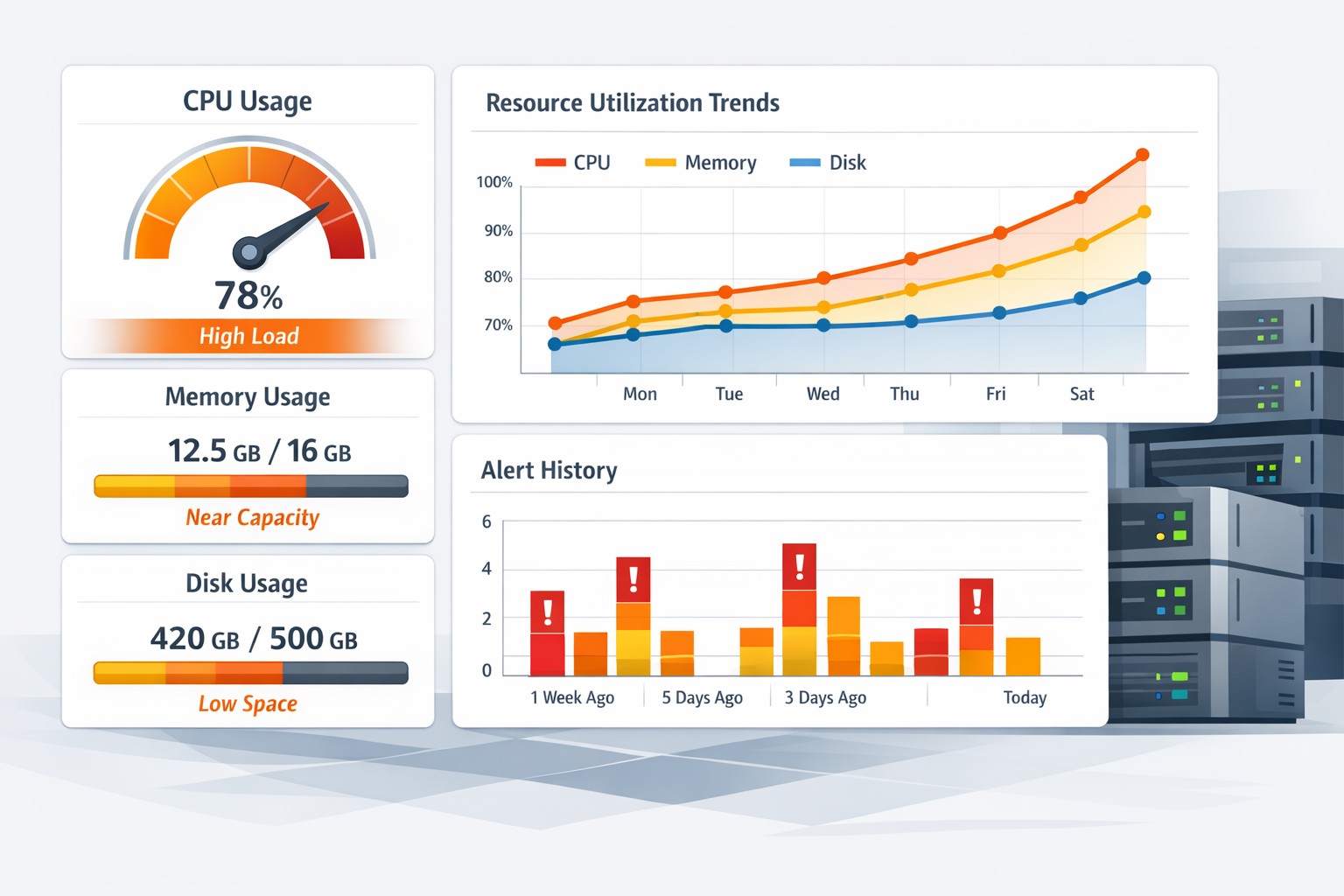
Tracking CPU growth trends on a server allows you to correlate these patterns with real operational events.
Real-World Example: Slow CPU Creep
A small team noticed occasional slowness in their MySQL-backed application. Real-time checks showed nothing alarming — CPU hovered around 40–50% most of the time.
But when they tracked CPU usage over time, a different story appeared:
- Week 1: baseline ~35%
- Week 2: baseline ~45%
- Week 3: baseline ~60%
The issue turned out to be a growing number of slow queries that weren’t optimized. Without trend monitoring, the problem would have gone unnoticed until the server hit sustained saturation.
Why Lightweight Trend Monitoring Wins
Many teams avoid setting up full observability stacks because they’re complex and noisy. But you don’t need heavy tooling to track CPU trends effectively.
Lightweight monitoring focused on trend reporting gives you:
- Clear weekly or daily CPU usage summaries
- Easy-to-read trend lines instead of raw logs
- Early warning signals without alert fatigue
- Better visibility for small teams managing multiple systems
This approach fits especially well for Linux and MySQL environments where gradual performance changes matter more than instant spikes.
Summary
To monitor CPU usage over time in Linux is to shift from reactive troubleshooting to proactive system management. Instead of asking “what’s wrong right now,” you start asking “what’s changing over time.”
That shift is what prevents outages, improves performance planning, and gives you confidence in your infrastructure.
If you want a simpler way to visualize CPU trends and understand how your systems evolve week by week, explore Infrastructure Health Reporting. It’s designed to give small teams clear, actionable insights without the overhead of complex monitoring stacks.