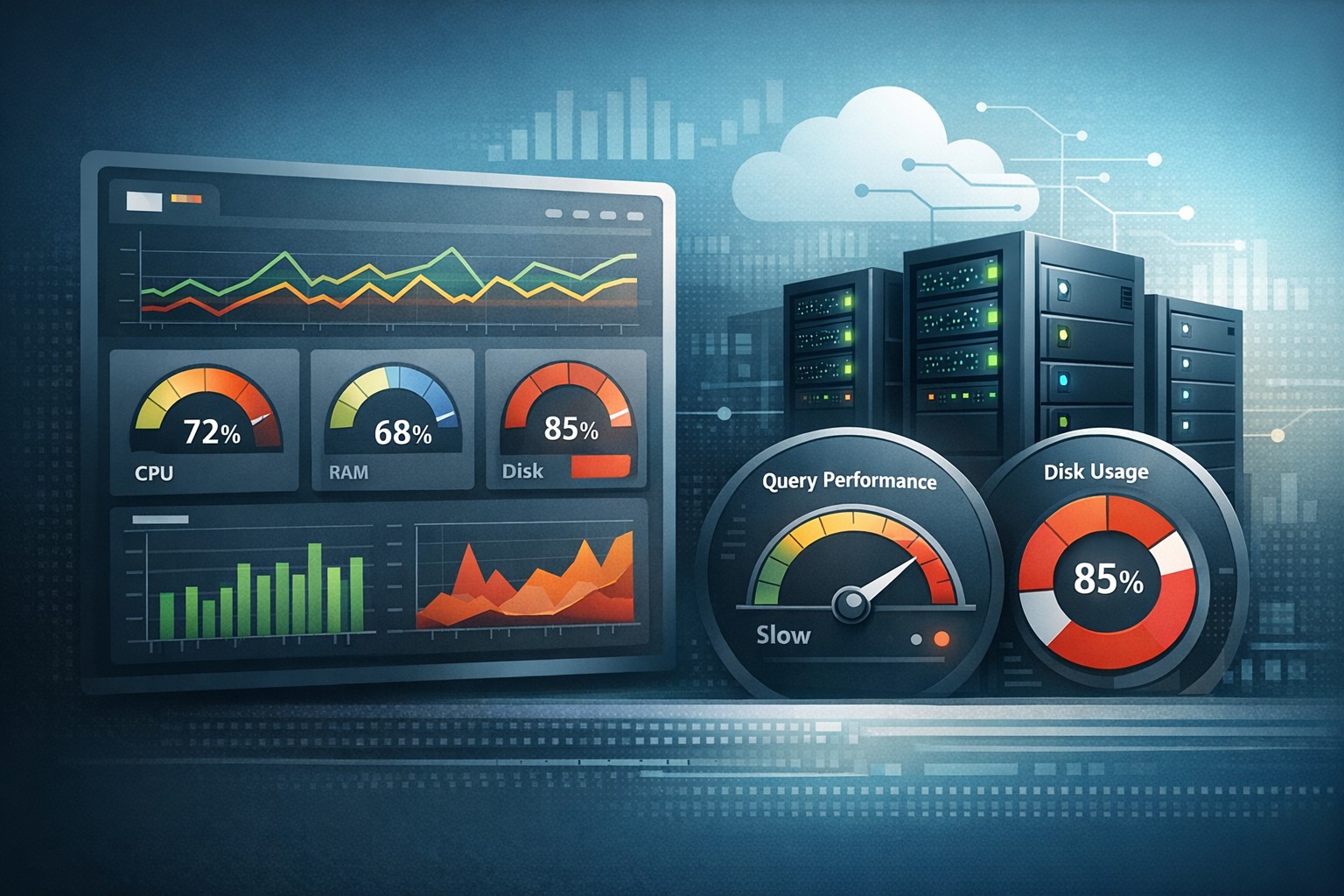
Detect CPU Issues Early in Linux Servers
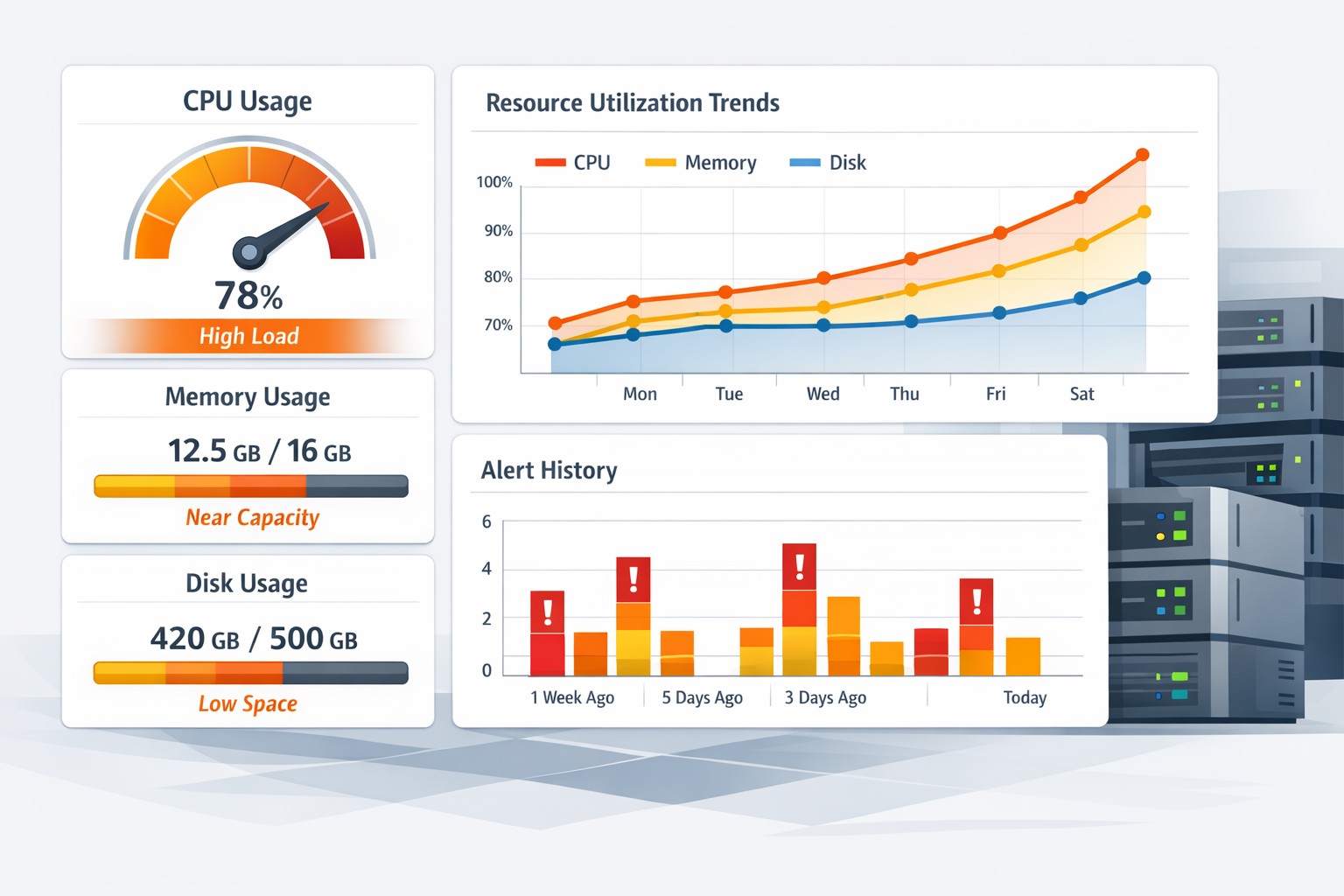
CPU problems in Linux environments rarely appear suddenly. In most cases, performance degradation builds slowly—small increases in load, longer processing times, and subtle delays that go unnoticed until users start complaining or systems hit a breaking point.
Learning how to detect CPU issues early in Linux systems helps teams avoid outages, reduce firefighting, and maintain consistent performance without relying on noisy real-time alerts.
Why Early CPU Detection Matters
When CPU performance begins to decline, the symptoms are often gradual:
- Increasing load averages over time
- Slower application response
- Background jobs taking longer to complete
- Occasional CPU spikes becoming more frequent
Without trend visibility, these signals are easy to miss. By the time CPU saturation becomes obvious, the system is already under stress.
Common Signs of CPU Performance Degradation in Linux
To detect CPU issues early, you need to watch for patterns—not just isolated spikes.
1. Gradual Increase in Load Average
Tools like uptime or top show load averages. A steady upward trend over days or weeks is often the first warning sign of CPU performance degradation in Linux systems.
2. Rising CPU Utilization Baseline
If your system typically runs at 30% CPU but slowly shifts to 50–60%, something has changed. This could indicate inefficient code, increased workload, or resource contention.
3. CPU Saturation Patterns
Short bursts of high CPU usage are normal. But when these bursts become longer or more frequent, it points to a growing bottleneck.
4. Increased Context Switching
High context switching rates can indicate CPU pressure, especially in multi-process environments. This is often overlooked but can signal deeper inefficiencies.
How to Identify CPU Bottlenecks in Linux
Early detection requires combining multiple signals rather than relying on a single metric.
Use Core Tools Effectively
- top / htop – real-time CPU usage per process
- mpstat – CPU usage per core
- sar – historical CPU performance data
- vmstat – system-wide performance metrics
These tools help identify CPU bottlenecks in Linux, but they are often used reactively. The real value comes from comparing trends over time.
Look for Long-Term Patterns
Instead of asking "What is CPU usage right now?", ask:
- Is CPU usage increasing week over week?
- Are peak times getting longer?
- Is idle CPU decreasing steadily?
This shift in thinking is key to detecting performance degradation early.
Real-World Example: Silent CPU Decline
A small operations team noticed their nightly batch jobs were finishing later each week. No alerts were triggered because CPU usage never exceeded critical thresholds.
However, a trend analysis revealed:
- CPU utilization increased from 35% to 65% over a month
- Load average steadily climbed
- Job completion time increased by 40%
The root cause was a combination of increased data volume and an unoptimized query. Without early detection, this would have eventually caused missed SLAs or outages.
Why Traditional Monitoring Falls Short
Most monitoring systems focus on thresholds and alerts. While useful, they miss slow-moving issues like CPU performance decline on servers.
By the time an alert fires, the system is already under pressure.
What’s missing is visibility into how CPU behavior changes over time.
Build a Lightweight CPU Health Strategy
You don’t need a complex observability stack to detect CPU issues early in Linux environments. A simple approach works well:
- Track daily CPU averages
- Record peak usage trends
- Monitor load vs CPU core count
- Review weekly reports instead of only real-time alerts
This approach highlights CPU saturation warnings before they become incidents.
Summary
CPU issues rarely appear overnight. They build gradually through increased load, inefficient processes, and growing demand. Detecting these changes early allows teams to act before performance degrades or outages occur.
If you want a clearer view of how your infrastructure evolves over time, structured reporting makes a significant difference. Tools designed for Infrastructure Health Reporting help teams identify trends, understand system behavior, and catch CPU issues long before they impact production.