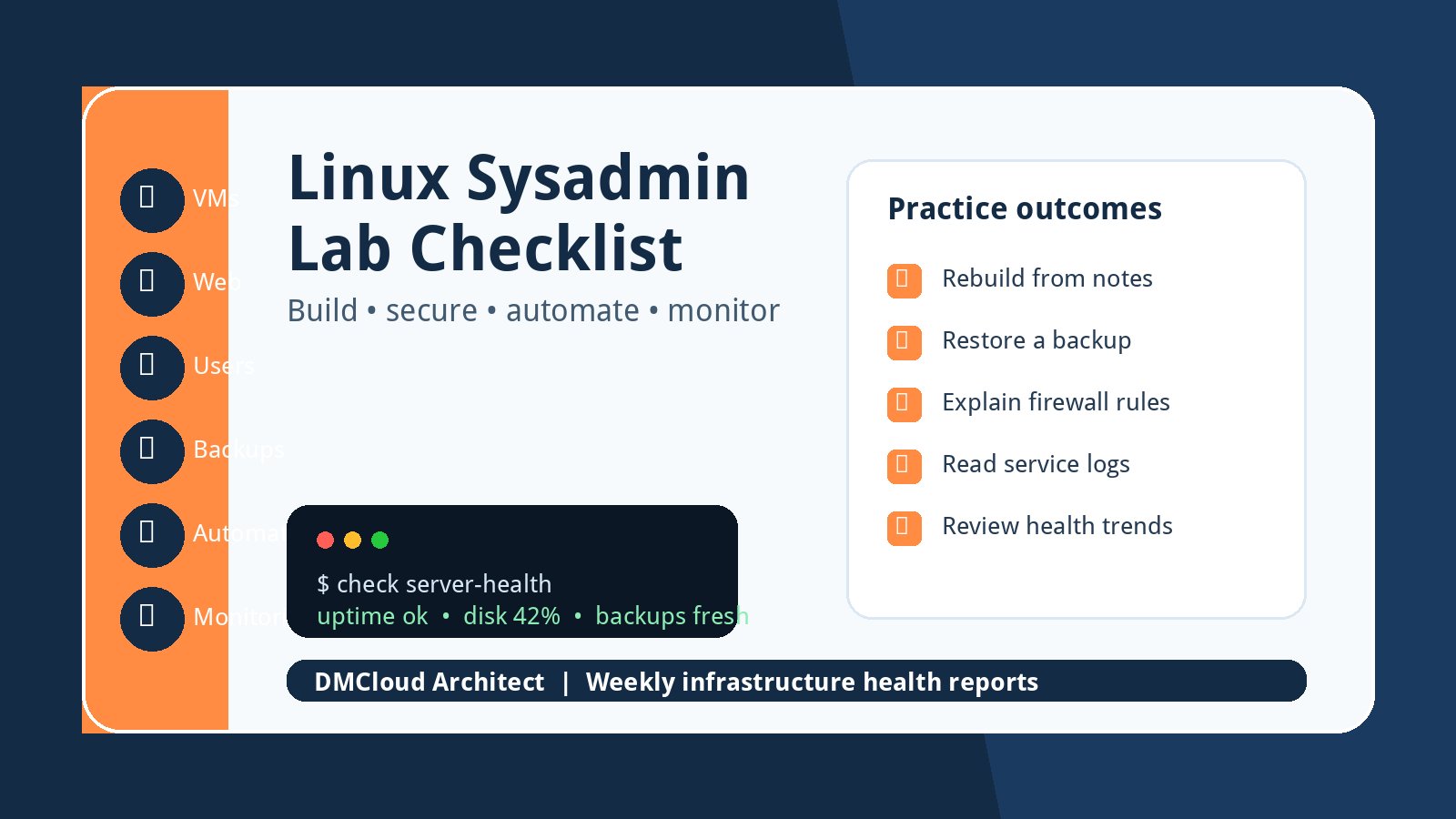
A good Linux lab should feel less like a scavenger hunt and more like a small production environment you can rebuild on purpose. The goal is not to memorize one perfect tutorial. The goal is to practice the work that makes real servers boring: install, configure, secure, monitor, break, recover, and document.
For developers and small business owners, that practice is valuable even if you never become a full-time systems administrator. You learn what a healthy server looks like, what changes are risky, and why linux server monitoring matters before an outage forces the lesson. Use this checklist as a practical lab path you can repeat with any current enterprise-style Linux distribution.
Build the lab around outcomes, not nostalgia
Many classic sysadmin learning paths start with a distribution ISO, a virtual machine, and a web server. That is still useful, but the operating system name matters less than the operational habits you build. Pick one stable server distribution and focus on repeatable tasks.
- Create at least two virtual machines: one public-facing application server and one internal support server.
- Use snapshots so you can safely break and rebuild the environment.
- Write down every command you run and turn successful notes into a repeatable runbook.
- Prefer current supported versions instead of unsupported old releases.
- Give each VM a clear role, hostname, IP address, owner, and recovery expectation.
This keeps the lab close to real operations. Production teams do not win by installing a server once; they win by rebuilding it cleanly when something changes.
Install a web service and make it reachable
Start with a simple website or API because it gives you a visible success condition. Install a web server, publish a small page, and make it reachable from your host machine. Then tighten the setup so it resembles a real small-business server.
- Install Nginx or Apache and serve a basic HTML page.
- Configure a virtual host, document root, logs, and service restart behavior.
- Open only the required firewall ports and confirm blocked ports really stay blocked.
- Add TLS with a local certificate or a real domain if you have one available.
- Practice reading access logs, error logs, and systemd service status.
Do not stop when the page loads once. Restart the VM, rotate logs, change a config file, make a mistake, and recover from it. That is where the useful learning happens.
Add users, permissions, and safe administration habits
Small servers often become fragile because everyone logs in as the same powerful user and nobody remembers why permissions changed. Your lab should make access control a first-class exercise.
- Create named users and groups for administration and application ownership.
- Use SSH keys, disable password login where appropriate, and test access before closing old sessions.
- Configure sudo rules narrowly enough to understand what they allow.
- Set file ownership for web content, logs, backups, and deployment scripts.
- Record an offboarding checklist for removing a user cleanly.
If you run servers for a business, these habits matter as much as package installation. Access mistakes are operational risk, not just security theory.
Practice patching, backups, and rollback
A lab is the safest place to learn what happens when updates, disk changes, and restores do not go perfectly. Build a small patching and backup routine before you add complex automation.
- Update packages, reboot when needed, and confirm the web service still works afterward.
- Create a file-level backup of configuration, web content, and a small database or data directory.
- Restore the backup to a fresh VM and verify the service, not just the files.
- Document rollback steps for a bad config change.
- Track backup age and the last successful restore test.
Backups that are never restored are only a hope. The lab should prove you can recover the service from your own documentation.
Automate one rebuild path
Once the manual steps work, automate a narrow version of the build. You do not need a perfect enterprise platform on day one. You need enough automation to prove that your notes are accurate and your server is not dependent on memory.
- Turn package installation, web server configuration, users, firewall rules, and sample content into a script or configuration-management playbook.
- Run the automation against a fresh VM and compare the result with the manually built server.
- Keep secrets out of the script and document how they should be provided.
- Make the automation idempotent where possible, so a second run does not damage the server.
- Version-control the lab notes and automation together.
Tools such as Ansible, Foreman, Katello, Terraform, or shell scripts can all teach useful lessons. The important part is learning how repeatability changes operations.
Add monitoring before calling the lab complete
The lab becomes much more realistic when it includes health checks. A service that works today can still be drifting toward tomorrow's outage. Basic linux server monitoring closes that gap.
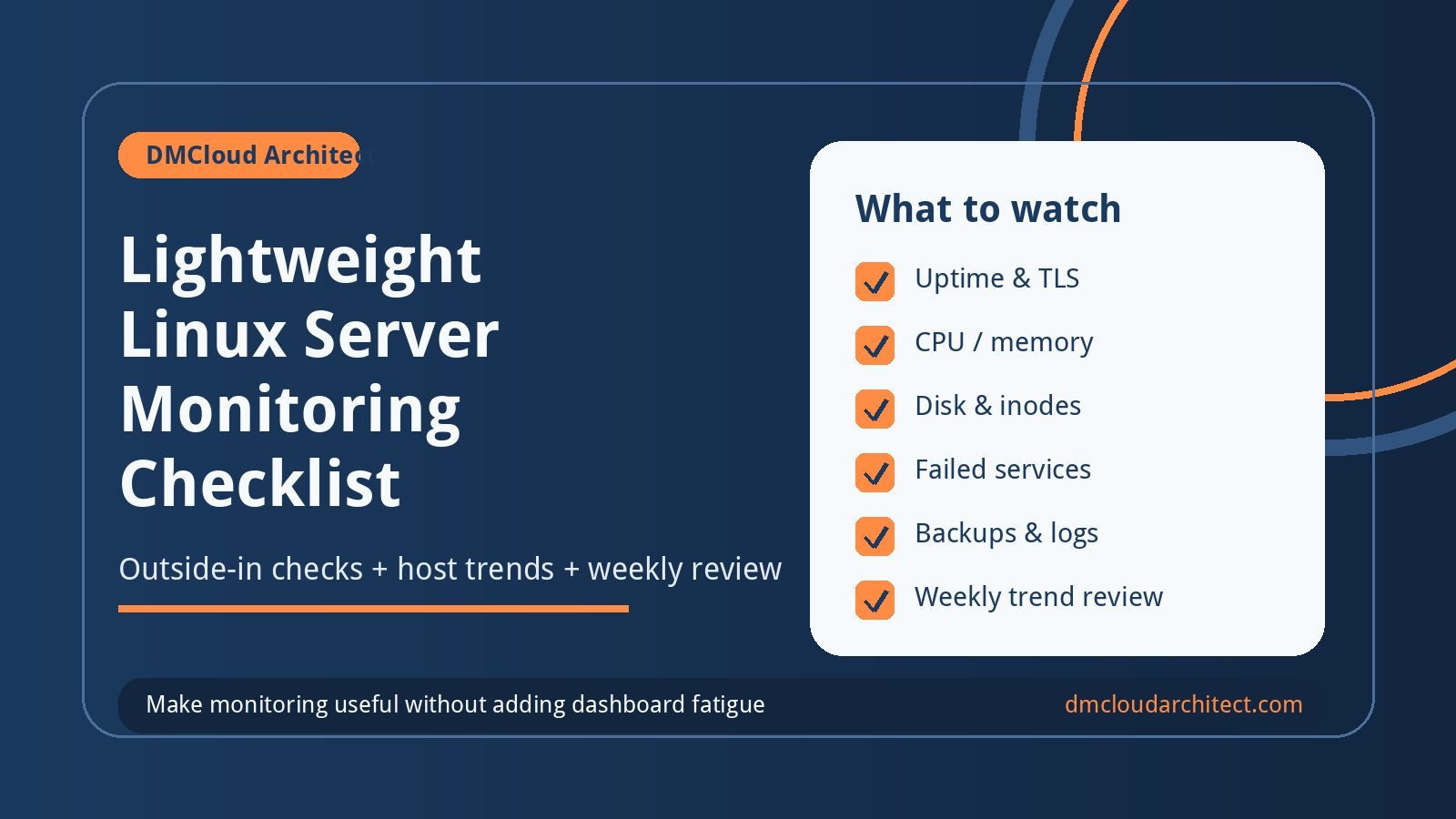
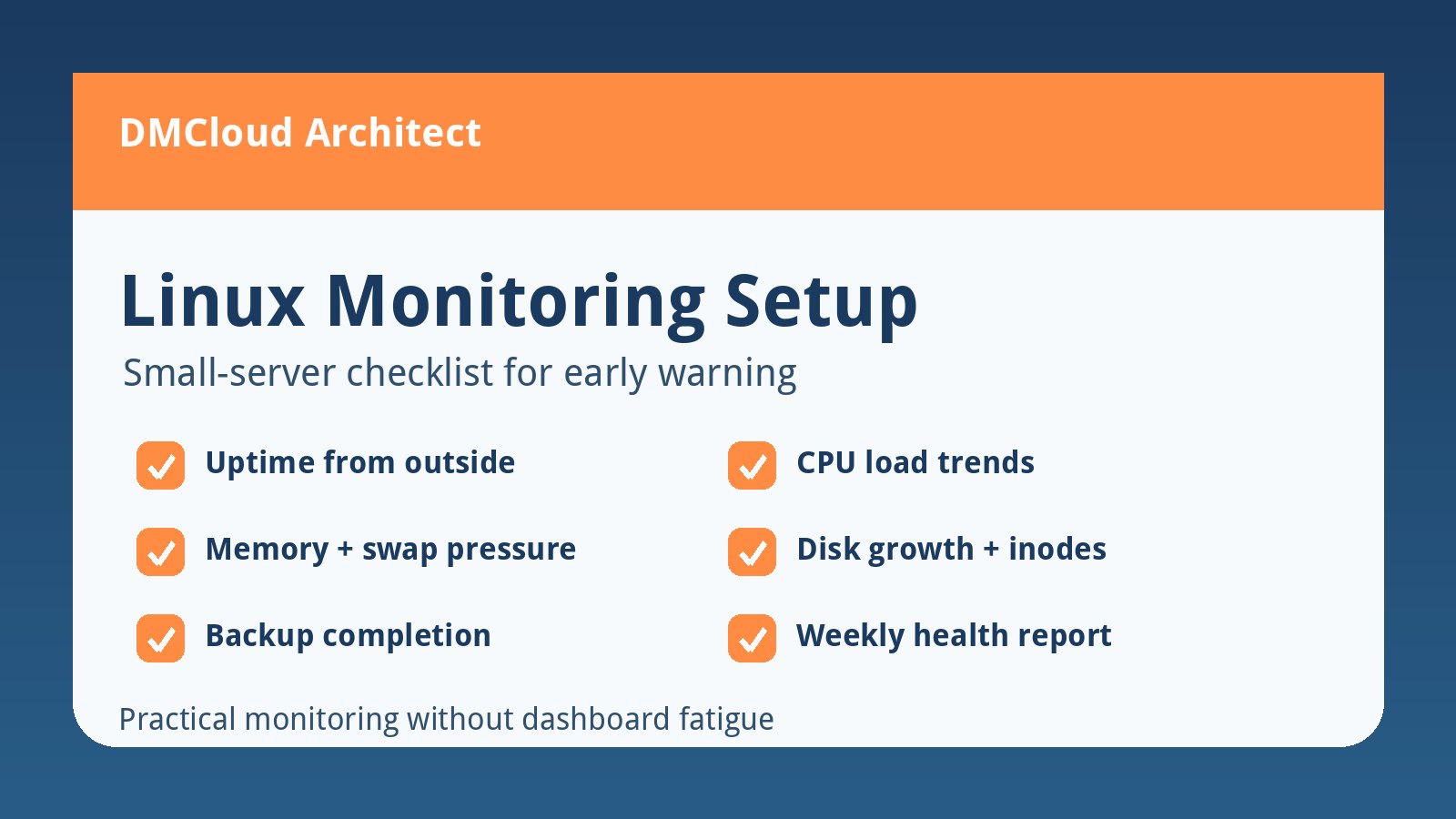
- Check external reachability for the web URL and expected response content.
- Track CPU load, memory pressure, swap usage, disk capacity, inode usage, and failed systemd units.
- Watch certificate expiration, package-update status, reboot history, and backup freshness.
- Create one urgent alert for service outage and one weekly review for slow-moving trends.
- Write the first troubleshooting step next to every check.
This is the point where a learning lab turns into an operations model. You are not just building a server; you are learning how to keep it healthy.
Use this practical lab sequence
- Create two VMs and document their roles, addresses, and recovery goals.
- Install a web server and serve a simple page.
- Configure firewall rules, SSH access, users, groups, and sudo.
- Add TLS, logs, service restart testing, and basic troubleshooting notes.
- Create backups, restore to a fresh VM, and verify the service works.
- Automate the rebuild path with a script or configuration-management tool.
- Add uptime, host metrics, backup freshness, and weekly trend monitoring.
- Break one component on purpose and recover using only the runbook.
How to know the exercise worked
You are making progress when you can rebuild the environment without searching for the original tutorial, explain why each firewall rule exists, restore the service from backup, and understand what your monitoring alerts mean. You do not need to know every Linux subsystem. You do need a repeatable way to turn uncertainty into documented operations.
For small teams, that is the real value of a sysadmin lab. It turns server administration from “ancient sauce” into a checklist: build, secure, automate, monitor, and improve one practical system at a time.
Want weekly infrastructure health checks without dashboard fatigue?
DMCloud Architect sends Linux and MySQL infrastructure health reports directly to your inbox, so you can spot risks early without adding another monitoring dashboard to watch.
Get the free starter plan for weekly infrastructure health reports.