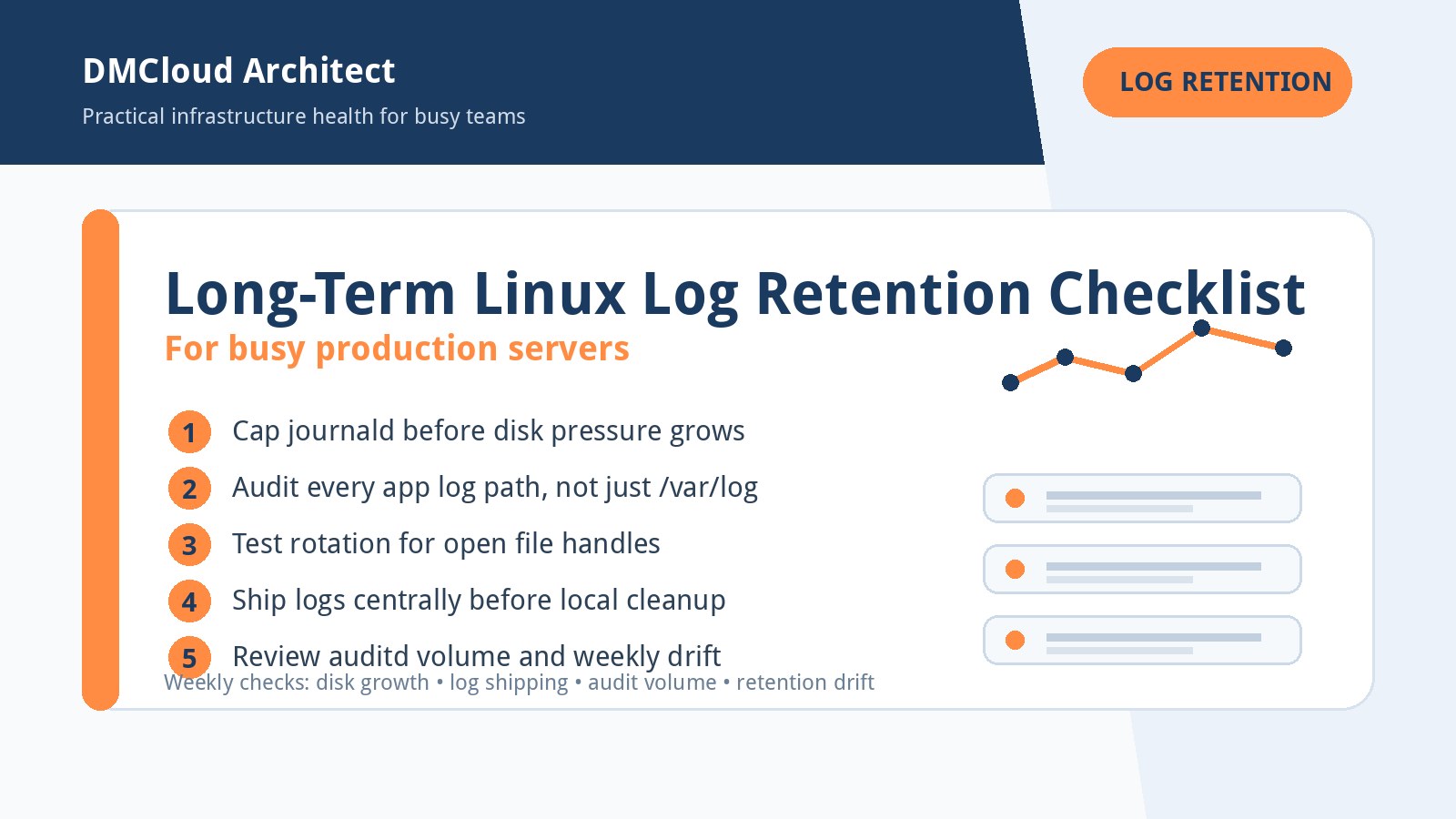
Long-term log retention sounds simple until a production Linux server gets busy. One service writes to journald, another writes directly under /var/log, a third keeps its own application directory, and audit logs can grow faster than expected during a noisy incident. The goal is not to keep every byte forever on the host; the goal is to keep enough local history for fast troubleshooting, move the right records to durable storage, and make disk pressure visible before it becomes an outage.
Use this checklist as a practical operating baseline for linux server monitoring across small teams, growing SaaS environments, and client-facing infrastructure. It is intentionally tool-neutral: journald, logrotate, rsyslog, Vector, Fluent Bit, Promtail, object storage, and managed log platforms can all fit. The important part is having clear retention tiers, tested rotation behavior, and a weekly habit of checking whether the policy still matches real traffic.
1. Define retention tiers before choosing tools
Start with the question each log source needs to answer. Web access logs may be useful for short operational investigations, application error logs may need longer debugging history, and security or audit logs may have compliance requirements that outlive the server itself. A simple tier model keeps the discussion concrete:
- Hot local logs: hours to days on the server for fast troubleshooting during incidents.
- Warm searchable logs: days to weeks in a central system for team investigations and trend checks.
- Cold archives: months or years in lower-cost object storage for compliance, forensics, or customer obligations.
Once tiers are defined, the host no longer has to carry the full retention burden. That one decision reduces panic around local disk usage and makes the rest of the checklist easier.
2. Put explicit size limits on journald
If journald is part of your stack, do not leave retention behavior implicit. Review /etc/systemd/journald.conf and set practical values for options such as SystemMaxUse, SystemKeepFree, MaxRetentionSec, and MaxFileSec. The exact numbers depend on server size and traffic, but the policy should be intentional enough that a sudden burst of logs cannot quietly consume the root filesystem.
For many production servers, journald is excellent for recent local troubleshooting while longer retention is handled elsewhere. That means journald limits should protect availability first. If a team needs months of searchable history, ship the logs to a central destination instead of stretching local journal files beyond their best use case.
3. Keep logrotate, but audit what it actually covers
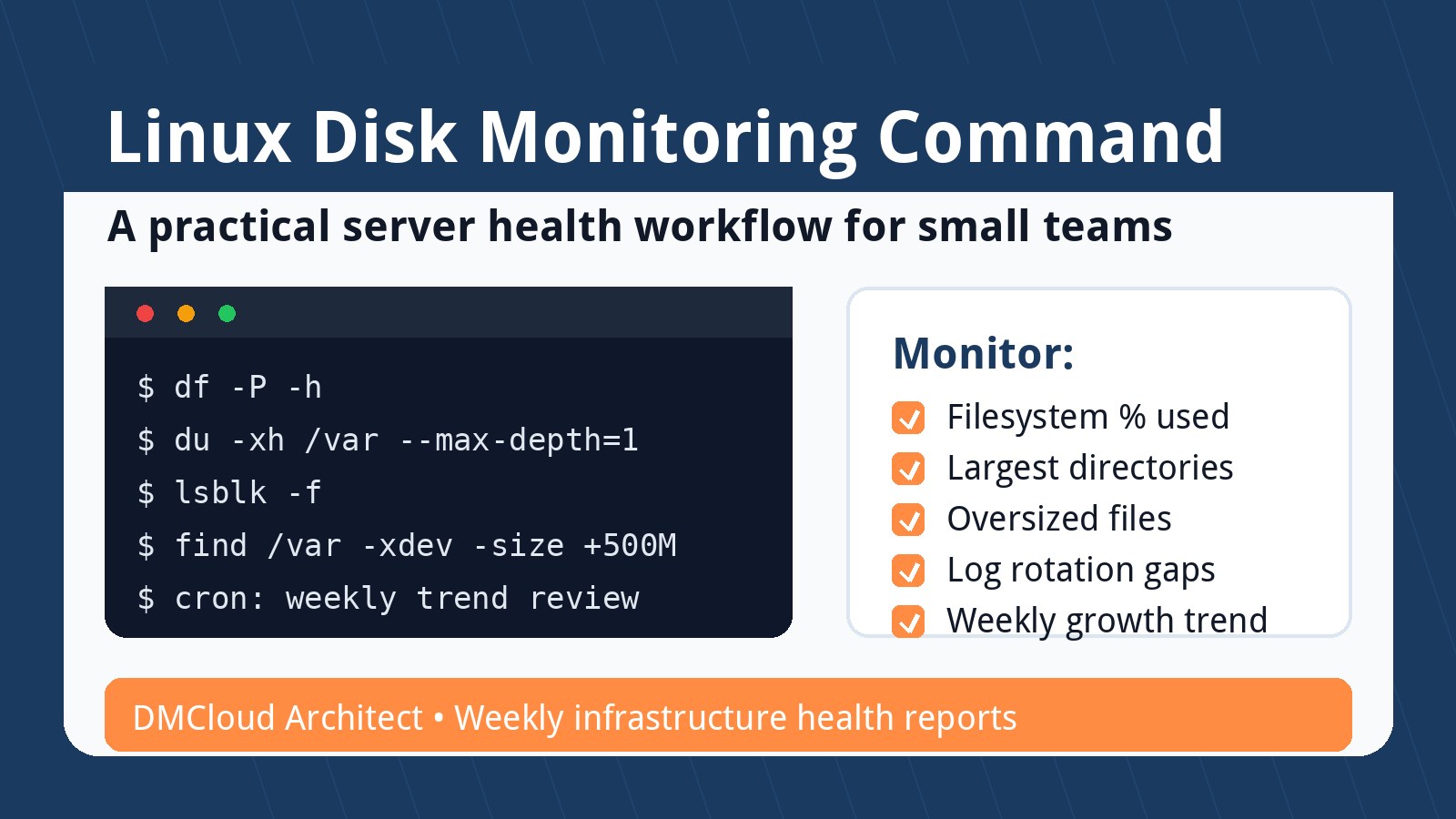
Logrotate is still useful when services write traditional files, but it only helps files it knows about. Make a quick inventory of active log paths with commands such as du -h /var/log --max-depth=2, service configuration checks, and application deploy manifests. Then compare that inventory with files under /etc/logrotate.d/.
Pay special attention to applications that write outside standard locations, container volumes, language-runtime logs, and vendor packages that add their own paths. A server can have a perfect rotation policy for system logs and still fill a disk because one application writes unrotated JSON logs in a release directory.
4. Test rotation behavior for file-handle edge cases
The hardest logrotate failures are often not syntax errors. They are services that keep writing to an old deleted file, applications that dislike copytruncate, or daemons that need a reload signal after rotation. For important services, test rotation in staging or during a safe maintenance window and confirm three things:
- The service continues writing to the new log file after rotation.
- The old file is compressed or removed according to policy.
- Disk usage drops as expected, not just the visible filename.
When possible, prefer service-native reopen signals or post-rotate reload commands over relying on copytruncate for high-volume logs. Copytruncate can be convenient, but it can also lose lines during the copy window and hide application behavior that should be fixed.
5. Ship before you archive
For long-term retention, central shipping should happen before local files age out. Whether you use Vector, Fluent Bit, Fluentd, Promtail, Filebeat, rsyslog forwarding, or a managed agent, the design should tolerate short network interruptions without turning the server into an accidental archive. Configure bounded buffers, monitor queue growth, and decide what happens when the destination is unavailable.
Object storage is a strong cold-retention target because it separates archive cost from server disk capacity. The cleanest pattern is often: collect locally for a short window, ship centrally for search and alerting, and archive compressed batches to object storage with lifecycle policies. That gives the operations team quick access without asking every production host to become a records-management system.
6. Treat audit logs as their own policy
Audit logs deserve separate attention because they can be both high-value and high-volume. Review audit rules for noisy paths, confirm the business reason for each rule, and make sure audit storage settings match the actual risk. If audit logs are required for forensic history, do not rely only on local retention. Forward them to a protected destination with access controls and retention rules that match the compliance need.
The practical warning sign is a host where /var/log/audit grows quickly but no one owns the policy. Auditd can help you answer important security questions, but unmanaged audit volume can also create availability risk. Include audit growth in routine server health checks, not just security reviews.
7. Monitor disk pressure and retention drift weekly
Log retention is not a set-and-forget configuration. Traffic changes, packages add new log files, application teams change paths, and compliance requests evolve. A weekly review should answer a few simple questions:
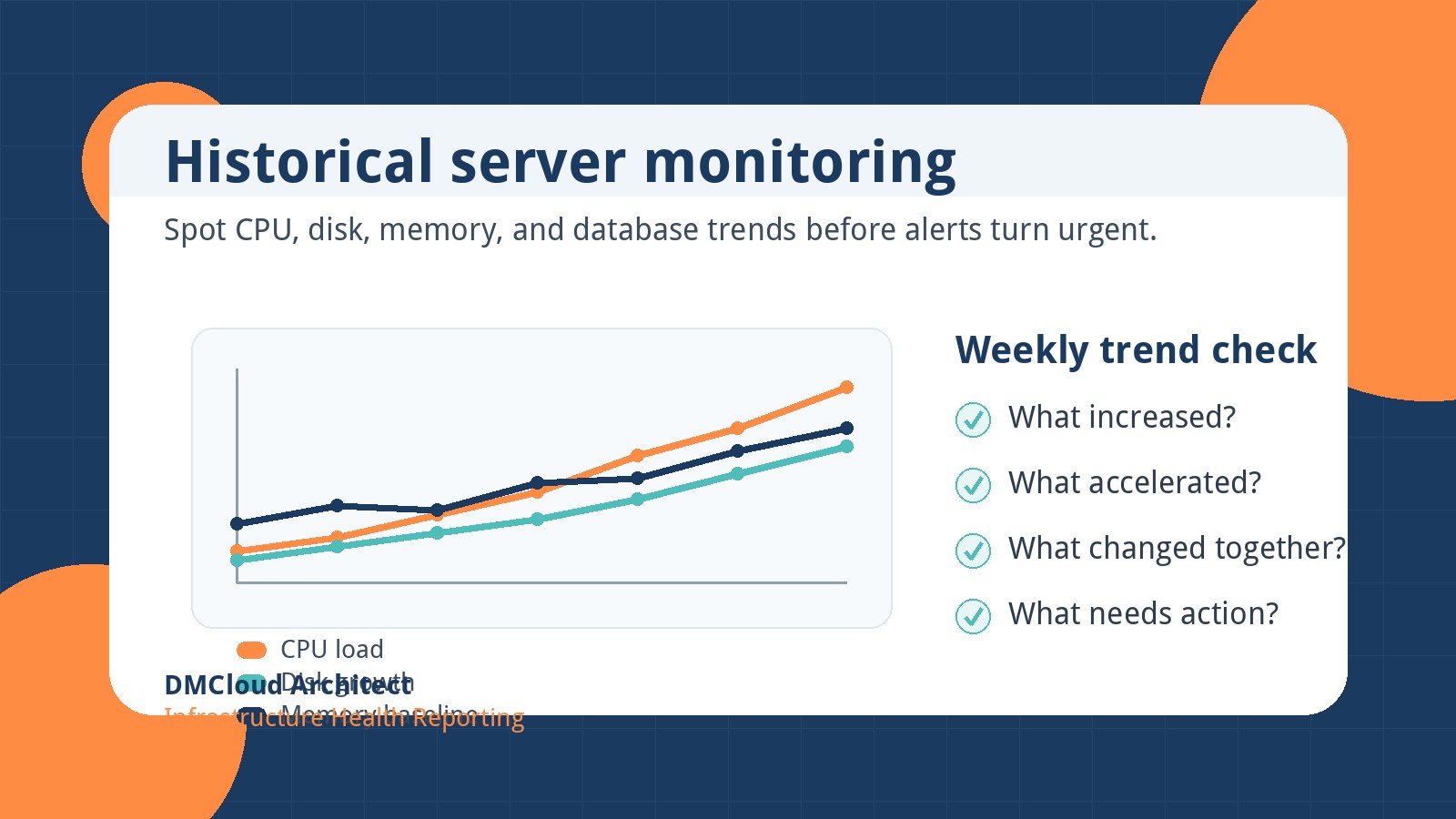
- Which servers had the fastest log growth this week?
- Which files or directories are outside the approved rotation policy?
- Are journald and logrotate limits still aligned with disk capacity?
- Did shipping queues, failed uploads, or central logging errors appear?
- Are audit logs growing for a known reason or because of noisy rules?
This is where linux server monitoring becomes more than CPU and memory charts. Log growth is an early signal for traffic spikes, application bugs, security events, and configuration drift. Reviewing it weekly helps small teams fix the quiet problems before they become 2 a.m. disk-full incidents.
8. Keep the checklist small enough to repeat
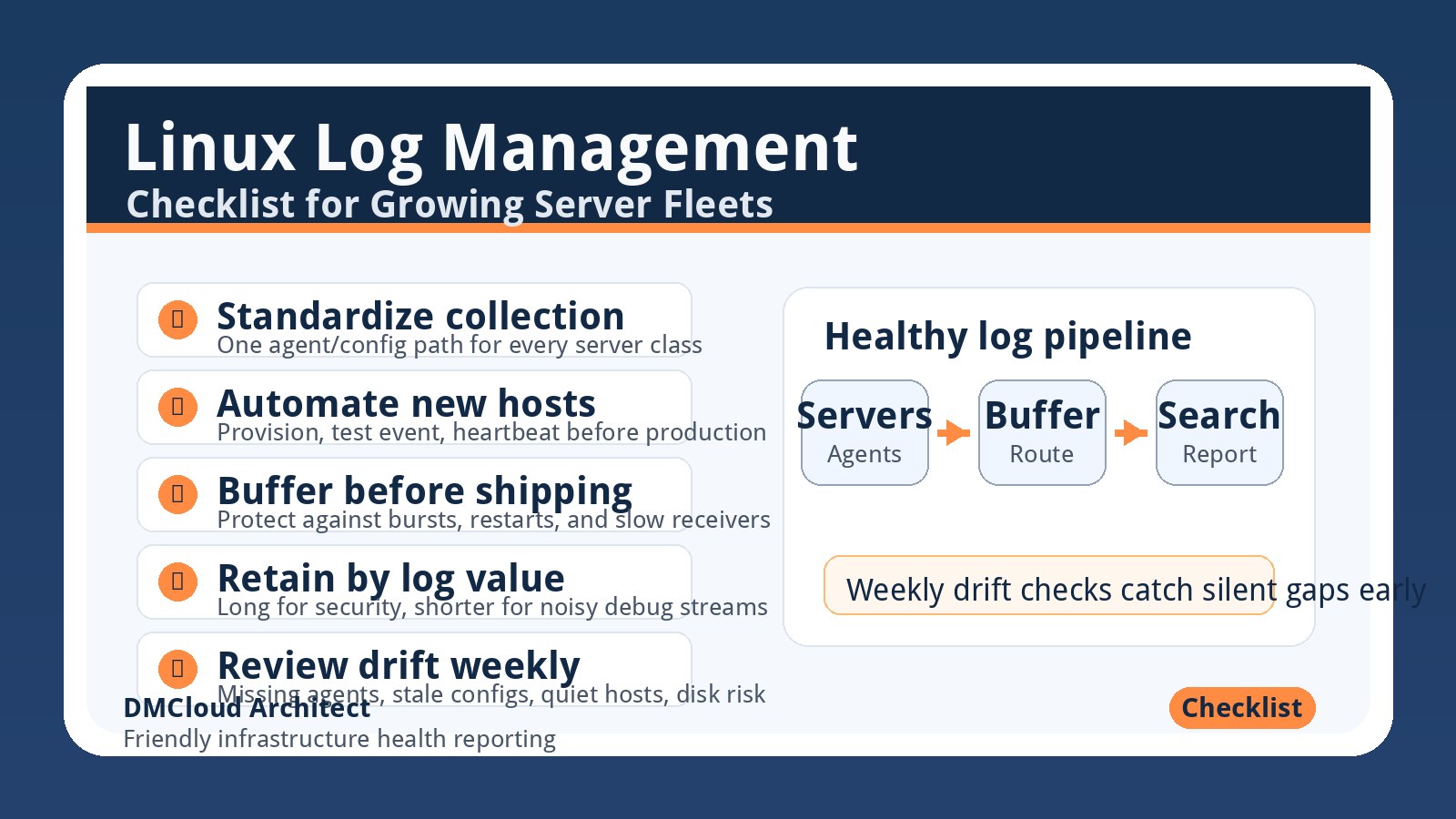
A realistic production checklist should fit into regular operations. Start with the top five noisiest servers, document the retention tiers, cap journald, inventory logrotate coverage, verify shipping, and check audit volume. Then repeat the same review each week until the results become predictable.
The best setup is not the fanciest logging stack. It is the one your team can explain, test, and review consistently. When local retention, central search, cold archives, and weekly reporting each have a clear job, log management becomes a calm maintenance process instead of a recurring storage emergency.
Want weekly infrastructure health checks without dashboard fatigue?
DMCloud Architect sends Linux and MySQL infrastructure health reports directly to your inbox, including disk growth, service risk, and configuration drift signals that are easy to miss during a busy week.
Get the free starter plan for weekly infrastructure health reports.