Introduction: The Hidden Nature of MySQL Slowdowns
MySQL performance problems rarely happen overnight. Instead, they develop gradually—queries get slightly slower, CPU usage creeps up, and database load increases over time.
By the time users notice, the issue has already been building for weeks. This is why understanding mysql performance trends is critical for maintaining stable systems.
Why MySQL Trends Matter More Than Real-Time Metrics
Real-time monitoring can tell you when something is wrong right now. But it doesn’t show how performance is evolving.
For example:
- A spike in slow queries might be temporary
- A steady increase in slow queries over weeks indicates a deeper issue
Trend-based monitoring allows you to identify patterns and take action before performance degradation becomes visible to users.
Key MySQL Performance Metrics to Track Over Time
To effectively monitor mysql trend monitoring, focus on metrics that reveal long-term behavior:
1. Query Throughput (Queries Per Second)
Tracking how query volume changes over time helps you understand workload growth and capacity requirements.
2. Slow Queries
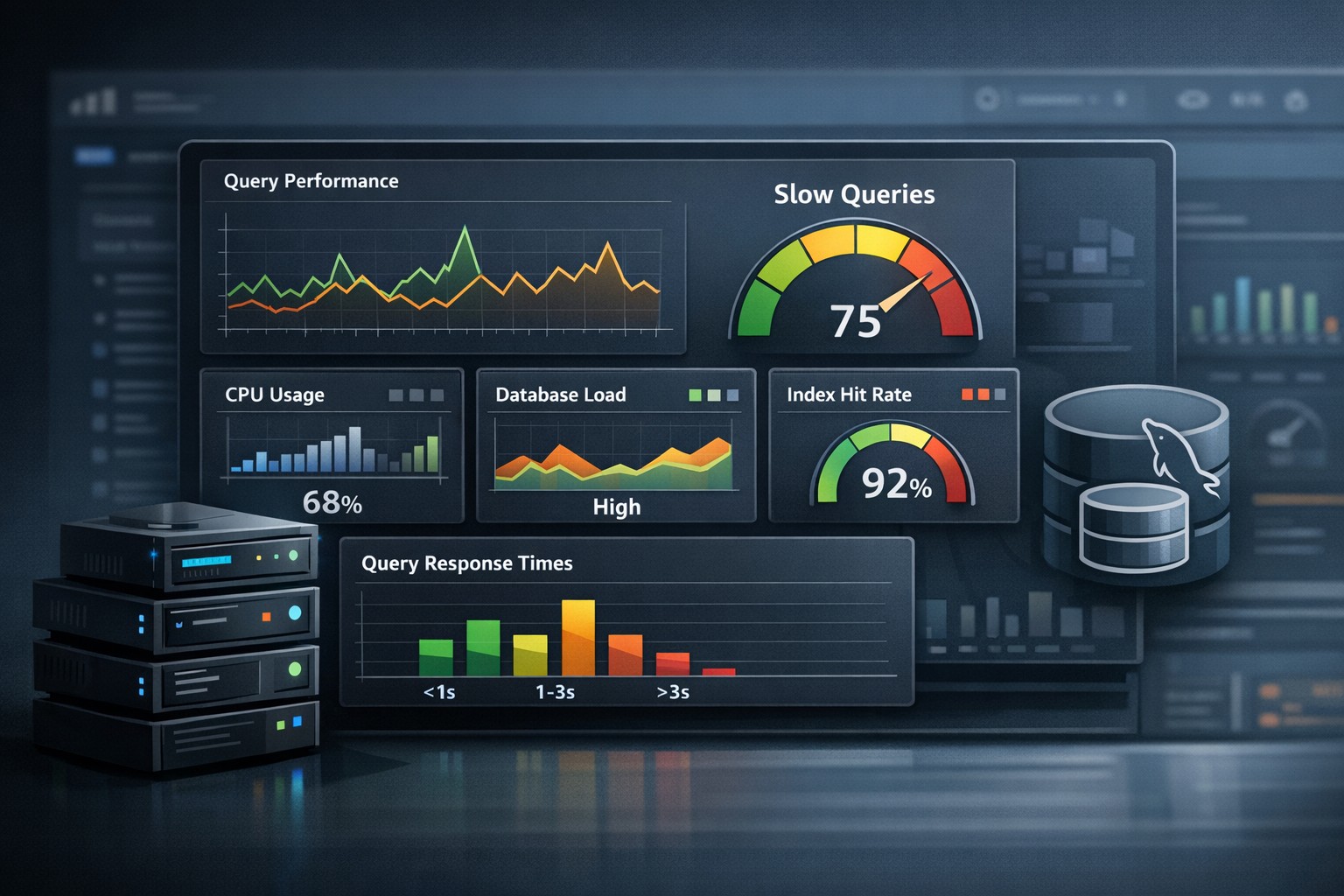
An increasing number of slow queries is often the first sign of trouble. This metric directly reflects query efficiency.
3. Connections
Growing connection counts may indicate higher demand—or inefficient connection handling in your application.
4. InnoDB Buffer Pool Usage
Monitoring buffer pool efficiency helps you understand memory pressure and caching effectiveness.
5. Disk I/O and Read/Write Activity
Increasing I/O load can signal that queries are becoming less efficient or datasets are outgrowing memory.
Real-World Example: Slow Performance Over Time
Imagine a production database handling a growing application. Initially, query response times are fast and stable.
Over time:
- Query volume increases
- Slow queries gradually rise
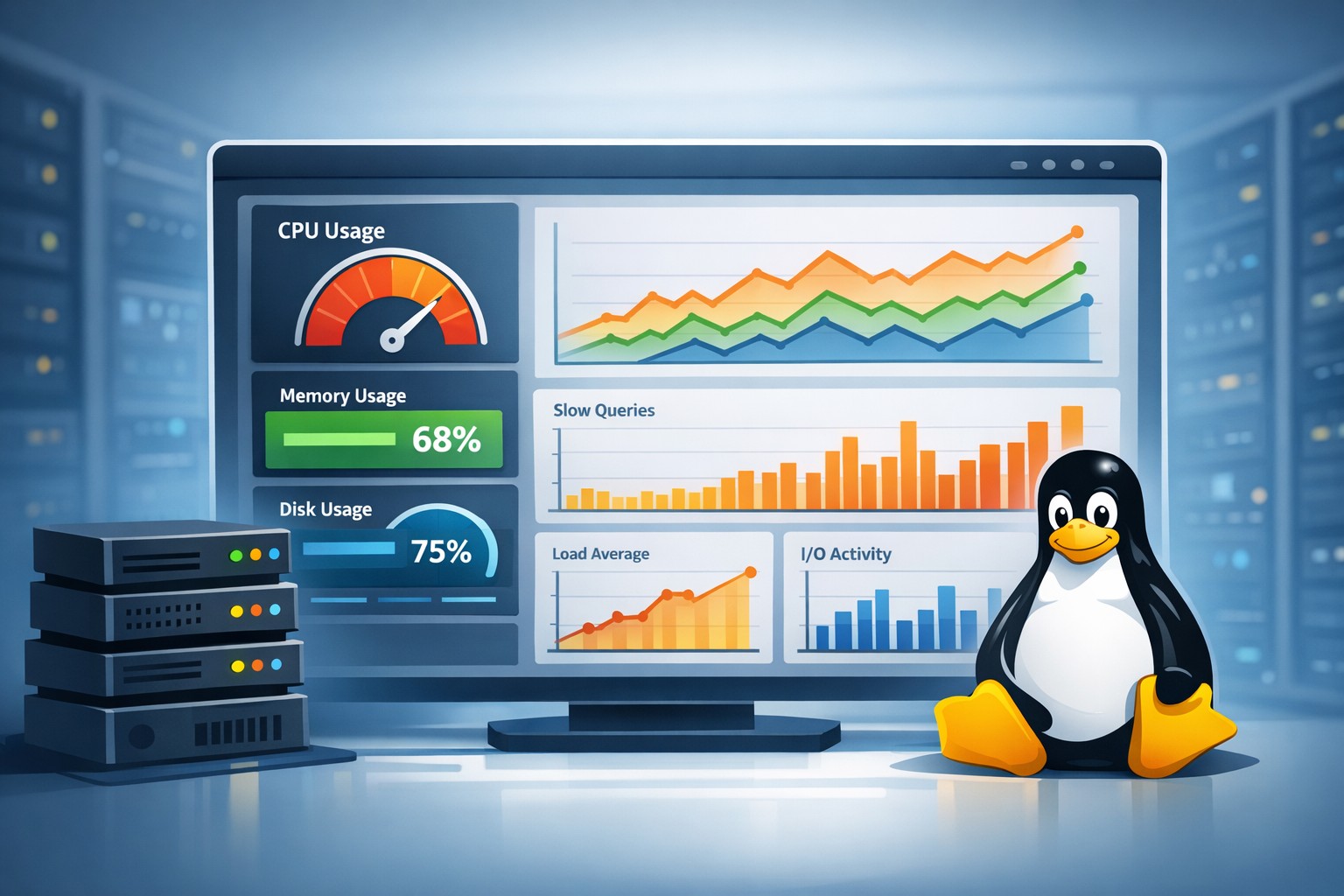
- CPU and I/O usage trend upward
No single event triggers an alert. But trend data clearly shows mysql slow performance over time.
Eventually, users begin to experience delays—but by then, the issue is much harder to resolve quickly.
Common Causes of MySQL Performance Degradation
When analyzing mysql performance degradation, the root cause is often one of the following:
- Missing or inefficient indexes
- Growing dataset size without optimization
- Increased application traffic
- Inefficient queries introduced during deployments
- Resource contention with other services
Trend analysis helps you pinpoint when the issue started, making troubleshooting far more effective.
How to Track MySQL Workload Trends Effectively
To track mysql workload trends, you need consistent data collection and structured reporting:
- Collect metrics at regular intervals (e.g., every minute)
- Store historical data for weeks or months
- Aggregate metrics into daily and weekly summaries
While dashboards provide real-time insights, reports provide the historical context needed for decision-making.
From Data to Action
Tracking mysql query trends is only valuable if it leads to action. With clear trend data, you can:
- Optimize queries before they impact users
- Plan database scaling strategies
- Adjust indexing and schema design proactively
- Prevent performance-related outages
Why Trend-Based Reporting Is Essential
Many teams rely heavily on alerts, but alerts only capture immediate problems. Trend-based reporting shows the bigger picture.
By reviewing weekly or monthly reports, you can identify patterns that would otherwise go unnoticed.
Summary
Understanding mysql performance trends allows you to detect issues early, optimize your database proactively, and maintain consistent performance.
If you want a practical way to monitor mysql trend monitoring without building complex systems, structured reporting can simplify the process. Explore Infrastructure Health Reporting to gain clear visibility into your database performance over time.