Accessing private instances in Oracle Cloud Infrastructure can quickly become messy if you rely on public IPs or manual jump hosts. It’s one of the most common early mistakes—opening SSH to the internet just to get things working.
But there’s a better way. Oracle Cloud Bastion allows you to securely connect to private resources without exposing them publicly. Once you understand how it fits into your network design, it becomes a core part of a secure OCI setup.
Why Bastion Matters in OCI
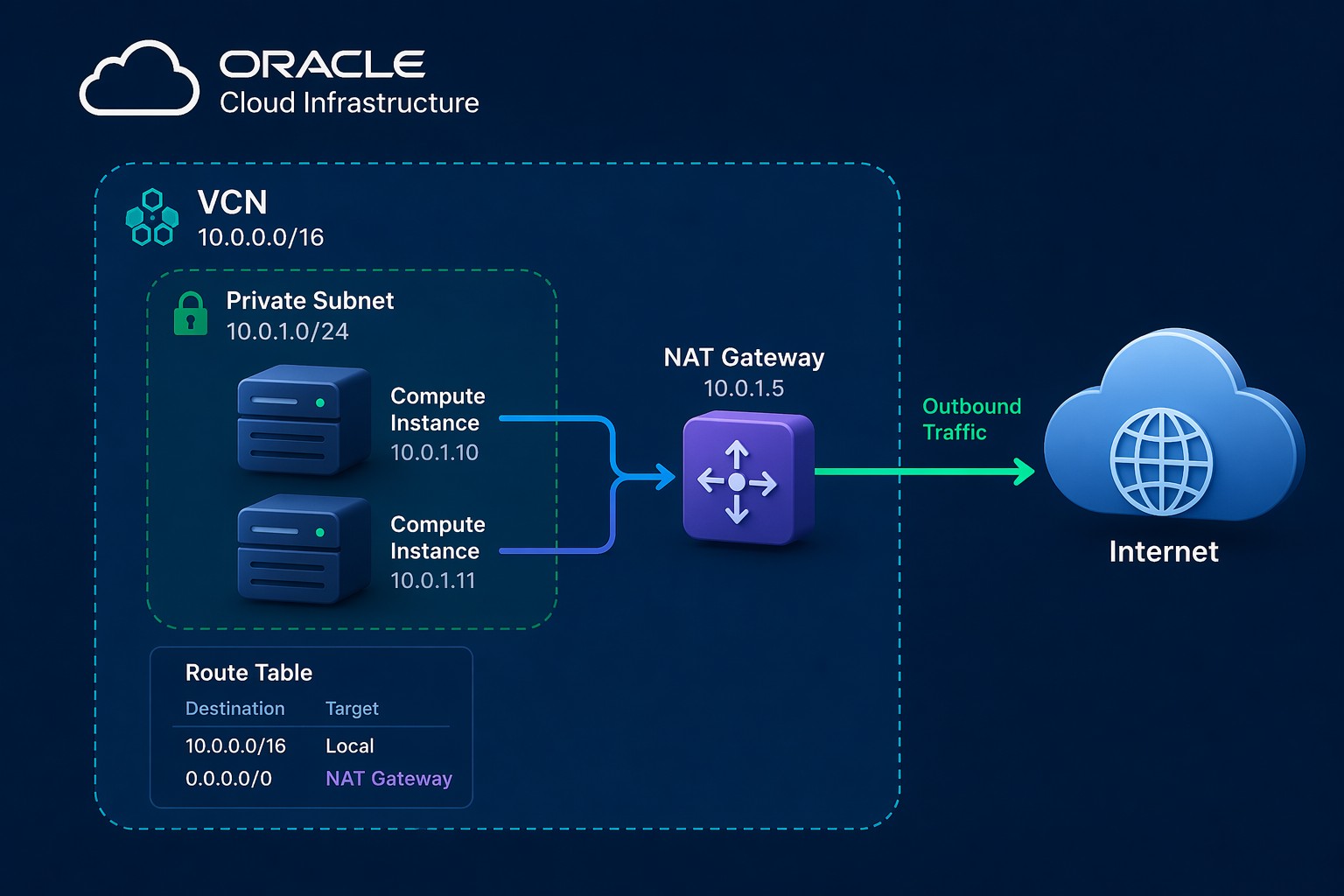
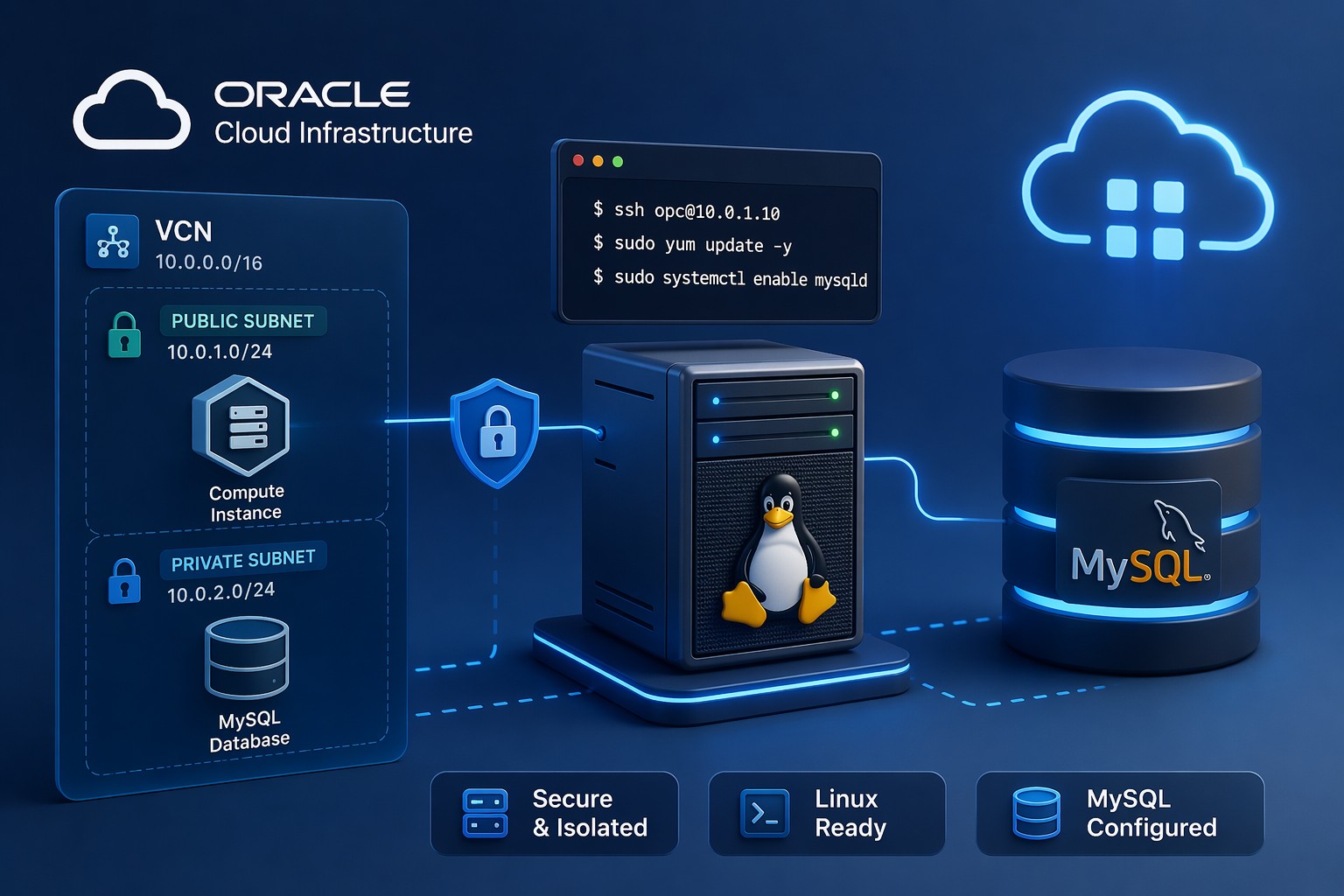
In a properly designed OCI environment, most compute instances should sit inside private subnets. That means no public IP and no direct internet access. This is great for security—but it raises a practical question: how do you connect to those servers?
This is where Bastion comes in. It acts as a managed entry point, allowing controlled SSH access using temporary sessions instead of permanent exposure.
How OCI Bastion Works
OCI Bastion creates a secure service endpoint within your Virtual Cloud Network (VCN). Instead of opening inbound ports, you initiate a session from your local machine that tunnels traffic securely into the private subnet.
There are two main session types:
- Managed SSH session – direct SSH access to a private instance
- Port forwarding session – tunnel traffic to services like MySQL or web apps
Each session is time-limited and tied to IAM permissions, which significantly reduces risk.
Step-by-Step Oracle Cloud Bastion Setup
1. Prepare Your Network
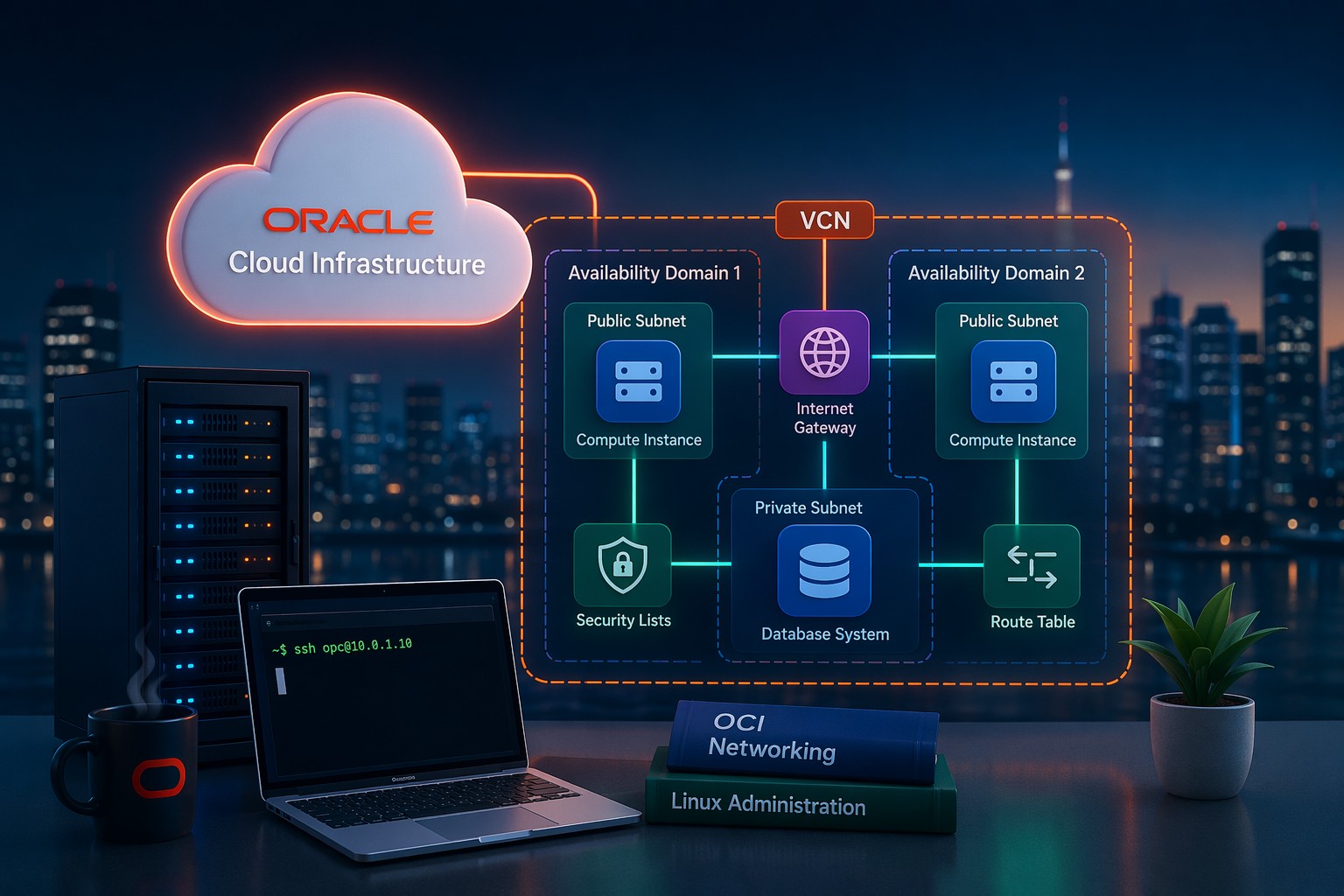
Before creating a bastion, make sure your VCN is structured correctly:
- Private subnet for your compute instances
- Route tables configured (NAT Gateway if outbound access is needed)
- Security lists or NSGs allowing internal traffic
A common mistake here is forgetting internal SSH rules between bastion and target instances.
2. Create the Bastion Service
In the OCI Console:
- Go to Identity & Security → Bastion
- Click Create Bastion
- Select your VCN and target subnet
- Define allowed CIDR ranges (your IP or office range)
This step defines who is allowed to initiate sessions.
3. Configure IAM Policies
You’ll need IAM policies to allow users to create sessions. A basic example:
Allow group BastionUsers to use bastion-session in compartment <compartment-name>Without this, users won’t be able to initiate connections even if the bastion exists.
4. Create an SSH Session
Inside the bastion resource:
- Choose Create Session
- Select session type (SSH or port forwarding)
- Provide target instance private IP
- Upload your SSH public key
OCI will generate a connection command for you.
5. Connect to Your Instance
Use the provided SSH command from your terminal. It will look something like this:
ssh -i private_key -o ProxyCommand="..." [email protected]This command creates a secure tunnel through the bastion without exposing the instance publicly.
Common Mistakes to Avoid
- Opening port 22 to the internet – defeats the purpose of bastion
- Missing IAM policies – prevents session creation
- Incorrect security rules – blocks internal SSH traffic
- Wrong subnet selection – bastion must reach the target subnet
These issues are easy to fix but can slow you down if you’re troubleshooting blind.
When to Use Port Forwarding
Port forwarding sessions are especially useful when accessing databases or internal services. For example:
- Connect to a MySQL database in a private subnet
- Access internal web applications
- Test APIs without exposing them publicly
This approach keeps your services completely private while still accessible when needed.
Practical Design Tip
Instead of thinking of bastion as a one-off tool, treat it as part of your core security architecture. Combine it with:
- Private subnets for all backend systems
- Strict IAM policies
- Network Security Groups for segmentation
This layered approach gives you both security and operational flexibility.
Summary
Setting up Oracle Cloud Bastion correctly removes the need for public SSH access and significantly improves your OCI security posture. It’s simple once configured, but it needs to be aligned with your network, IAM, and access strategy.
If you’re unsure whether your current setup is secure or properly structured, it’s worth taking a closer look before scaling further. You can Book an OCI architecture review to validate your design and avoid common pitfalls early.