Setting up a Virtual Cloud Network in Oracle Cloud Infrastructure sounds simple at first: choose a CIDR block, create a subnet, add a route, and launch a compute instance. In practice, the early choices you make during an oracle cloud vcn setup decide whether the environment stays clean as it grows or turns into a pile of exceptions.
The goal is not to build the most complex network on day one. The goal is to create a clear foundation: predictable IP ranges, separate public and private resources, route tables that match the traffic path, and security controls that are easy to audit later.
Start With the Network Boundary
An OCI VCN is the private network boundary for resources inside a region. It is where your subnets, route tables, gateways, security lists, and network security groups work together. Before clicking through the wizard, decide what the network is meant to support.
- Will this VCN host only a small web application, or will it later include databases, bastion access, load balancers, and private services?
- Do you need connectivity to an on-premises network or another cloud?
- Will future environments, such as development and production, need separate address ranges?
For many small OCI environments, a single VCN with a thoughtfully sized private address range is enough to begin. Avoid choosing a CIDR block that overlaps with office networks, VPN ranges, or other cloud environments. Overlap is one of those mistakes that feels harmless until you need site-to-site connectivity.
Plan the CIDR Range Before Creating Subnets
A practical OCI networking tutorial should start with address planning because it is harder to fix later than most console settings. A common pattern is to allocate a VCN CIDR such as 10.0.0.0/16, then divide it into smaller subnets for public and private workloads.
You do not need to consume the whole range immediately. Reserve space for future use. For example, you might plan separate blocks for public entry points, application servers, databases, management hosts, and future expansion. The exact numbers depend on your environment, but the habit matters more than the specific example.
Create Public and Private Subnets With a Clear Purpose
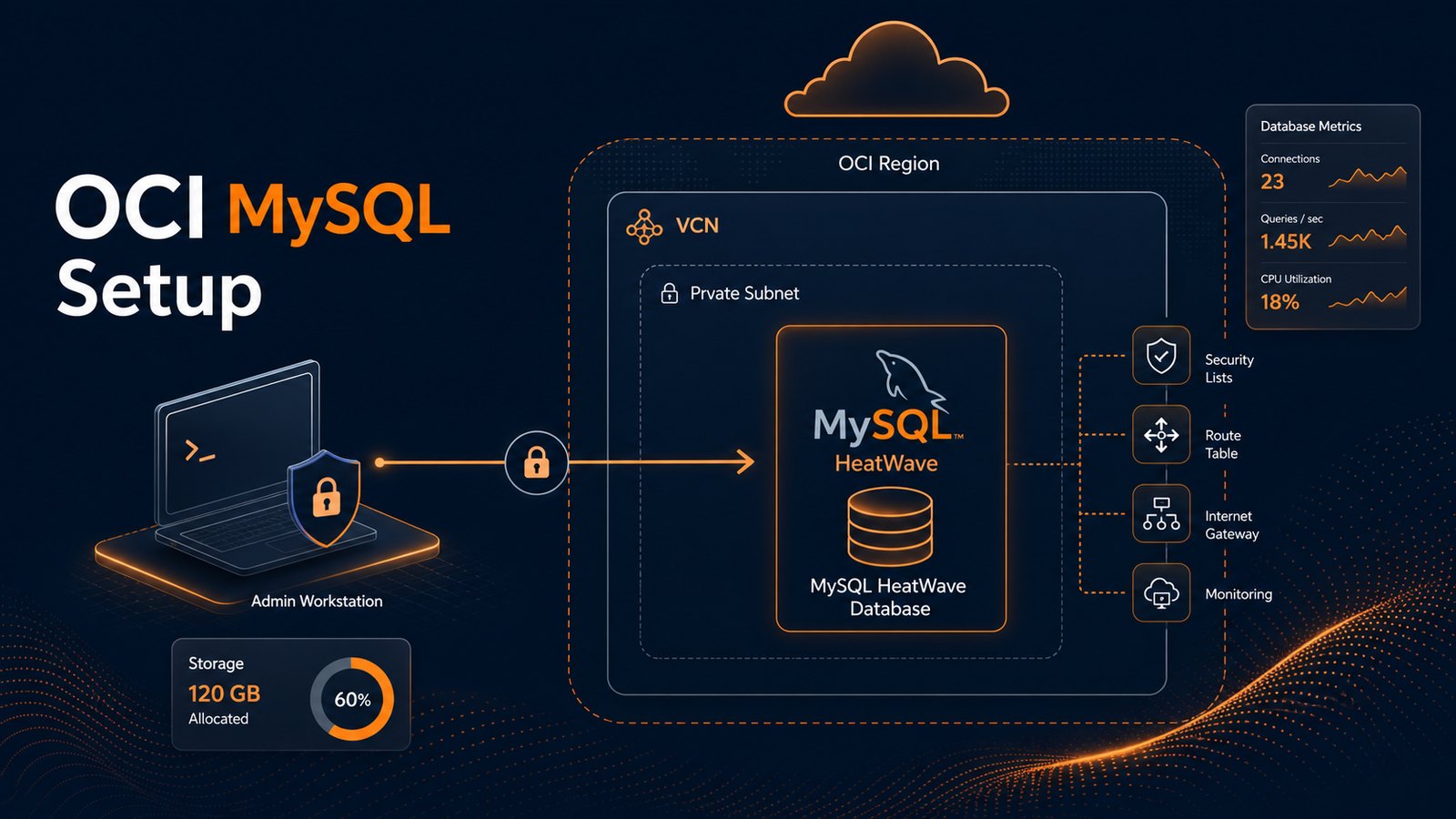
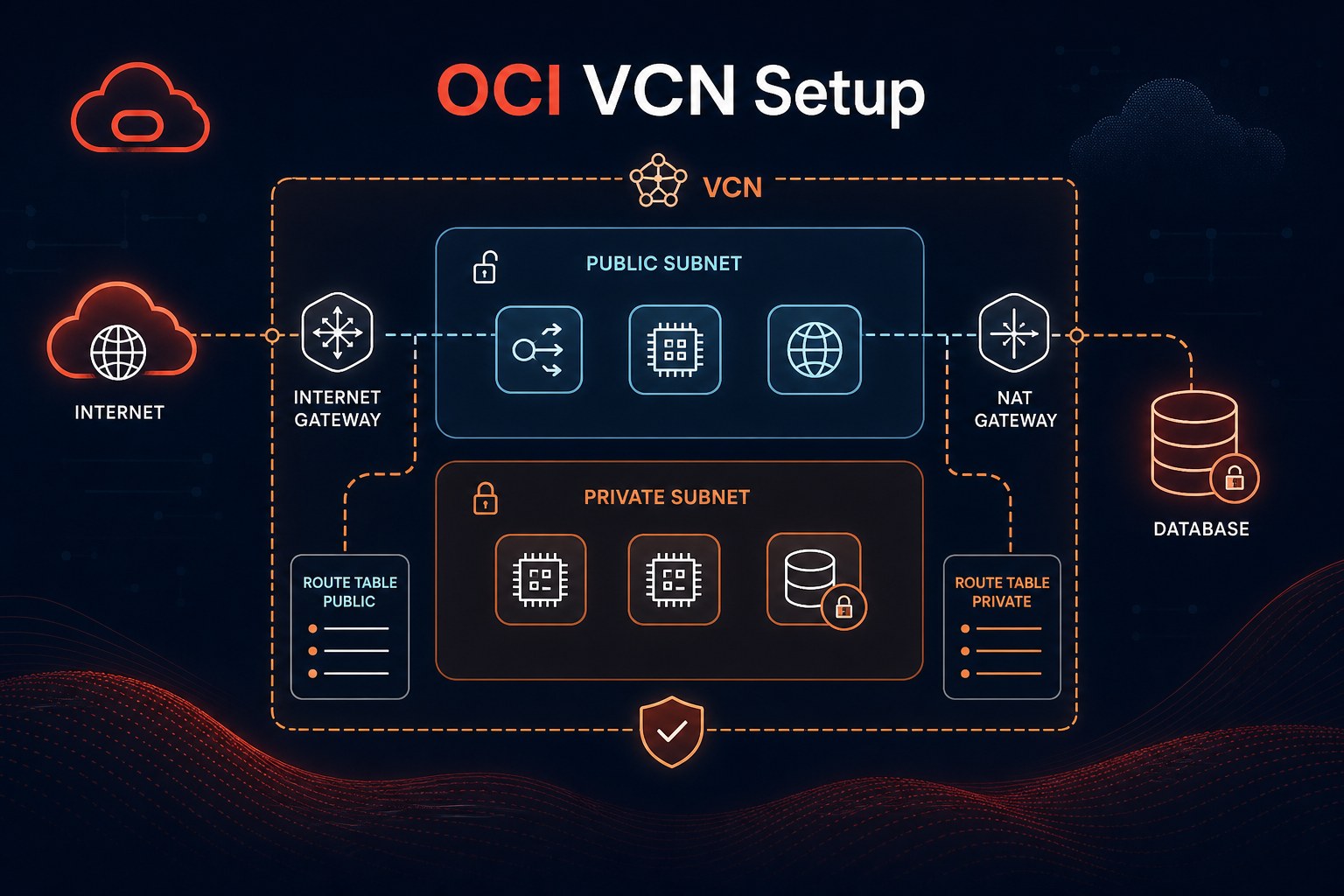
The difference between a public subnet and a private subnet in OCI is not just a label. A public subnet can assign public IP addresses to resources and usually has a route to an Internet Gateway. A private subnet keeps resources away from direct internet exposure and commonly uses a NAT Gateway for outbound updates or package downloads.
A simple first design might look like this:
- Public subnet: load balancer, bastion host, or other intentionally exposed entry point.
- Private application subnet: compute instances that should receive traffic only through approved paths.
- Private database subnet: databases with no public IP address and tightly limited inbound access.
This separation makes the oci subnet setup guide easier to maintain because each subnet has a clear operational role. If everything starts in one public subnet, later cleanup usually takes longer than the original setup would have.
Connect Gateways to the Actual Traffic Flow
Gateways are where many first-time VCN builds get messy. The Internet Gateway is for public internet access. The NAT Gateway lets private resources initiate outbound internet traffic without accepting inbound internet connections. A Service Gateway gives private access to supported Oracle services without sending that traffic through the public internet.
Use the gateway that matches the traffic requirement. A private database server does not need an Internet Gateway route. A private Linux instance that only needs operating system updates may be better served by a NAT Gateway. If the workload needs object storage access, check whether a Service Gateway fits the design.
Build Route Tables That Are Easy to Explain
An OCI route table explains where packets go when they leave a subnet. That sounds obvious, but unclear routing is a common source of troubleshooting pain. If someone asks why a subnet can reach the internet, the route table should answer the question quickly.
For a basic setup, you might use separate route tables for public and private subnets:
- Public route table: default route
0.0.0.0/0to the Internet Gateway. - Private route table: default route
0.0.0.0/0to the NAT Gateway, only when outbound internet access is required. - Service access route: route Oracle service traffic through the Service Gateway when appropriate.
That is the practical version of “OCI route table explained”: keep the route table aligned with the subnet purpose. Do not reuse a public route table for private workloads just because it already exists.
Use Security Lists and NSGs Deliberately
Security lists apply at the subnet level. Network security groups apply to selected VNICs. Both can be useful, but they should not become a confusing mix of duplicated rules. For small environments, broad subnet-level defaults can be kept minimal, while NSGs handle workload-specific access.
For example, an application server NSG might allow HTTPS from a load balancer NSG and SSH only from a bastion or management source. A database NSG might allow MySQL or Oracle database ports only from the application server NSG. This is cleaner than opening database ports across a whole subnet.
A Practical First Setup Flow
- Choose a non-overlapping VCN CIDR range with room to grow.
- Create public and private subnets based on resource exposure, not convenience.
- Add an Internet Gateway only for subnets that truly need public internet routing.
- Add a NAT Gateway for private instances that need outbound access.
- Create separate route tables for public and private traffic patterns.
- Keep security lists minimal and use NSGs for workload-specific rules.
- Launch a test instance and verify expected inbound and outbound connectivity before adding production workloads.
If you are learning how to create VCN in OCI, resist the temptation to accept every quick-start default without understanding what it created. The wizard can be helpful, but your production design still needs intent.
Common Mistakes to Avoid
- Using overlapping CIDR ranges: this can block VPN, FastConnect, or future peering plans.
- Putting databases in public subnets: private subnets are usually the safer default for data services.
- Opening broad inbound rules: allow only the sources and ports that are actually required.
- Sharing one route table everywhere: public and private subnets should not have identical routing by accident.
- Skipping naming conventions: clear names for subnets, route tables, and NSGs make handoff and troubleshooting much easier.
When to Get Expert Help
A small lab VCN is easy to rebuild. A network that supports customers, databases, VPNs, backups, and production maintenance deserves more planning. If you are connecting OCI to an existing business network, handling regulated data, or preparing a multi-tier application, an architecture review can save weeks of rework.
The best VCN designs are not complicated for the sake of it. They are simple where possible, strict where needed, and documented well enough that the next administrator can understand the traffic path without guessing.
Summary
A solid Oracle Cloud VCN setup starts with address planning, then separates public and private resources, connects the right gateways, and keeps routing and security rules understandable. Once that foundation is in place, compute instances, databases, load balancers, and operational tooling become much easier to deploy safely.
If you want a second set of eyes on the infrastructure you are building, use Get the free starter plan for weekly infrastructure health reports to start tracking the basics before small configuration risks become production surprises.