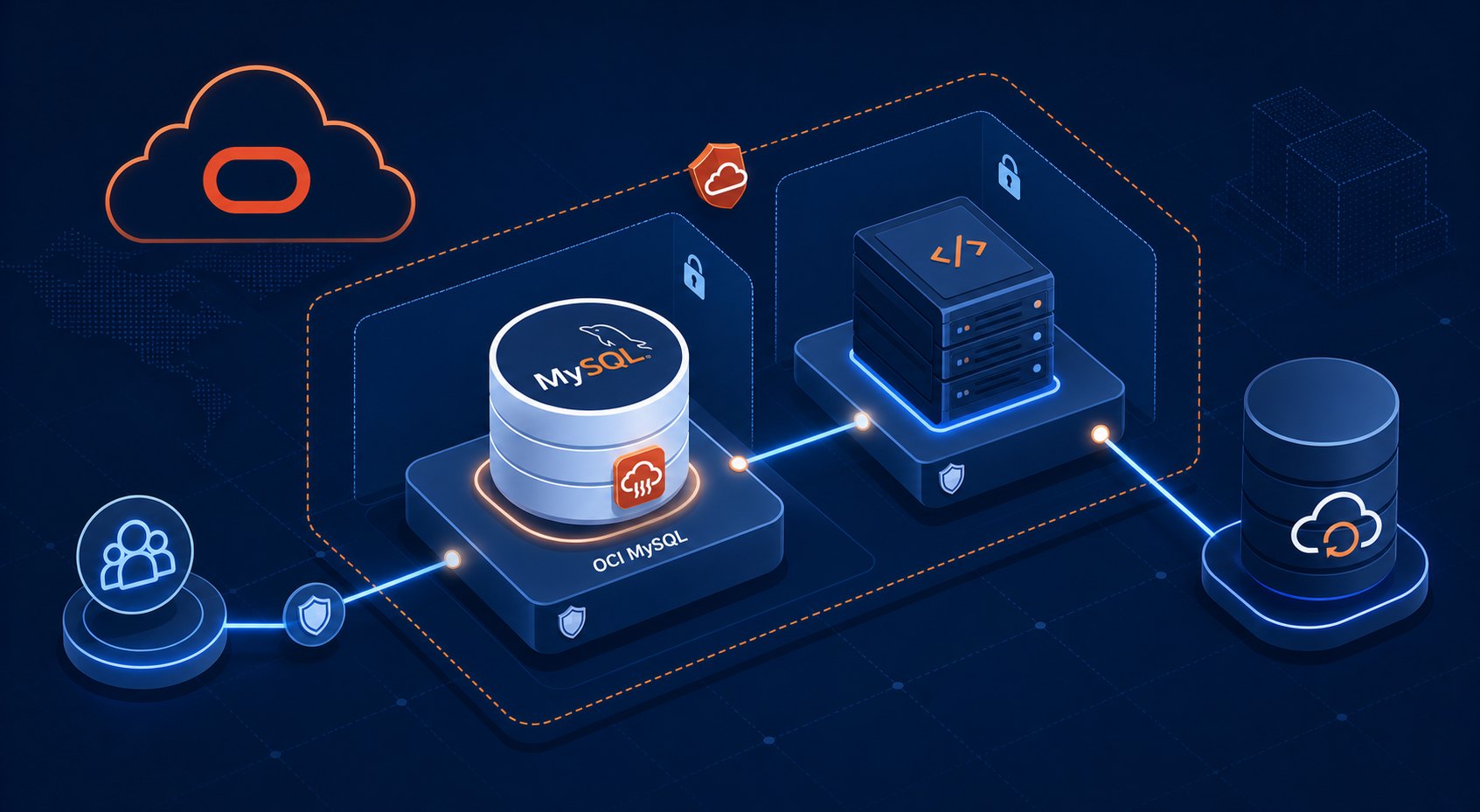
Setting up MySQL in Oracle Cloud looks simple at first: choose a DB system, pick a shape, and wait for provisioning to finish. The real work is deciding where that database should live, who can reach it, how backups are handled, and what must be checked before an application depends on it.
For small teams and solo builders, those early choices matter because they are harder to fix after production traffic arrives. A clean Oracle Cloud MySQL setup starts with a practical architecture plan, not just a successful click-through in the console.
Start With the Architecture, Not the Create Button
Before creating the MySQL DB system, define the role it will play in the environment. Is it supporting a public web app, an internal business tool, a reporting workload, or a test environment that may later become production? The answer affects the subnet design, access path, backup policy, and scaling expectations.
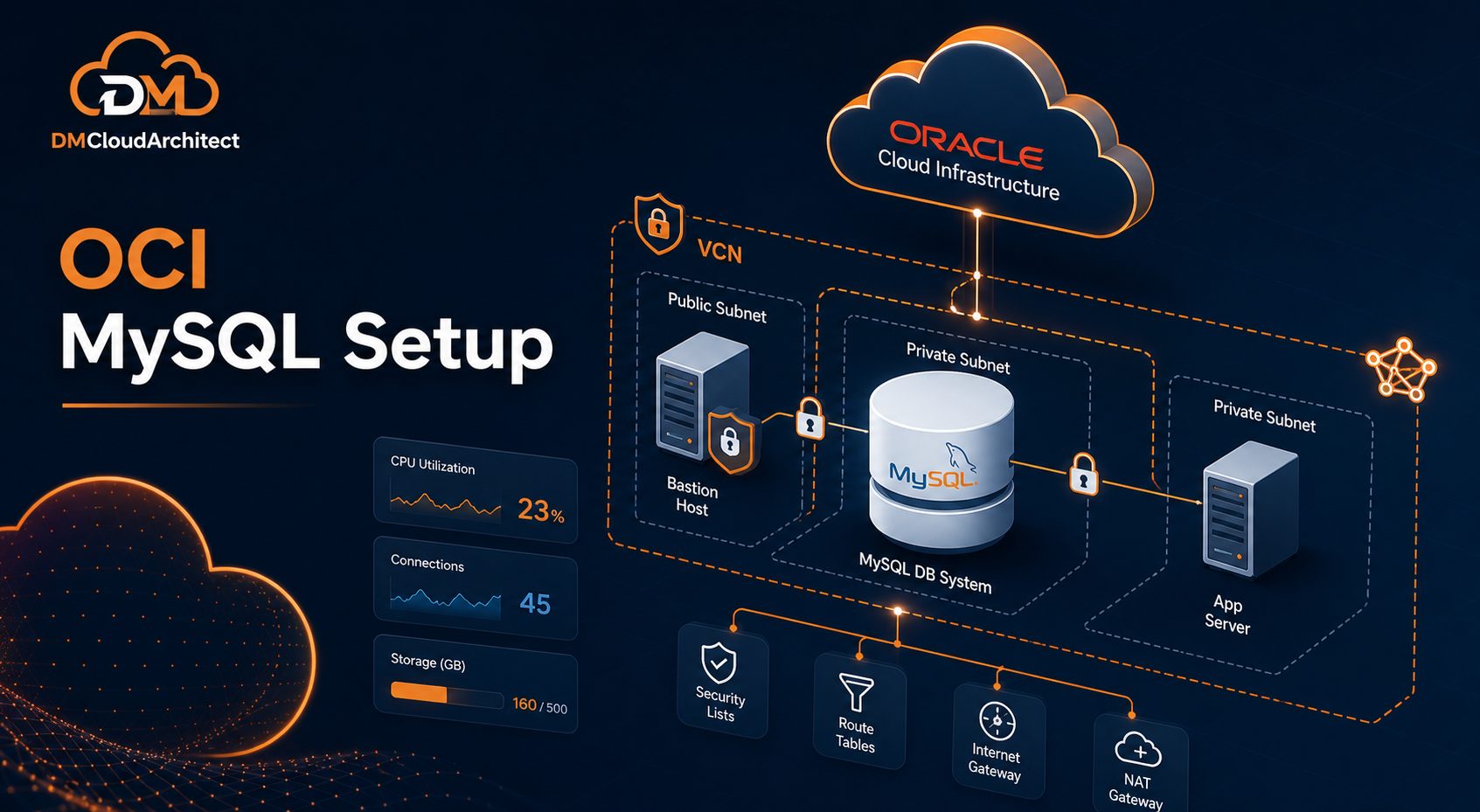
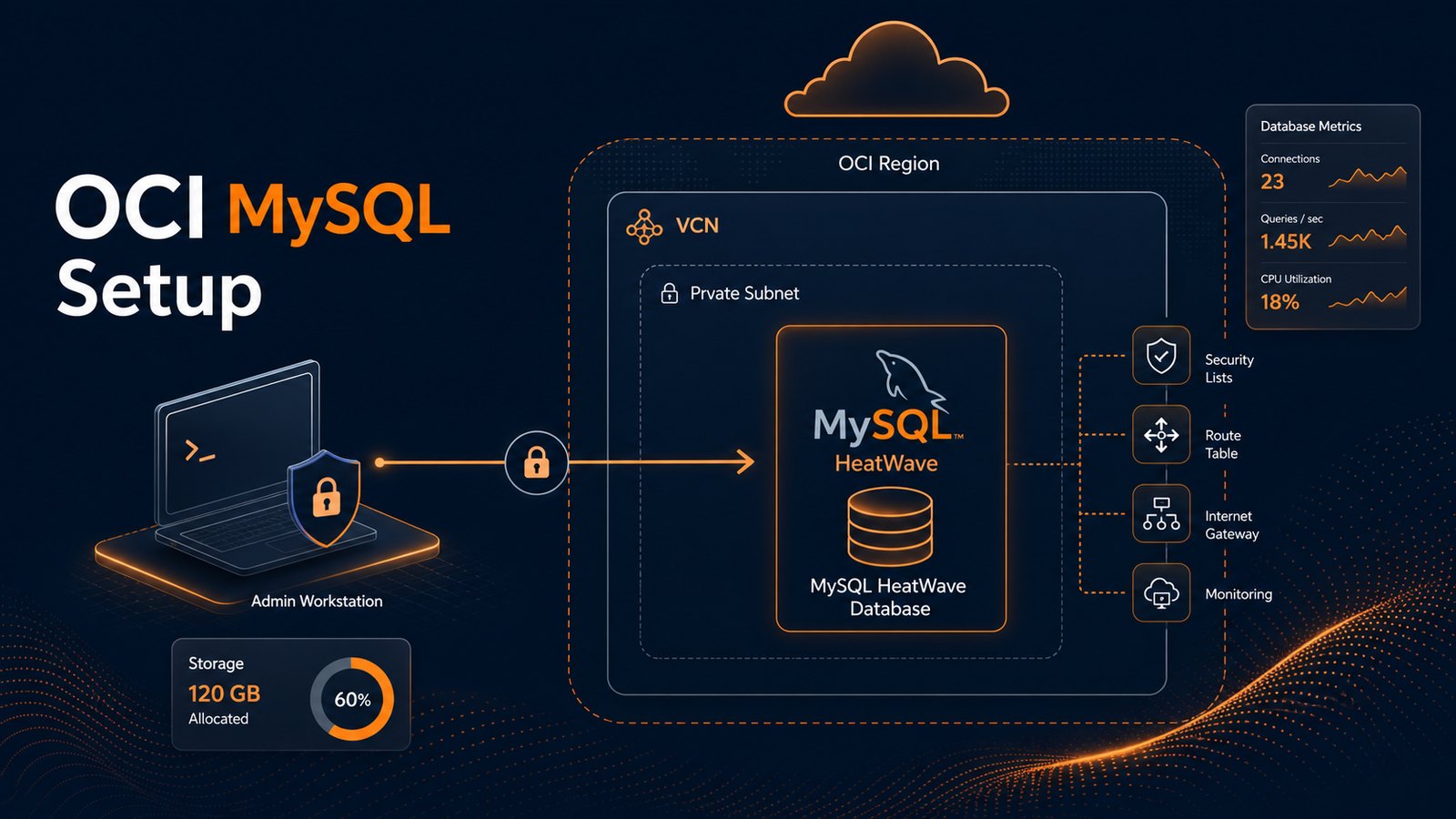
A typical production-oriented setup places the database in a private subnet. Application servers can connect to it, but the database does not need direct public internet exposure. This keeps the design cleaner and reduces the number of places where a simple security rule mistake can become a bigger problem.
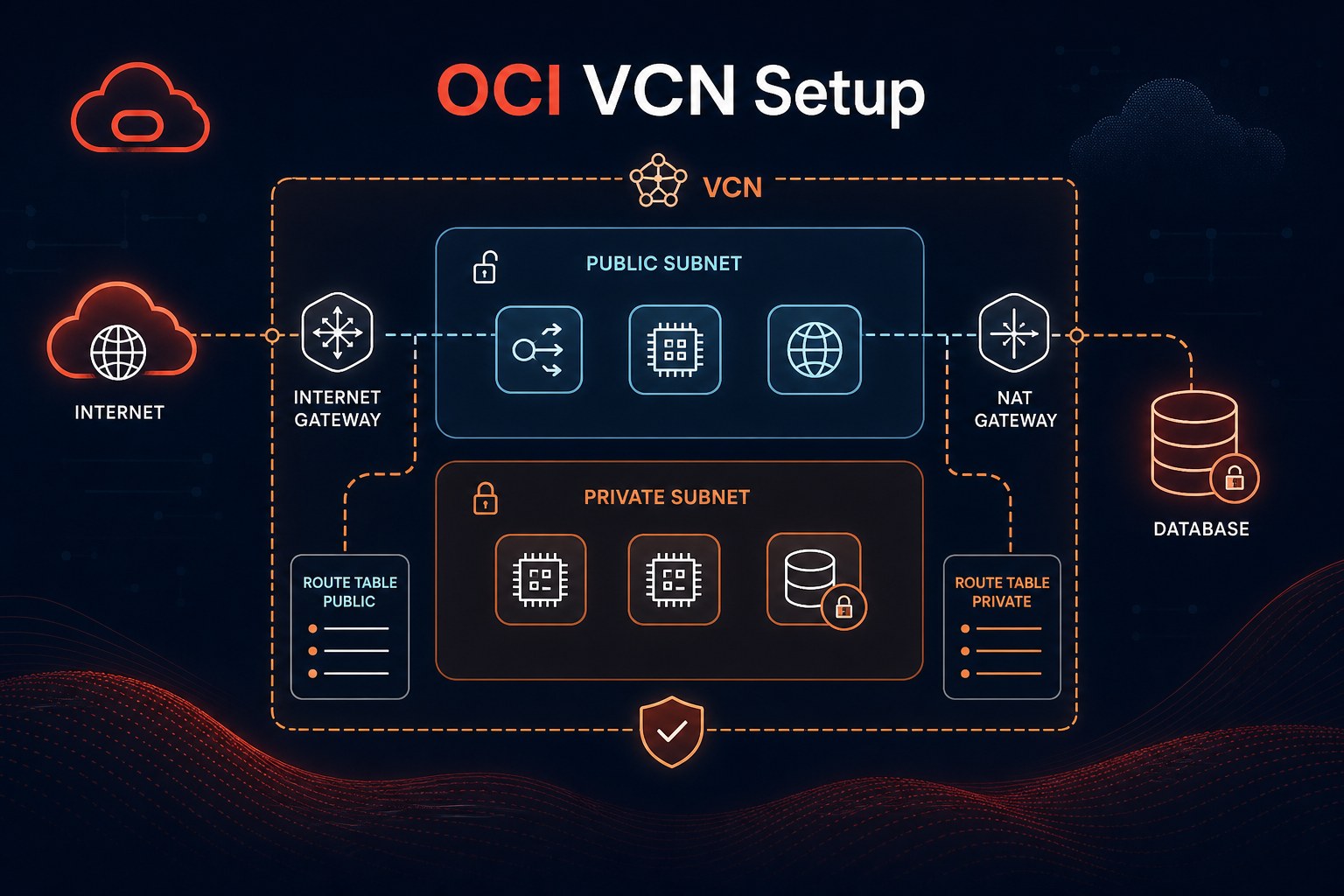
Plan the VCN and Subnet Layout
The Virtual Cloud Network should separate application access from database access. A common pattern is to use one subnet for application compute instances and another private subnet for the MySQL DB system. You can use security lists or Network Security Groups, but the important point is to be specific about permitted traffic.
- Use a private subnet for the MySQL DB system whenever possible.
- Allow MySQL traffic on
3306only from trusted application subnets or specific NSGs. - Keep administrative SSH access on compute hosts separate from database connectivity.
- Document the CIDR ranges so future firewall changes do not become guesswork.
If you are following an OCI MySQL HeatWave tutorial, it is easy to focus only on the database wizard. Pause before that step and confirm the network path first. Most setup issues are not caused by MySQL itself; they come from routing, security rules, DNS assumptions, or unclear access boundaries.
Create the MySQL DB System With Operational Defaults in Mind
When you create the MySQL DB system in OCI, choose a compartment, availability domain, shape, storage size, and backup setting that match the intended workload. For a learning or proof-of-concept environment, a smaller shape may be enough. For a business application, plan for storage growth, backup retention, and maintenance windows from the start.
- Open the OCI Console and go to the MySQL Database service.
- Create the DB system in the planned compartment and private subnet.
- Select the shape and storage size based on expected workload, not only today’s minimum.
- Enable automated backups and set a retention period that fits the recovery need.
- Store administrator credentials securely instead of sharing them through tickets or chat.
The Oracle Cloud MySQL Database Service gives you a managed foundation, but it still depends on good implementation decisions. Managed does not mean design-free. You still own network placement, access control, backup expectations, and application connection behavior.
Connect Applications Without Opening the Database to the World
Application servers should connect over private IP whenever they are in the same VCN or connected network path. If an application sits outside OCI, consider VPN, FastConnect, bastion patterns, or a controlled private access design instead of exposing the database broadly.
For quick tests, teams sometimes add a wide-open rule just to prove the connection works. That shortcut can linger. A better approach is to test with the exact rule you expect to keep: source subnet or NSG, destination database endpoint, and only the required MySQL port.
Set Backups and Recovery Expectations Early
Backups are part of setup, not a task to revisit after the first incident. Confirm the automated backup policy, retention period, and restore process while the environment is still new. If the database supports a customer-facing application, document the expected recovery point and recovery time in plain language.
- Confirm automated backups are enabled.
- Test that a restore workflow is understood before production launch.
- Track storage growth so backup and restore times remain realistic.
- Keep credentials and connection strings outside the application codebase.
This is especially important for an OCI MySQL Always Free setup that may start as a learning project. Even small environments benefit from a backup habit because experiments often become internal tools faster than expected.
Validate the Setup Before Production Traffic
Once the DB system is provisioned, validate it from the application side. A successful console status is not the same as a working application path. Test DNS resolution if used, MySQL login behavior, security rules, connection pooling, backup visibility, and basic performance under realistic queries.
Useful checks include connecting from the application host, confirming the MySQL version, creating a test schema, reviewing user privileges, and checking whether backups appear as expected. If HeatWave is part of the plan, validate the workload fit before assuming it will improve every query.
Common Setup Mistakes to Avoid
The most common mistakes are usually practical ones. Teams create the database in a public-facing network, open 3306 too broadly, forget to confirm backups, or skip a restore test. Others choose the smallest possible shape without considering peak application behavior.
Another frequent issue is unclear ownership. Someone creates the database, another person deploys the app, and no one documents the network rules or maintenance window. A simple setup checklist prevents that confusion later.
Summary
A reliable Oracle Cloud MySQL setup starts with network design, private access, specific security rules, sensible backup settings, and validation from the application path. The console wizard is only one part of the implementation. The architecture around the database is what makes it maintainable.
If you want a second set of eyes on the environment after setup, use Get the free starter plan for weekly infrastructure health reports to keep infrastructure checks visible as the system grows.